See Your Space from a New Angle
Upload one photo and generate an alternate camera angle of the same room or exterior — same style, same materials, photorealistic.
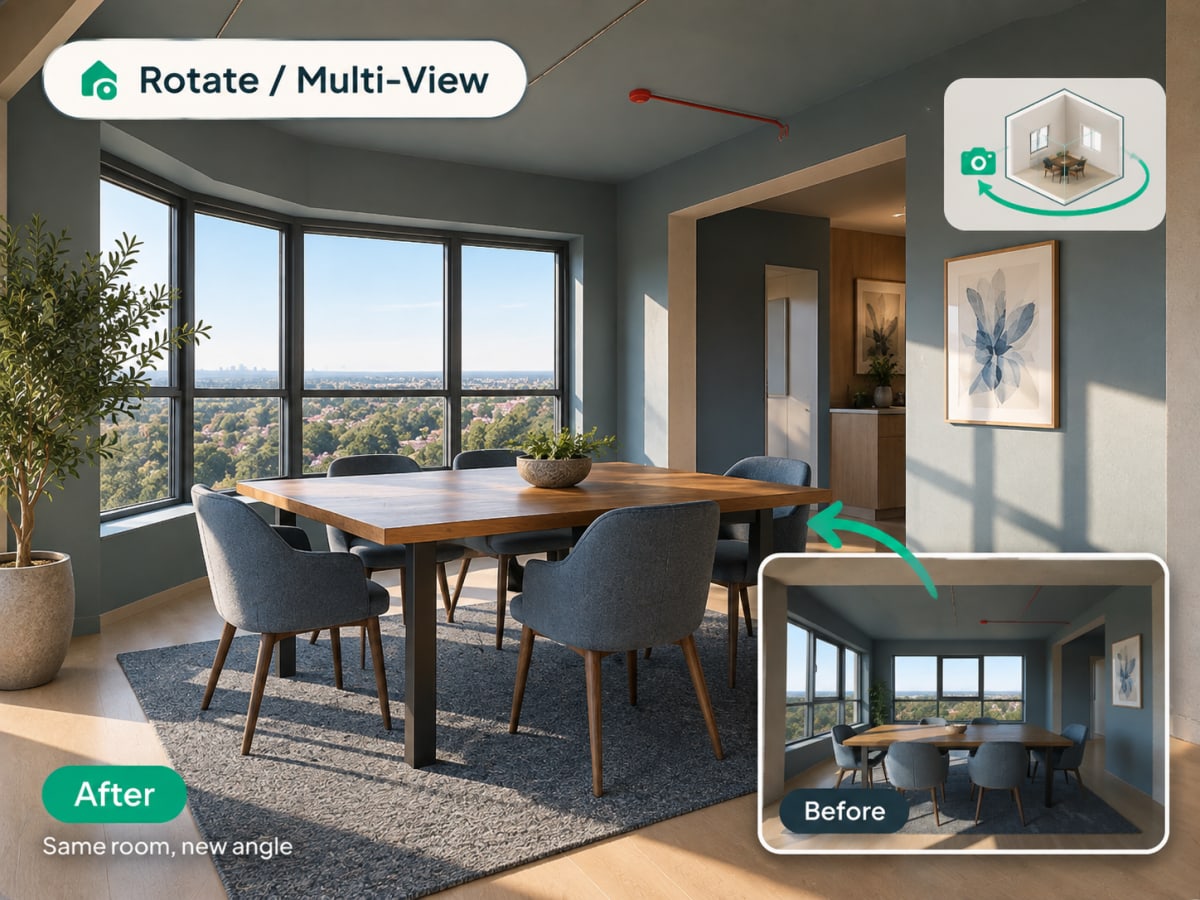
What Is Multi-Angle Rotate?
Multi-angle Rotate takes a photo you already have and generates a second, plausible view of the same room or facade, keeping the same materials, furniture, and lighting style intact.
- Checks a design from a second angle before a client or buyer asks to see it
- Works on raw source photos and renders you've already generated
- Costs 3 credits per generation
- Most useful for listing photos that need more than one view and client presentations
How multi angle rotate works, step by step
A second plausible view of the same space, with the materials, furniture, and lighting of the first carried across so the two read as one room.
Upload a photo
Any interior or exterior photo works, source shot or an already-styled render. JPG, PNG, or WebP up to 12 MB, and a full, unobstructed view of the space gives the AI more to reconstruct.
- Works with a source photo or an already-styled render
- A full, unobstructed view of the space works best
Generate a new angle
The AI produces an alternate camera angle of the same space, keeping style, materials, and lighting consistent with the source photo so the two views read as the same room.
- Keeps materials, furniture, and lighting consistent
- Costs 3 credits per generation
Decide from two vantage points
The second view keeps the materials, furniture, and lighting of the first, so the two read as one room rather than two rooms that happen to look similar. That is enough to check whether a layout still works from the doorway, or to give a listing a second image of a space you could only shoot once. Each angle costs 3 credits.
- Useful for listing photos that need more than one view
- Confirms a design decision from a second vantage point
The problem
One angle is one opinion about a space
Every photo is a choice about what to leave out. A render shot from the best corner hides the awkward one, and a listing with a single view of a room invites the suspicion that there was a reason for that. Going back to reshoot is often not possible, and re-generating gives you a different room.
- A single viewpoint conceals as much as it shows
- Re-shooting means access to the property again, which is not always available
- Generating a second image from scratch returns a different space, not another view
- Buyers and clients read a single angle as something being hidden
What this does
A second view of the same space
Upload one photo or render and get an alternate camera angle of the same space, with style, materials, and lighting held consistent. It is the difference between having a second image and having a second image of the same room.
- Works from a source photo or an already styled render
- Materials, furniture, and lighting stay consistent with the first view
- Choose the direction to move the camera, rather than accepting a random one
- 3 credits per angle, 30 credits a week on the $9.99 plan
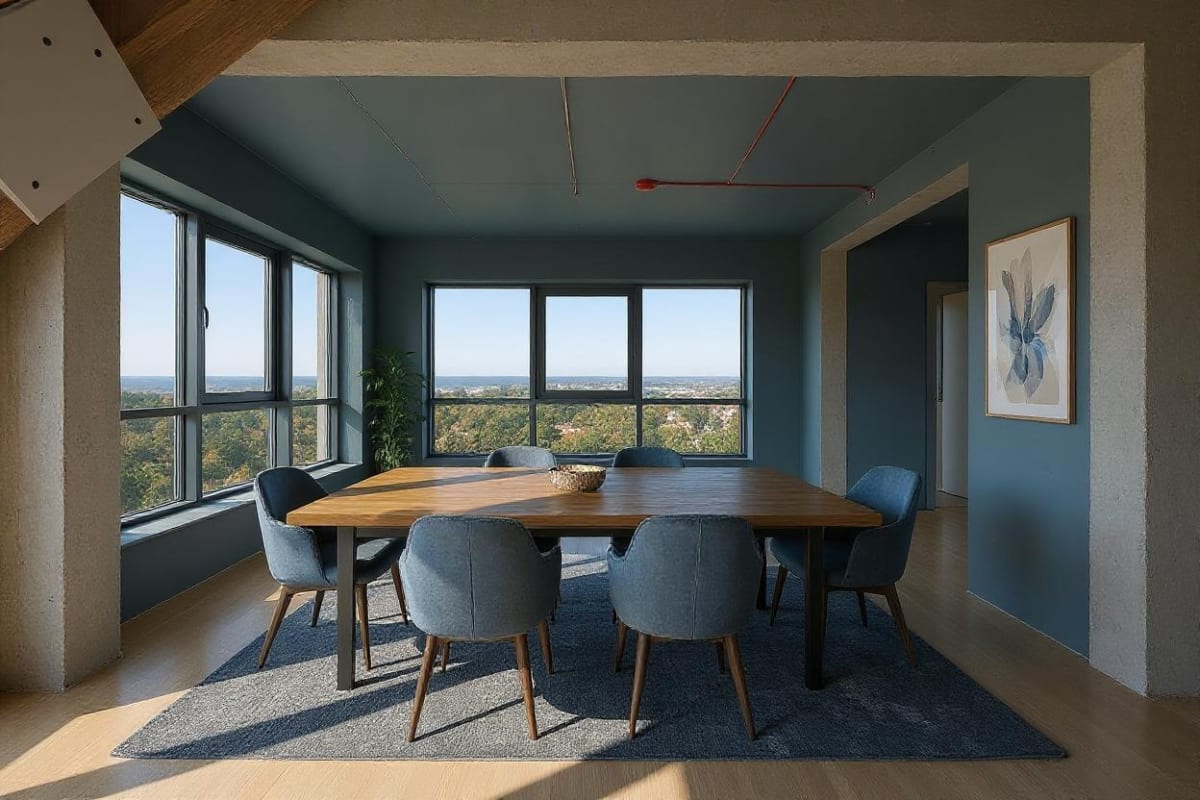
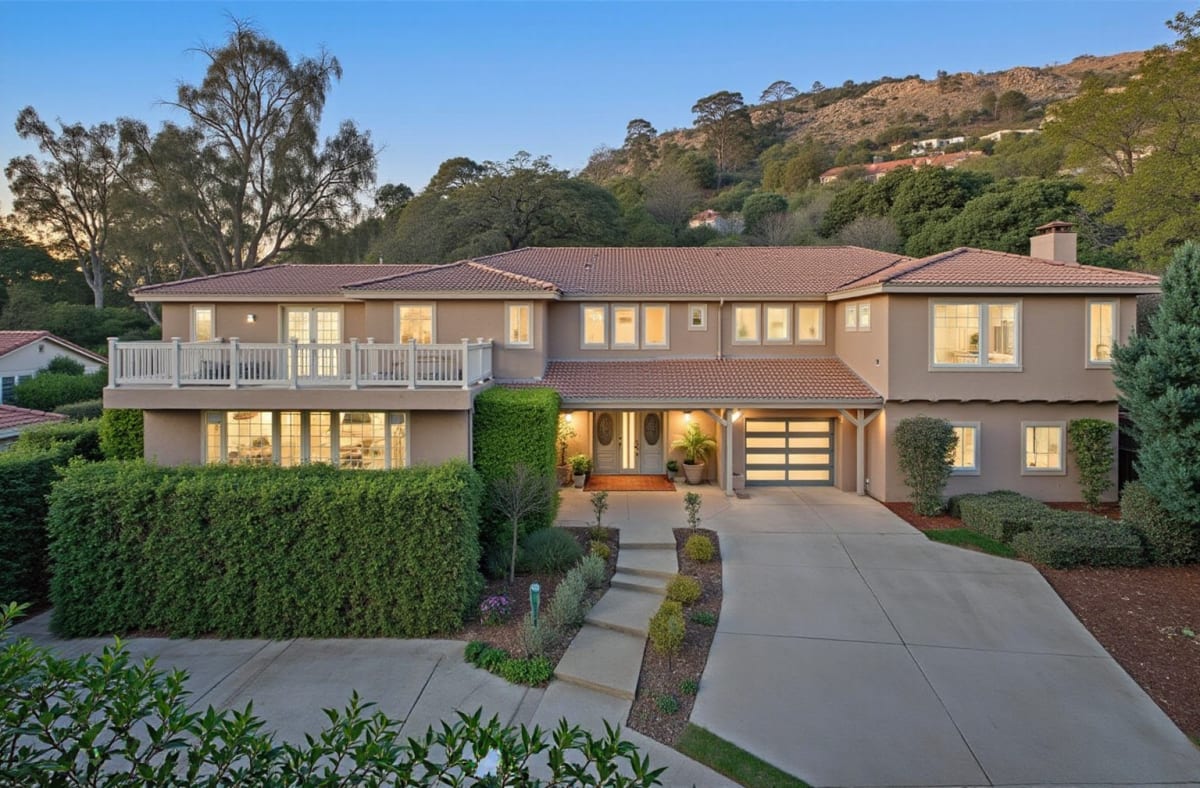

100,000+
Rooms redesigned
5,000+
Happy users
No data storage
Photos are processed and deleted — never kept or sold.

Secure payments
Checkout handled entirely by Stripe.
What people do with it
I tried four styles on my living room before picking one. Seeing the actual result before spending a dollar on furniture saved me from a mistake.

Sarah Chen
Homeowner
Staged three vacant listings in one afternoon. What used to take a week and a rental invoice now takes minutes per room.

Marcus Webb
Real estate agent
I use it to show clients three directions in the first meeting instead of describing them. They sign off faster because they're looking at their actual room.

Priya Patel
Interior designer
Turned a rough kitchen sketch into something I could actually show a contractor. Cut a week off getting quotes.

Tom Reyes
Homeowner
Tested a paint color and new furniture layout before asking my landlord about anything. No surprises, no wasted money.

Elena Novak
Renter

FAQ
Does this show a real different angle of my room?
It's an AI-generated reinterpretation, not a physical camera capture — it infers a plausible alternate view based on the source photo, keeping the same style and materials.
Can I use this on an already-restyled render?
Yes — generate your design first, then run it through Rotate to see the same styled space from another angle.
Does it work for exteriors as well as interiors?
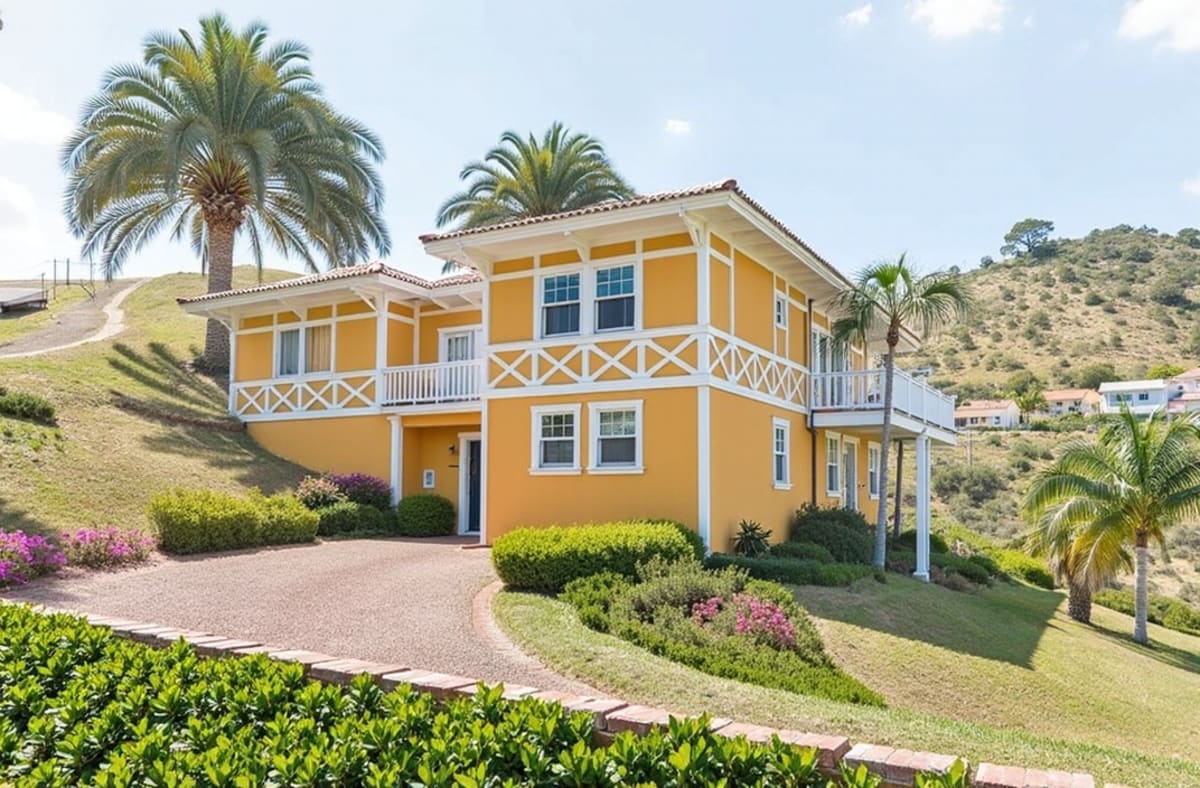
Yes, both interior and exterior photos work the same way.
How many credits does a rotate generation cost?
Multi-view generation costs 3 credits per angle, more than a standard 1-credit render since it involves reconstructing an unseen viewpoint from limited source information.
Why does a new angle cost more credits than a regular render?
Generating an unseen viewpoint from one photo requires the AI to infer geometry that wasn't in the original shot, which is a heavier computation than restyling the same view.
How different can the new angle be from the original?
It works best for a moderate shift, like the opposite corner of the same room, rather than a full 180-degree reversal where too little of the original photo is visible to reconstruct from.
Do I need to describe the new angle I want?
No. Rotate picks a plausible alternate viewpoint automatically, so there's no camera position to specify, unlike a full custom-instruction redesign.
One photo isn't the whole story.
Generate another angle of the same space in seconds, and see how a room or facade reads from a second vantage point before you decide.
Start designing