Redesign Your Room by Describing It
Tell the assistant what you want. It looks at your photo first, works out the room, the materials and the light, then writes the prompt for you.
1 free render when you sign in, with no credit card.
1 free render · No credit card required
What Is AI Design Chat?
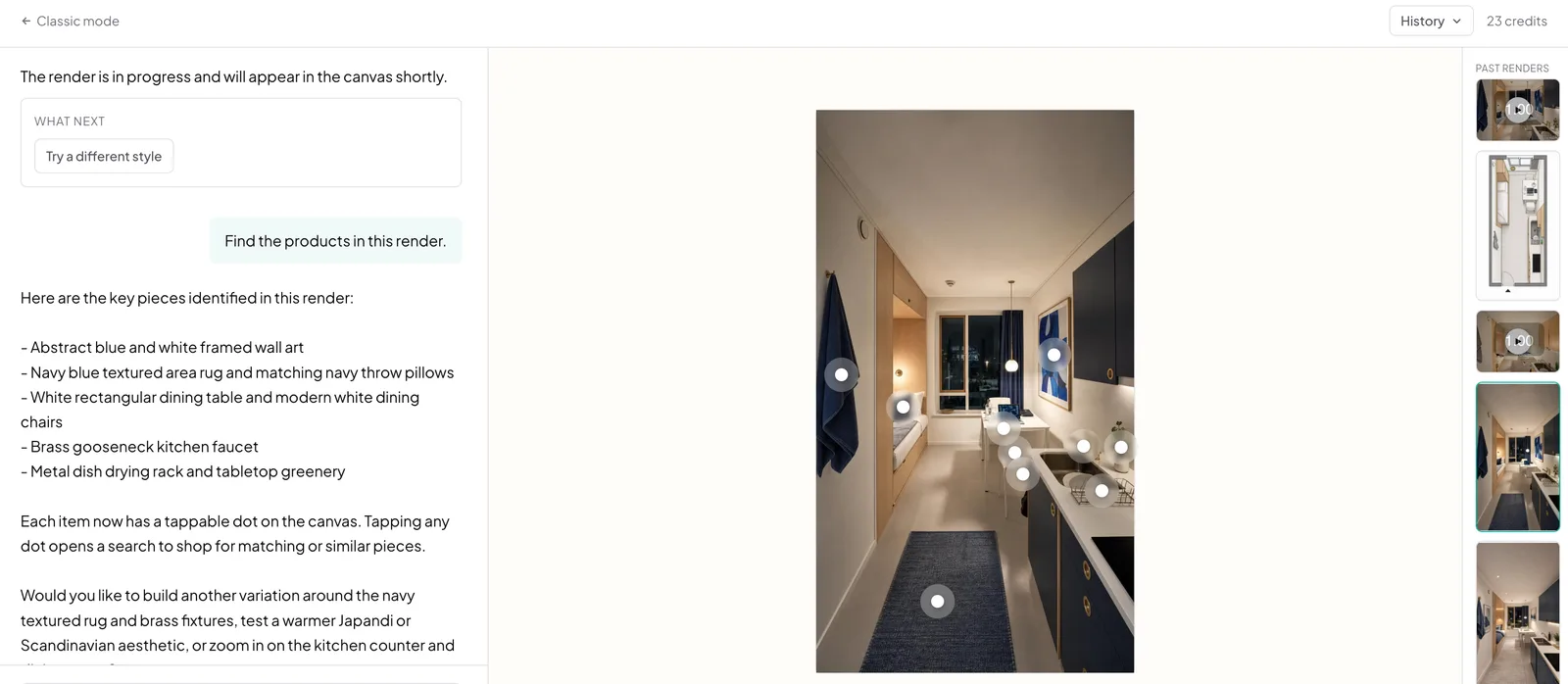
AI Design Chat is a second way to use Archmaster: instead of picking a feature and a style from a form, you upload a photo and describe what you want in your own words.
- The assistant reads your photo first, identifying room type, style, materials, and light
- Names your actual cabinetry and windows in the prompt, not a generic style label
- Handles the whole conversation, each follow-up builds on the last instead of starting over
- Each message costs 1 credit, renders cost the same as the classic workspace
How designing by chat works, step by step
The assistant looks at your photo before it writes anything, so the prompt it builds names your actual cabinetry and your actual light.
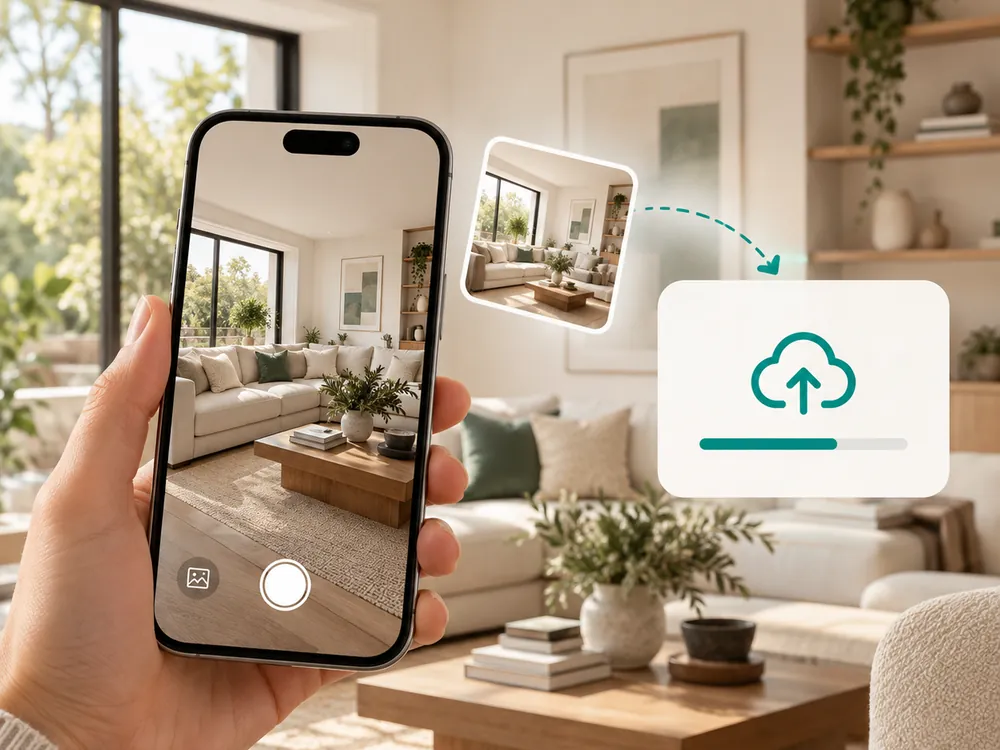
Upload a photo
Drop in any room, facade or garden photo. JPG, PNG or WebP up to 12 MB. This is the only thing the assistant needs before it can start.
- JPG, PNG, or WebP up to 12 MB
- The only thing the assistant needs before it starts
Say what you want
Plain language is enough. The assistant reads the photo, tells you what it found, and turns your sentence into a prompt that names the real materials and lighting in your space.
- Reads the room type, materials, and light before writing a prompt
- Names your actual cabinetry and windows, not a generic label

Keep going from there
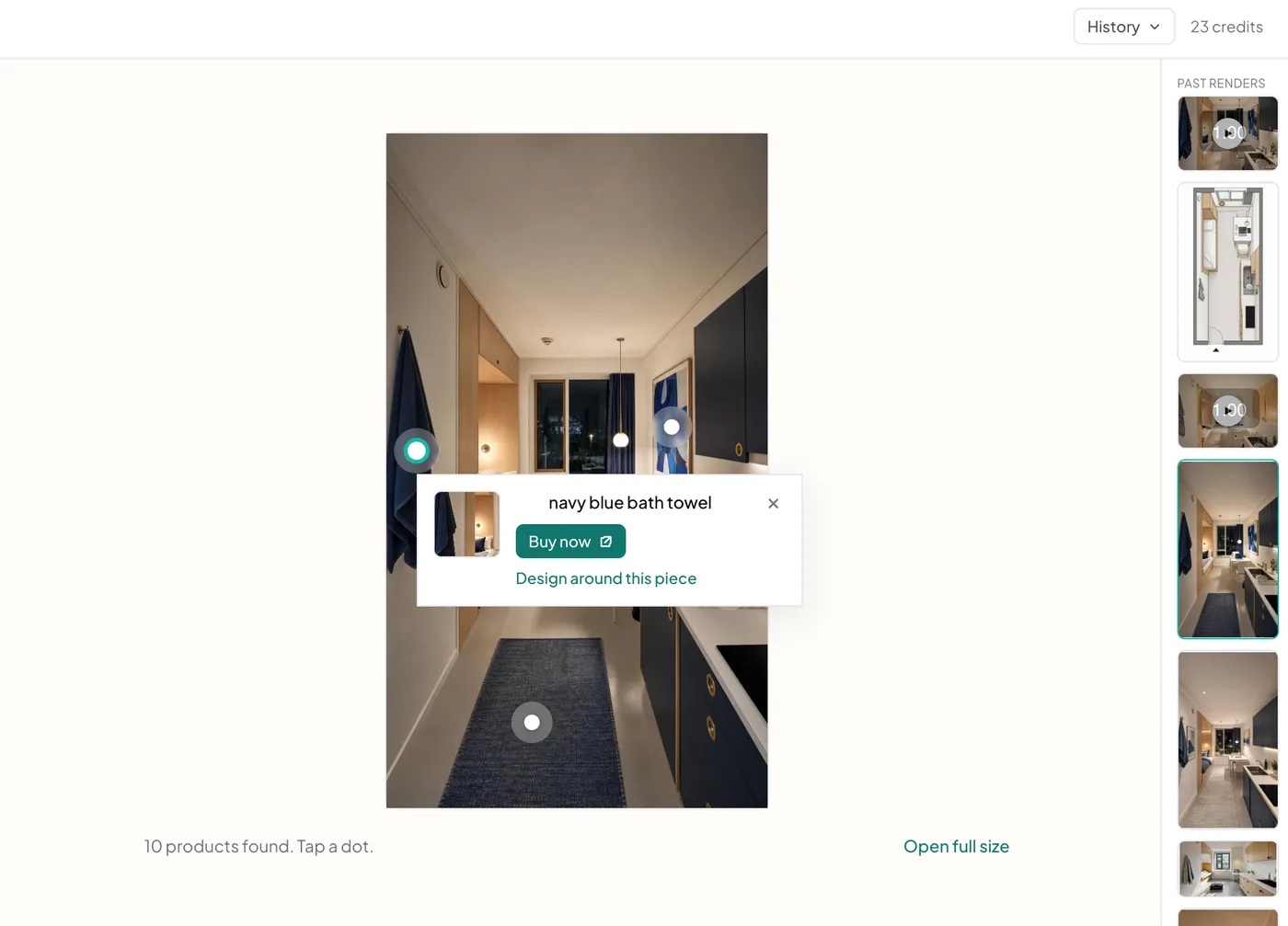
Ask for a different style, another angle, a video, or the products in the render. Every follow-up keeps the context of the photo and everything already said about it, so you never re-explain the room and never paste the same description twice.
- Ask for a different style, another angle, or a video
- Every follow-up keeps the context of the conversation
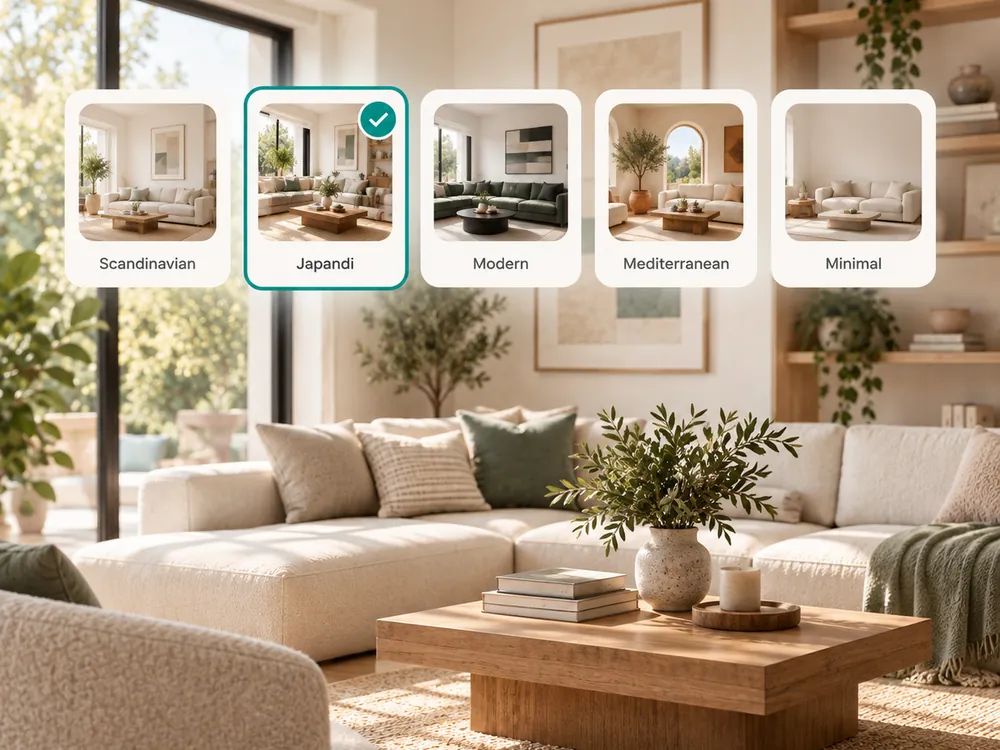
The style presets
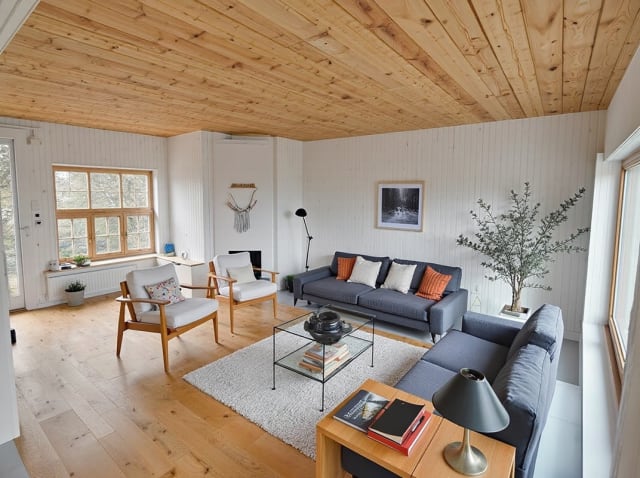
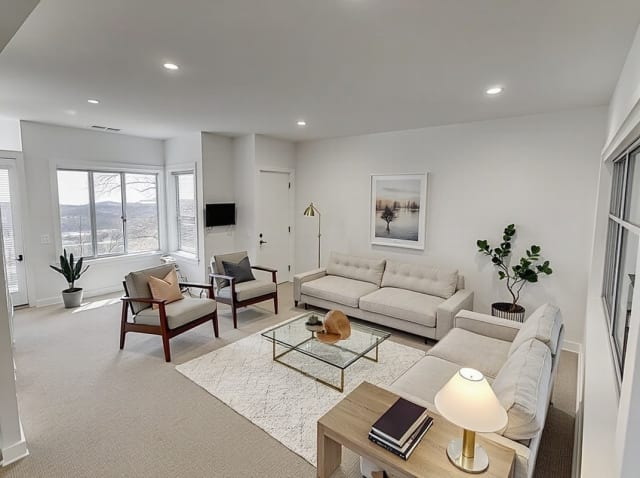
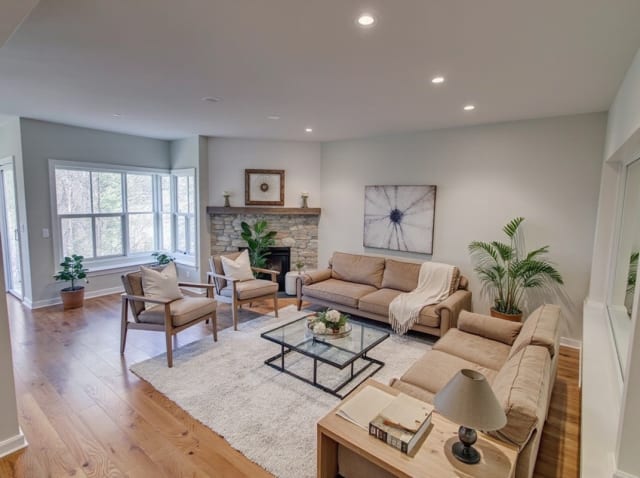
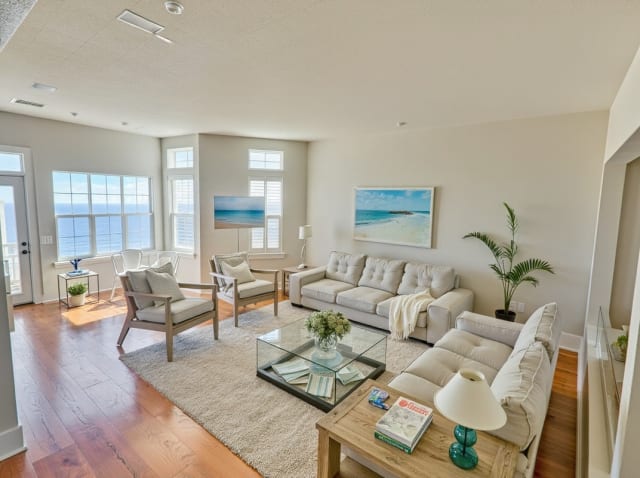
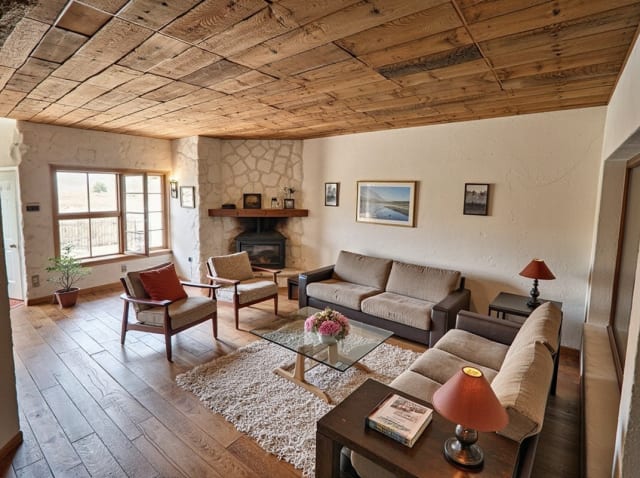
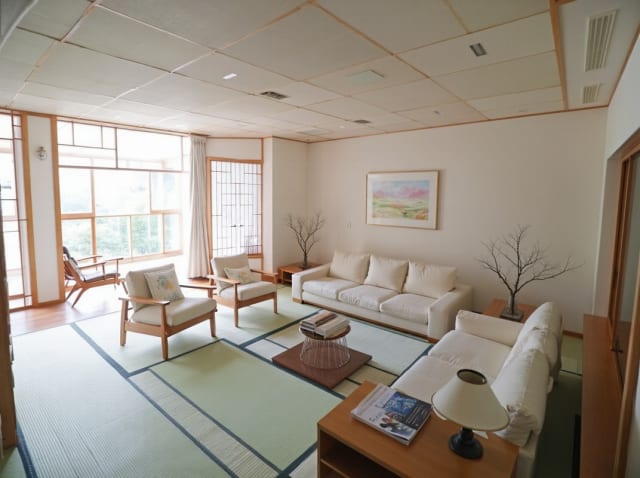
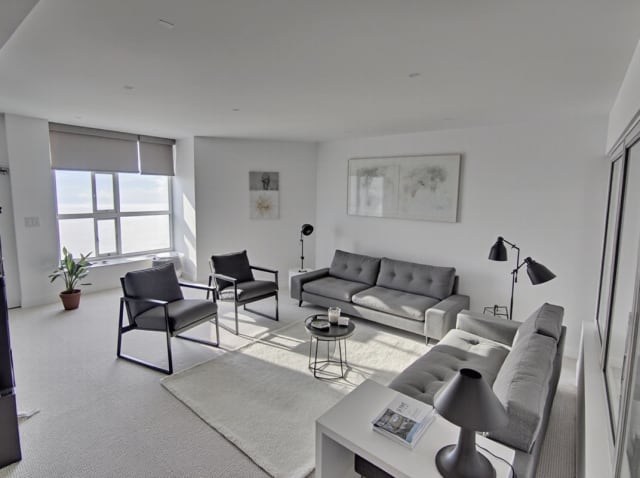
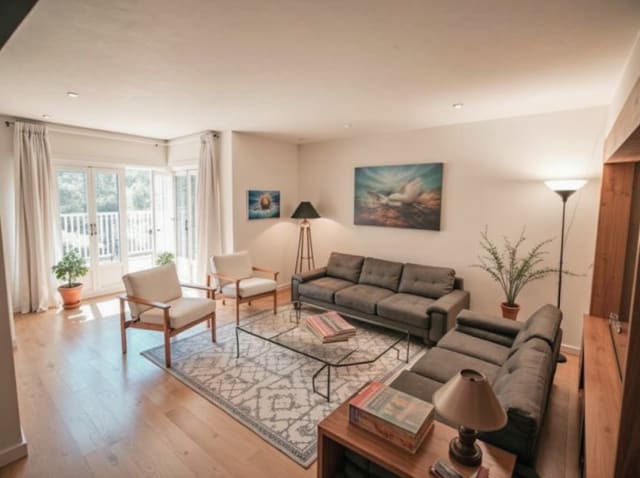
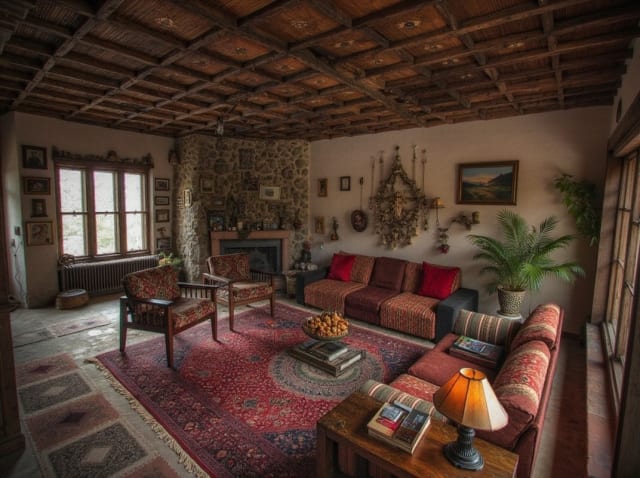
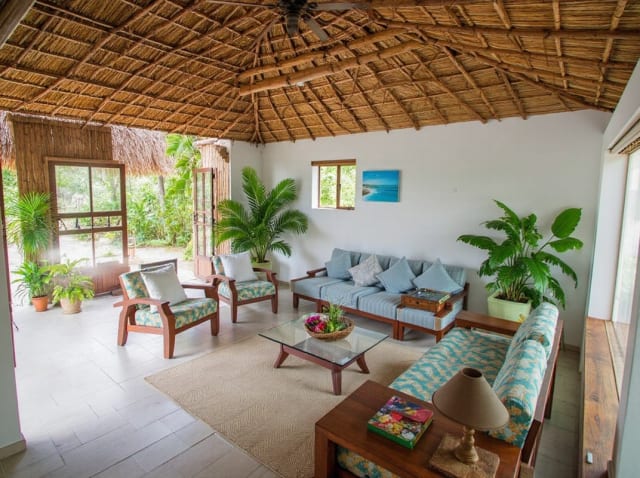
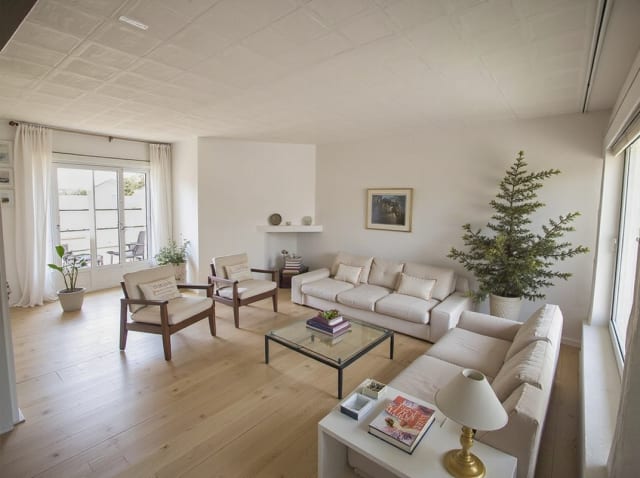
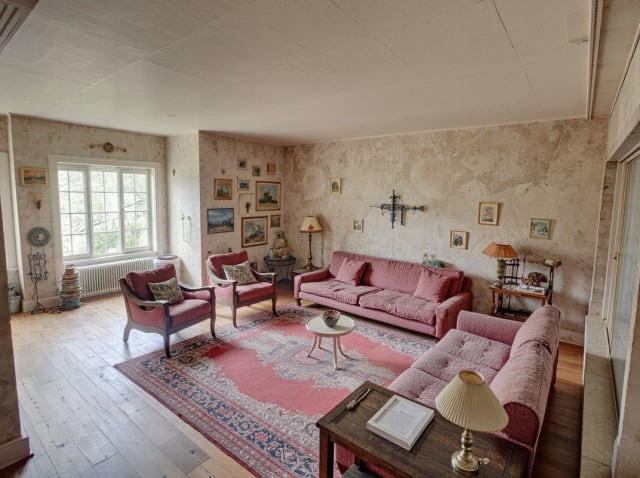
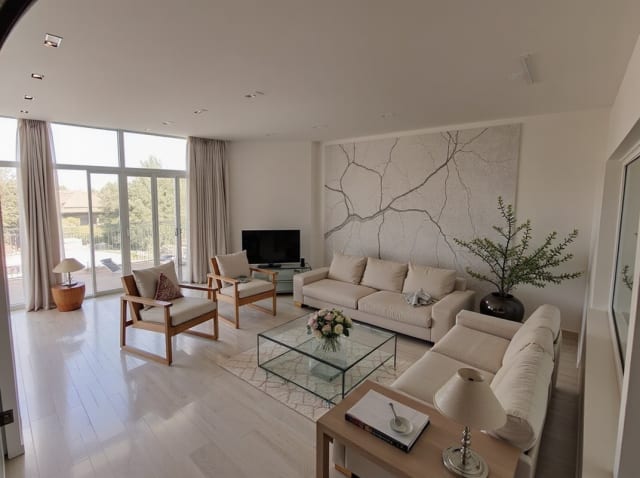
20 presets ship in the picker. A few of them below. Each tile is an example of the style, not of your room: pick one and your own photo comes back in that direction.
100,000+
Rooms redesigned
5,000+
Happy users
No data storage
Photos are processed and deleted — never kept or sold.

Secure payments
Checkout handled entirely by Stripe.
Also in Archmaster

FAQ
How is this different from the normal workspace?
The classic workspace sends your text straight to the image model with a fixed template. Chat analyses the photo first and writes the prompt around what is actually in the room, which is usually the difference between a render of your space and a render of a generic one.
Do I have to re-upload my photo for every request?
No. The conversation remembers the photo it is working on, so a follow-up like 'now try it Mediterranean' needs nothing but the sentence.
What does it cost?
Each message costs 1 credit. Any render the assistant makes costs the same as in the classic workspace: 1 credit for a redesign, 3 for an alternate angle, 5 for a video.
Can it do everything the classic workspace does?
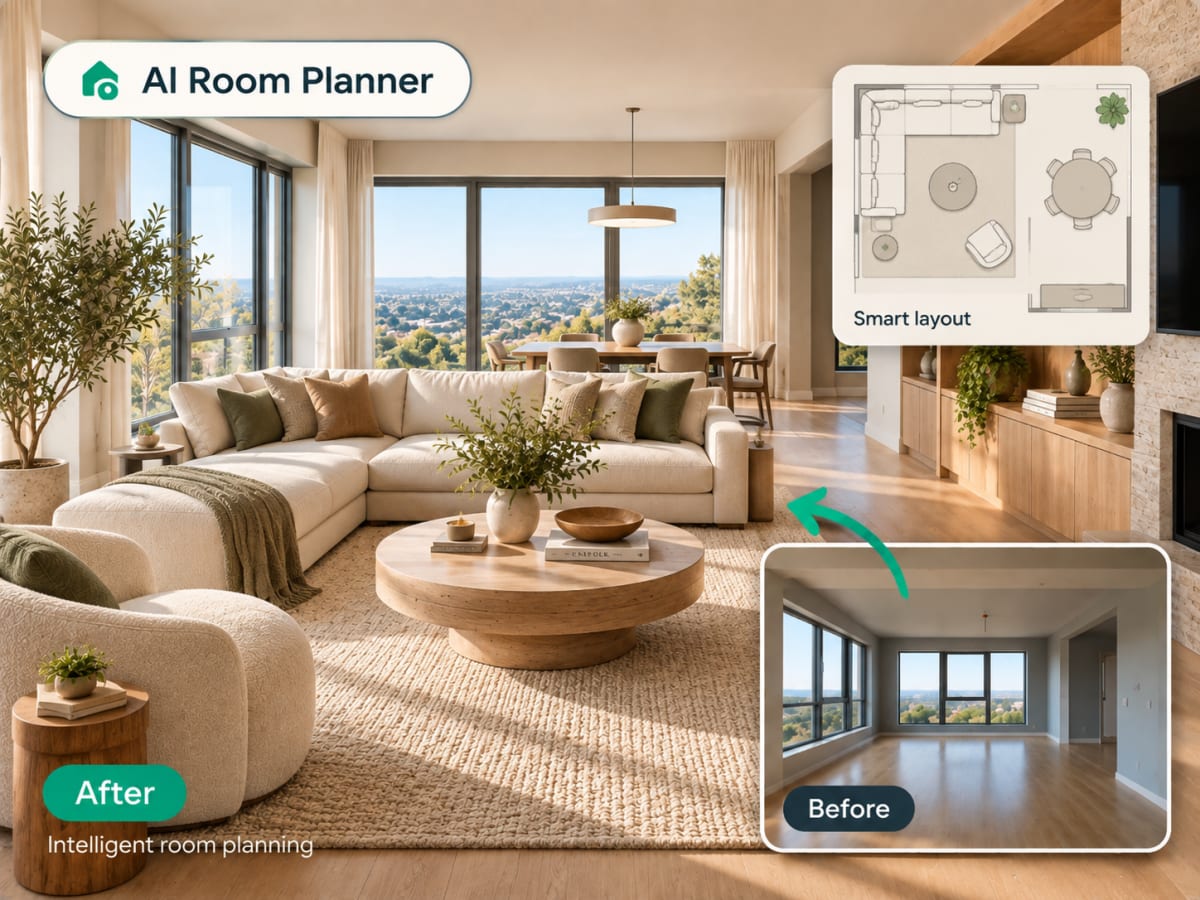
Yes. Interior and exterior redesign, sketch to image, upscaling, targeted edits, alternate angles, video, virtual staging, room planning, landscape design and floor plans are all available through the conversation.
Can I go back to the classic workspace?
Any time. The two share the same account, the same credits and the same render library, and switching is one click in either direction.
Stop filling in forms. Just say it.
Upload one photo, describe the room you want, and let the assistant do the part that decides whether the render looks like your home or somebody else's.