AI Interior Design: Transform Any Room in Seconds
Upload a photo of any room, pick from 20 style presets, and get a photorealistic render in seconds. Modern, Scandinavian, Japan, Baroque and 16 more.
1 free render when you sign in, with no credit card.
1 free render · No credit card required

What Is AI Interior Design?
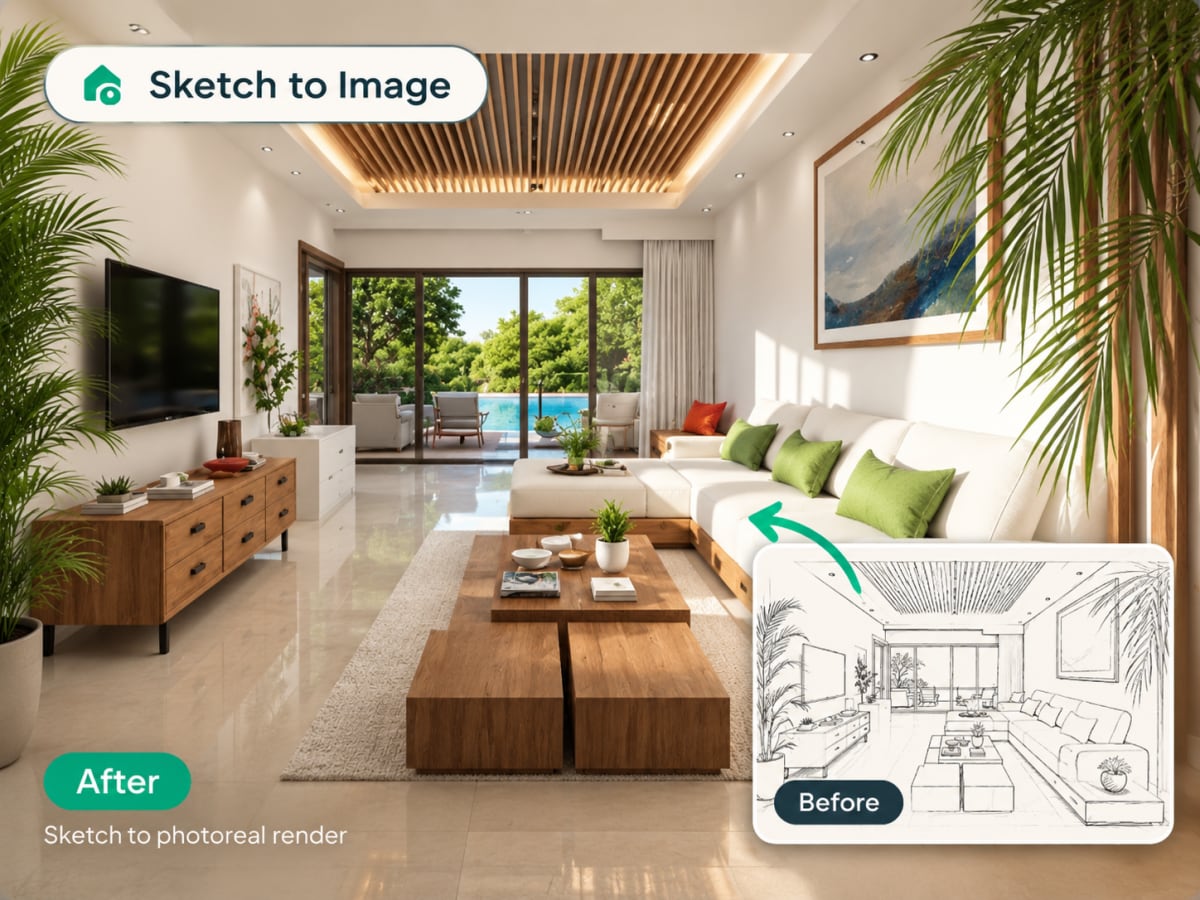
AI interior design uses image-generation models to redesign a real room from a single photo. Upload a picture, choose a style, and the AI keeps your room's actual layout, windows, and proportions while replacing furniture, materials, and colors.
- Runs entirely in the browser, no CAD file, no 3D model, no design software to learn
- Built for homeowners planning a renovation, renters testing changes, and designers drafting early concepts
- Photos are processed and deleted, never kept or sold
- Costs 1 credit per generation on the $9.99/week plan, 30 credits included
How AI interior design works, step by step
One photo in, one photorealistic render out. The AI reads your room's real geometry first, so what comes back is your room in a new style, not a stock room that looks a bit like it.
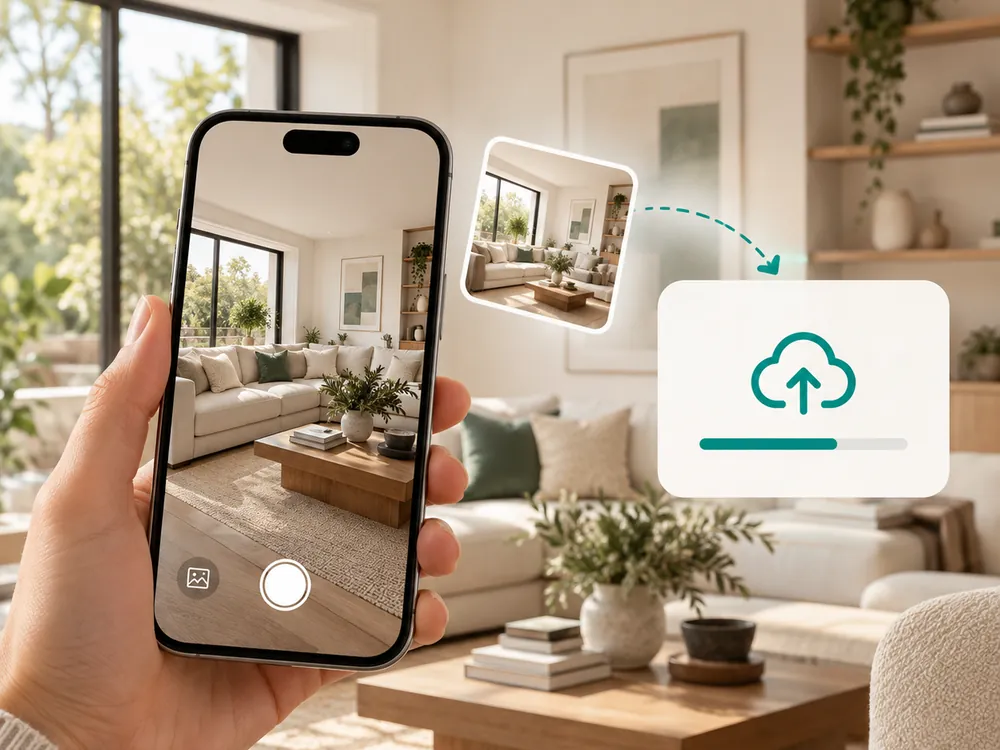
Upload your photo
Drag and drop any room photo. JPG, PNG, or WebP up to 12 MB. The clearer the shot, the better the result.
- JPG, PNG, or WebP, up to 12 MB
- Keeps your room's actual layout and windows intact
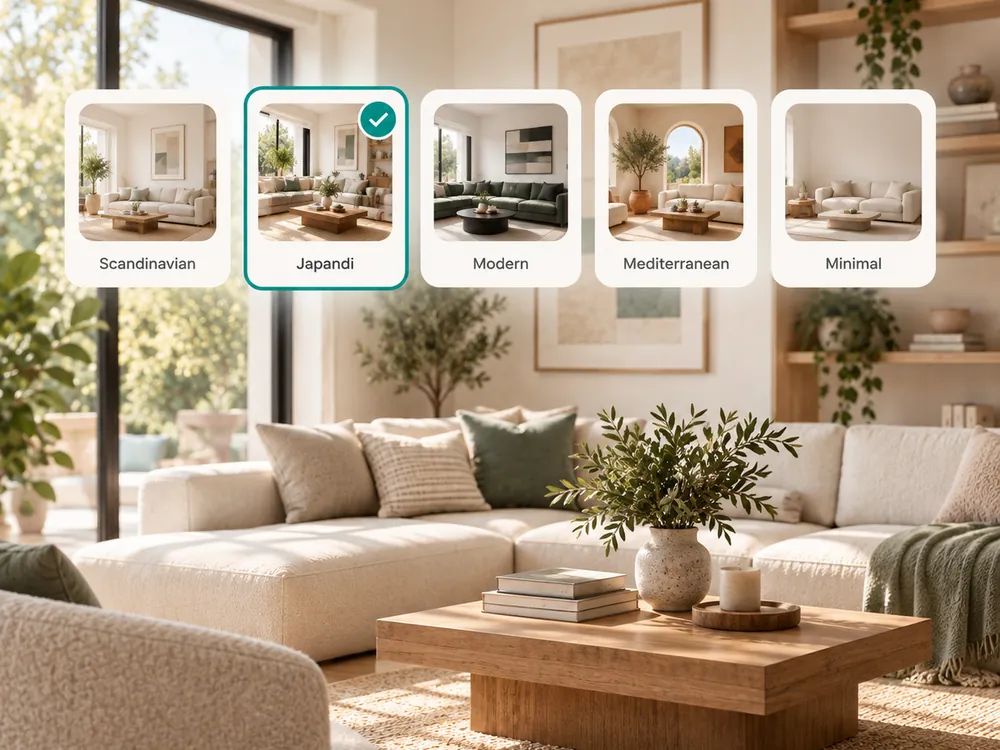
Pick a style
Choose from 20 curated style presets. Add custom instructions to guide the AI toward your exact vision.
- 20 curated style presets to choose from
- Add custom instructions for your exact vision
Compare it, then refine it
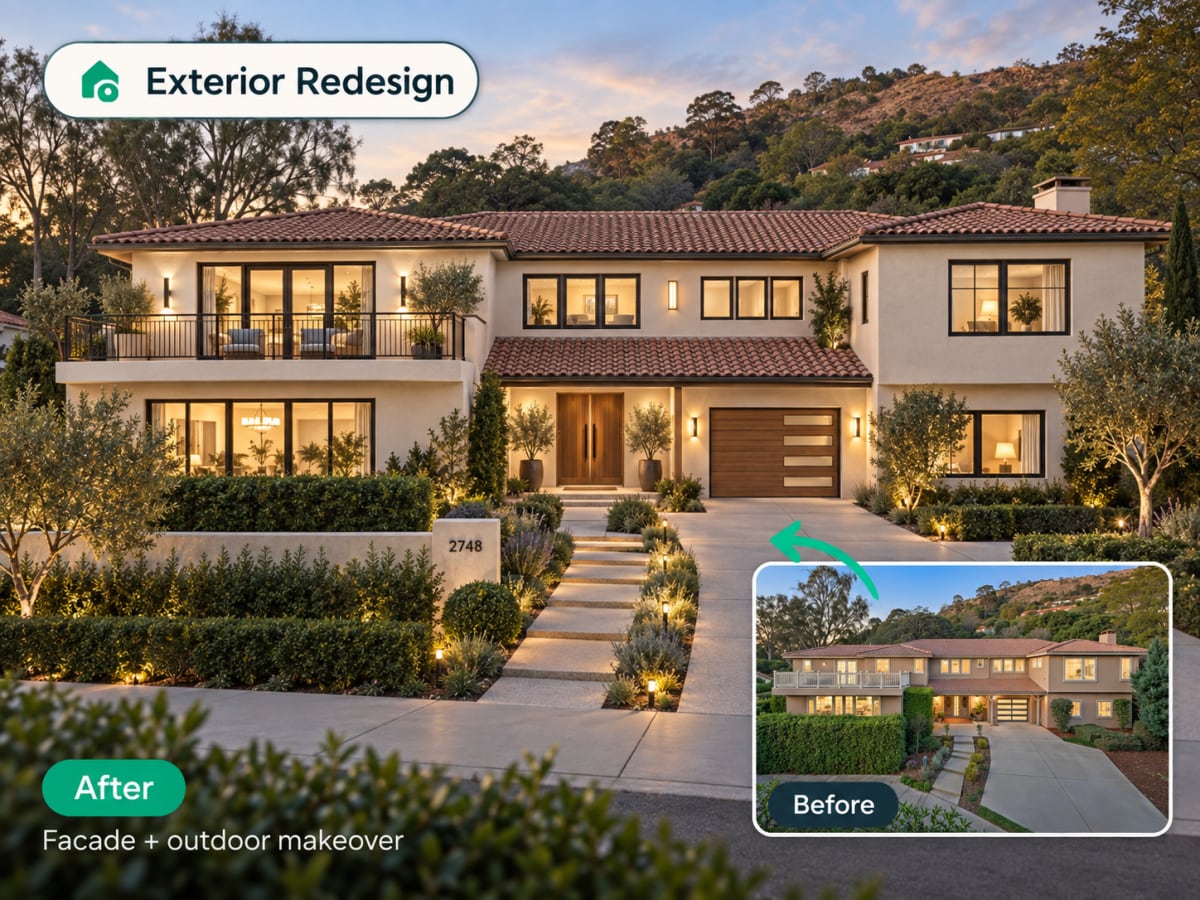
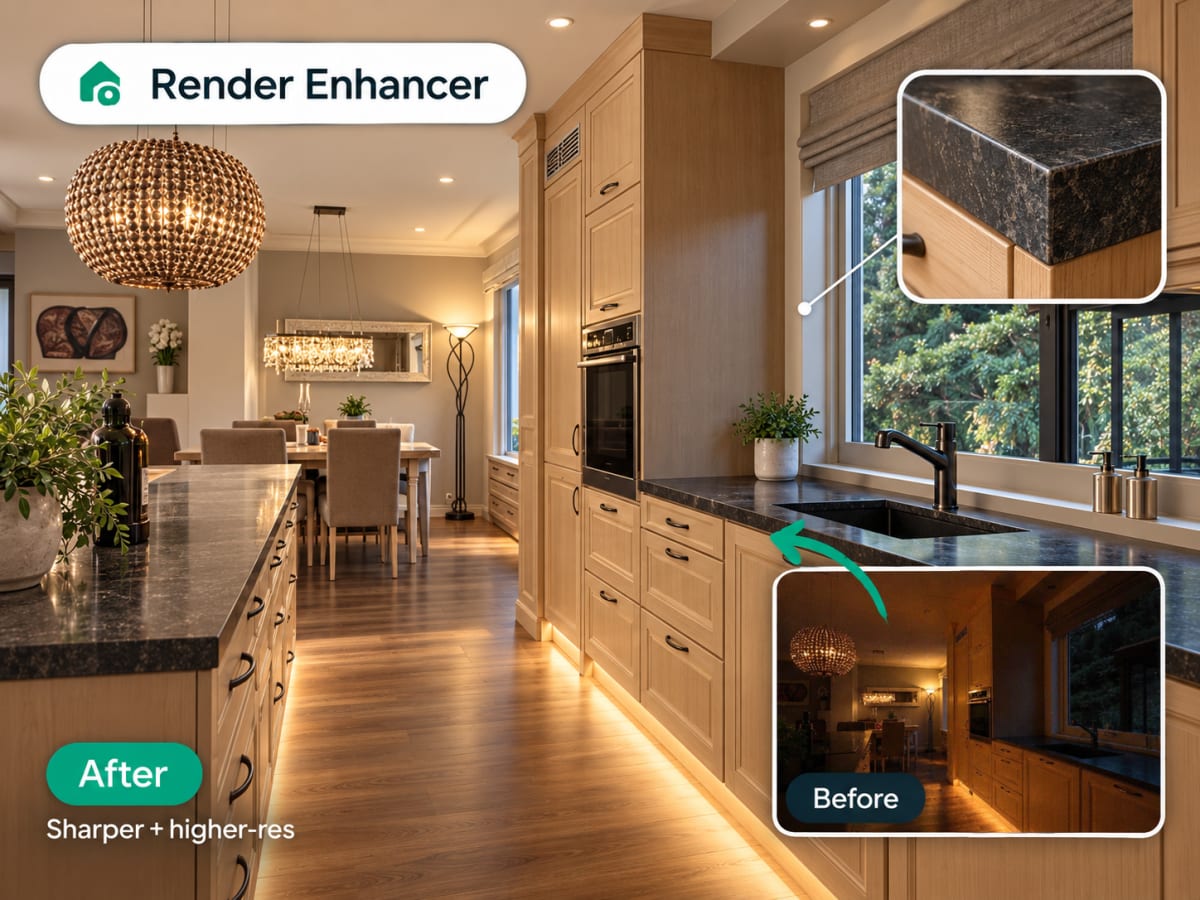
The render comes back at the same framing as your photo, so the before and after line up when you put them side by side. Keep it, run a second style on the same upload to compare, or mask one area and change it with inpainting. Each generation costs 1 credit of the 30 your weekly plan includes.
- Ready in seconds
- Continue editing with inpainting if needed
The style presets
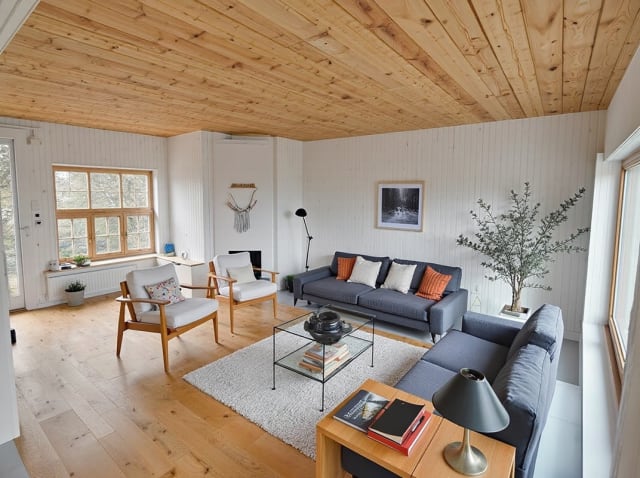
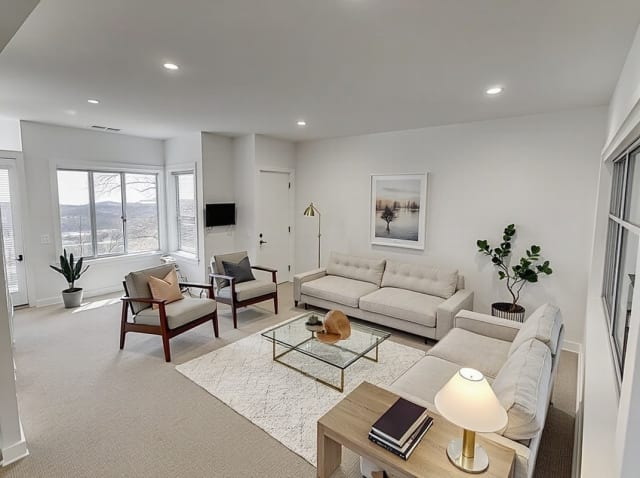
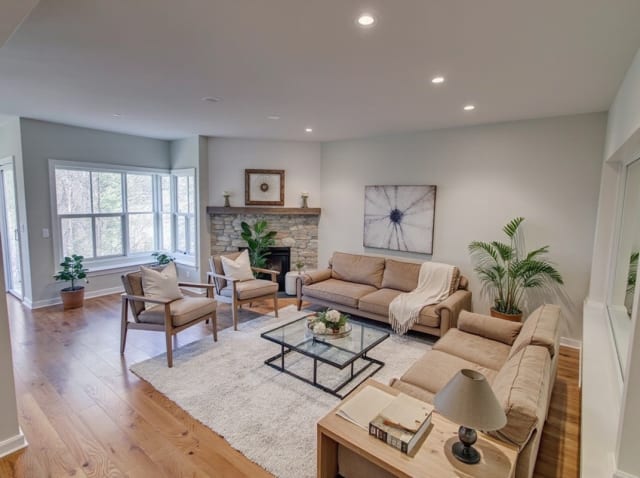
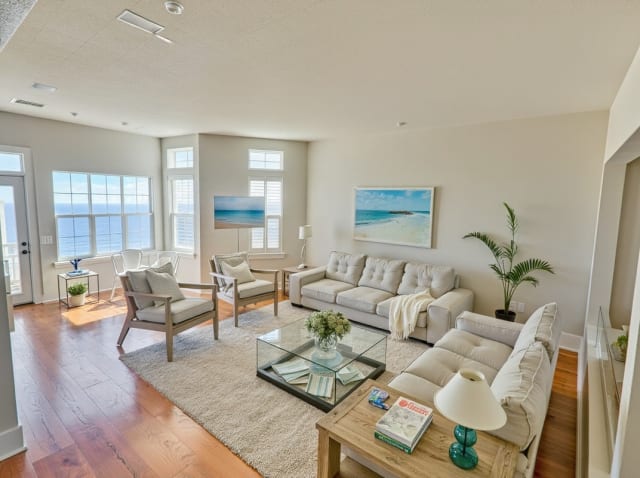
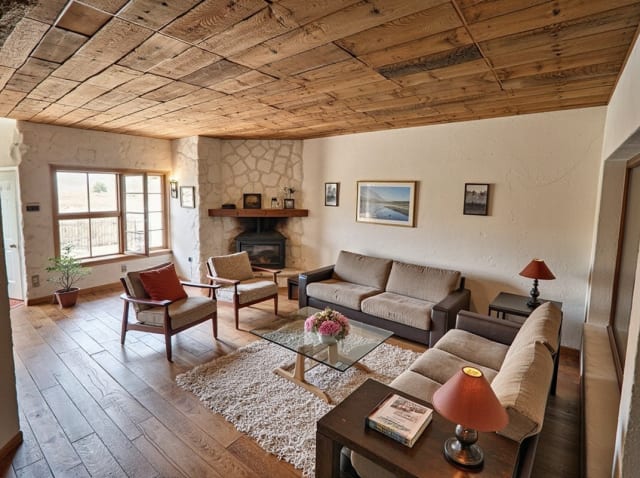
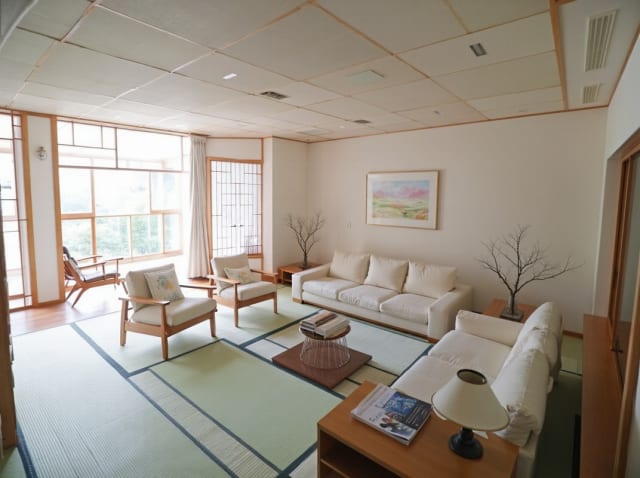
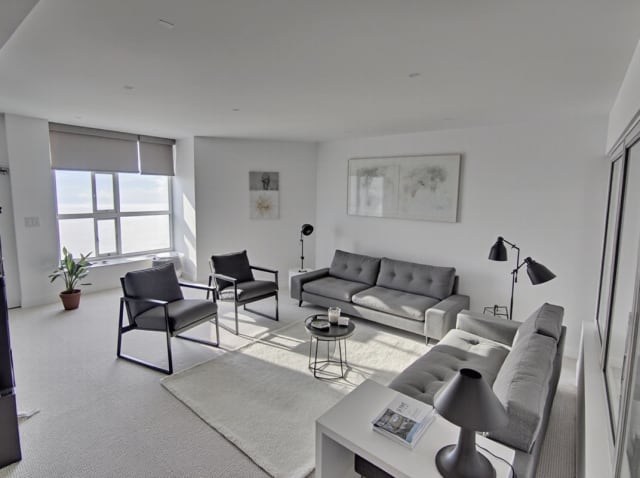
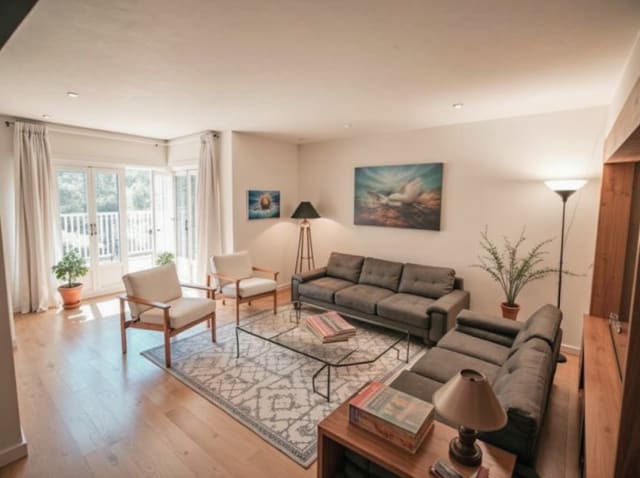
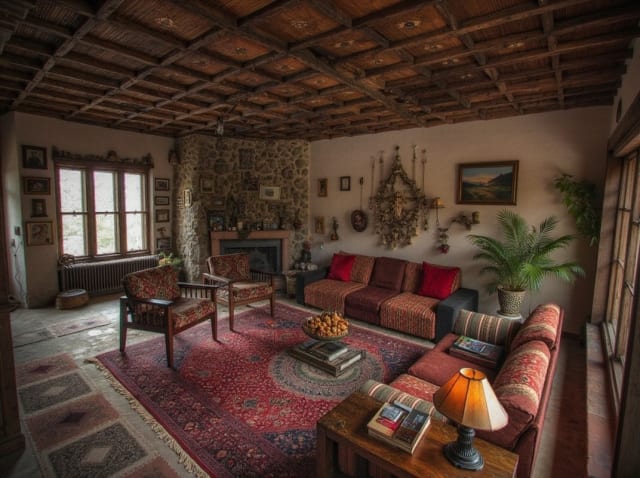
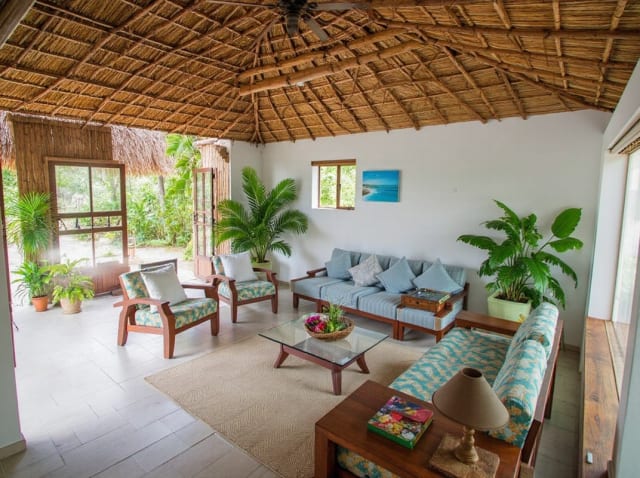
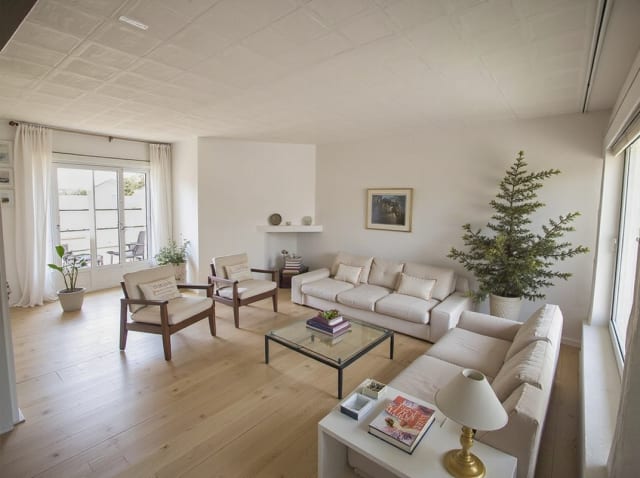
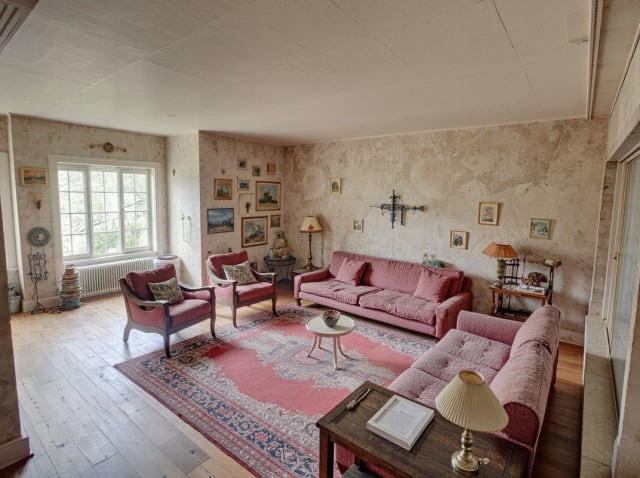
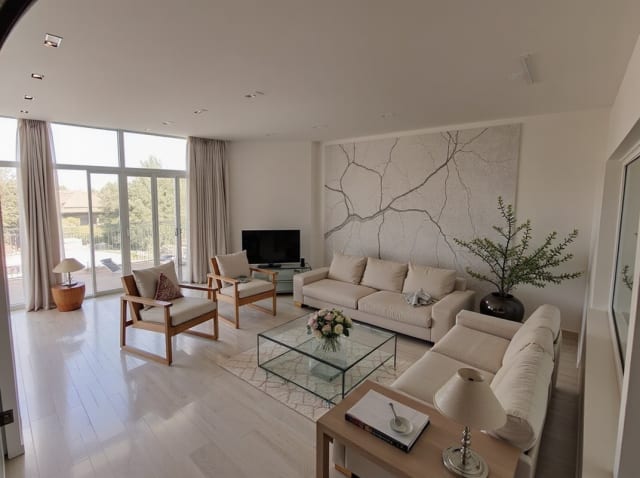
20 presets ship in the picker. A few of them below. Each tile is an example of the style, not of your room: pick one and your own photo comes back in that direction.
100,000+
Rooms redesigned
5,000+
Happy users
No data storage
Photos are processed and deleted — never kept or sold.

Secure payments
Checkout handled entirely by Stripe.
FAQ
Is AI interior design free?
Your first render is free: sign in and you get 1 free render, with no credit card. After that, paid plans start at $9.99/week for 30 credits.
Do I need design experience to use it?
No. Upload a photo, pick a style preset, and the AI handles the rest. No CAD, no 3D modeling, no prior design knowledge needed.
Will it keep my room's actual layout?
Yes. The AI reads your uploaded photo's geometry, windows, and proportions, and preserves them while changing materials, furniture, and color scheme.
Can I use it for a real renovation?
Yes, for early-stage direction and client concepts. For final specifications, pair the render with a professional review, since AI output doesn't carry structural or code data.
How many styles can I try on the same room?
As many as your credit balance allows — each generation costs 1 credit. Uploading the same photo and switching styles is a common way to compare options before committing to a renovation.
What photo quality gives the best result?
A well-lit, straight-on shot of the room with the full space visible works best. Avoid heavy fisheye or wide-angle distortion and very dark photos — the AI reads the room's geometry from what's actually in the frame.
Ready to redesign your space?
No software to learn. No designer to hire. Results in seconds.