AI Interior Design: Transform Any Room in Seconds
Upload a photo of any room, pick from 20 style presets, and get a photorealistic render in seconds. Modern, Scandinavian, Japan, Baroque and 16 more.
What Is AI Interior Design?
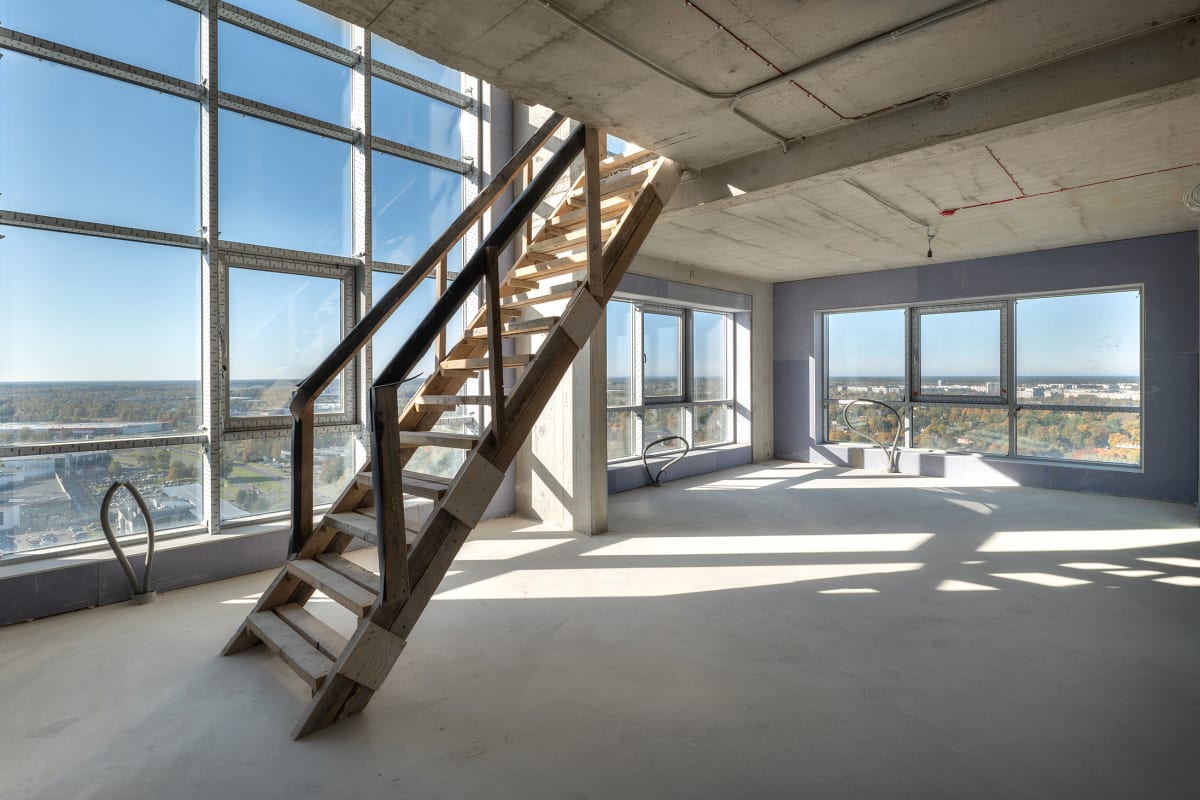
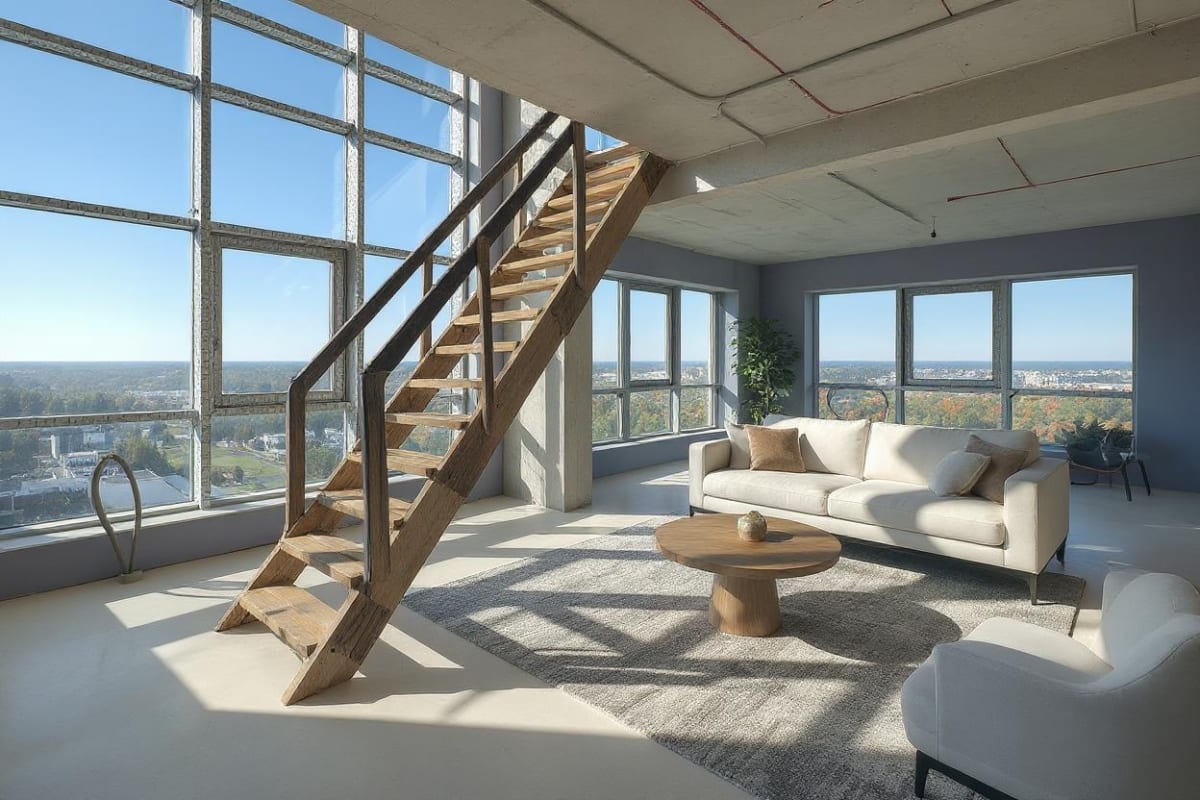
AI interior design uses image-generation models to redesign a real room from a single photo. Upload a picture, choose a style, and the AI keeps your room's actual layout, windows, and proportions while replacing furniture, materials, and colors. Archmaster's version runs in the browser: no CAD file, no 3D model, and no design software to learn. It's built for homeowners planning a renovation, renters testing changes before committing, and designers generating early concepts in seconds instead of hours. Under the hood, the model treats structural elements — walls, windows, doors, ceiling height — as fixed, and only regenerates the parts of the scene a real remodel would actually change: furniture, wall color, flooring, lighting fixtures, and decor. That's the main difference from a generic AI image generator, which would happily invent a new window or move a wall if the prompt implied it. A single generation costs 1 credit on Archmaster's $9.99/week plan (30 credits included), so testing three or four styles on the same room photo costs less than a single hour of a designer's time.
How it works
Upload your photo
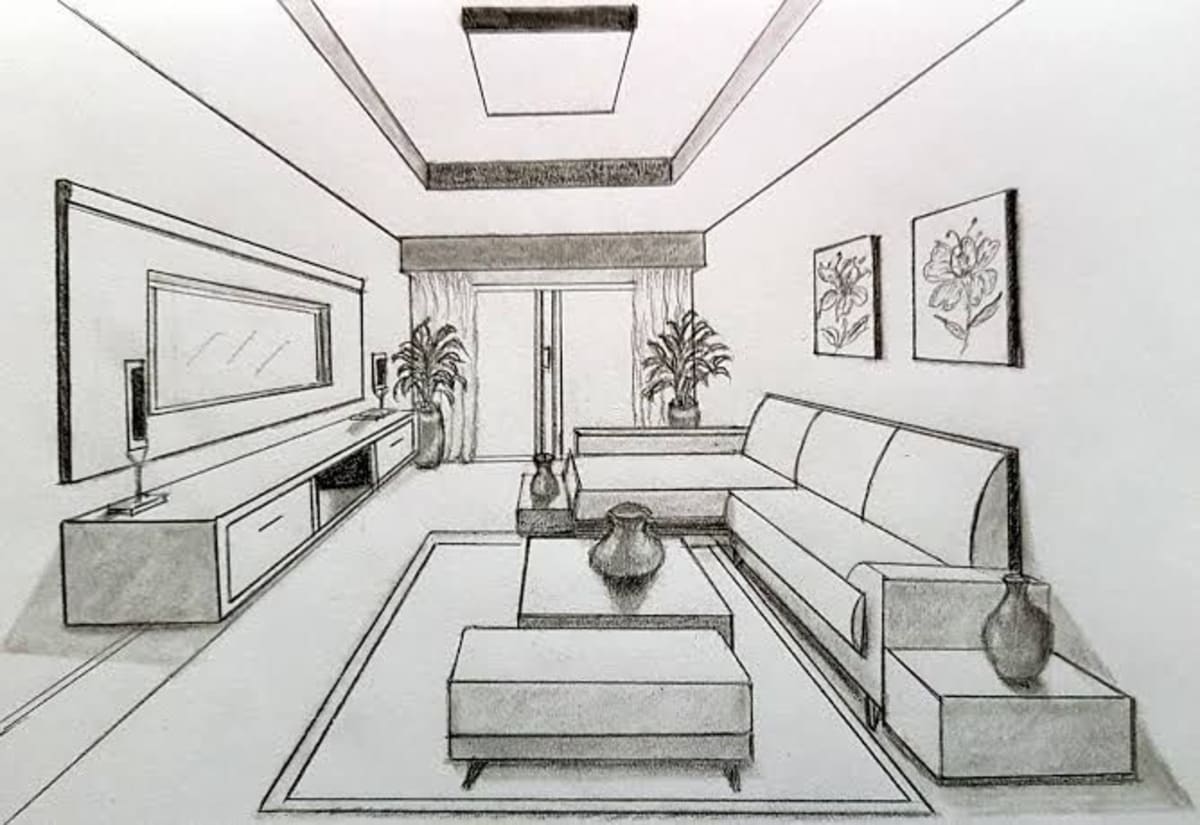
Drag and drop any room photo. JPG, PNG, or WebP up to 12 MB. The clearer the shot, the better the result.
Pick a style
Choose from 20 curated style presets. Add custom instructions to guide the AI toward your exact vision.
Download your render
Your redesigned room is ready in seconds. Download, share, or continue editing with inpainting.
FAQ
Is AI interior design free?
Archmaster's free tier gives you two full-resolution renders with no credit card required. Paid plans start at $9.99/week for 30 credits if you need more.
Do I need design experience to use it?
No. Upload a photo, pick a style preset, and the AI handles the rest. No CAD, no 3D modeling, no prior design knowledge needed.
Will it keep my room's actual layout?
Yes. The AI reads your uploaded photo's geometry, windows, and proportions, and preserves them while changing materials, furniture, and color scheme.
Can I use it for a real renovation?
Yes, for early-stage direction and client concepts. For final specifications, pair the render with a professional review, since AI output doesn't carry structural or code data.
How many styles can I try on the same room?
As many as your credit balance allows — each generation costs 1 credit. Uploading the same photo and switching styles is a common way to compare options before committing to a renovation.
What photo quality gives the best result?
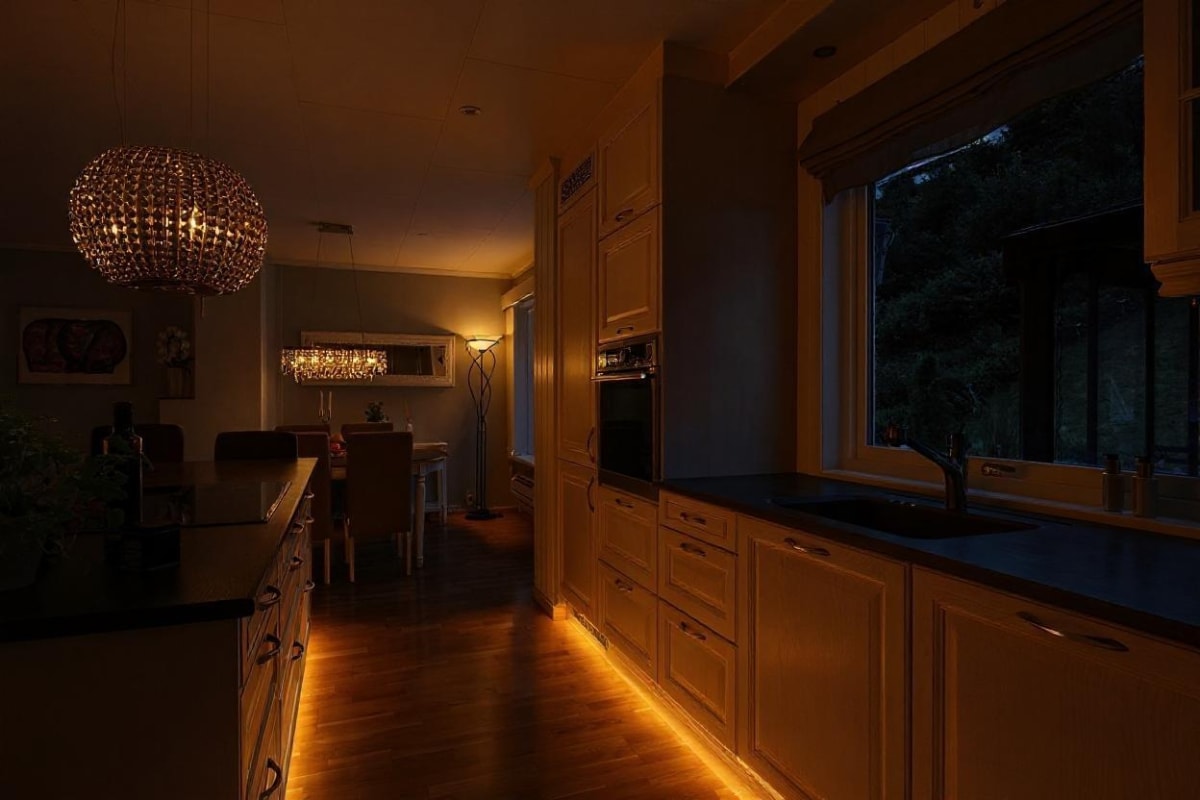
A well-lit, straight-on shot of the room with the full space visible works best. Avoid heavy fisheye or wide-angle distortion and very dark photos — the AI reads the room's geometry from what's actually in the frame.
Ready to redesign your space?
No software to learn. No designer to hire. Results in seconds.
Start designing free