Plan Your Room's Layout with AI
Upload a photo of your room and let AI suggest furniture placement and style — a starting point before you buy or rearrange anything.
How it works
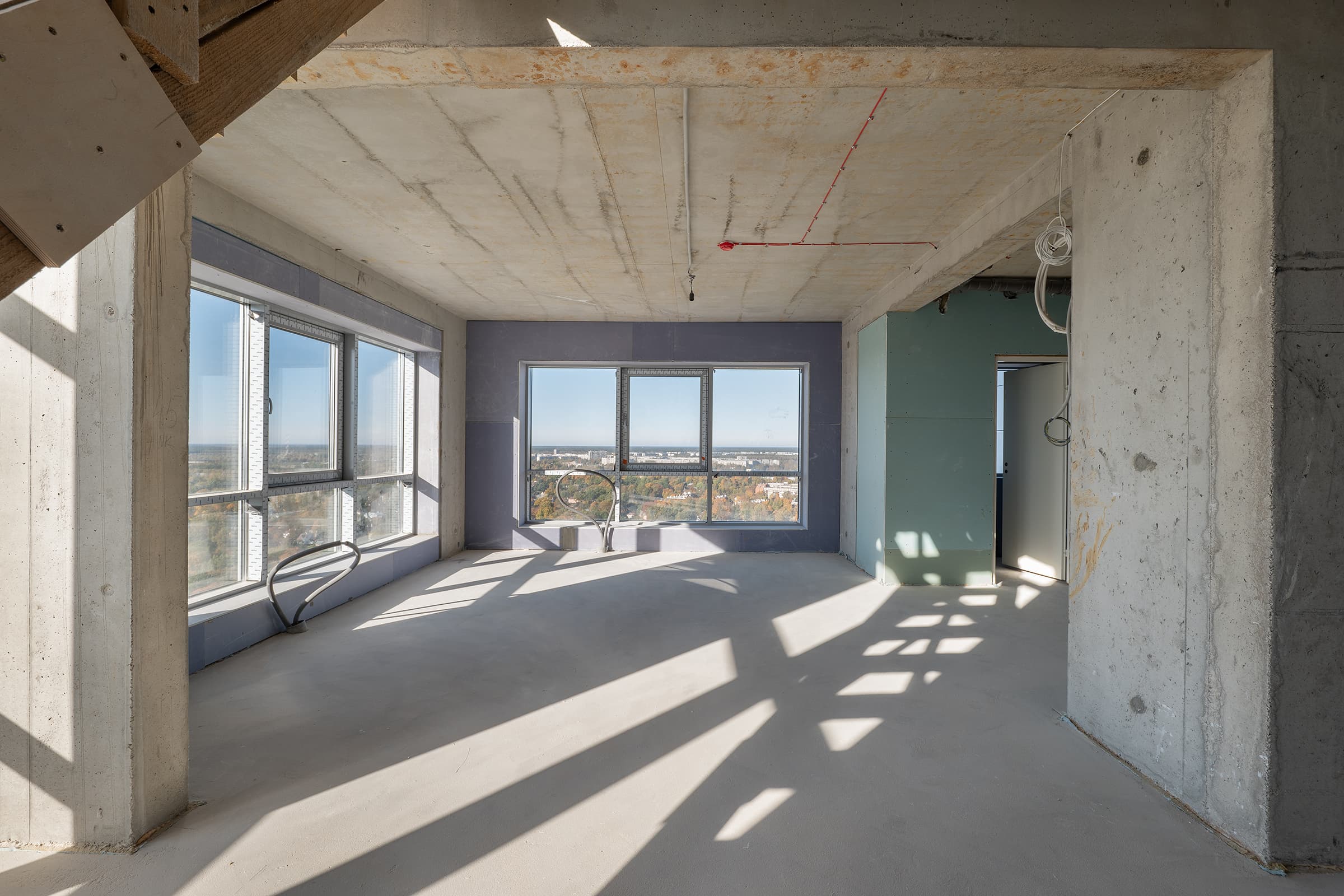
Upload your room photo
Drag and drop a photo of the room you want to plan. JPG, PNG, or WebP up to 12 MB.
Pick a style
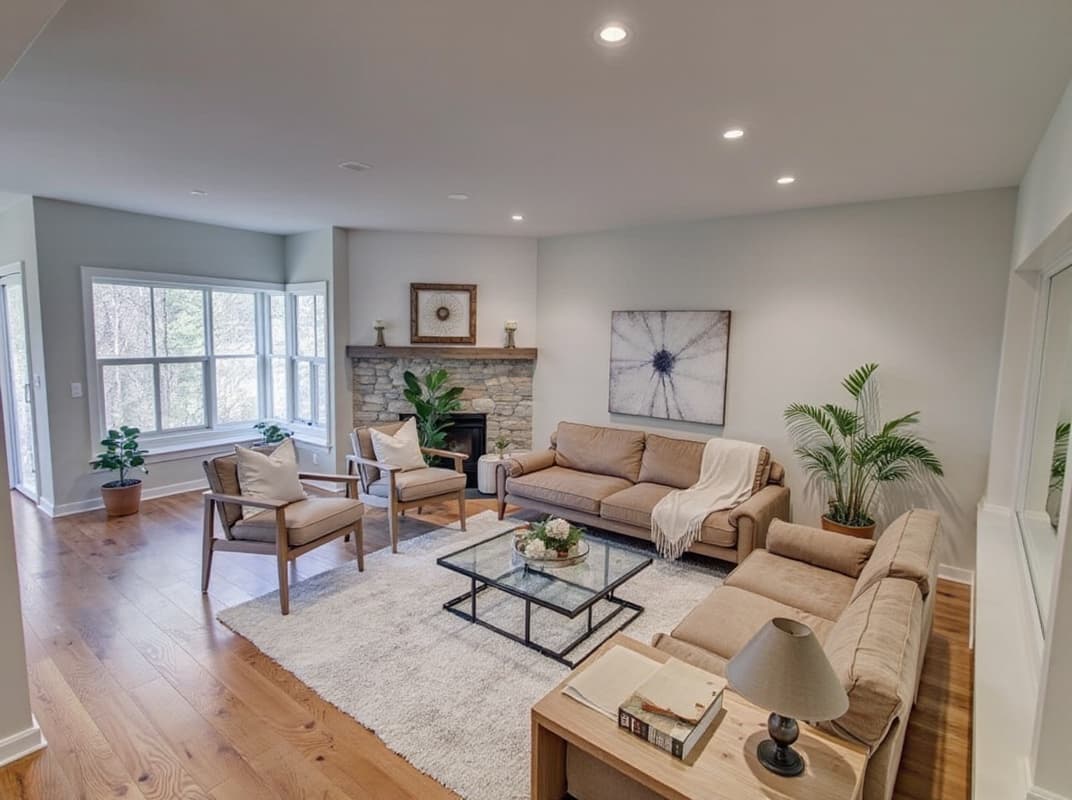
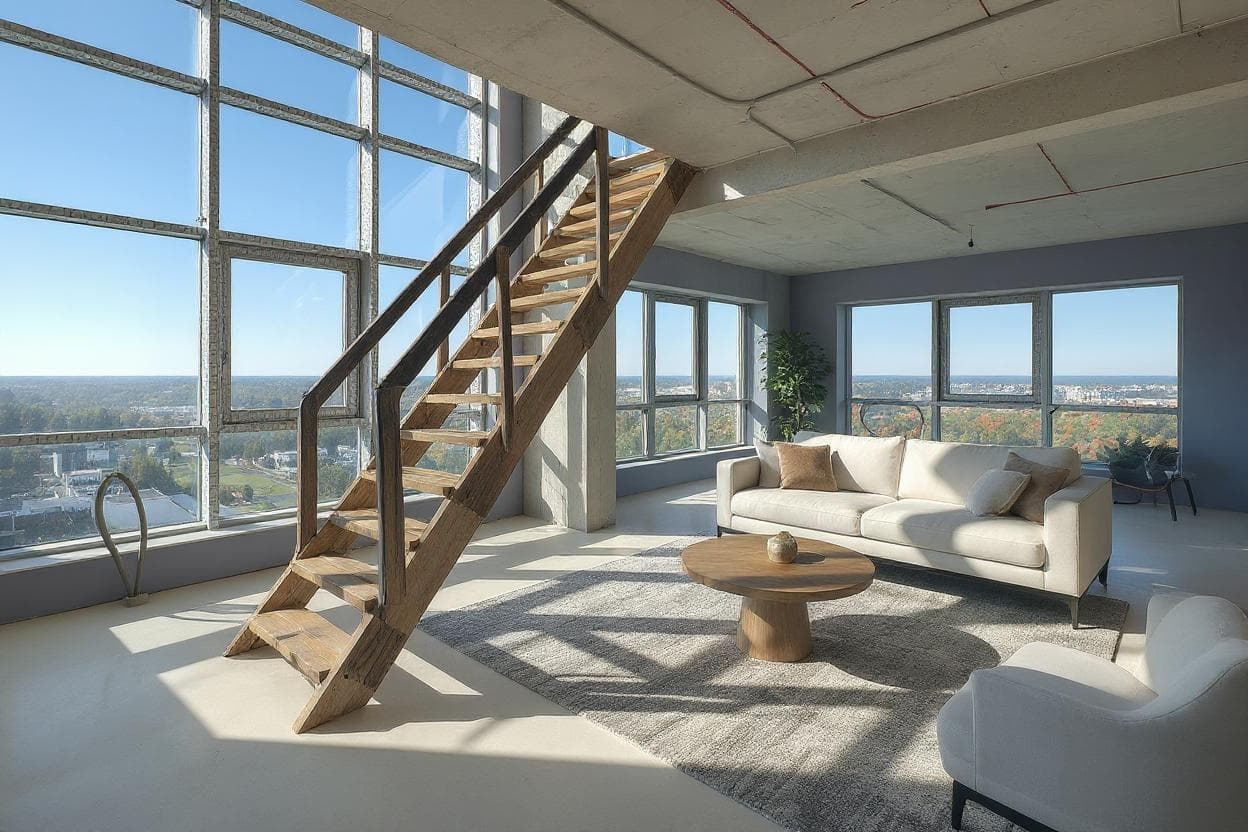
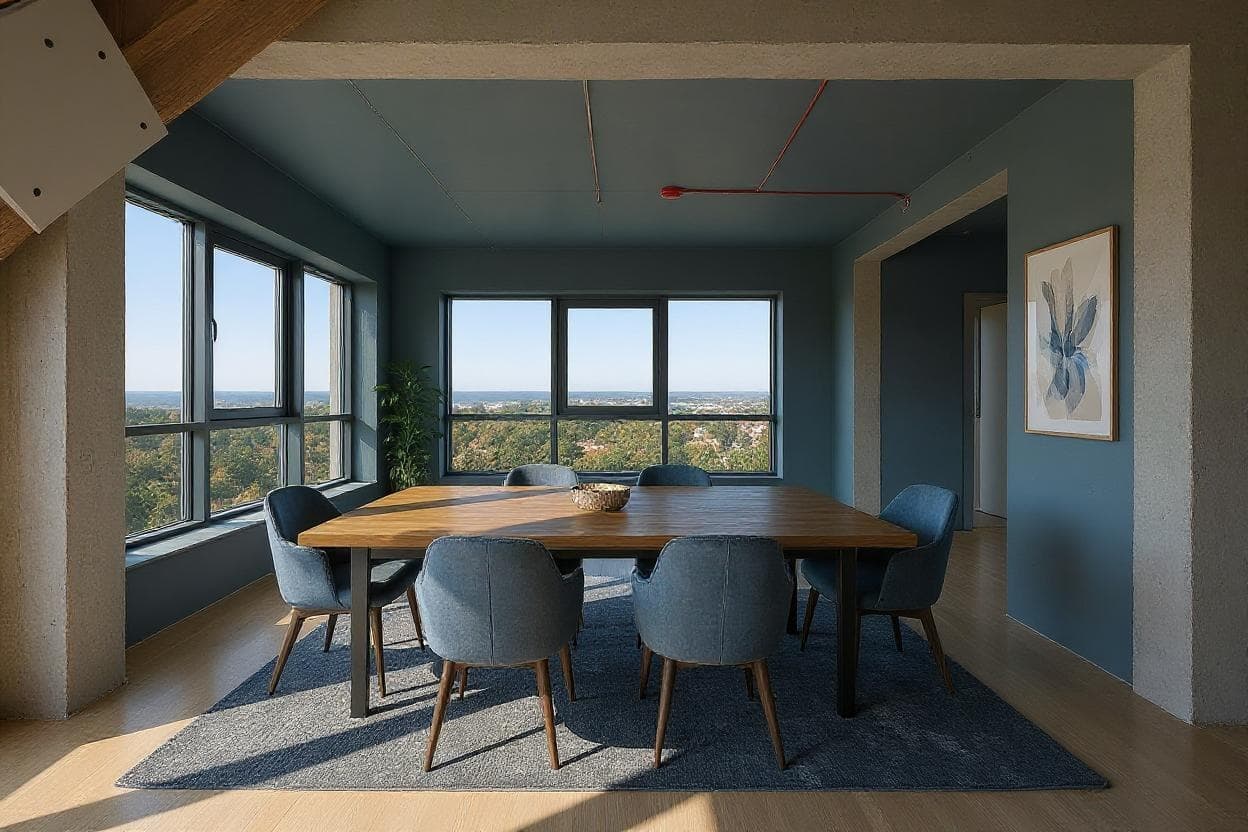
Choose from 20 style presets to see how different furniture and layouts would look in your actual space.
Download your plan
Get a photorealistic render of the planned layout in seconds — no measuring, no floor-plan software.
FAQ
Does this replace a floor-plan tool?
No — Archmaster works from a photo of your actual room, not a scaled floor plan. It's best for visualizing style and furniture placement, not precise measurements.
Can I try different layouts on the same photo?
Yes, upload once and generate as many style and layout variations as you want.
Do I need to know my room's dimensions?
No. Just upload a clear photo — the AI works from the image itself.
Stop guessing how furniture will fit.
See your room's layout before you buy or move a single piece.
Start designing free