Can AI design my kitchen from a photo for free?
Yes. Upload one photo of your kitchen, pick a style, and the AI returns a photorealistic remodel in seconds — new cabinets, countertops, backsplash and finishes, with your walls, windows and appliance positions left where they are. Your first render is free when you sign in, with no credit card, and each render costs one credit after that.
- Runs in the browser: no CAD software, no 3D modelling and no showroom visit
- Photos are processed and deleted, never kept or sold
- 20+ styles on the same photo, which is what makes comparing directions cheap
- A visual for the contractor conversation, not a measured plan or a quote
How an AI kitchen remodel works, step by step
Cabinets, worktop, backsplash, and finish are restyled together in one pass, against the appliance layout and window positions your photo already shows.
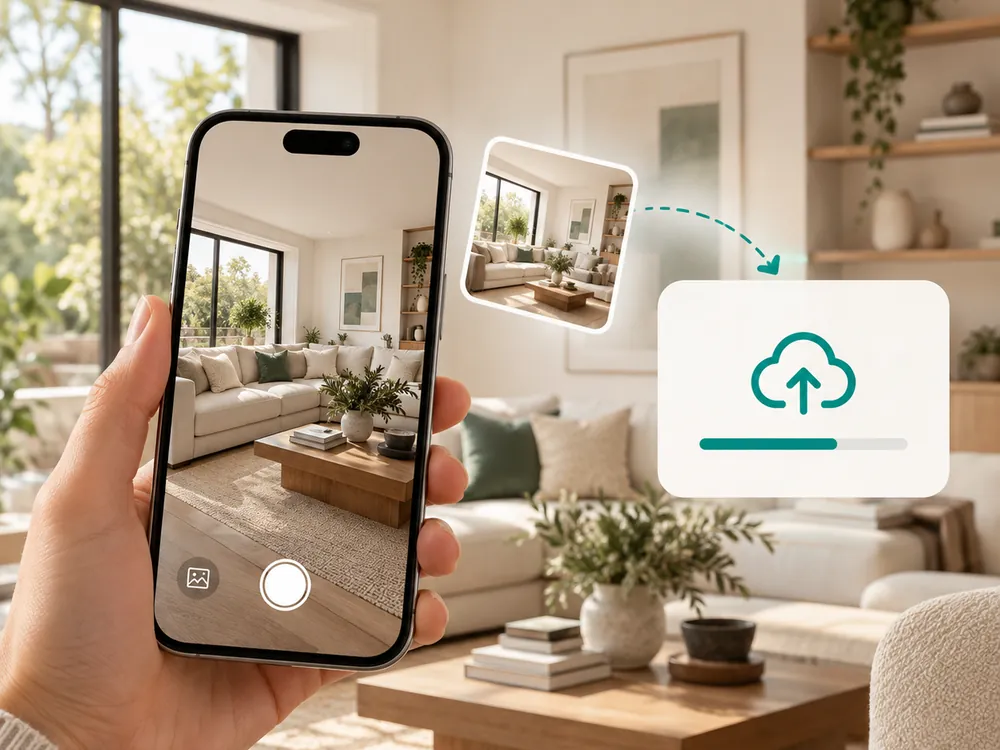
キッチンの写真をアップロード
キッチンの写真をドラッグ&ドロップ。どんな角度、照明、現在のスタイルでも対応。
- Works with any angle, lighting, or current style
- JPG, PNG, or WebP up to 12 MB
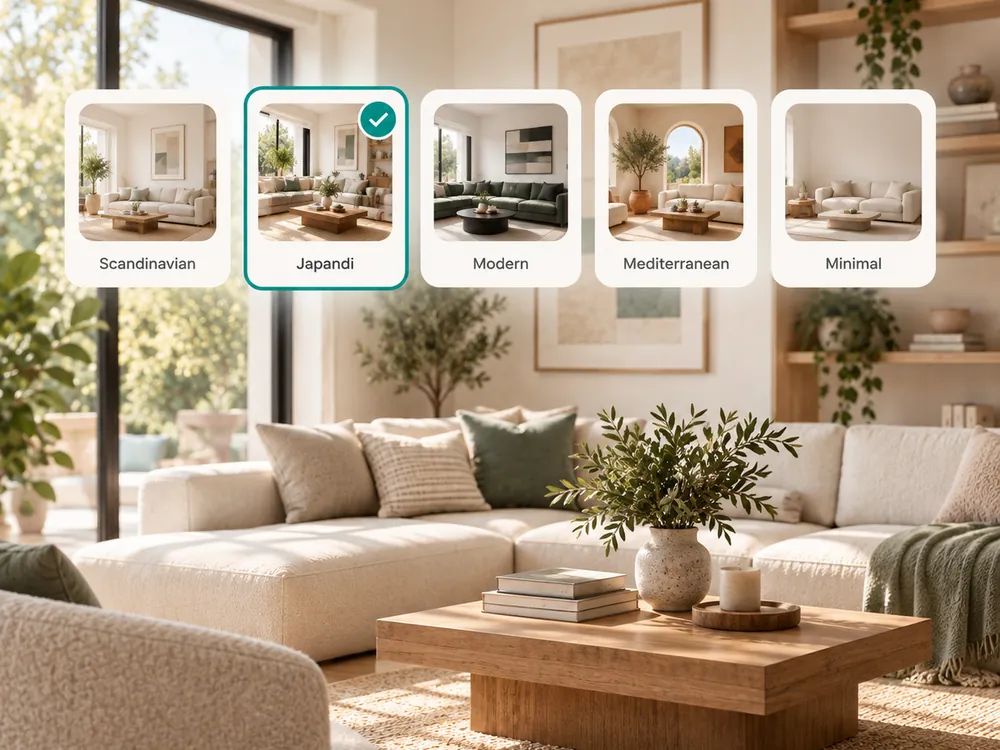
キッチンスタイルを選ぶ
Farmhouse、Japandi、Scandinavian、Modern、Luxuryなど15種類以上のプリセットから選択。
- Farmhouse, Japandi, Scandinavian, Modern, Luxury, and 15+ more
- Cabinets, countertops, and backsplash restyled together
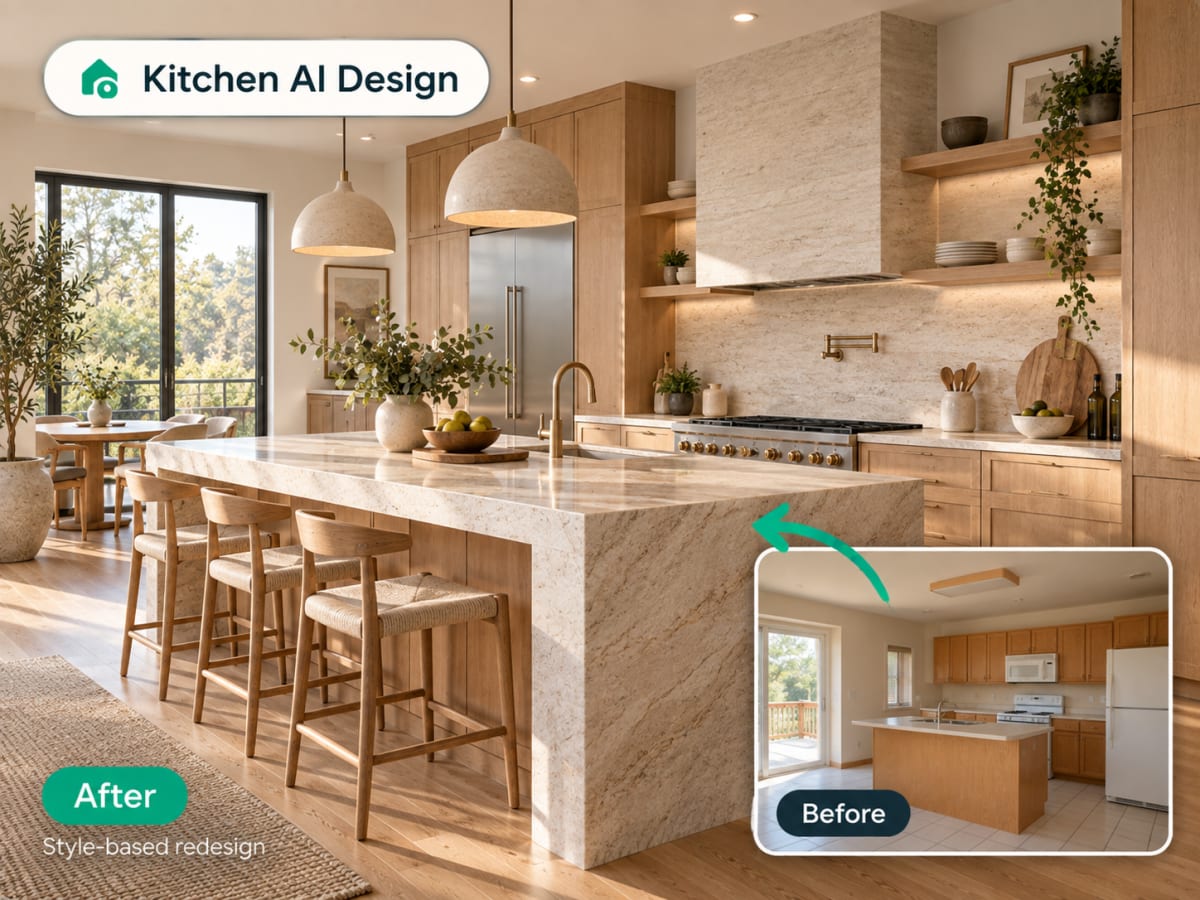
リデザインをダウンロード
キッチンの変換が数秒で完成。ダウンロード、共有、またはインペインティングで特定エリアを編集できます。
- Ready in seconds
- Share with a contractor for a quote
The style presets
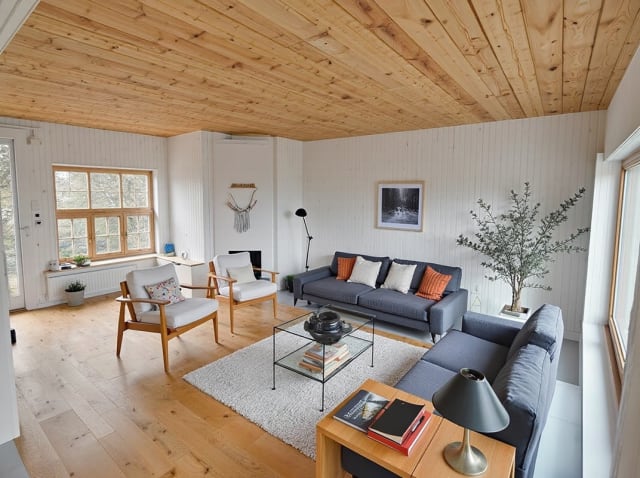
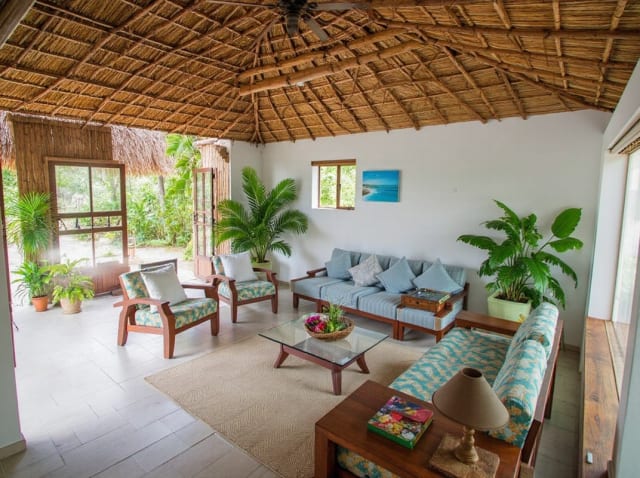
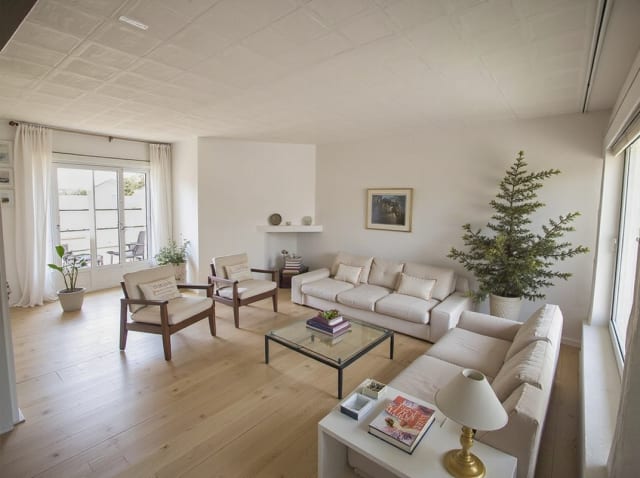
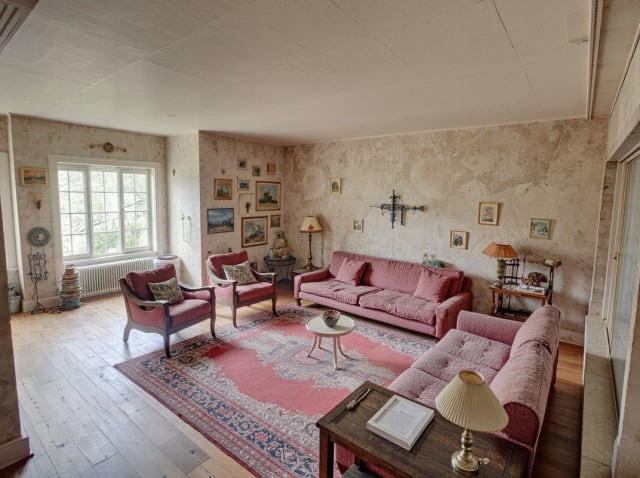
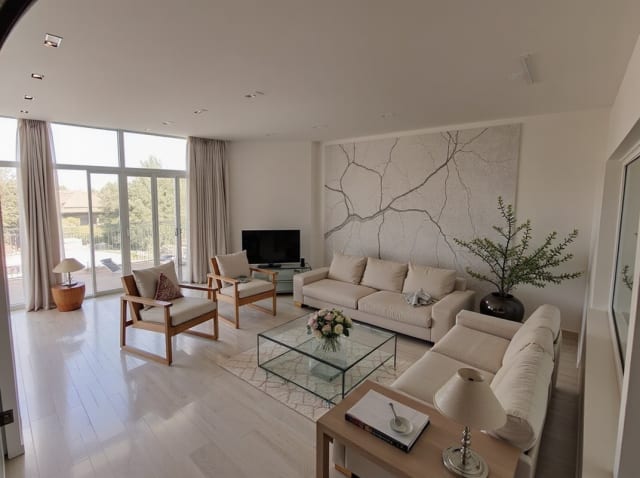
20 presets ship in the picker. A few of them below. Each tile is an example of the style, not of your room: pick one and your own photo comes back in that direction.
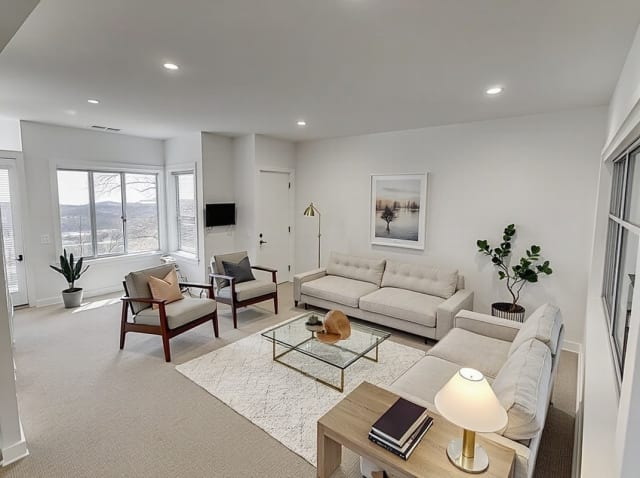
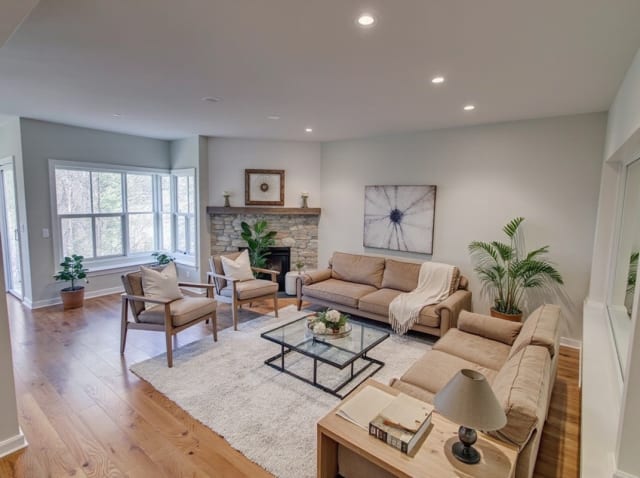
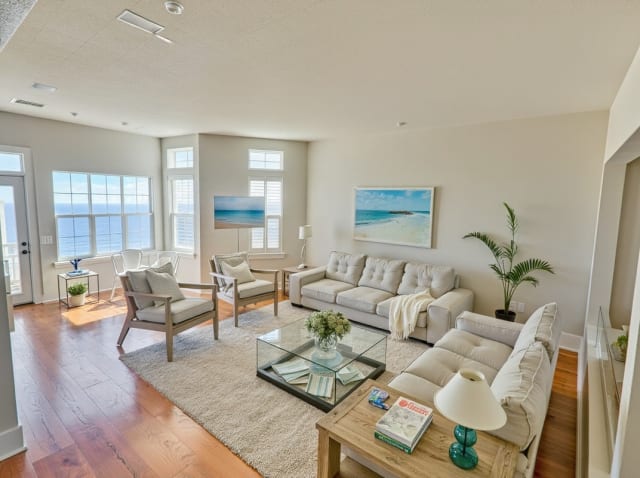
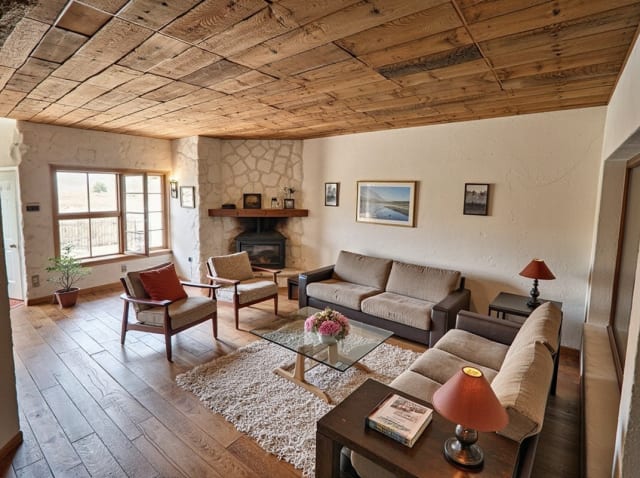
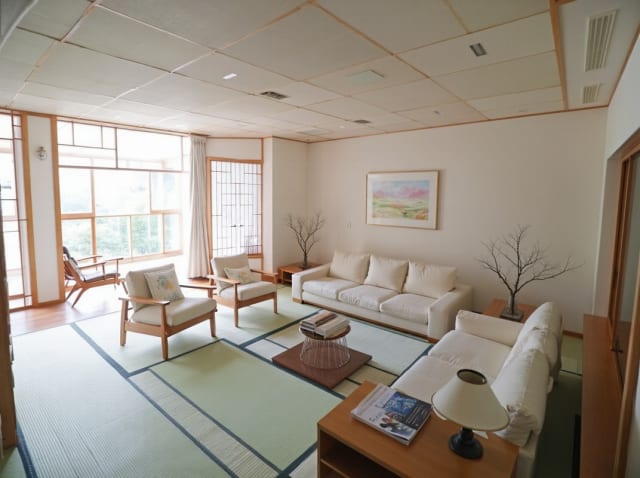
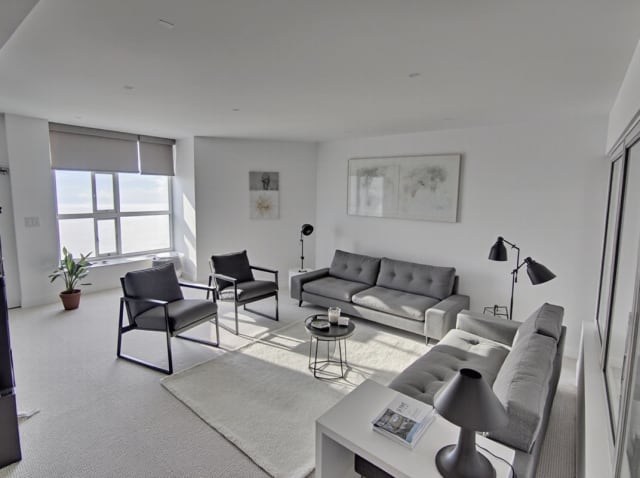
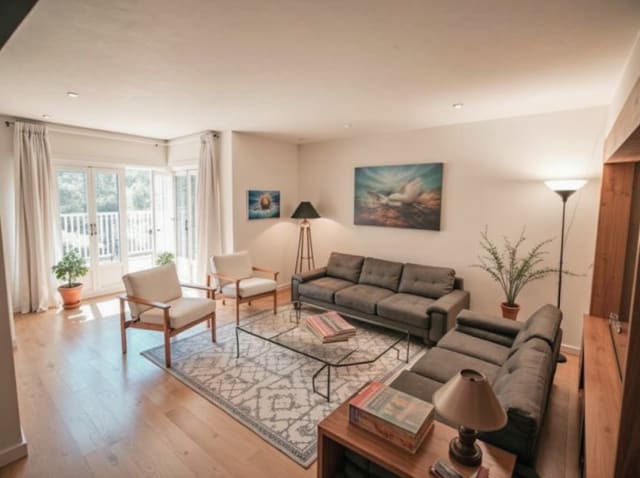
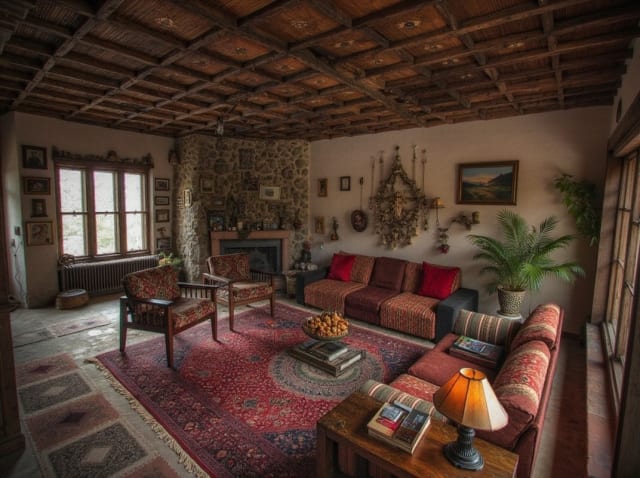
100,000+
Rooms redesigned
5,000+
Happy users
No data storage
Photos are processed and deleted — never kept or sold.

Secure payments
Checkout handled entirely by Stripe.

FAQ
Is there a free AI kitchen design tool with no login?
You can browse the styles and examples here without an account. Generating a render needs a sign-in so the result can be saved to your library. Your first render is free, with no credit card — after that each one costs a credit.
Can AI design my kitchen from just a photo?
Yes. One clear photo, ideally taken from a corner so two walls and the run of cabinets are visible, is enough. The AI reads the room's geometry from the image and restyles the surfaces while leaving the layout where it is.
Can AI redesign my kitchen cabinets and countertops together?
Yes. Each style preset updates cabinets, countertops, backsplash, and overall finish in one pass, so the result reads as one cohesive kitchen instead of mismatched, piecemeal changes across different surfaces. This is the main advantage over swapping materials one at a time in a generic visualizer.
Will it change my kitchen's actual layout?
No. The AI keeps your appliance positions, window placement, and cabinet footprint as they are in your photo. It restyles surfaces and finishes, not the underlying layout, so the render stays realistic and buildable for your actual space rather than a reimagined floor plan.
How many kitchen styles can I try?
20+ presets, including Farmhouse, Japandi, Scandinavian, Modern, and Luxury. You can generate multiple styles from the same uploaded photo to compare them side by side before picking a direction, and each generation only takes seconds.
Can I use the result to plan a real renovation?
Yes, as an early direction-setting step. It's a strong reference for choosing a cabinet color or countertop material, but pair it with a contractor's measurements and material quote before ordering anything.
Is the result accurate enough to order cabinets from?
No, and it should not be used that way. It is a visual direction, not a measured design: no dimensions, no cabinet schedule, no product codes. Take the render to a kitchen supplier or designer and let them measure.
あなたのキッチンが変わる瞬間を見てください。
写真をアップロードして任意のスタイルを適用。ソフトウェアなし、デザイナーなし、待ち時間なし。