What Is Edit and Modify?
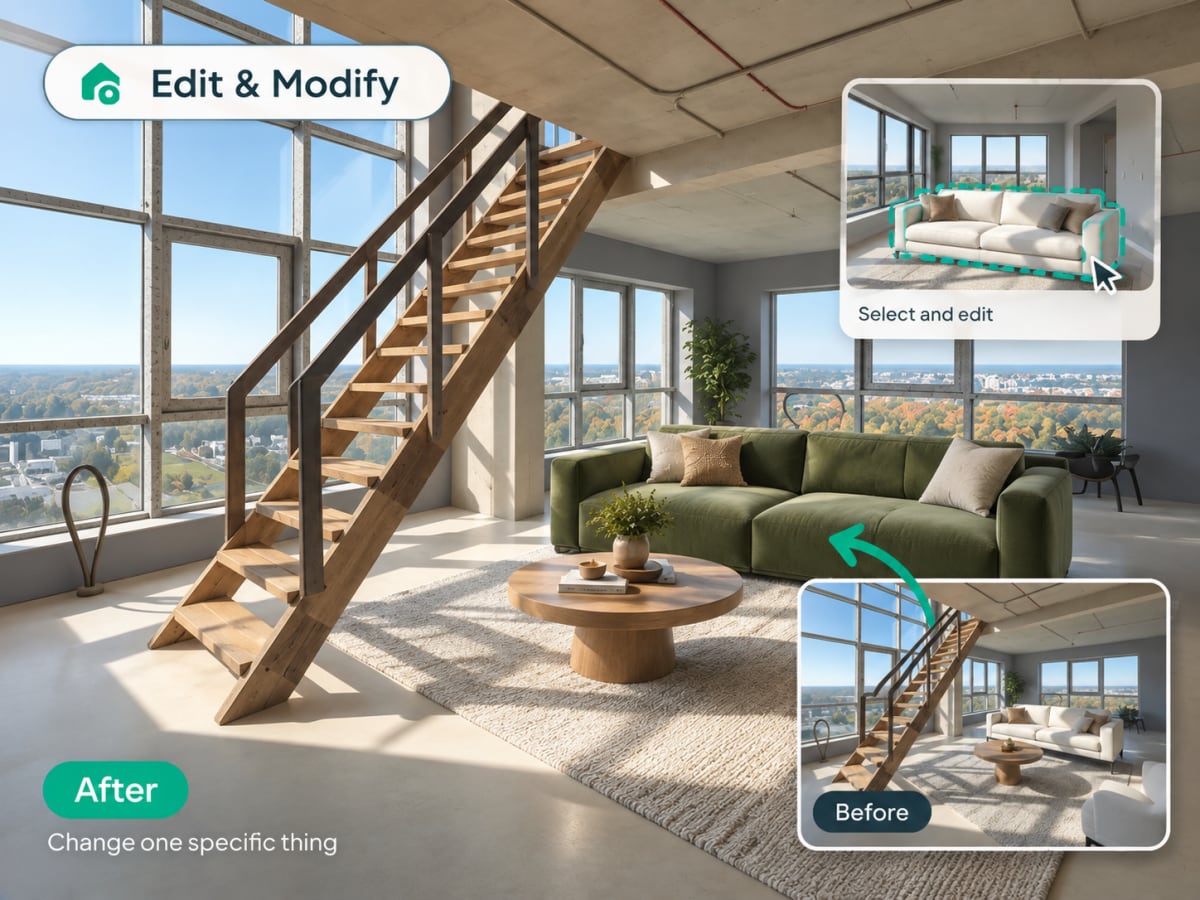
Edit and Modify is Archmaster's inpainting tool for changing one part of an existing render without regenerating the whole image. Paint a mask over the specific area you want to change and describe what should replace it.
- The AI regenerates only the masked region, everything outside stays untouched
- Faster and more predictable than a full new generation for one change
- Designers use it to test furniture swaps or color changes on an approved render
- Also works well for removing unwanted objects like a stray cable or appliance
How AI inpainting works, step by step
You mark the part that is wrong and describe what should be there instead. Everything outside the mask is left exactly as it was.
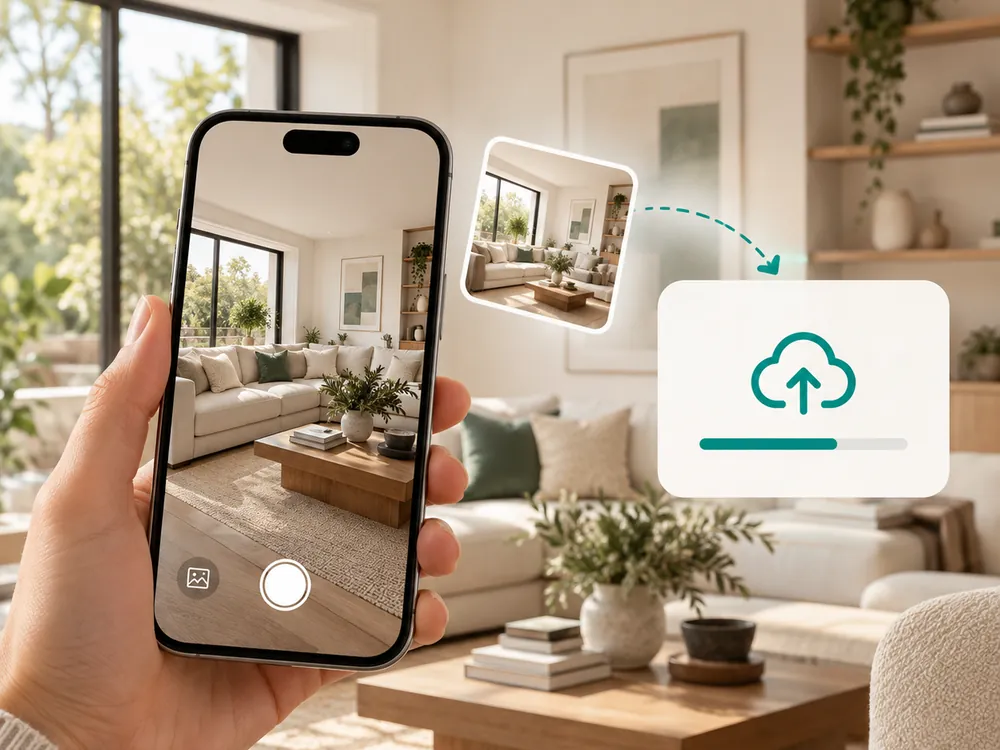
デザインを開く
ライブラリ内の任意のデザインから始めるか、新しいレンダーまたは写真をアップロード。
- Start from your library or upload a new render
- Works with existing designs or fresh uploads
変更するエリアをペイント
変更したい画像の部分にブラシをかけてください。代わりに何を望むかを説明する指示を追加。
- Brush over just the part you want to change
- Add written instructions for what should appear instead
適用して洗練させる
AIが指示に基づいてマスクされたエリアを塗り替えます。結果が完璧になるまで他のエリアで繰り返します。
- Only the masked area is regenerated
- Lighting and shadows outside the mask stay untouched
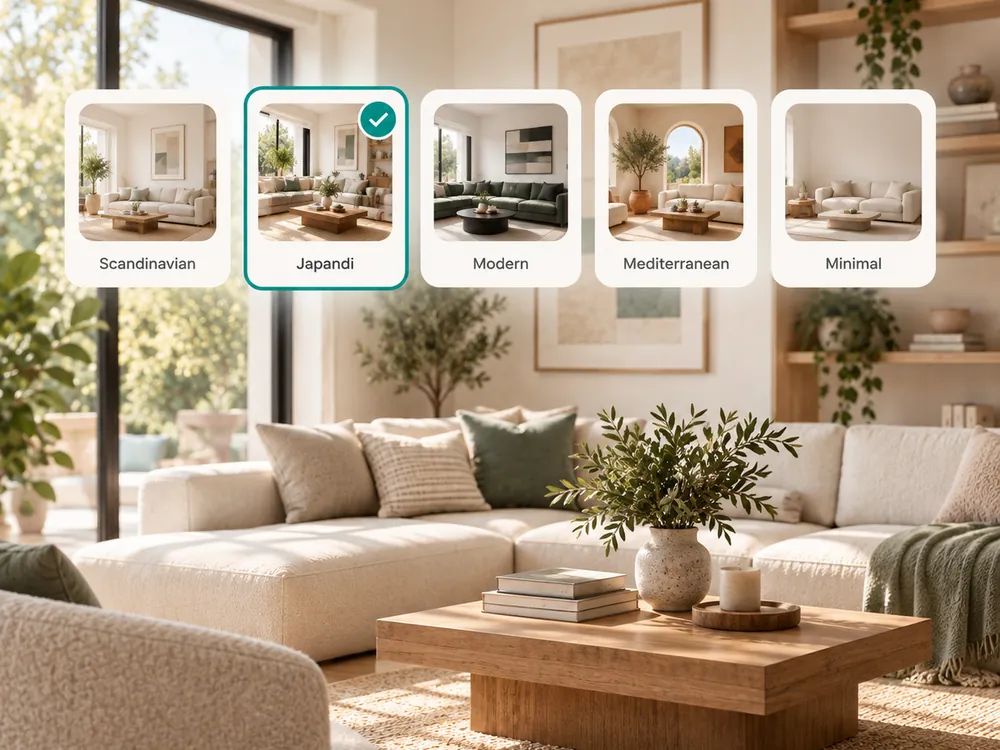
The style presets
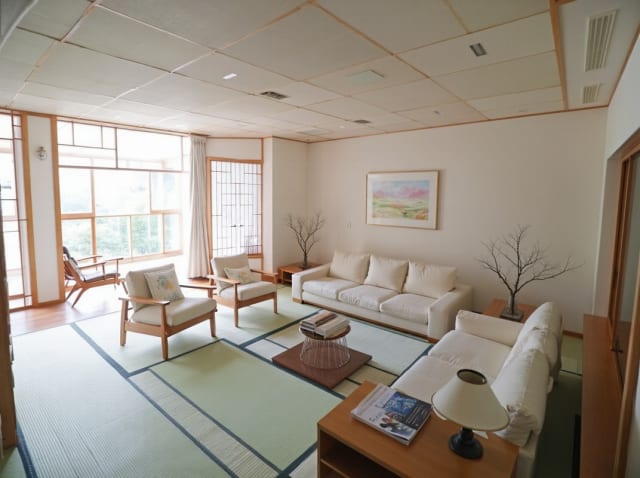
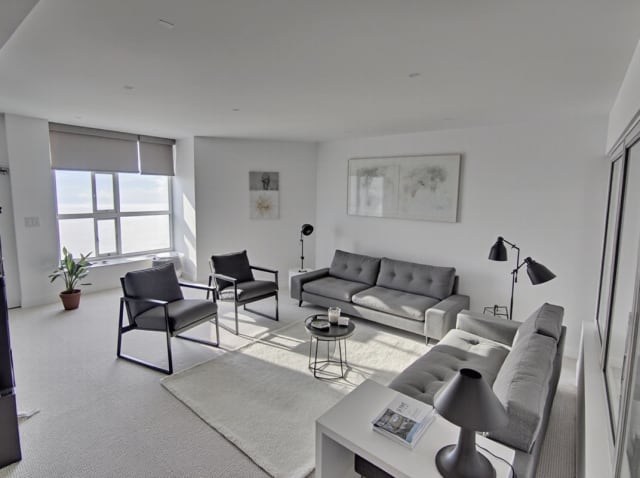
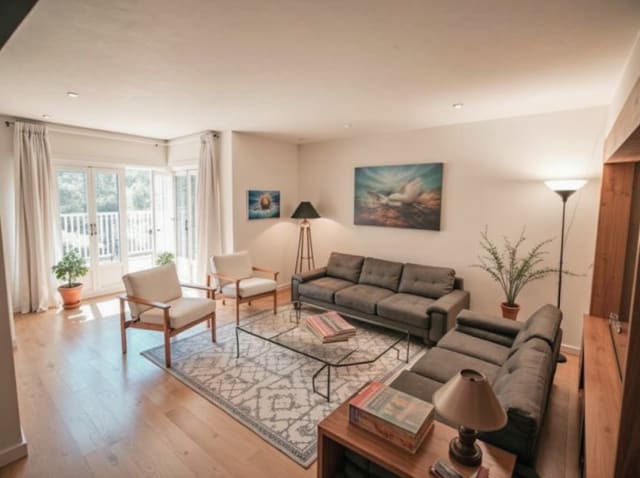
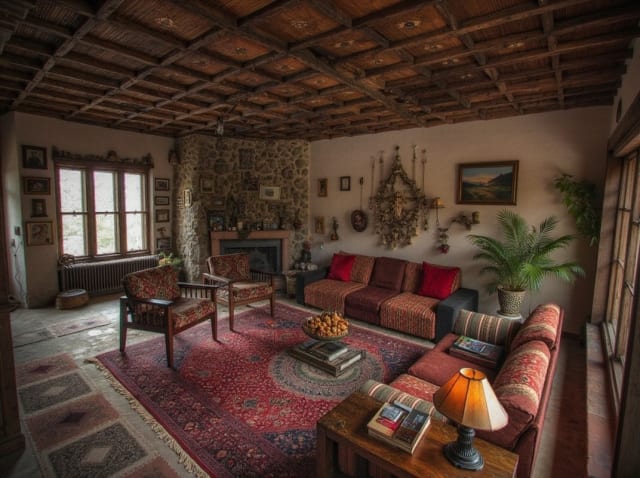
20 presets ship in the picker. A few of them below. Each tile is an example of the style, not of your room: pick one and your own photo comes back in that direction.
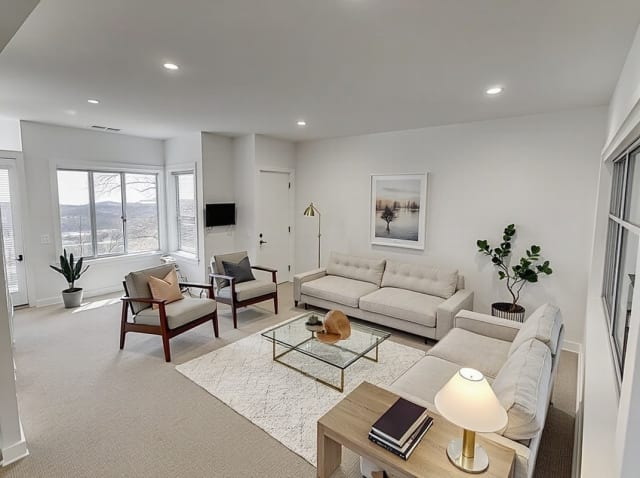
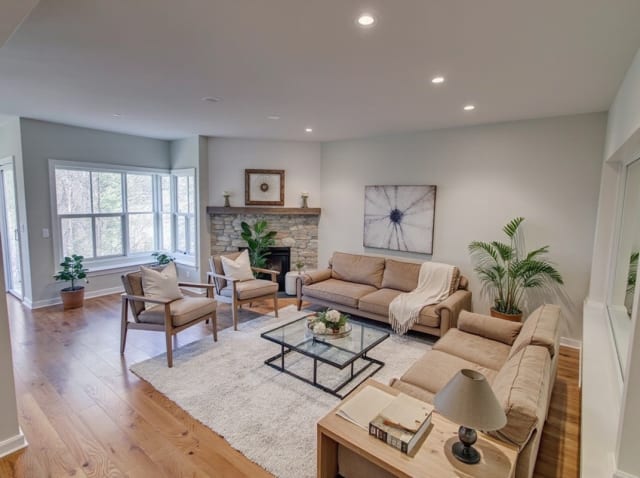
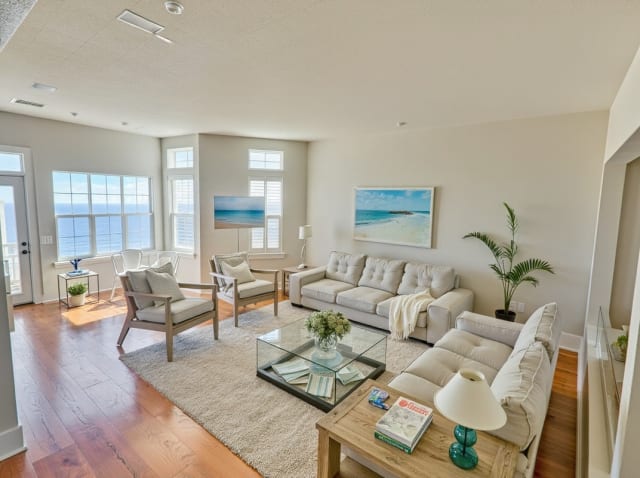
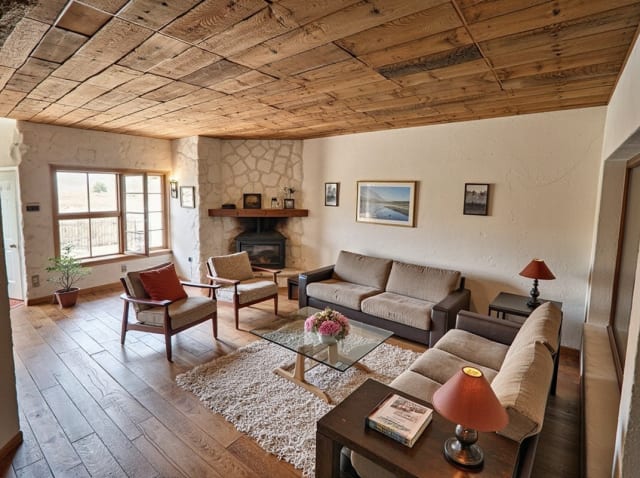
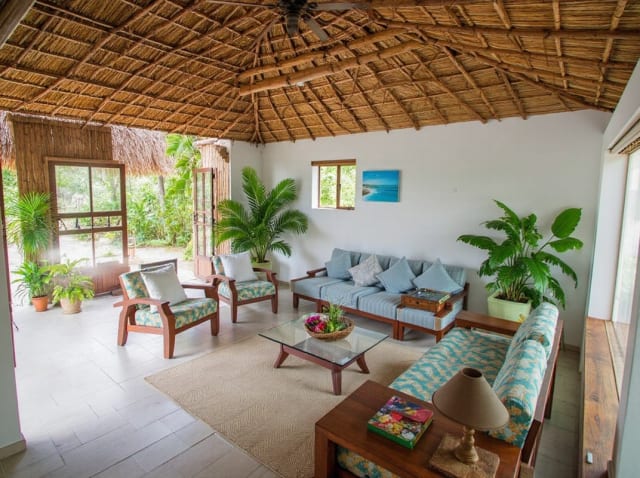
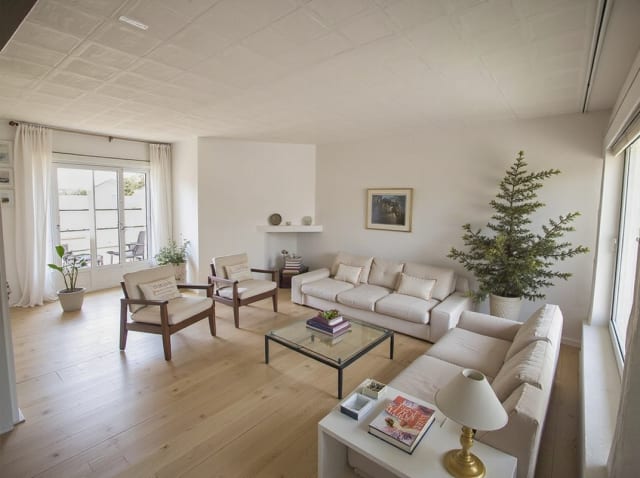
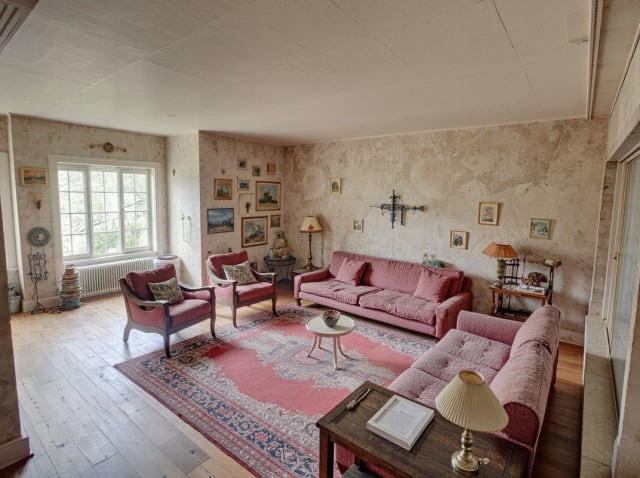
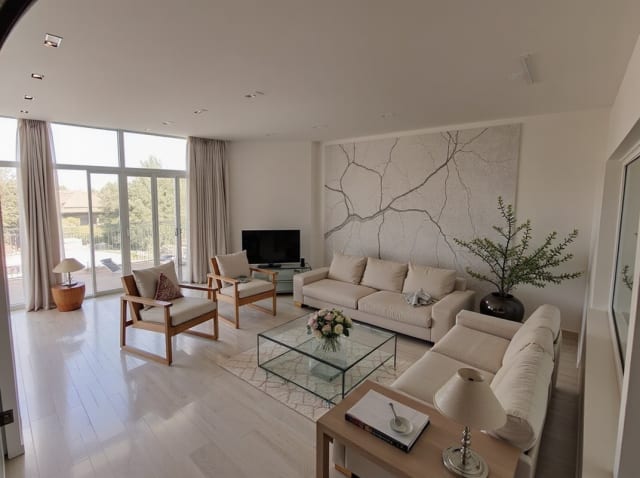
100,000+
Rooms redesigned
5,000+
Happy users
No data storage
Photos are processed and deleted — never kept or sold.

Secure payments
Checkout handled entirely by Stripe.

FAQ
How is Edit and Modify different from generating a new render?
It changes only the area you mask instead of regenerating the whole image. Everything outside the selected region stays exactly as it was in the original render, including lighting and camera angle.
What kinds of changes can I make with it?
Common edits include swapping furniture, repainting walls, changing flooring, and removing unwanted objects. Describe the change in a short sentence and the AI fills in the masked area accordingly.
Can I make multiple edits to the same render?
Yes. Apply one edit, review the result, then mask a different area and repeat as many times as needed. Each individual edit is a separate generation that costs 1 credit.
Will the edited area match the lighting and perspective of the rest of the image?
The AI blends the new content into the surrounding lighting, shadows, and perspective automatically, so the edit reads as part of the original photo rather than a visible pasted-in patch.
精密な編集、全体の再レンダーではなく。
変えたい部分だけを変更。その他はすべてそのまま。1回の編集につき1クレジット。