What Is Multi-Angle Rotate?
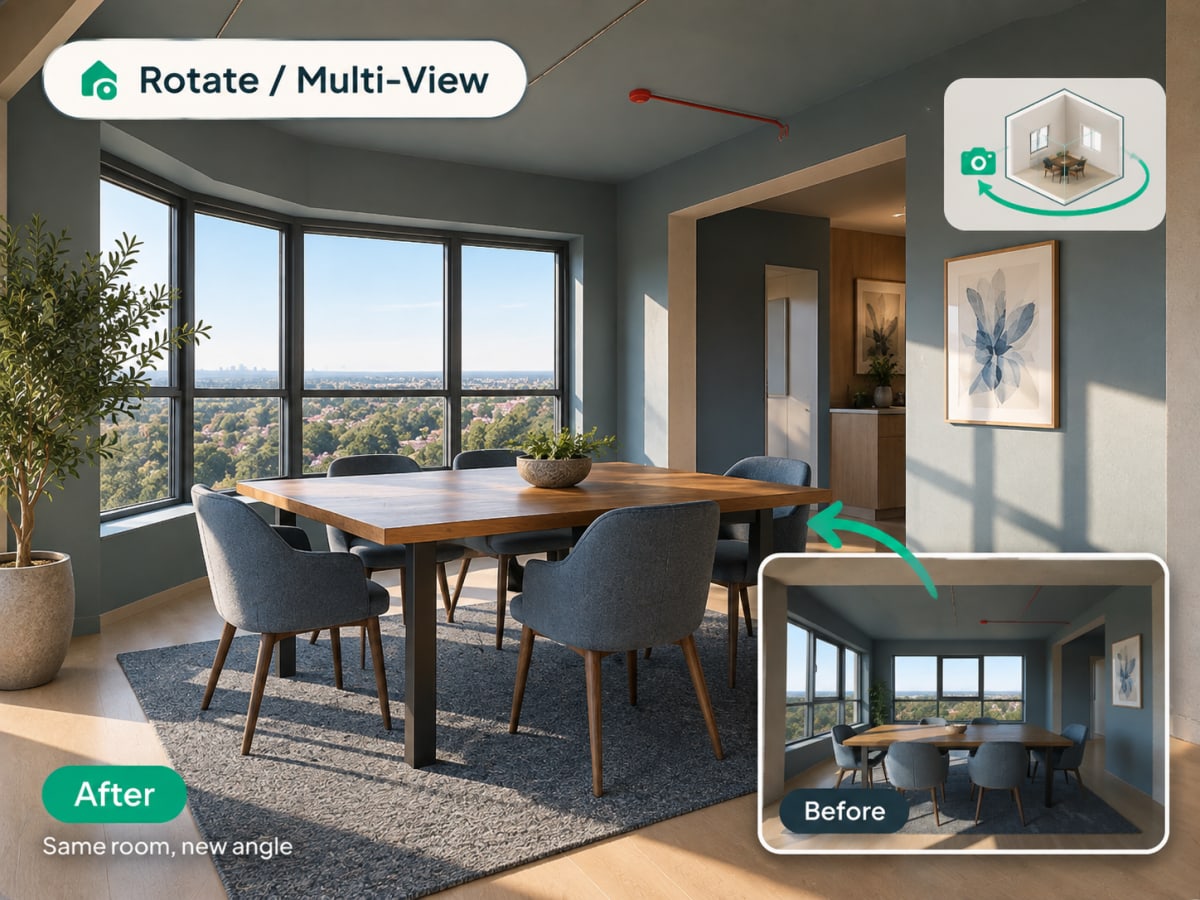
Multi-angle Rotate takes a photo you already have and generates a second, plausible view of the same room or facade, keeping the same materials, furniture, and lighting style intact.
- Checks a design from a second angle before a client or buyer asks to see it
- Works on raw source photos and renders you've already generated
- Costs 3 credits per generation
- Most useful for listing photos that need more than one view and client presentations
How multi angle rotate works, step by step
A second plausible view of the same space, with the materials, furniture, and lighting of the first carried across so the two read as one room.
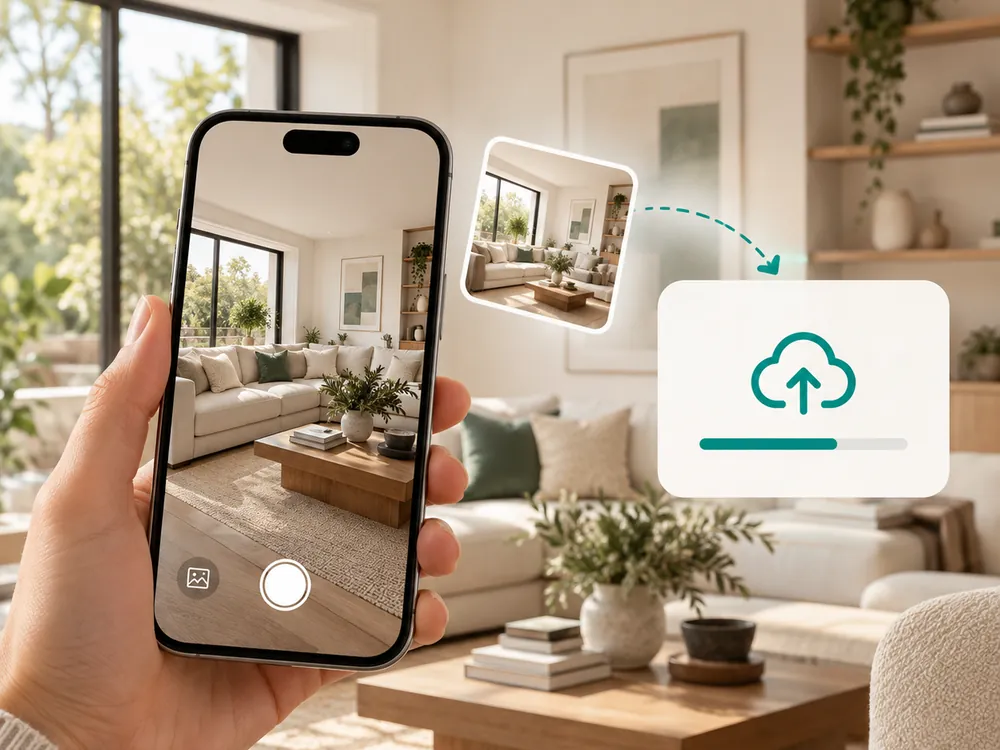
사진 업로드
실내든 외관이든 어떤 사진이든 사용할 수 있습니다. JPG, PNG, WebP 파일을 최대 12MB까지 지원합니다.
- Works with a source photo or an already-styled render
- A full, unobstructed view of the space works best
새로운 각도 생성
AI가 스타일과 소재는 그대로 유지하면서 같은 공간의 다른 카메라 각도를 생성합니다.
- Keeps materials, furniture, and lighting consistent
- Costs 3 credits per generation
새로운 뷰 다운로드
디자인 결정을 내리기 전에 공간을 다른 시점에서 확인하는 데 활용하세요.
- Useful for listing photos that need more than one view
- Confirms a design decision from a second vantage point
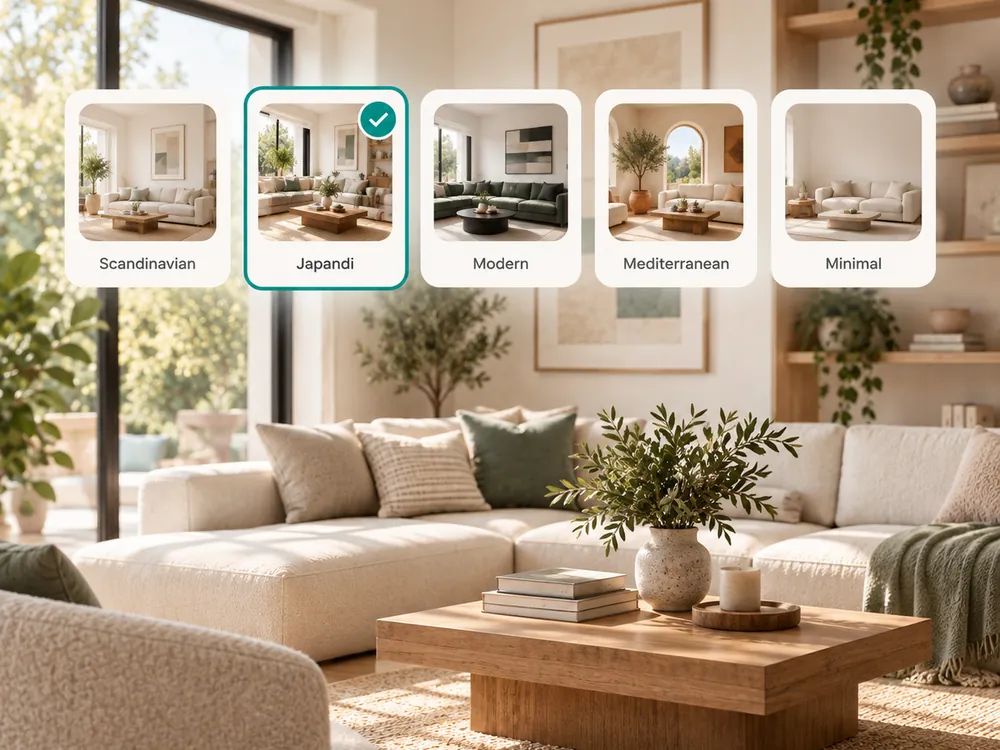
The style presets
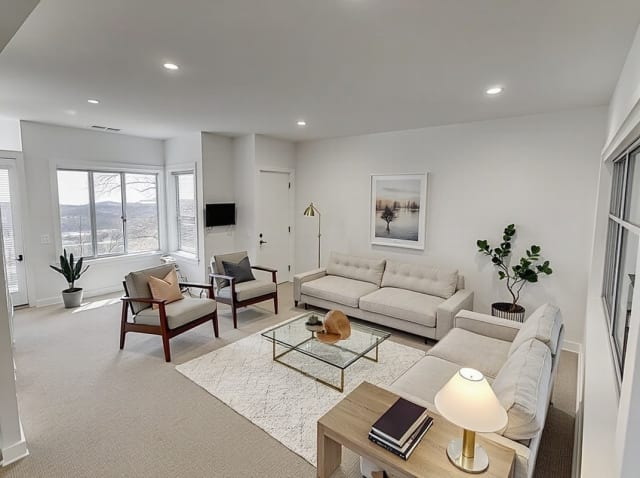
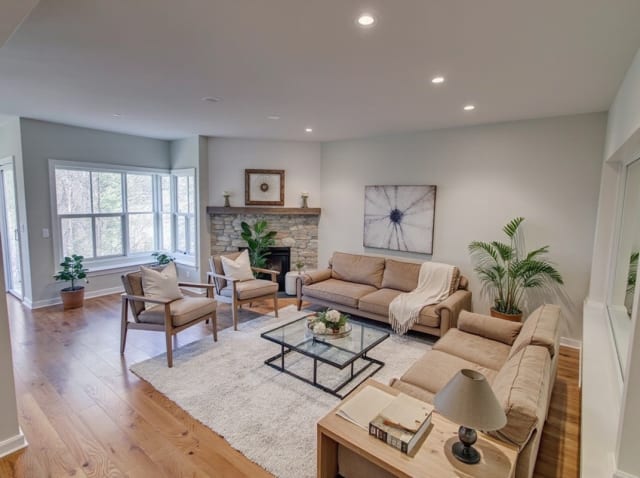
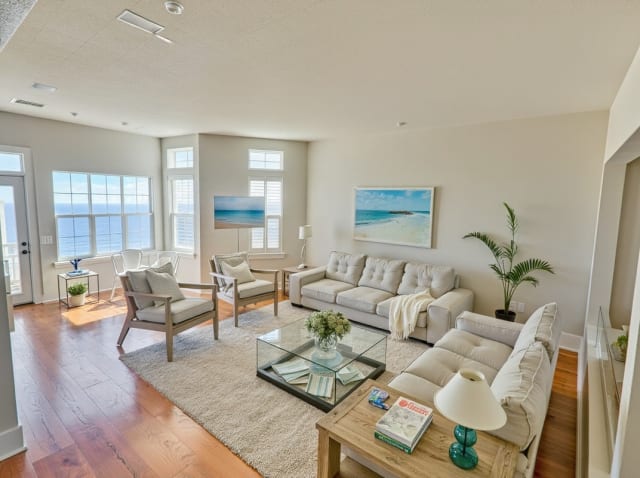
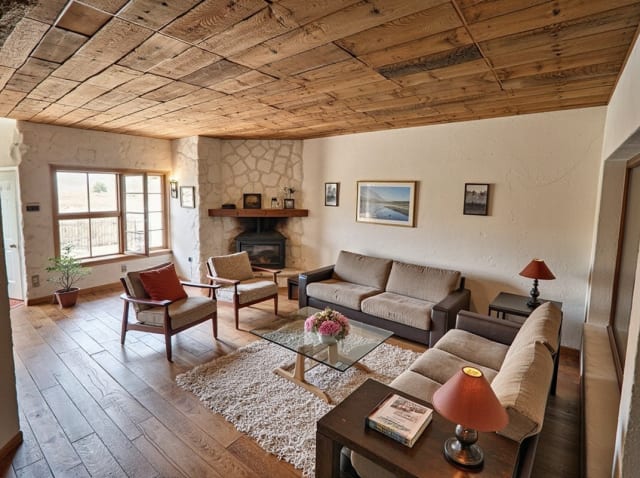
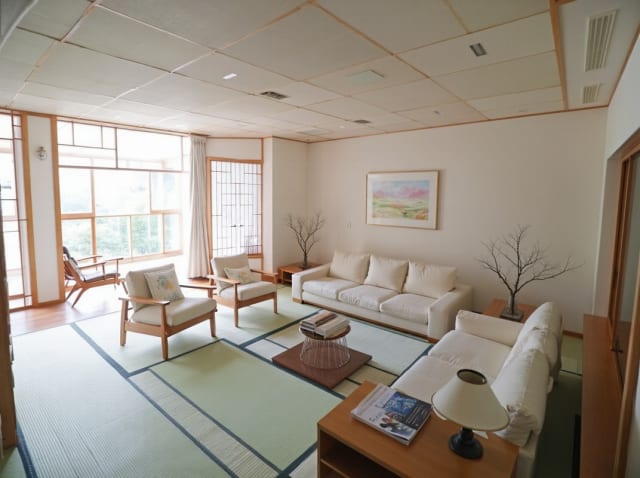
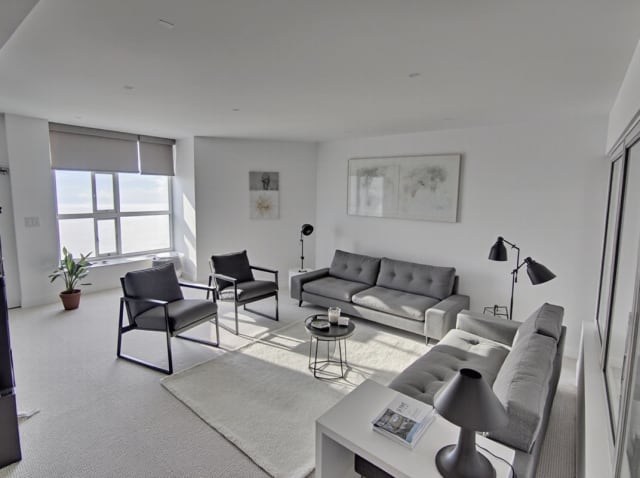
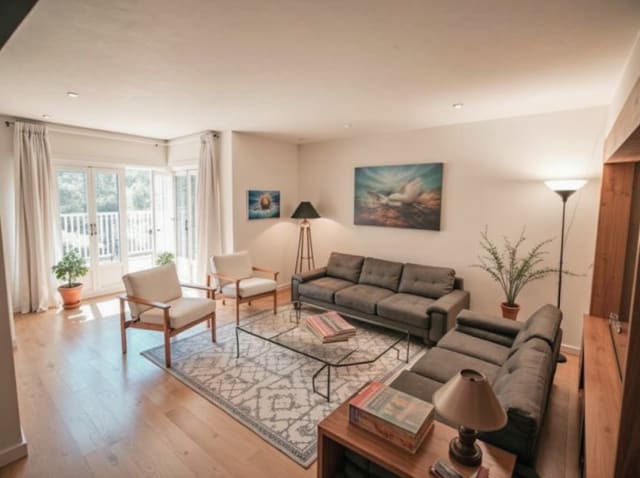
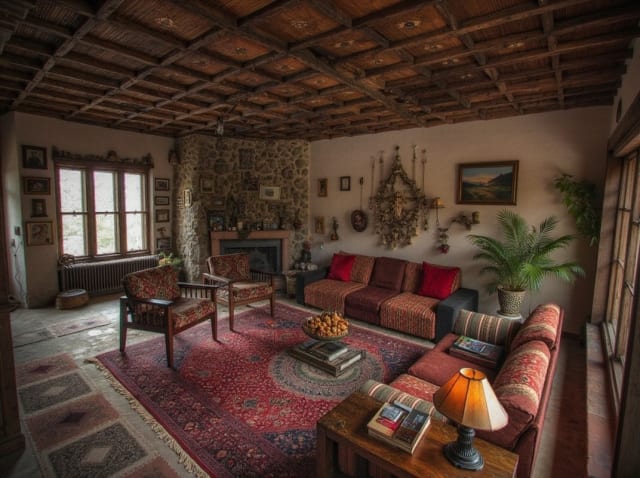
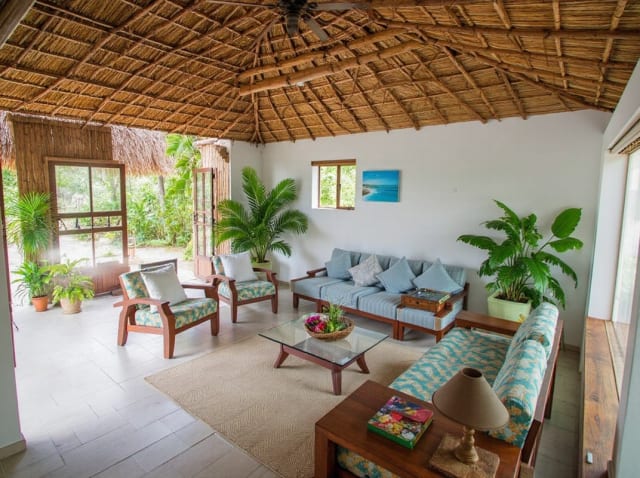
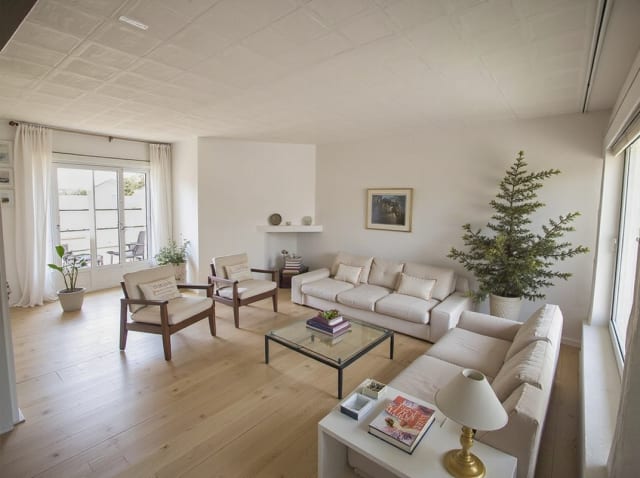
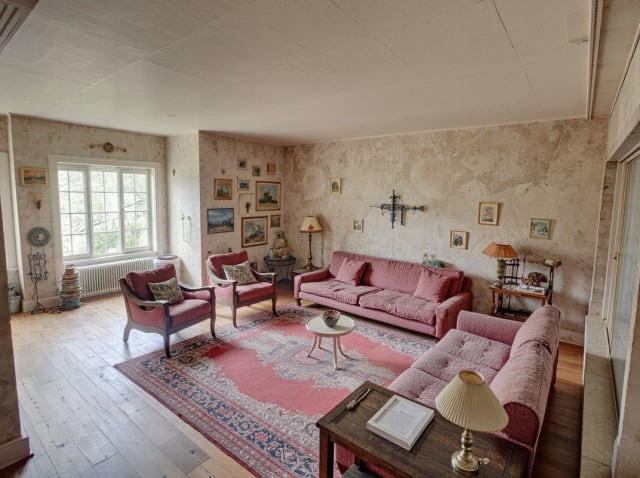
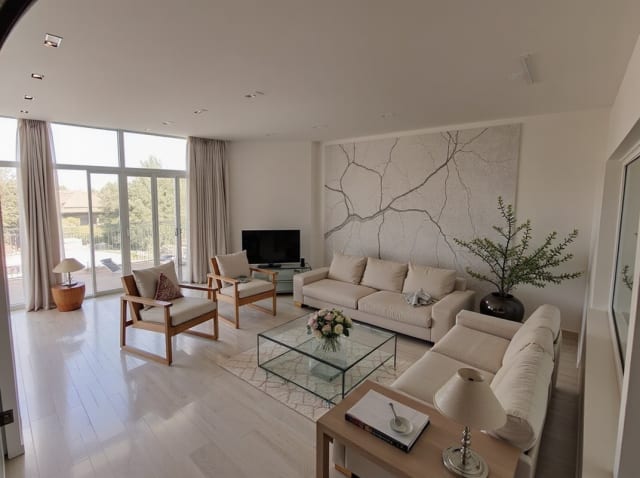
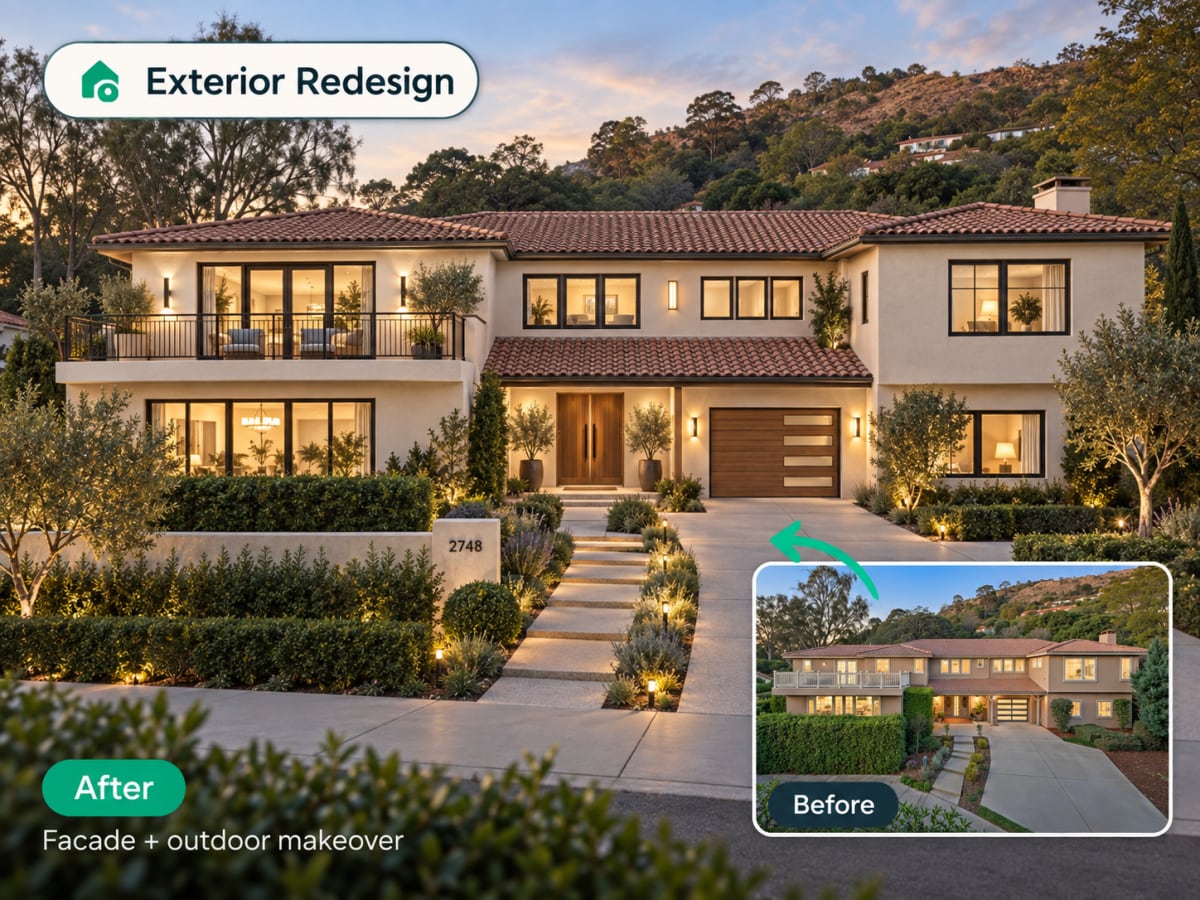
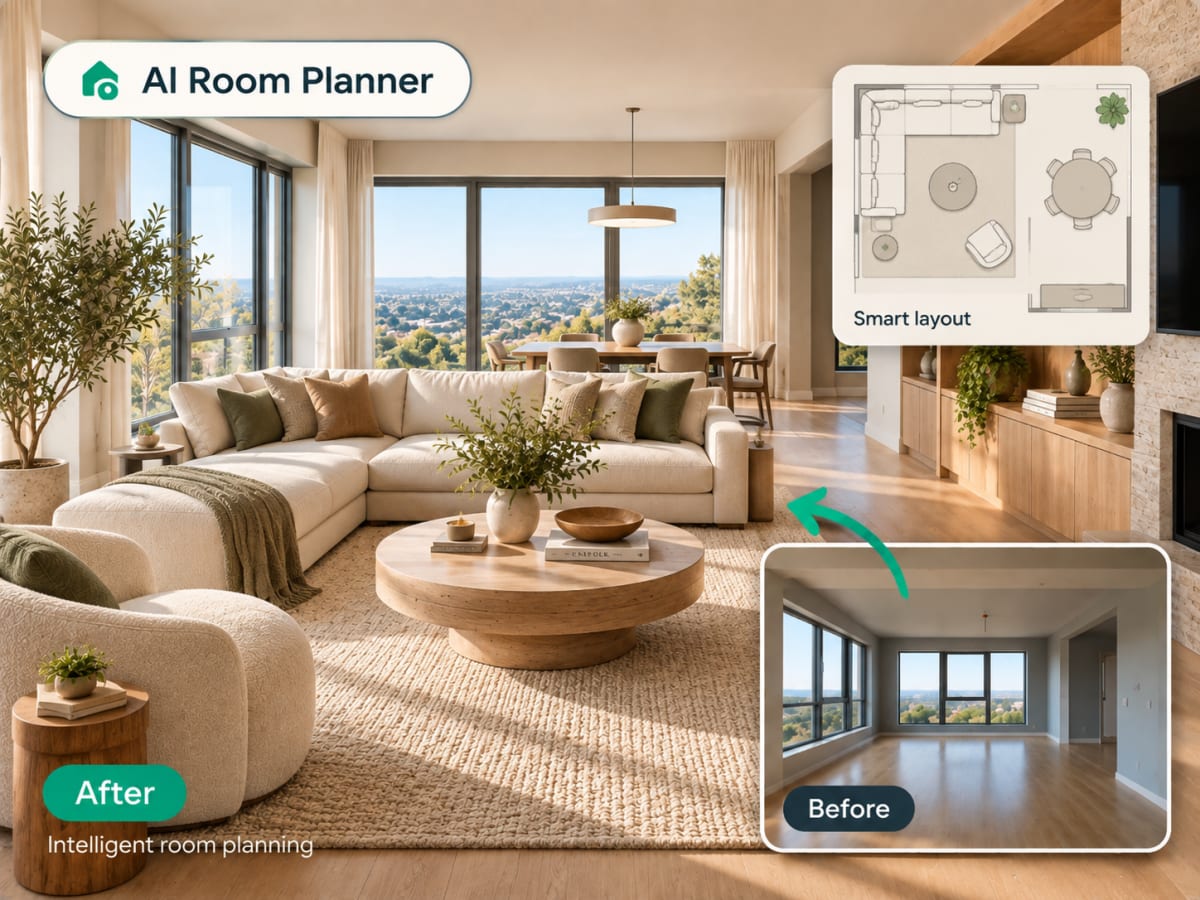
20 presets ship in the picker. A few of them below. Each tile is an example of the style, not of your room: pick one and your own photo comes back in that direction.
100,000+
Rooms redesigned
5,000+
Happy users
No data storage
Photos are processed and deleted — never kept or sold.

Secure payments
Checkout handled entirely by Stripe.

FAQ
실제로 내 방의 다른 각도를 보여주는 건가요?
실제 카메라로 촬영한 것이 아니라 AI가 생성한 재해석 결과물입니다. 원본 사진을 기반으로 스타일과 소재를 그대로 유지하면서 그럴듯한 다른 각도를 추론합니다.
이미 새로 디자인된 렌더링에도 사용할 수 있나요?
네. 먼저 디자인을 생성한 뒤, 로테이트 기능으로 같은 스타일이 적용된 공간을 다른 각도에서 확인할 수 있습니다.
실내뿐 아니라 외관에도 적용되나요?
네, 실내와 외관 사진 모두 동일한 방식으로 작동합니다.