Can AI plan my room layout from a photo?
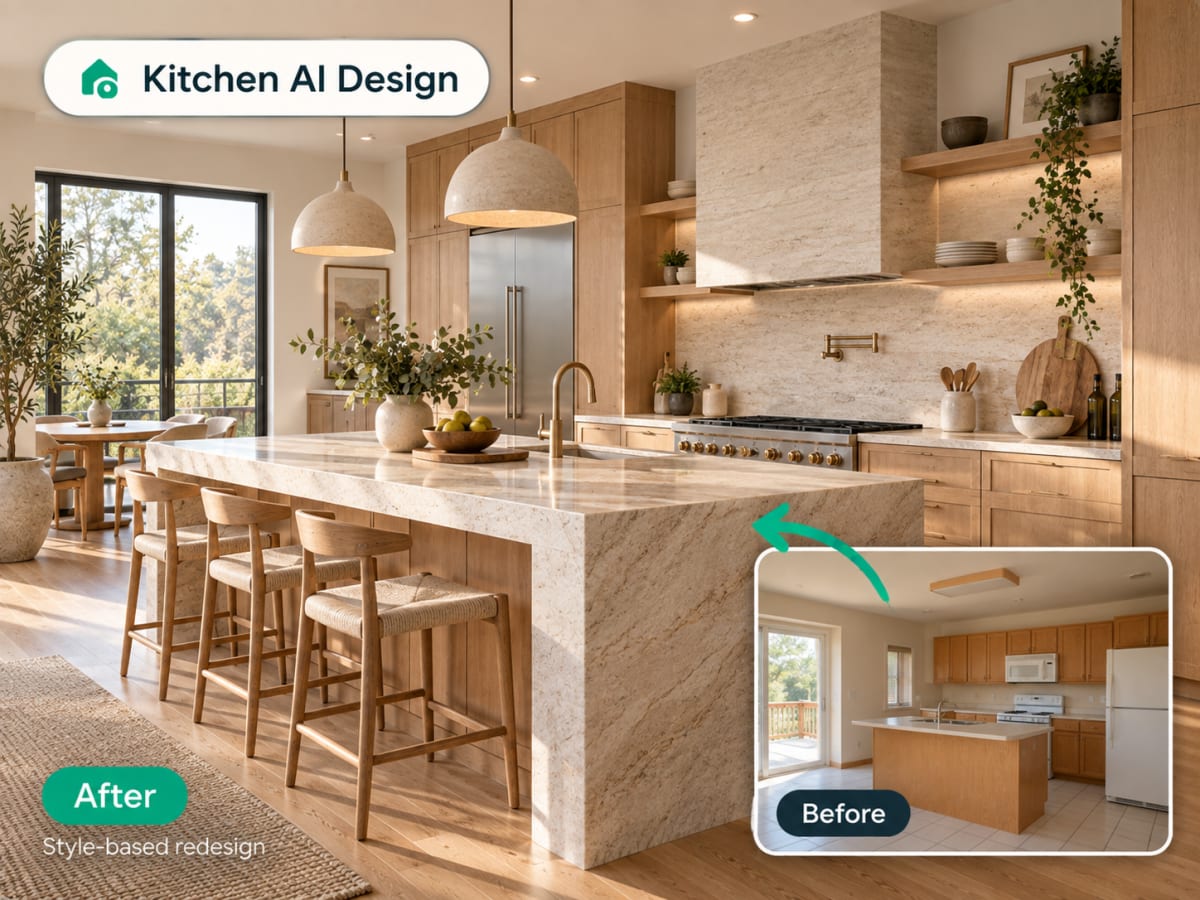
Yes. Upload one photo of the room and the AI proposes a furniture arrangement and style inside your room's own walls, windows and perspective, and returns it as a photorealistic image in seconds. It is a layout idea to react to, not a measured plan.
- No drag-and-drop 3D modeling, no manual measuring, no furniture catalog to browse
- Built for renters testing a layout and homeowners comparing arrangements before buying
- A fast first pass before committing to a full room-planning app
- Most people run two or three style presets on the same photo to compare
How AI room planning works, step by step
The output is a photorealistic view of your own room with furniture placed in it, not a top-down diagram you have to translate.
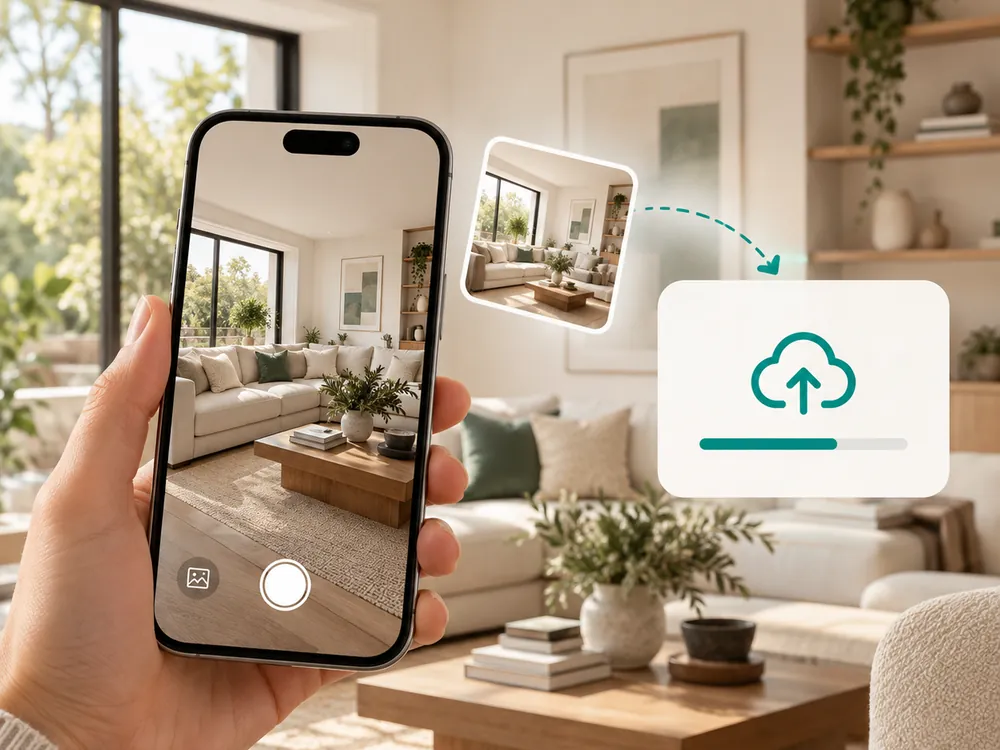
방 사진 업로드
계획하려는 방의 사진을 드래그 앤 드롭하세요. JPG, PNG, WebP 파일을 최대 12MB까지 지원합니다.
- JPG, PNG, or WebP up to 12 MB
- Wider shots capture more of the room
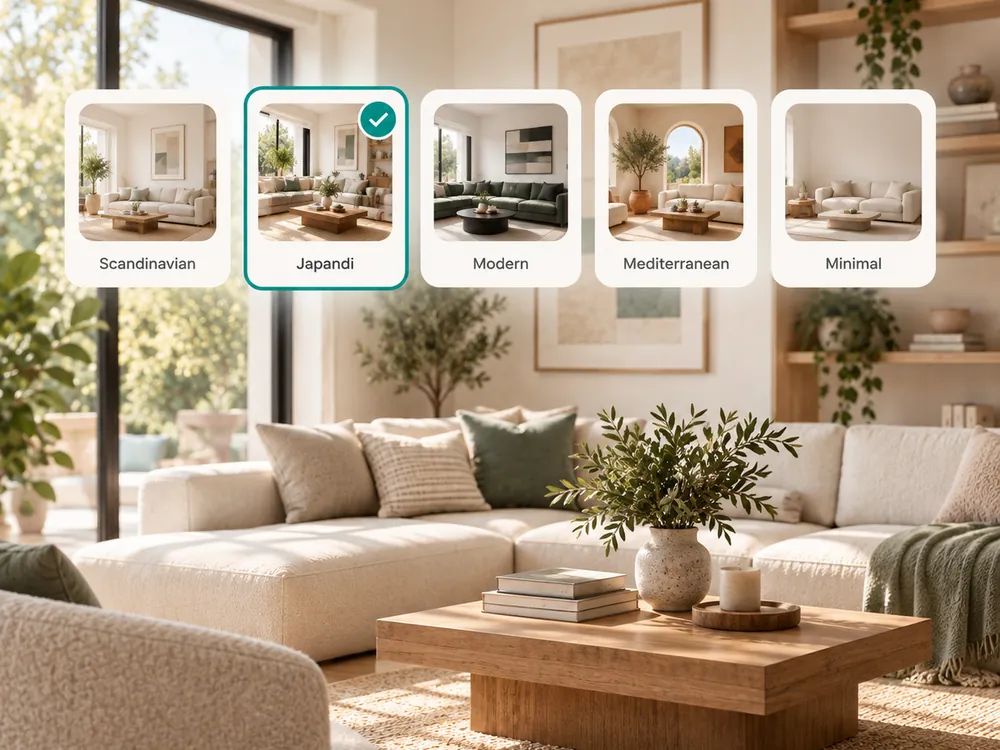
스타일 선택
20가지 스타일 프리셋 중에서 선택해 실제 공간에 다양한 가구와 레이아웃이 어떻게 어울리는지 확인하세요.
- 20 style presets to compare layouts and finishes
- See furniture placement suggestions in your actual space
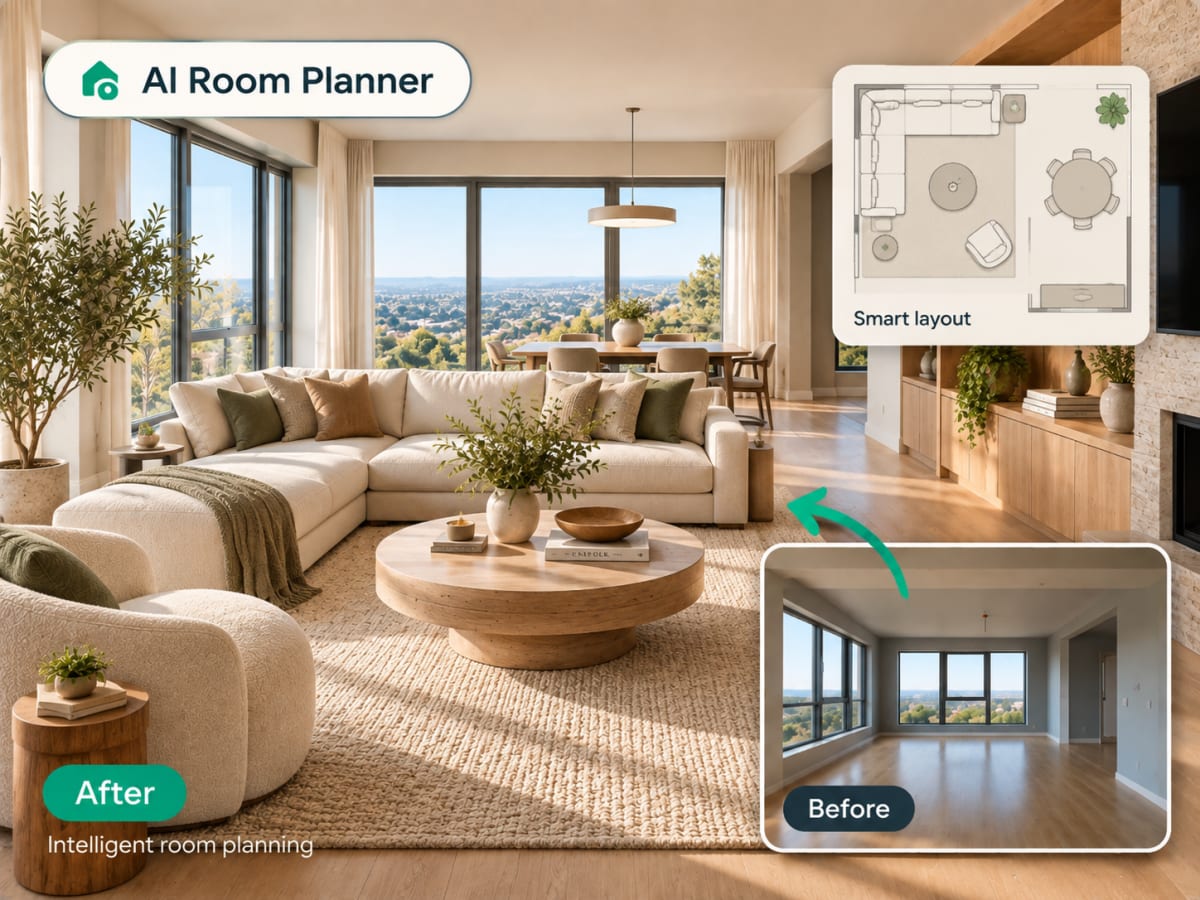
플랜 다운로드
몇 초 만에 계획된 레이아웃의 사실적인 렌더링을 받아보세요. 별도의 실측이나 도면 소프트웨어가 필요 없습니다.
- Ready in seconds
- No measuring or floor-plan software needed
The style presets
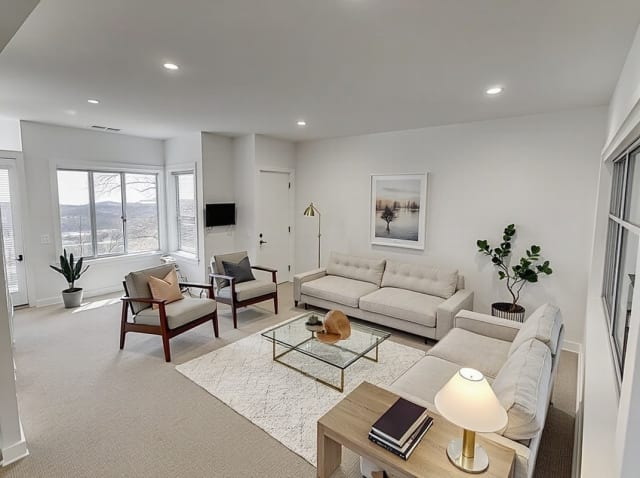
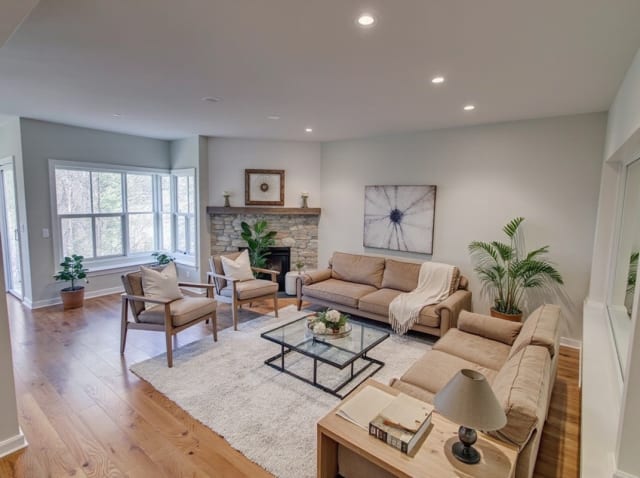
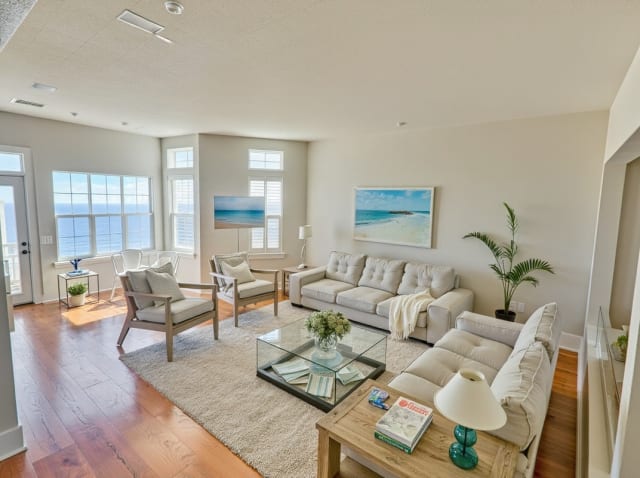
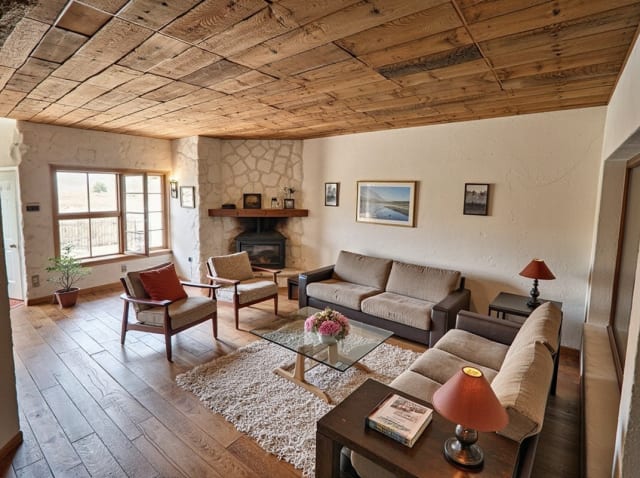
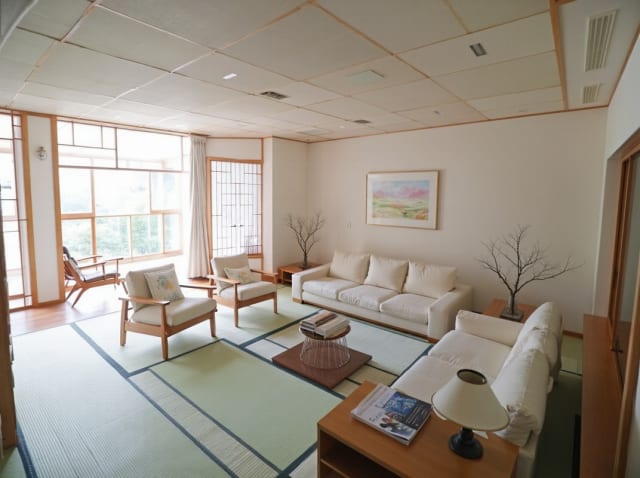
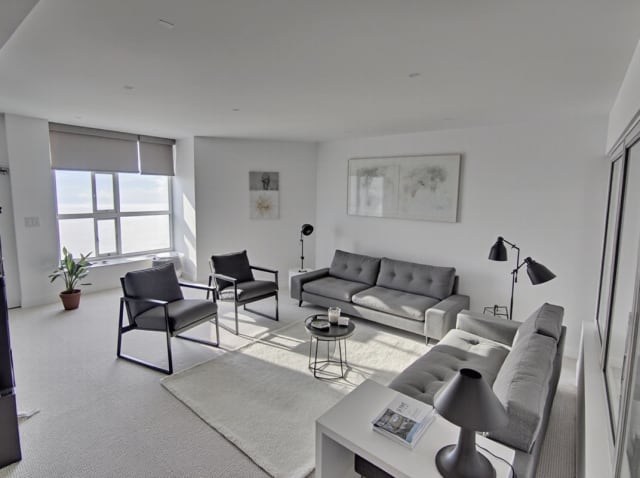
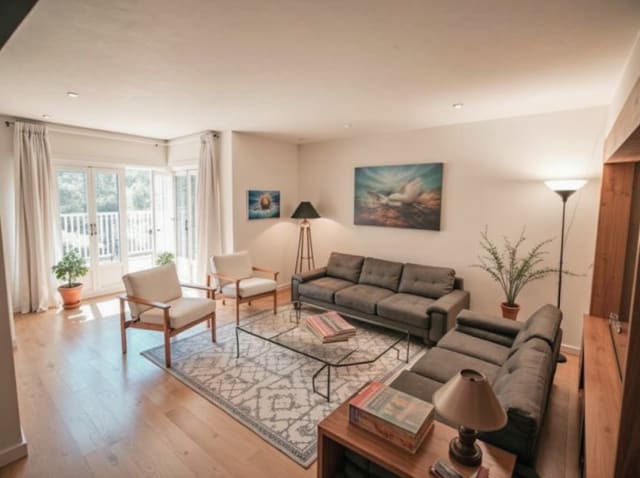
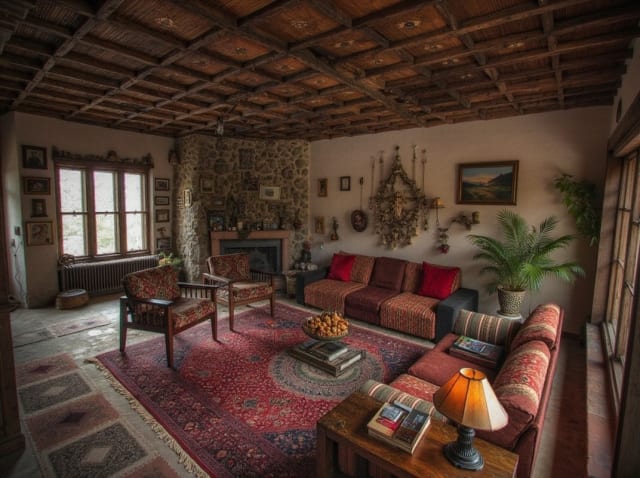
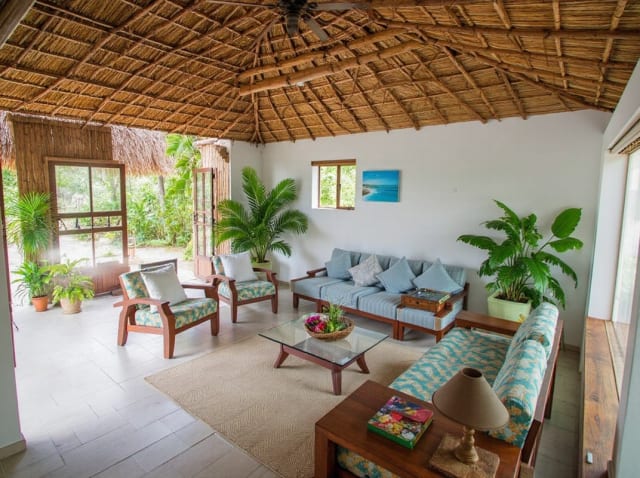
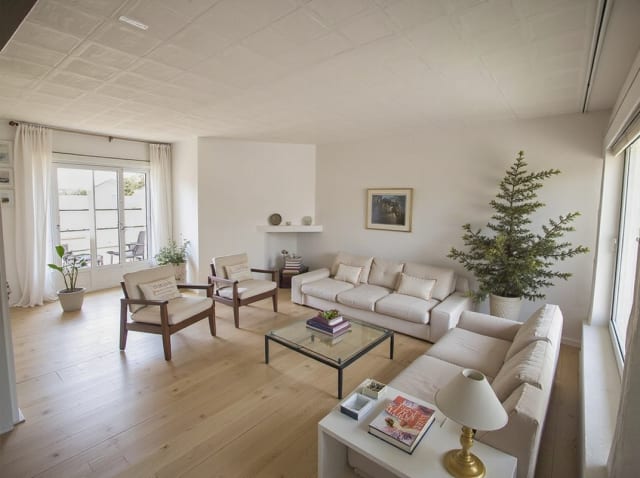
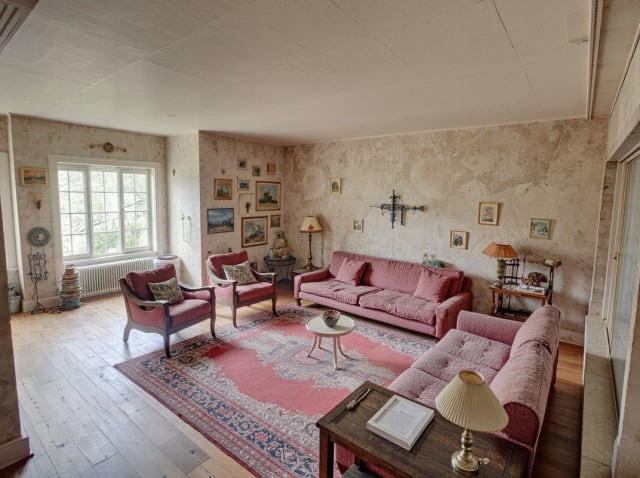
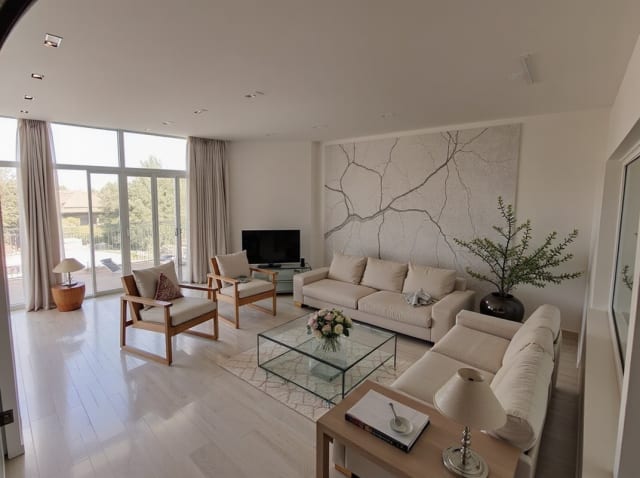
20 presets ship in the picker. A few of them below. Each tile is an example of the style, not of your room: pick one and your own photo comes back in that direction.
100,000+
Rooms redesigned
5,000+
Happy users
No data storage
Photos are processed and deleted — never kept or sold.

Secure payments
Checkout handled entirely by Stripe.


FAQ
도면 툴을 대체할 수 있나요?
아니요. Archmaster는 정확한 축척의 도면이 아니라 실제 방 사진을 기반으로 작동합니다. 정밀한 실측보다는 스타일과 가구 배치를 시각화하는 데 가장 적합합니다.
같은 사진으로 여러 레이아웃을 시도할 수 있나요?
네, 한 번만 업로드하면 원하는 만큼 다양한 스타일과 레이아웃 조합을 생성할 수 있습니다.
방의 치수를 알아야 하나요?
아니요. 선명한 사진만 업로드하면 됩니다. AI가 이미지 자체를 기반으로 작동합니다.
가구가 어떻게 어울릴지 더 이상 추측하지 마세요.
구매하거나 가구를 옮기기 전에 방의 레이아웃을 미리 확인하세요.