Guarda il Tuo Spazio da una Nuova Angolazione
Carica una foto e genera un'angolazione alternativa della stessa stanza o dello stesso esterno — stesso stile, stessi materiali, fotorealistico.
1 free render when you sign in, with no credit card.
1 render gratuito · Nessuna carta di credito
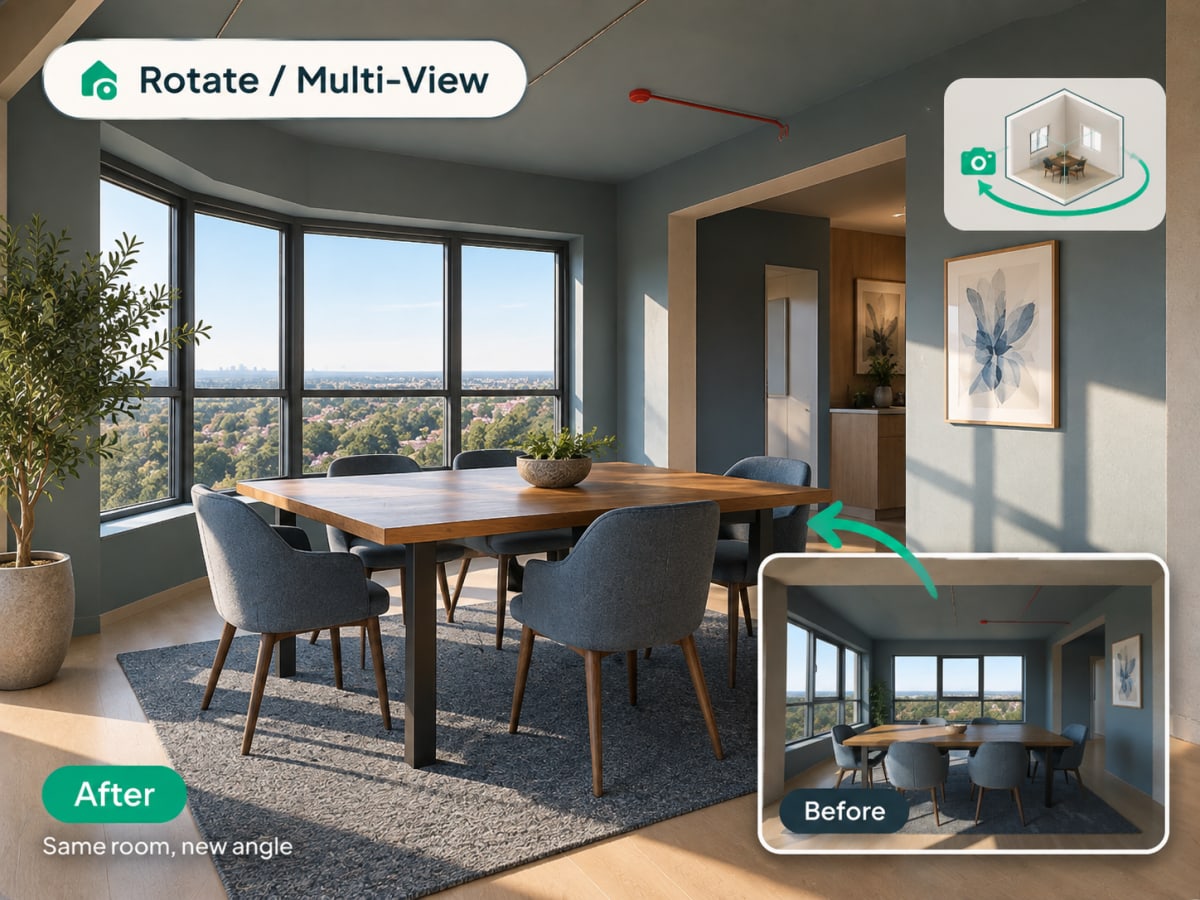
What Is Multi-Angle Rotate?
Multi-angle Rotate takes a photo you already have and generates a second, plausible view of the same room or facade, keeping the same materials, furniture, and lighting style intact.
- Checks a design from a second angle before a client or buyer asks to see it
- Works on raw source photos and renders you've already generated
- Costs 3 credits per generation
- Most useful for listing photos that need more than one view and client presentations
How multi angle rotate works, step by step
A second plausible view of the same space, with the materials, furniture, and lighting of the first carried across so the two read as one room.
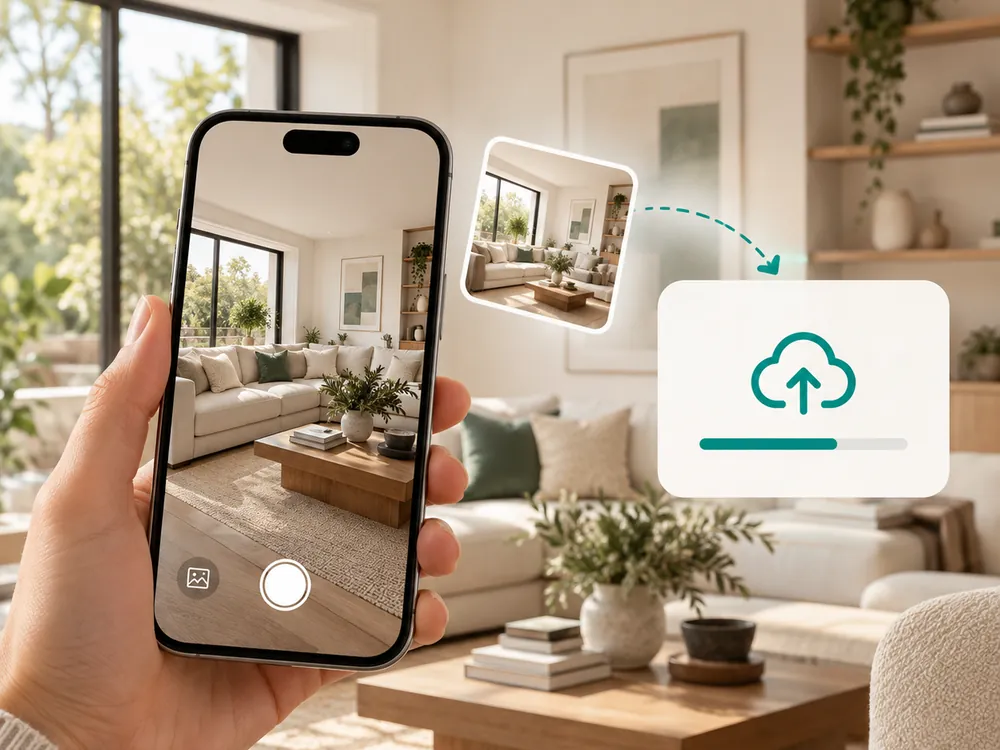
Carica una foto
Funziona con qualsiasi foto di interni o esterni. JPG, PNG o WebP fino a 12 MB.
- Works with a source photo or an already-styled render
- A full, unobstructed view of the space works best
Genera una nuova angolazione
L'AI produce un'angolazione alternativa dello stesso spazio, mantenendo coerenti stile e materiali.
- Keeps materials, furniture, and lighting consistent
- Costs 3 credits per generation
Scarica la nuova vista
Usala per vedere uno spazio da una seconda prospettiva prima di prendere una decisione definitiva sul design.
- Useful for listing photos that need more than one view
- Confirms a design decision from a second vantage point
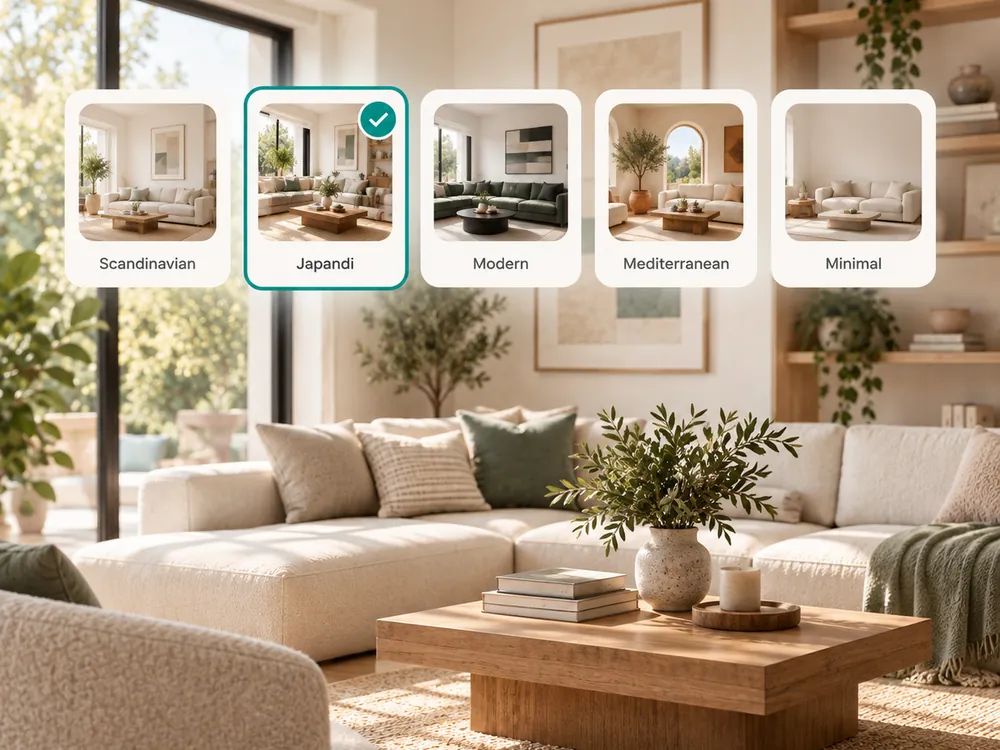
The style presets
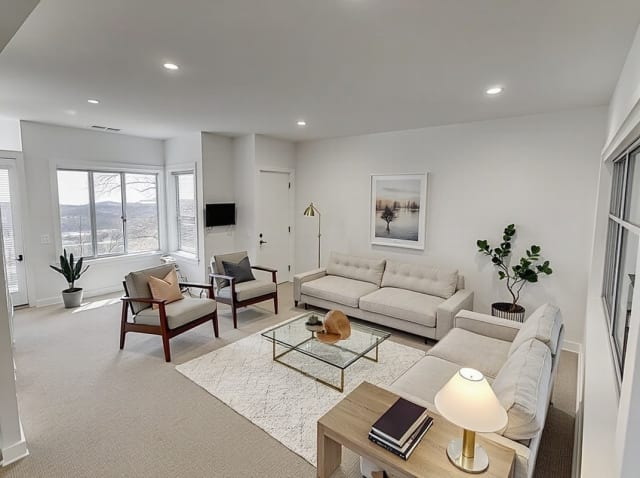
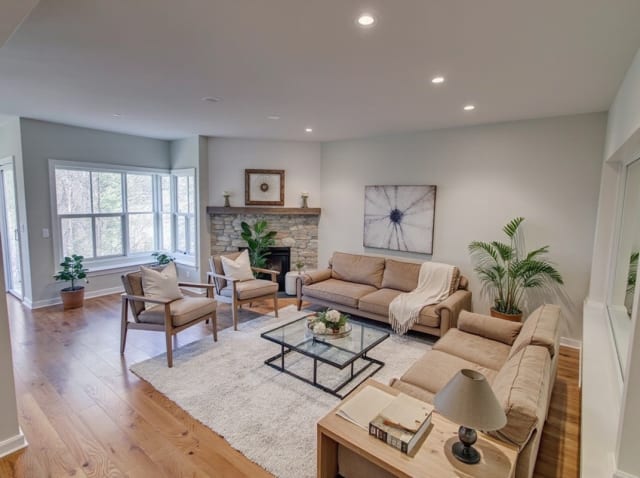
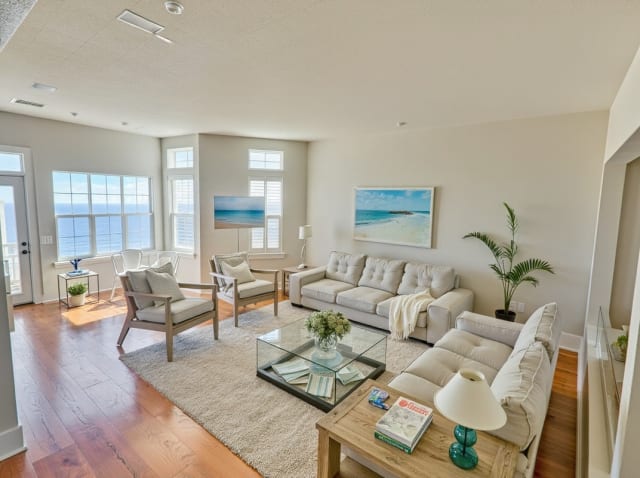
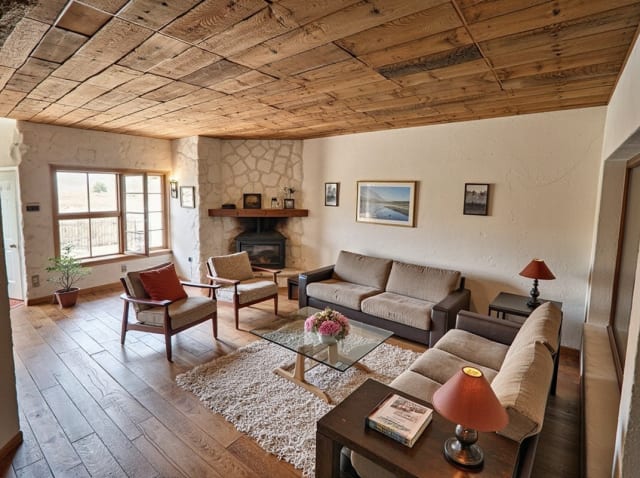
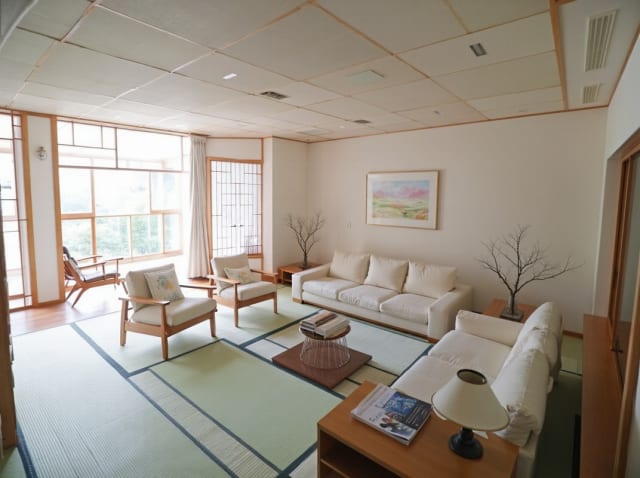
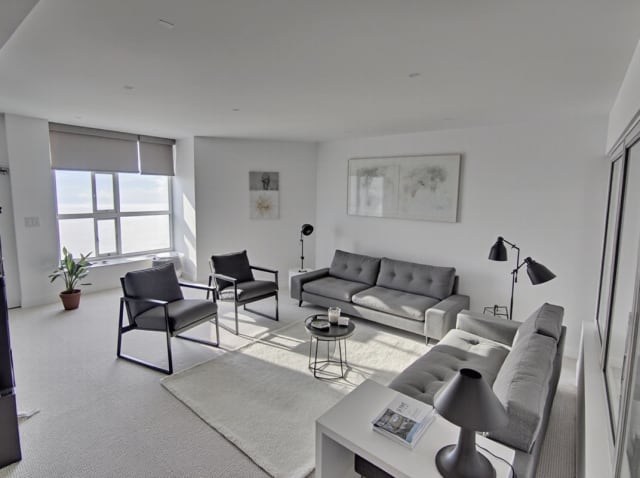
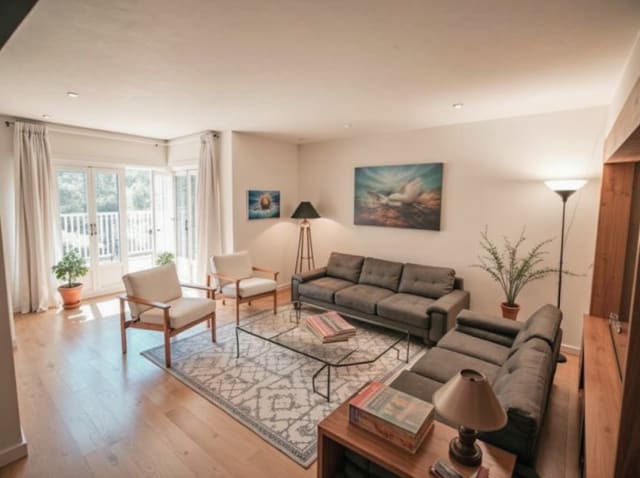
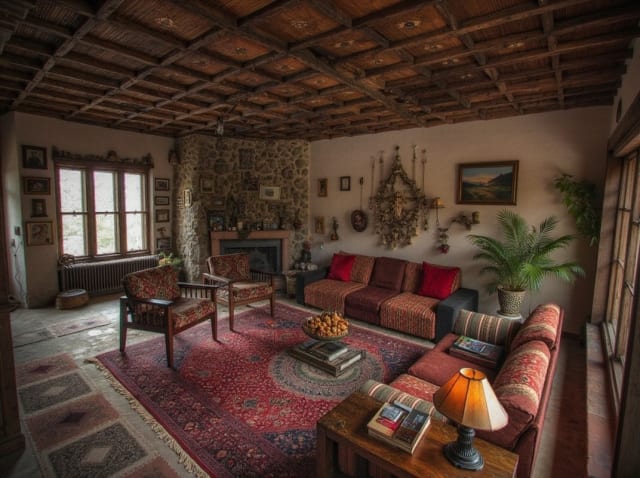
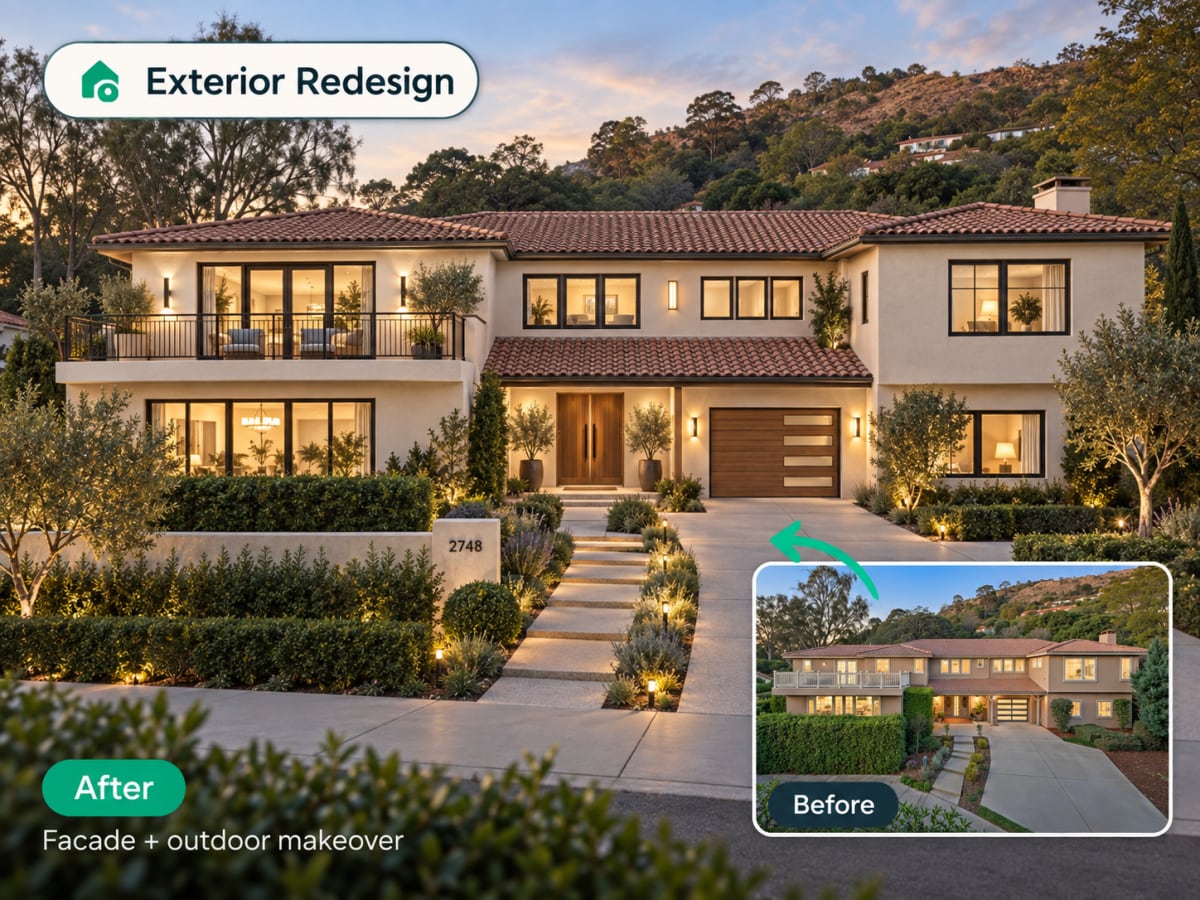
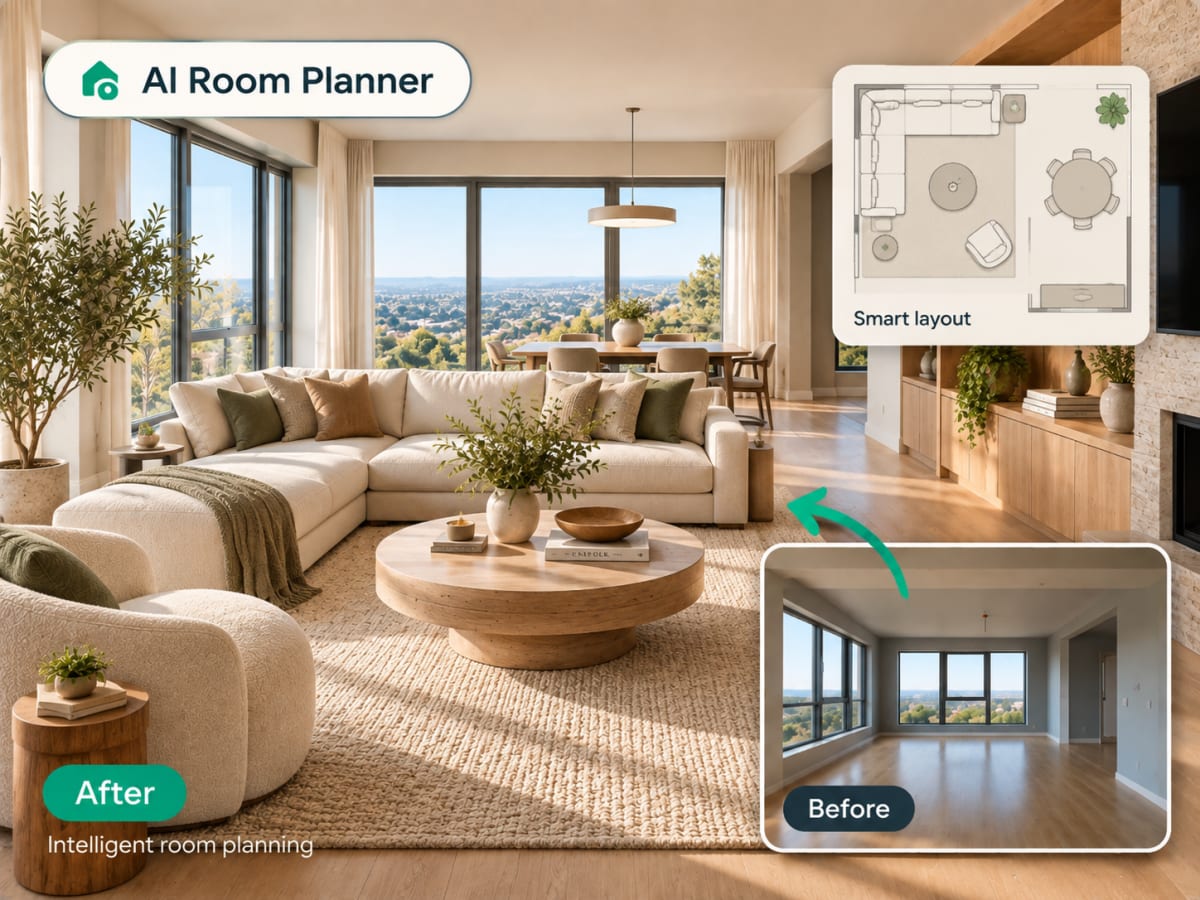
20 presets ship in the picker. A few of them below. Each tile is an example of the style, not of your room: pick one and your own photo comes back in that direction.
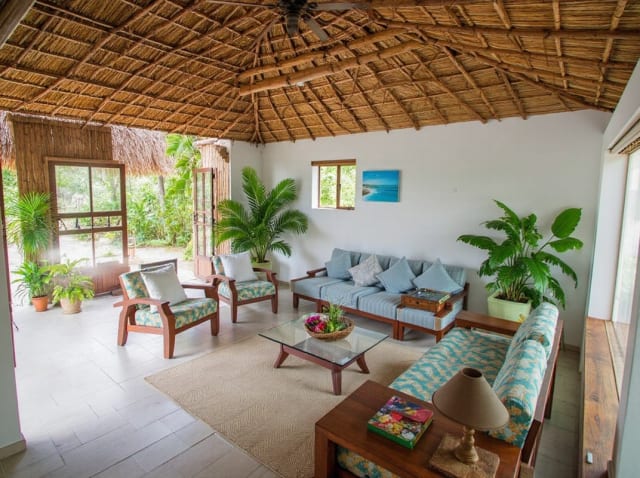
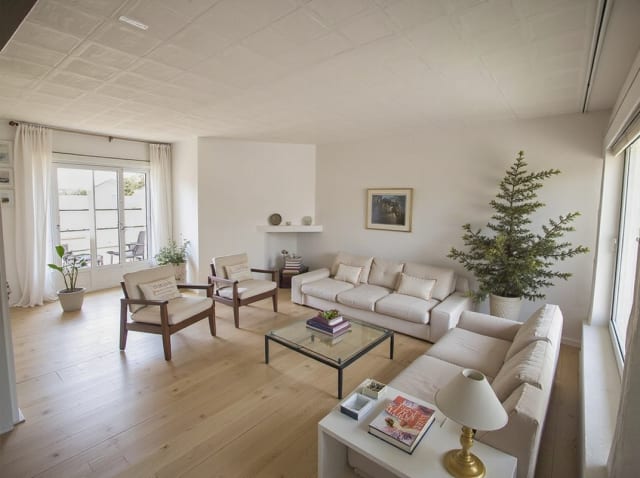
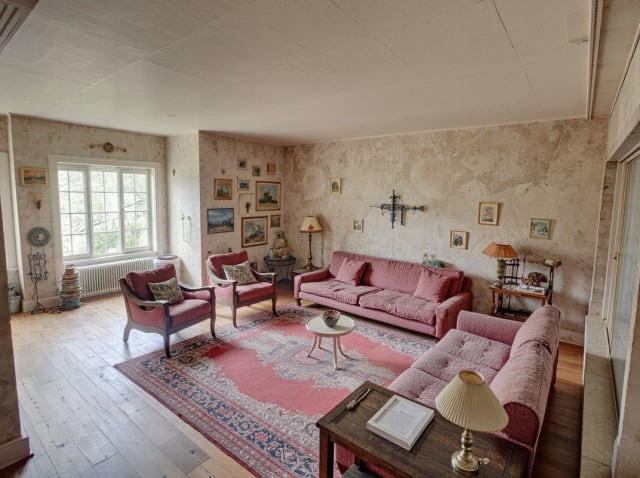
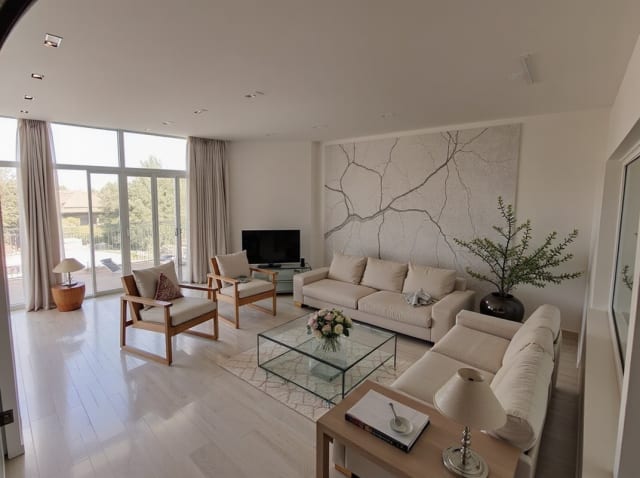
100,000+
Rooms redesigned
5,000+
Happy users
No data storage
Photos are processed and deleted — never kept or sold.

Secure payments
Checkout handled entirely by Stripe.

FAQ
Mostra davvero un'angolazione diversa reale della mia stanza?
È una reinterpretazione generata dall'AI, non uno scatto fotografico reale — deduce una vista alternativa plausibile a partire dalla foto originale, mantenendo lo stesso stile e gli stessi materiali.
Posso usarlo su un rendering già ristilizzato?
Sì — genera prima il tuo design, poi passalo attraverso Rotate per vedere lo stesso spazio ristilizzato da un'altra angolazione.
Funziona sia per gli esterni che per gli interni?
Sì, sia le foto di interni sia quelle di esterni funzionano allo stesso modo.
Una sola foto non racconta tutta la storia.
Genera un'altra angolazione dello stesso spazio in pochi secondi.