Trasforma Qualsiasi Stanza con l'IA
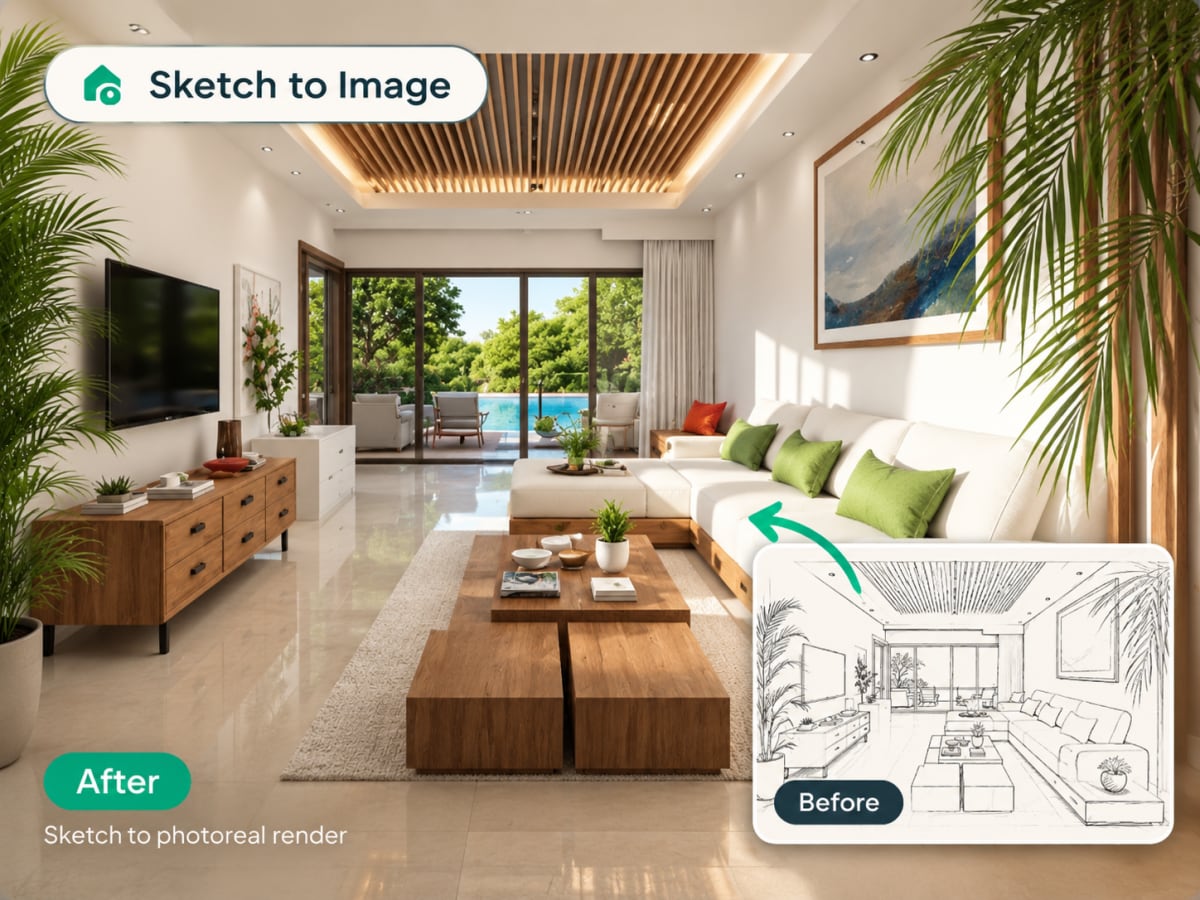
Carica la foto di qualsiasi stanza, scegli tra 20 stili predefiniti e ottieni un render fotorealistico in pochi secondi. Modern, Scandinavian, Japan, Baroque e altri 16.
1 free render when you sign in, with no credit card.
1 render gratuito · Nessuna carta di credito

What Is AI Interior Design?
AI interior design uses image-generation models to redesign a real room from a single photo. Upload a picture, choose a style, and the AI keeps your room's actual layout, windows, and proportions while replacing furniture, materials, and colors.
- Runs entirely in the browser, no CAD file, no 3D model, no design software to learn
- Built for homeowners planning a renovation, renters testing changes, and designers drafting early concepts
- Photos are processed and deleted, never kept or sold
- Costs 1 credit per generation on the $9.99/week plan, 30 credits included
How AI interior design works, step by step
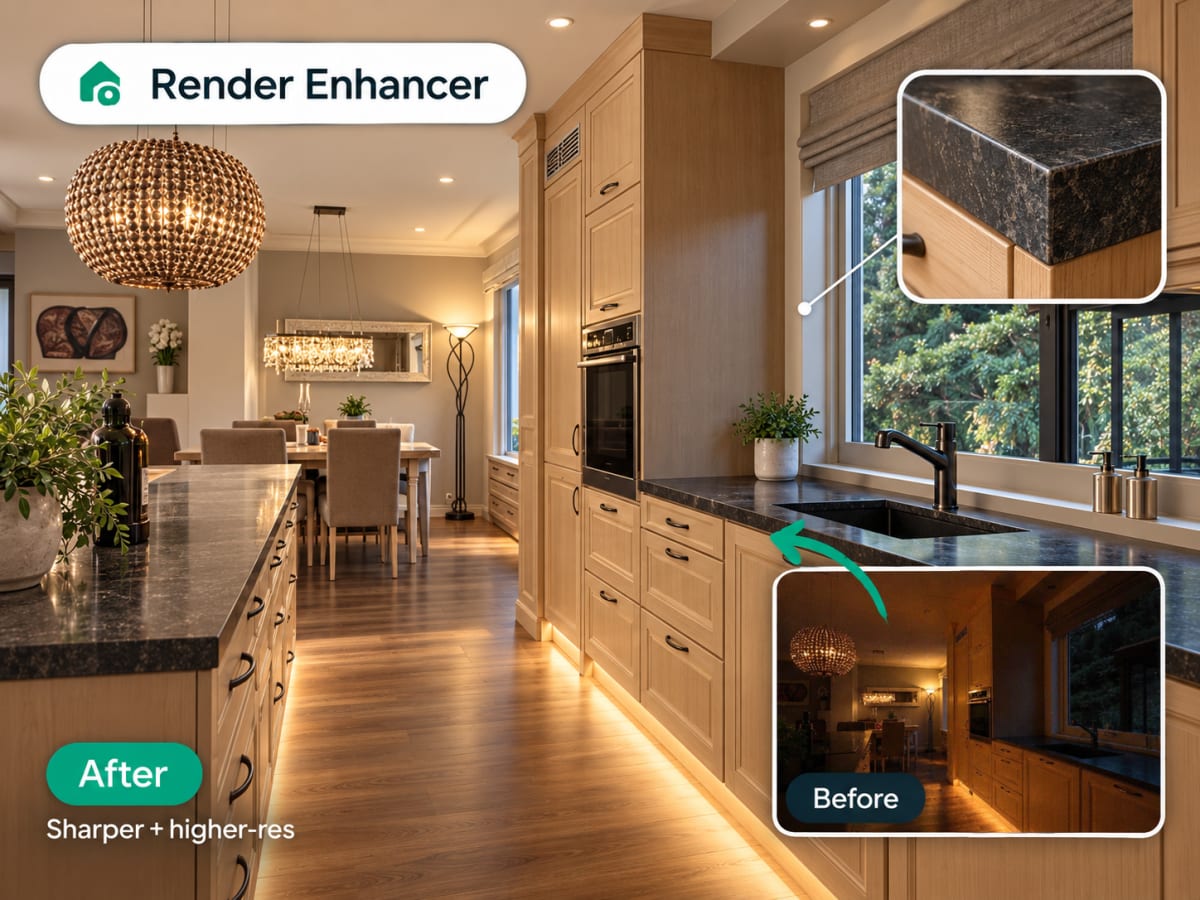
One photo in, one photorealistic render out. The AI reads your room's real geometry first, so what comes back is your room in a new style, not a stock room that looks a bit like it.
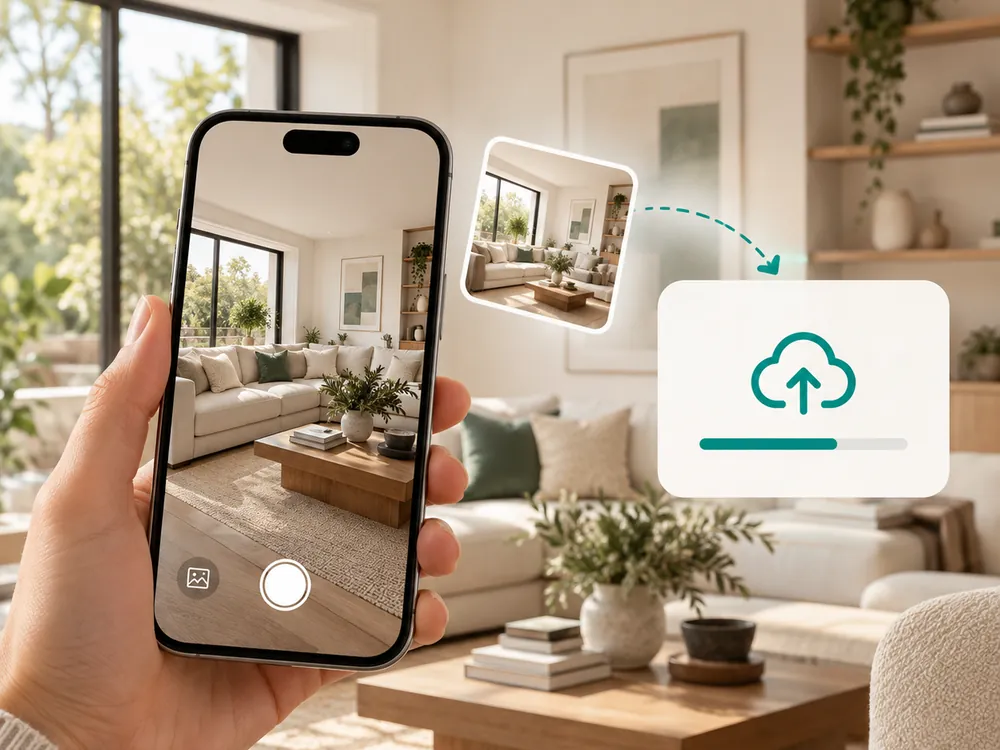
Carica la tua foto
Trascina e rilascia qualsiasi foto di stanza. JPG, PNG o WebP fino a 12 MB. Più è nitida la foto, migliore sarà il risultato.
- JPG, PNG, or WebP, up to 12 MB
- Keeps your room's actual layout and windows intact
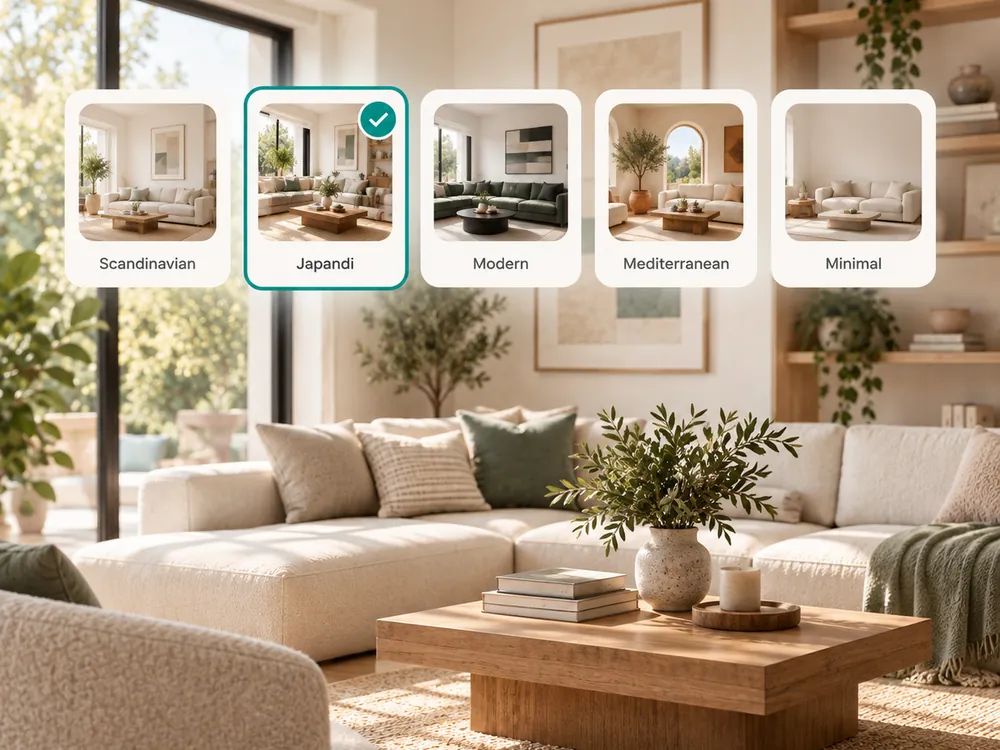
Scegli uno stile
Scegli tra 20 stili curati. Aggiungi istruzioni personalizzate per guidare l'IA verso la tua visione esatta.
- 20 curated style presets to choose from
- Add custom instructions for your exact vision
Scarica il tuo render
La tua stanza ridisegnata è pronta in pochi secondi. Scarica, condividi o continua a modificare con l'inpainting.
- Ready in seconds
- Continue editing with inpainting if needed
The style presets
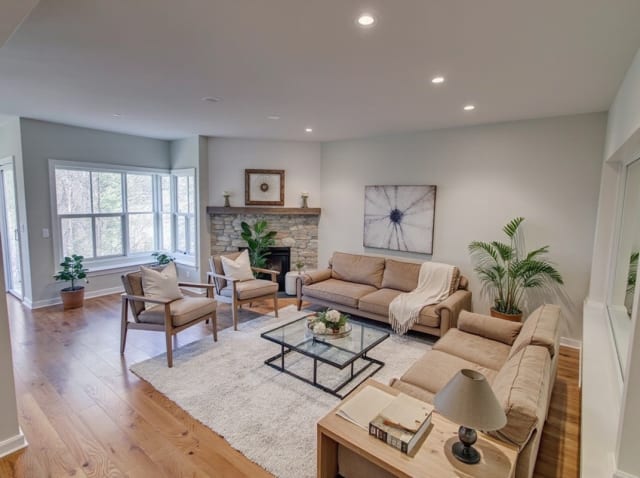
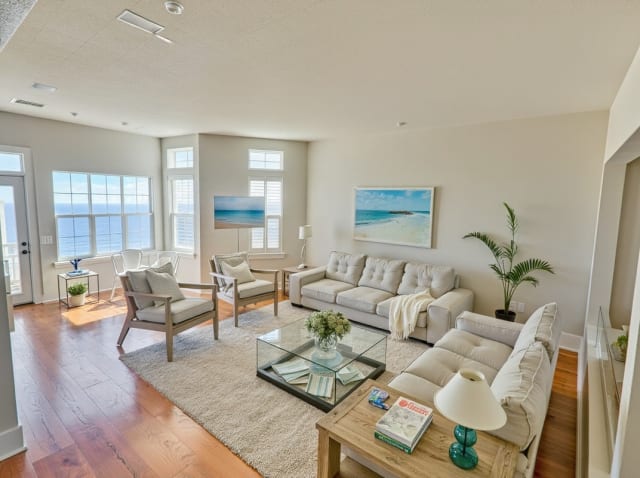
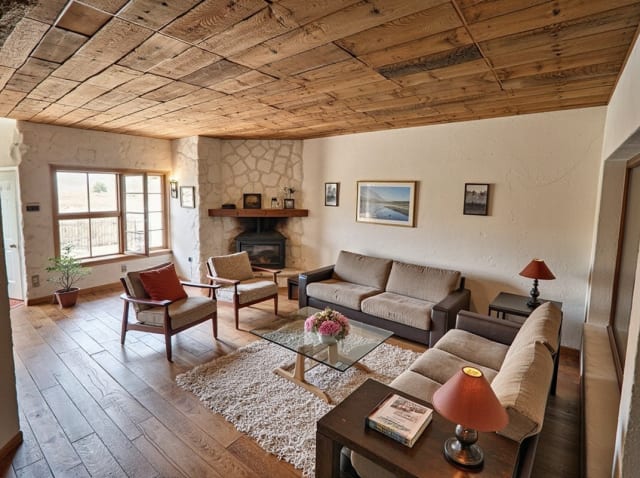
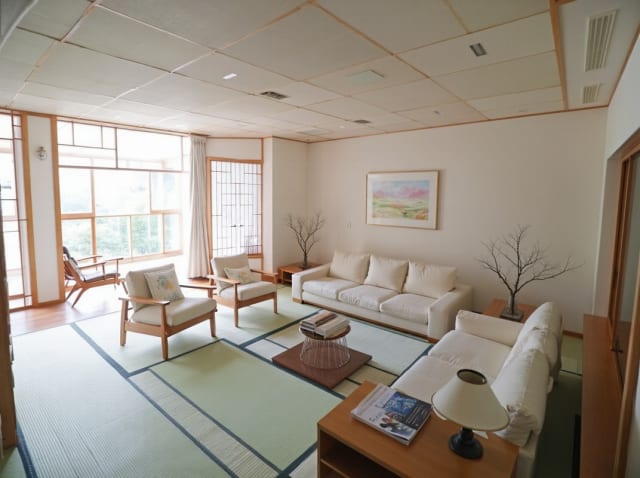
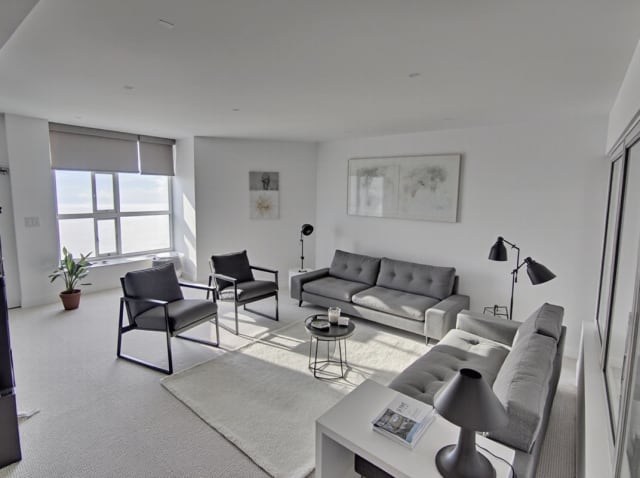
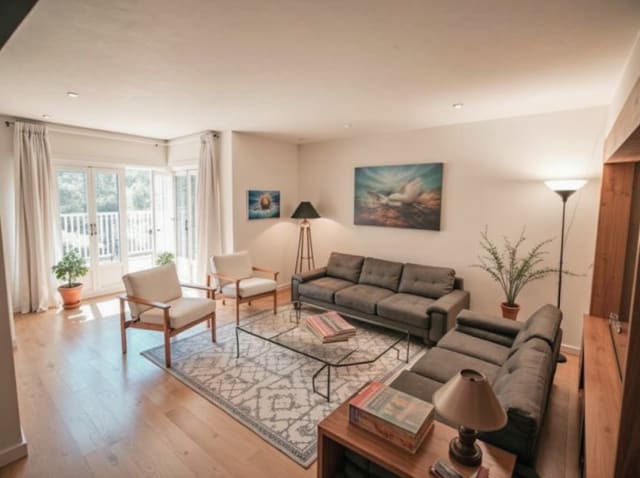
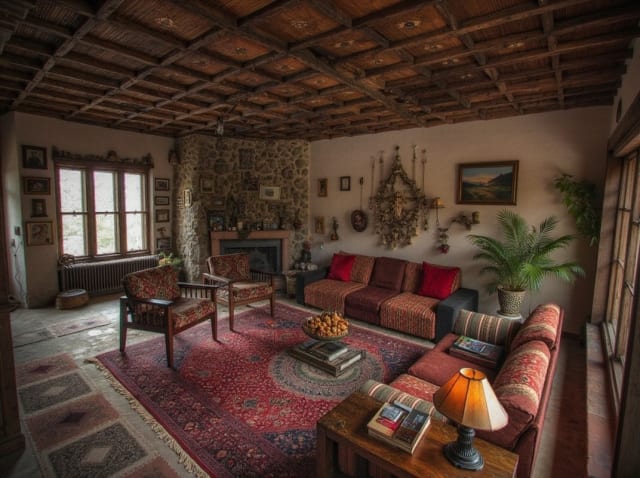
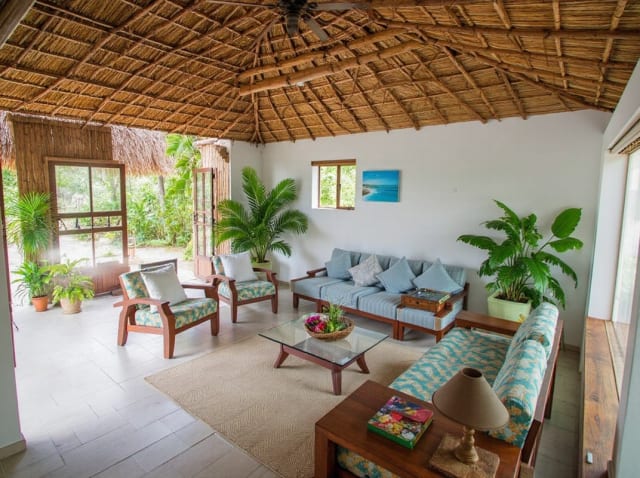
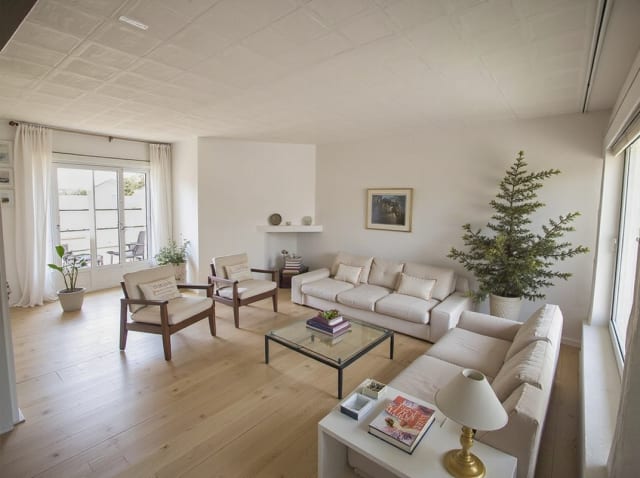
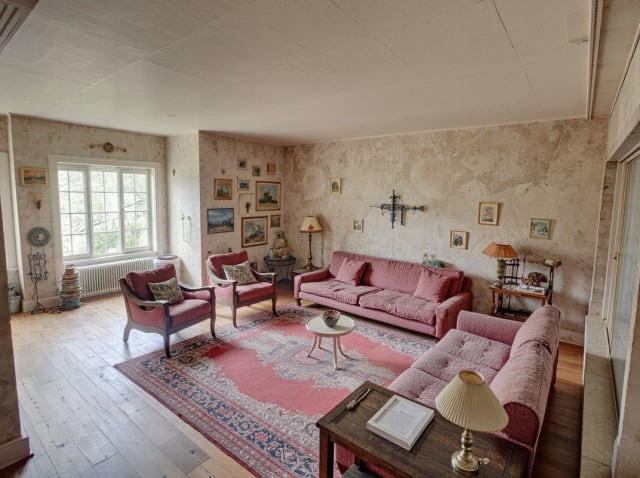
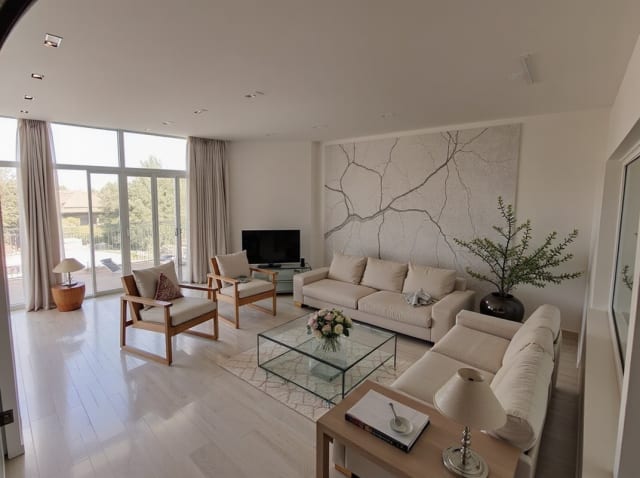
20 presets ship in the picker. A few of them below. Each tile is an example of the style, not of your room: pick one and your own photo comes back in that direction.
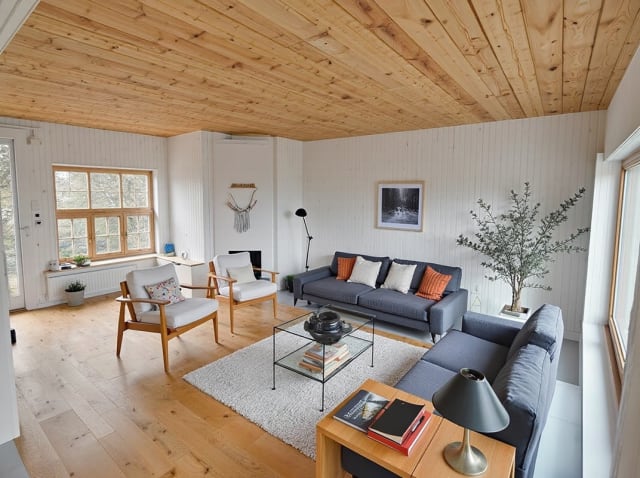
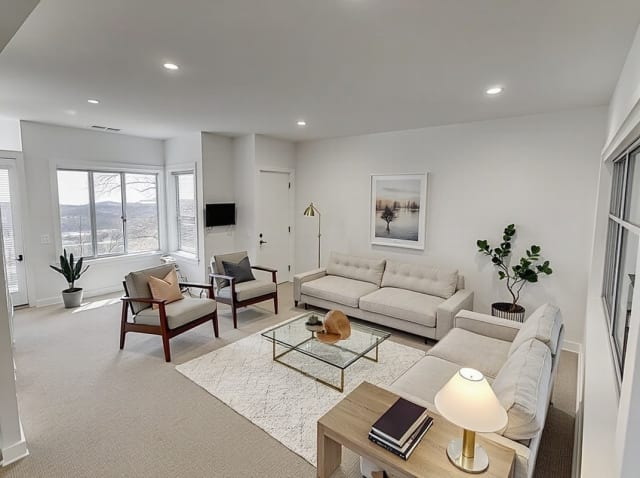
100,000+
Rooms redesigned
5,000+
Happy users
No data storage
Photos are processed and deleted — never kept or sold.

Secure payments
Checkout handled entirely by Stripe.
FAQ
Is AI interior design free?
Your first render is free: sign in and you get 1 free render, with no credit card. After that, paid plans start at $9.99/week for 30 credits.
Do I need design experience to use it?
No. Upload a photo, pick a style preset, and the AI handles the rest. No CAD, no 3D modeling, no prior design knowledge needed.
Will it keep my room's actual layout?
Yes. The AI reads your uploaded photo's geometry, windows, and proportions, and preserves them while changing materials, furniture, and color scheme.
Can I use it for a real renovation?
Yes, for early-stage direction and client concepts. For final specifications, pair the render with a professional review, since AI output doesn't carry structural or code data.
How many styles can I try on the same room?
As many as your credit balance allows — each generation costs 1 credit. Uploading the same photo and switching styles is a common way to compare options before committing to a renovation.
What photo quality gives the best result?
A well-lit, straight-on shot of the room with the full space visible works best. Avoid heavy fisheye or wide-angle distortion and very dark photos — the AI reads the room's geometry from what's actually in the frame.
Pronto a ridisegnare il tuo spazio?
Nessun software da imparare. Nessun designer da assumere. Risultati in pochi secondi.