अपनी जगह को एक नए एंगल से देखें
एक फोटो अपलोड करें और उसी कमरे या बाहरी हिस्से का एक वैकल्पिक कैमरा एंगल जनरेट करें — वही स्टाइल, वही मटीरियल, फोटोरियलिस्टिक।
1 free render when you sign in, with no credit card.
1 मुफ़्त रेंडर · क्रेडिट कार्ड की ज़रूरत नहीं
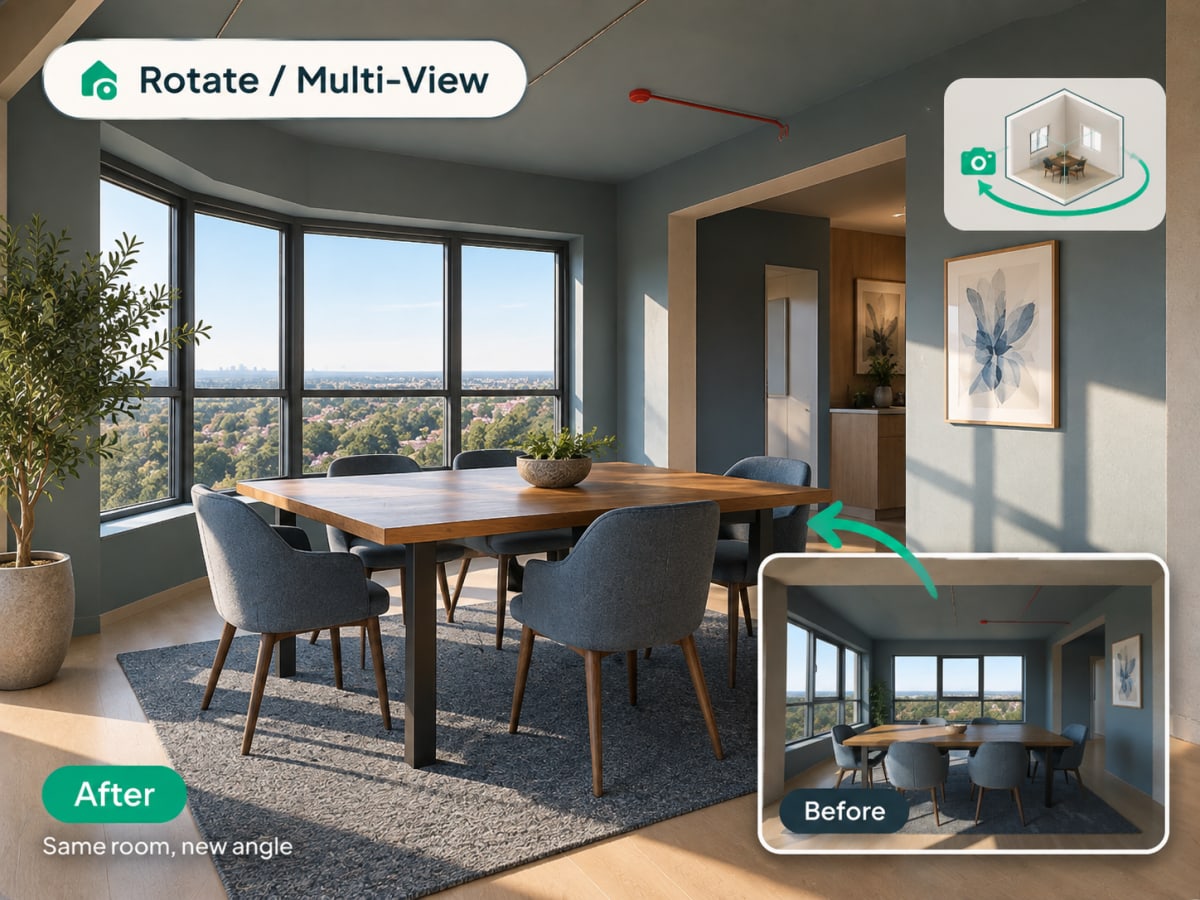
What Is Multi-Angle Rotate?
Multi-angle Rotate takes a photo you already have and generates a second, plausible view of the same room or facade, keeping the same materials, furniture, and lighting style intact.
- Checks a design from a second angle before a client or buyer asks to see it
- Works on raw source photos and renders you've already generated
- Costs 3 credits per generation
- Most useful for listing photos that need more than one view and client presentations
How multi angle rotate works, step by step
A second plausible view of the same space, with the materials, furniture, and lighting of the first carried across so the two read as one room.
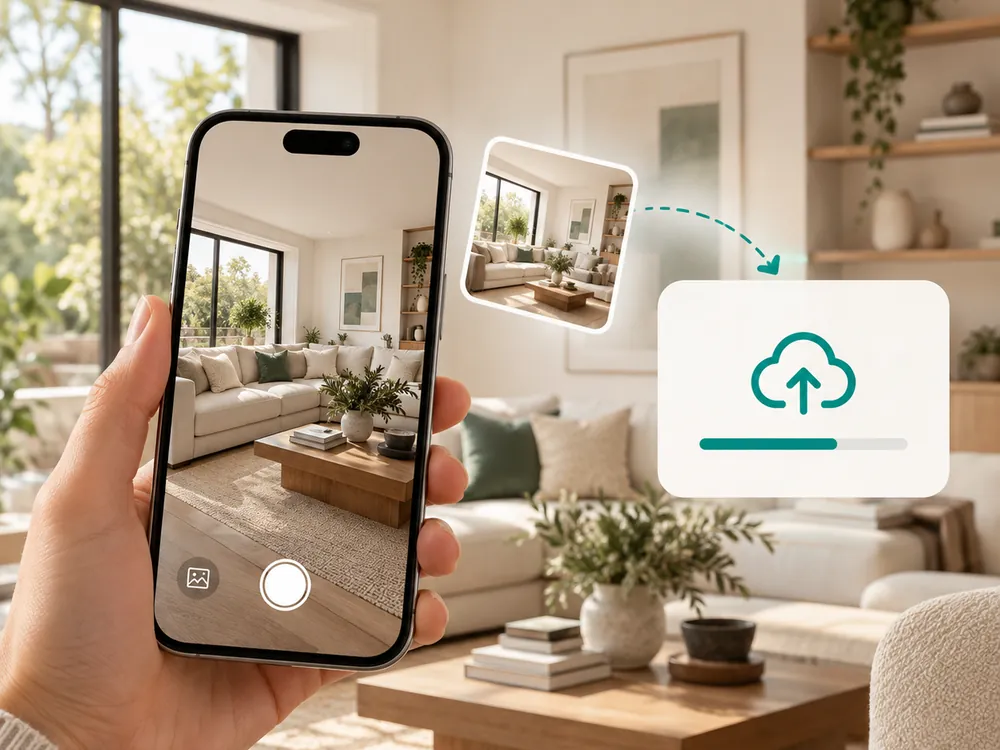
एक फोटो अपलोड करें
कोई भी इंटीरियर या एक्सटीरियर फोटो काम करती है। JPG, PNG या WebP, 12 MB तक।
- Works with a source photo or an already-styled render
- A full, unobstructed view of the space works best
एक नया एंगल जनरेट करें
AI उसी जगह का एक वैकल्पिक कैमरा एंगल बनाता है, स्टाइल और मटीरियल को एक जैसा बनाए रखते हुए।
- Keeps materials, furniture, and lighting consistent
- Costs 3 credits per generation
नया व्यू डाउनलोड करें
किसी डिज़ाइन फैसले पर पहुंचने से पहले किसी जगह को दूसरे नजरिए से देखने के लिए इसका इस्तेमाल करें।
- Useful for listing photos that need more than one view
- Confirms a design decision from a second vantage point
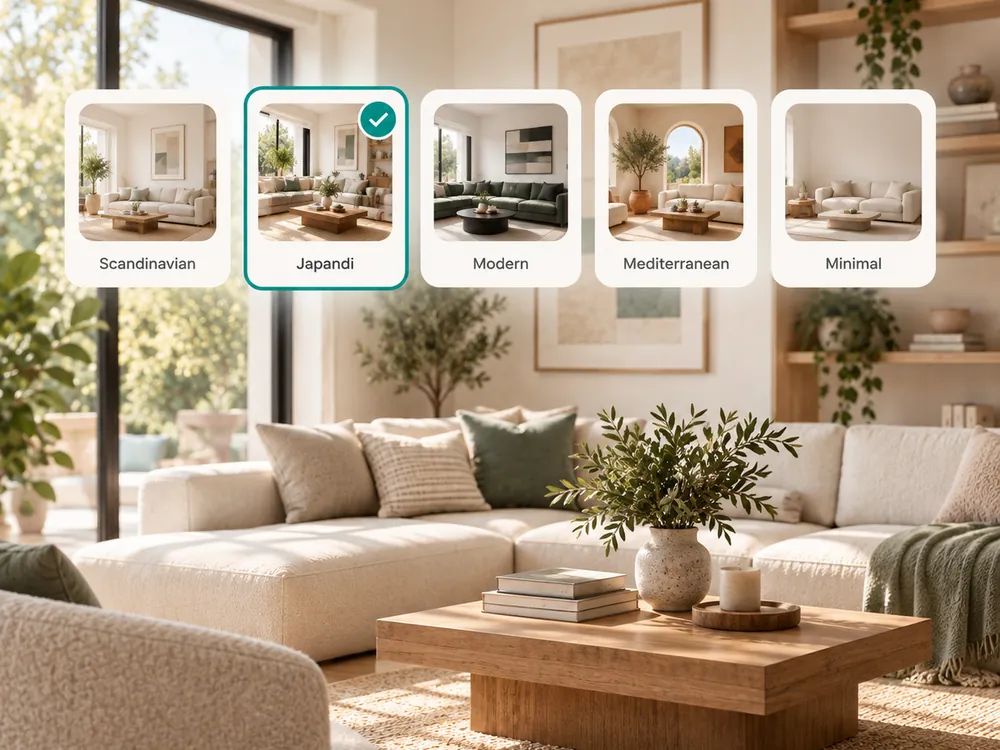
The style presets
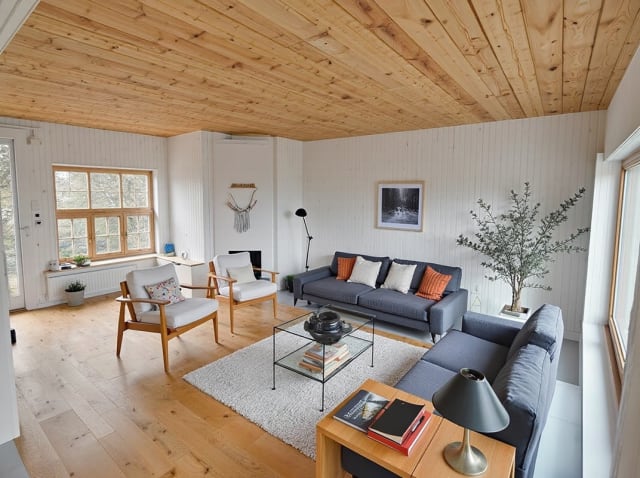
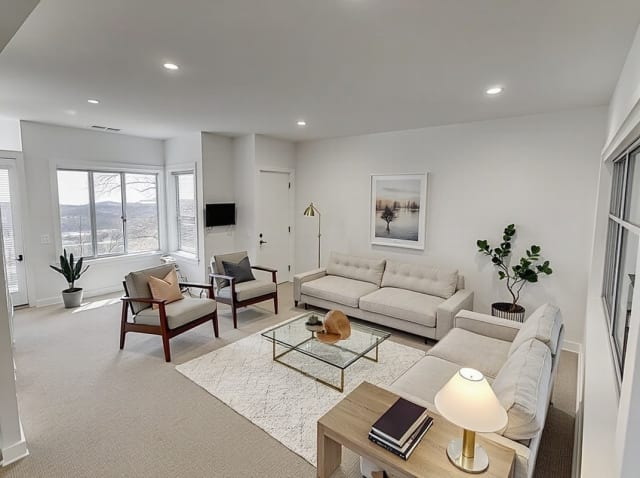
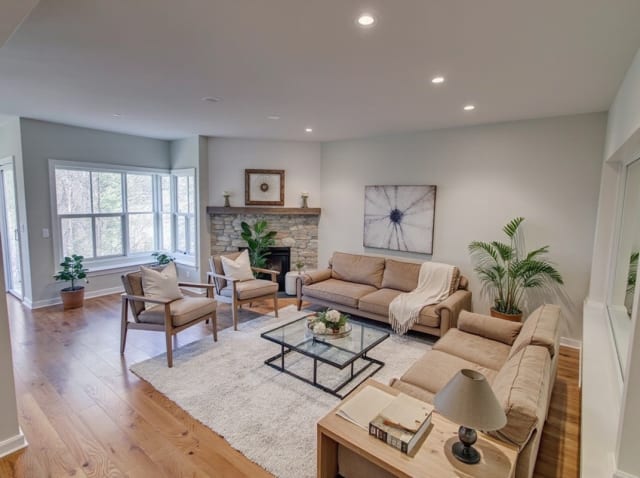
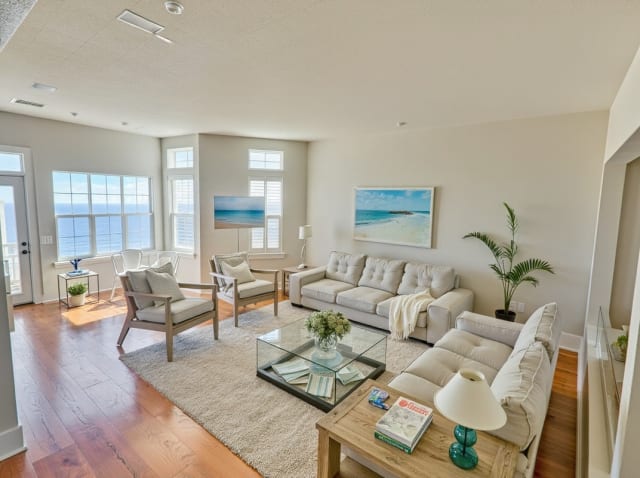
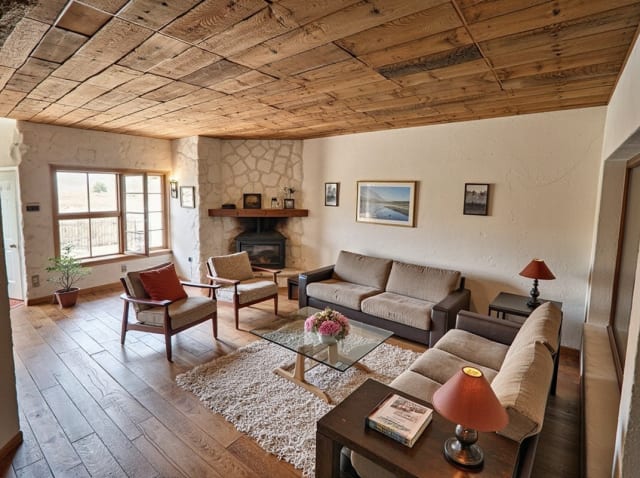
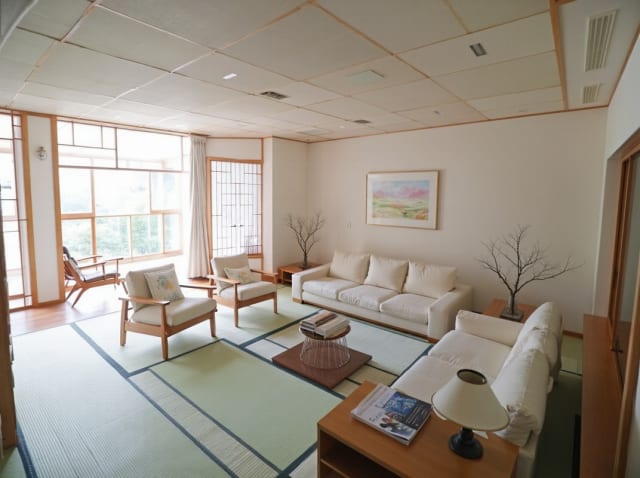
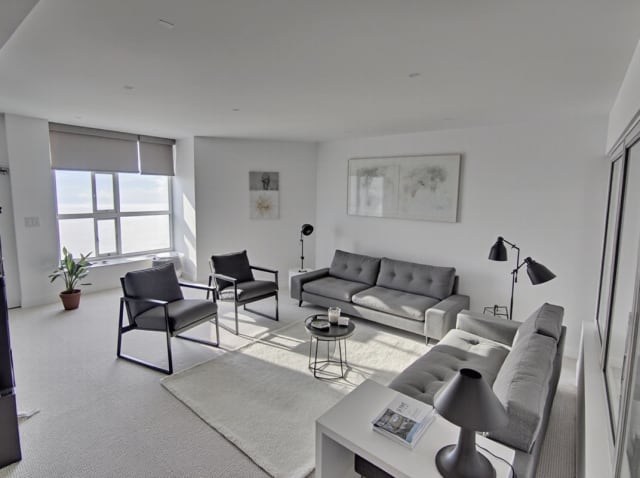
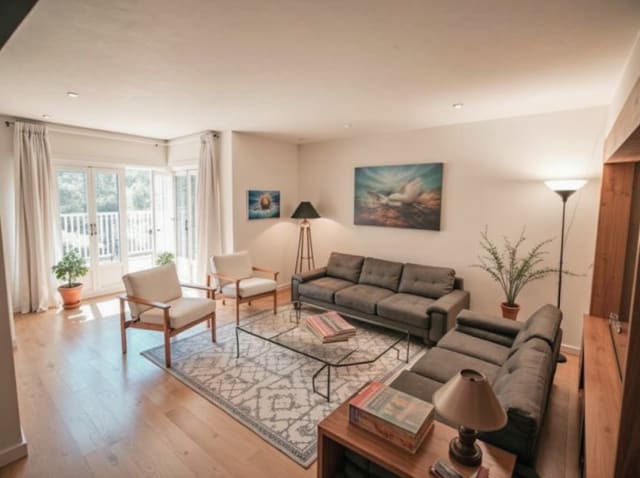
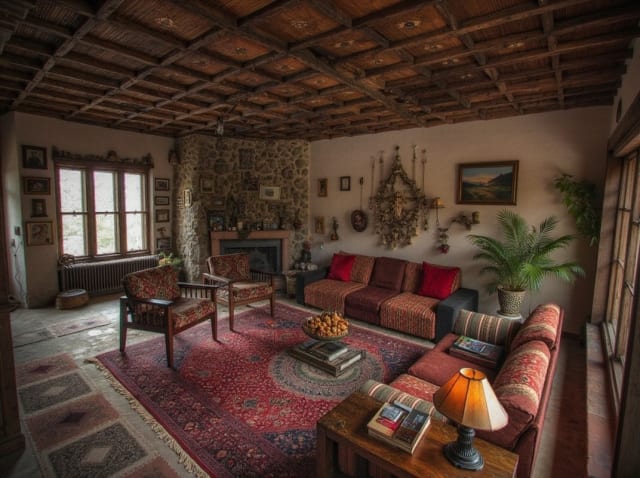
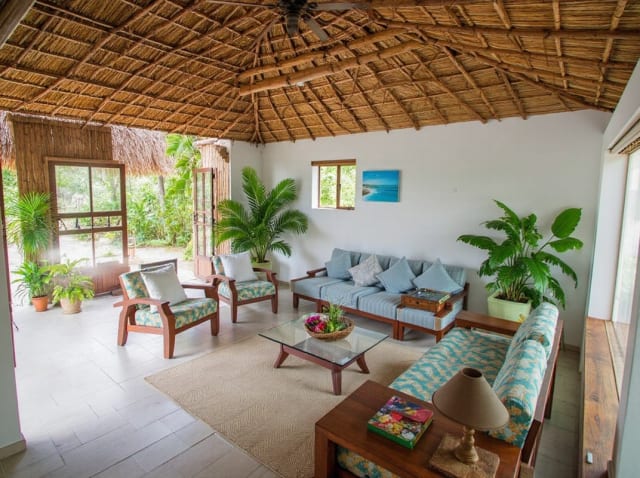
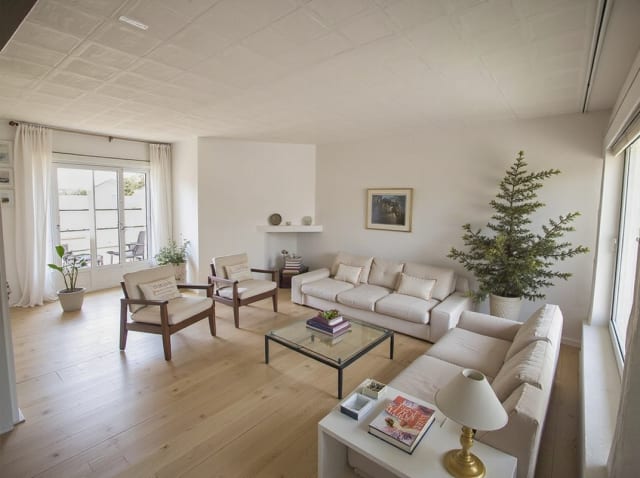
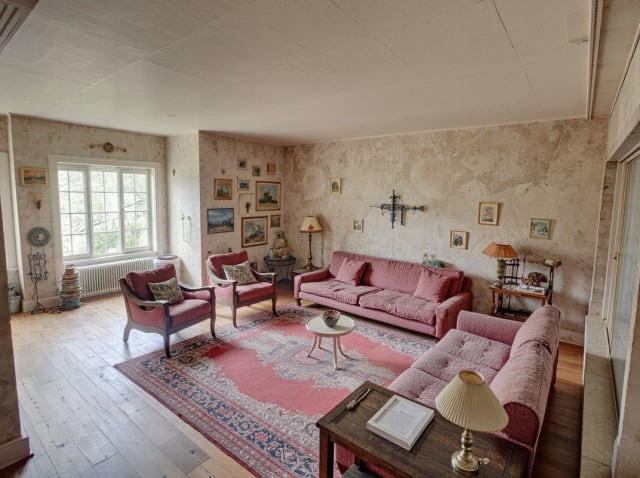
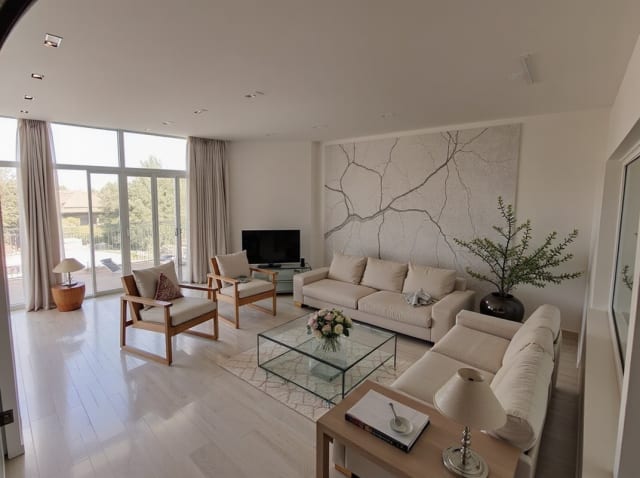
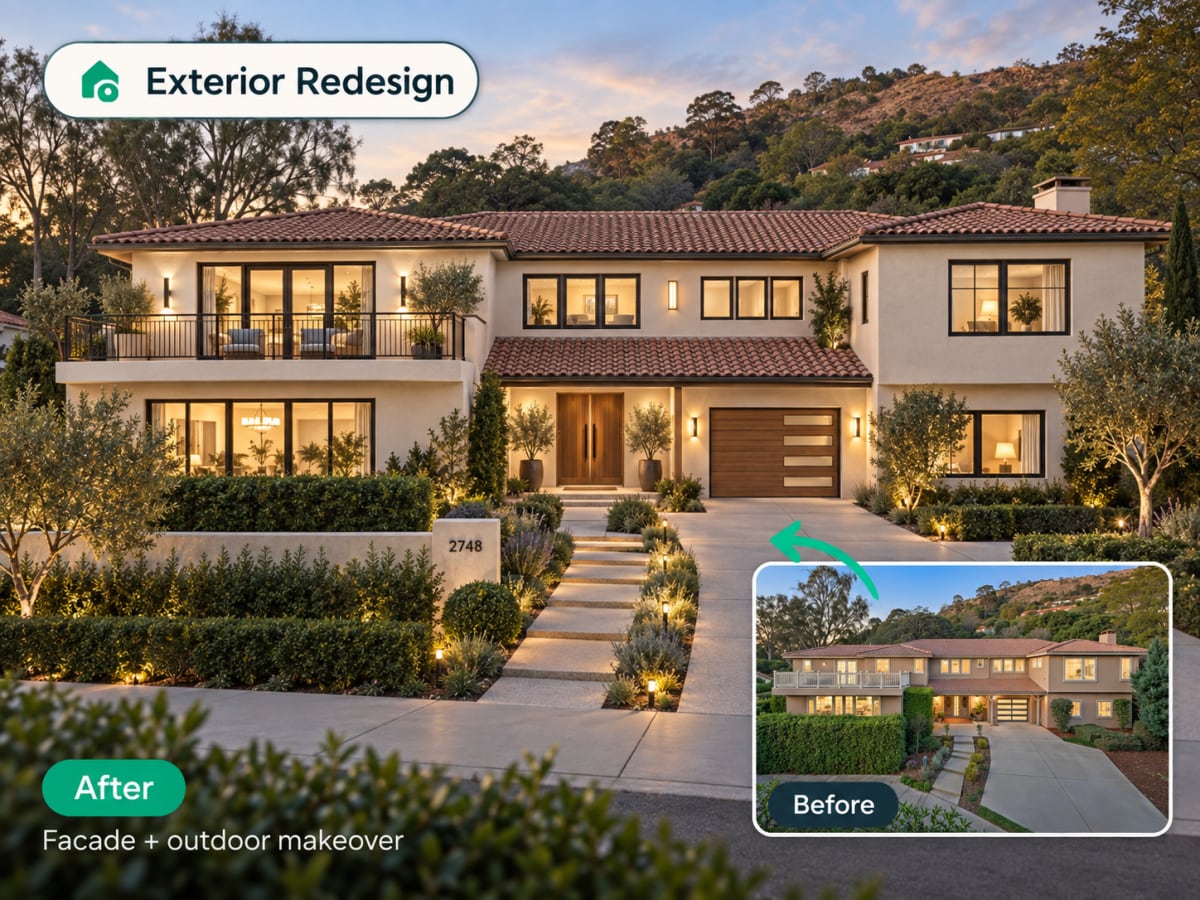
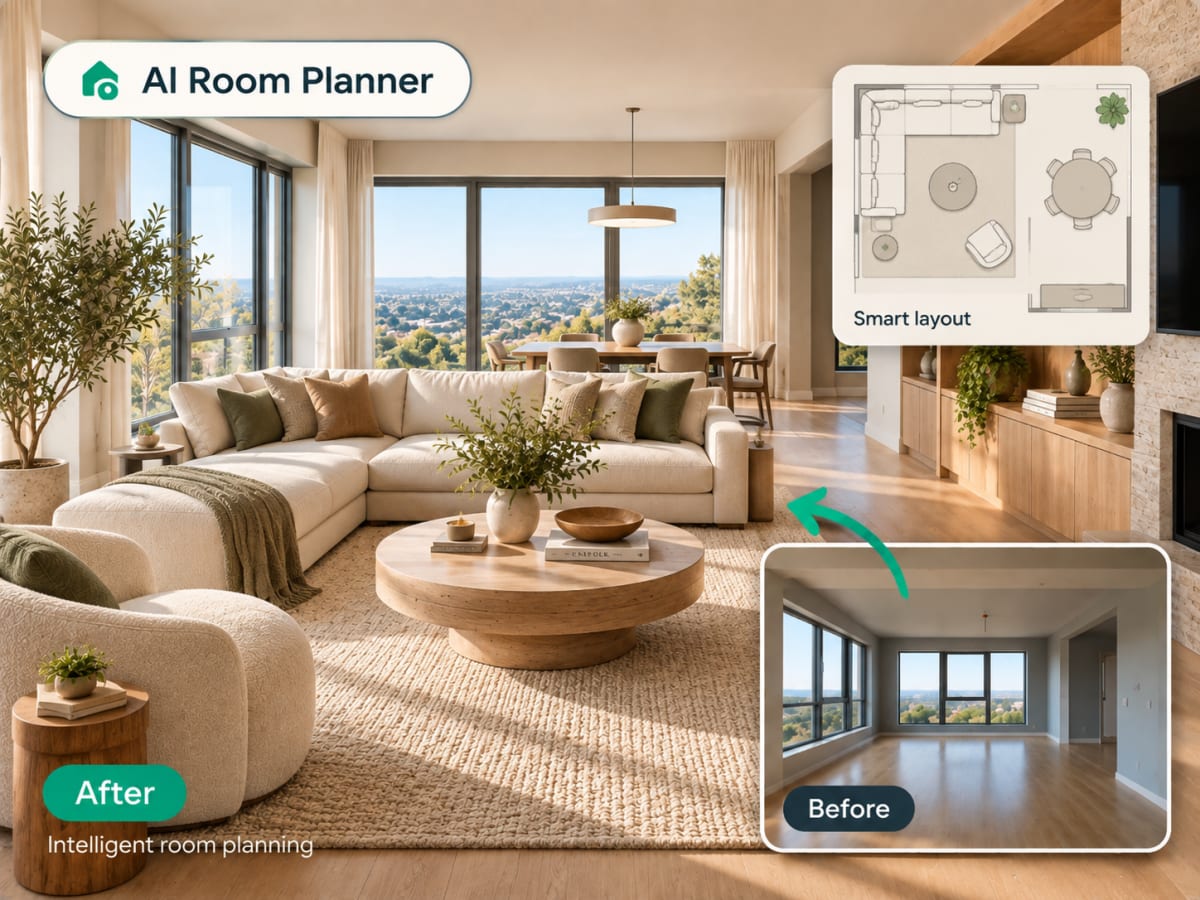
20 presets ship in the picker. A few of them below. Each tile is an example of the style, not of your room: pick one and your own photo comes back in that direction.
100,000+
Rooms redesigned
5,000+
Happy users
No data storage
Photos are processed and deleted — never kept or sold.

Secure payments
Checkout handled entirely by Stripe.

FAQ
क्या यह मेरे कमरे का असली अलग एंगल दिखाता है?
यह एक AI-जनरेटेड पुनर्व्याख्या है, न कि कोई असली कैमरा कैप्चर — यह सोर्स फोटो के आधार पर एक संभावित वैकल्पिक व्यू का अनुमान लगाता है, वही स्टाइल और मटीरियल बनाए रखते हुए।
क्या मैं इसे पहले से नई स्टाइल दिए गए रेंडर पर इस्तेमाल कर सकता हूं?
हां — पहले अपना डिज़ाइन जनरेट करें, फिर उसी स्टाइल वाली जगह को दूसरे एंगल से देखने के लिए उसे Rotate से गुजारें।
क्या यह इंटीरियर के साथ-साथ एक्सटीरियर के लिए भी काम करता है?
हां, इंटीरियर और एक्सटीरियर दोनों तरह की फोटो एक जैसे ही काम करती हैं।
एक फोटो पूरी कहानी नहीं बताती।
सेकंडों में उसी जगह का एक और एंगल जनरेट करें।