Plane die Raumaufteilung mit KI
Lade ein Foto deines Raums hoch und lass die KI Möbelplatzierung und Stil vorschlagen — ein Ausgangspunkt, bevor du etwas kaufst oder umstellst.
1 free render when you sign in, with no credit card.
1 kostenloses Rendering · Keine Kreditkarte nötig
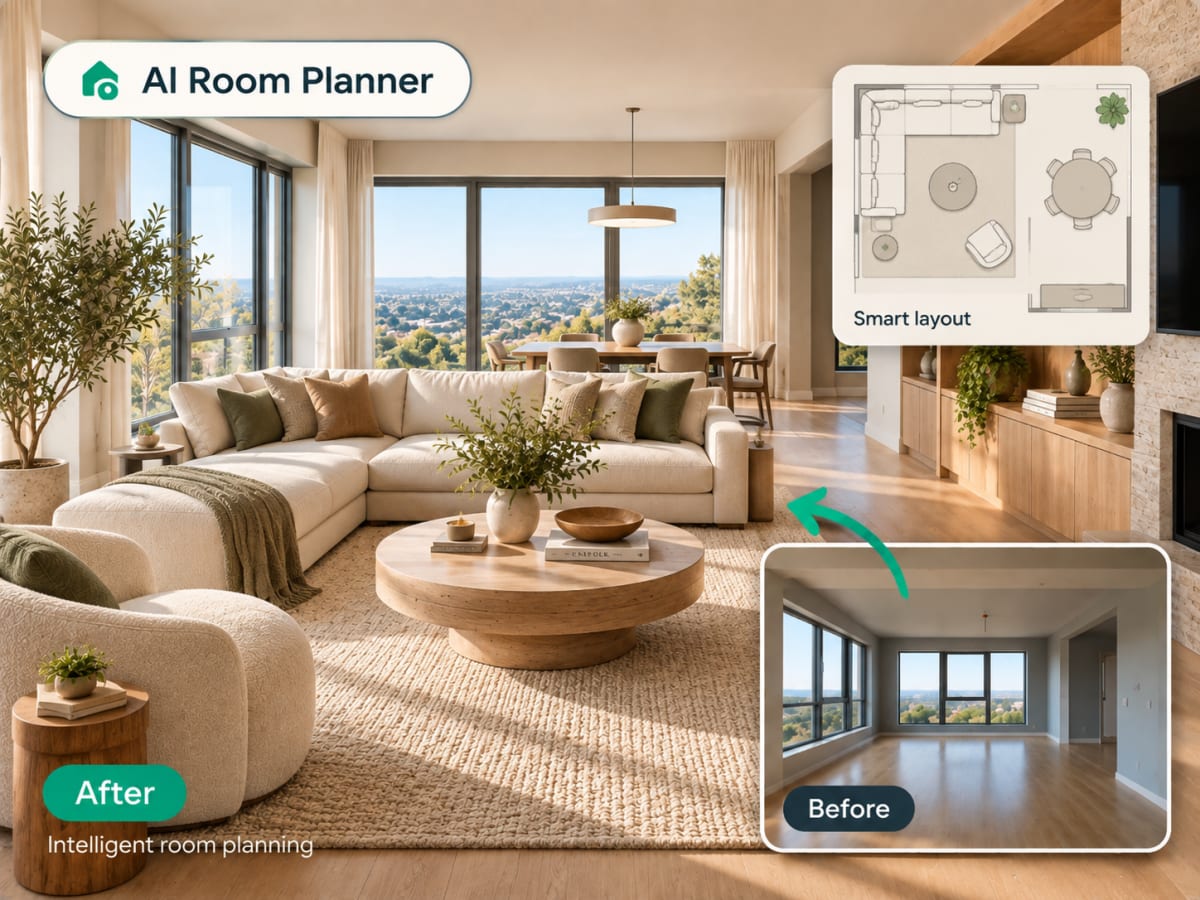
Can AI plan my room layout from a photo?
Yes. Upload one photo of the room and the AI proposes a furniture arrangement and style inside your room's own walls, windows and perspective, and returns it as a photorealistic image in seconds. It is a layout idea to react to, not a measured plan.
- No drag-and-drop 3D modeling, no manual measuring, no furniture catalog to browse
- Built for renters testing a layout and homeowners comparing arrangements before buying
- A fast first pass before committing to a full room-planning app
- Most people run two or three style presets on the same photo to compare
How AI room planning works, step by step
The output is a photorealistic view of your own room with furniture placed in it, not a top-down diagram you have to translate.

Lade dein Raumfoto hoch
Ziehe ein Foto des Raums, den du planen möchtest, per Drag-and-Drop hinein. JPG, PNG oder WebP bis 12 MB.
- JPG, PNG, or WebP up to 12 MB
- Wider shots capture more of the room
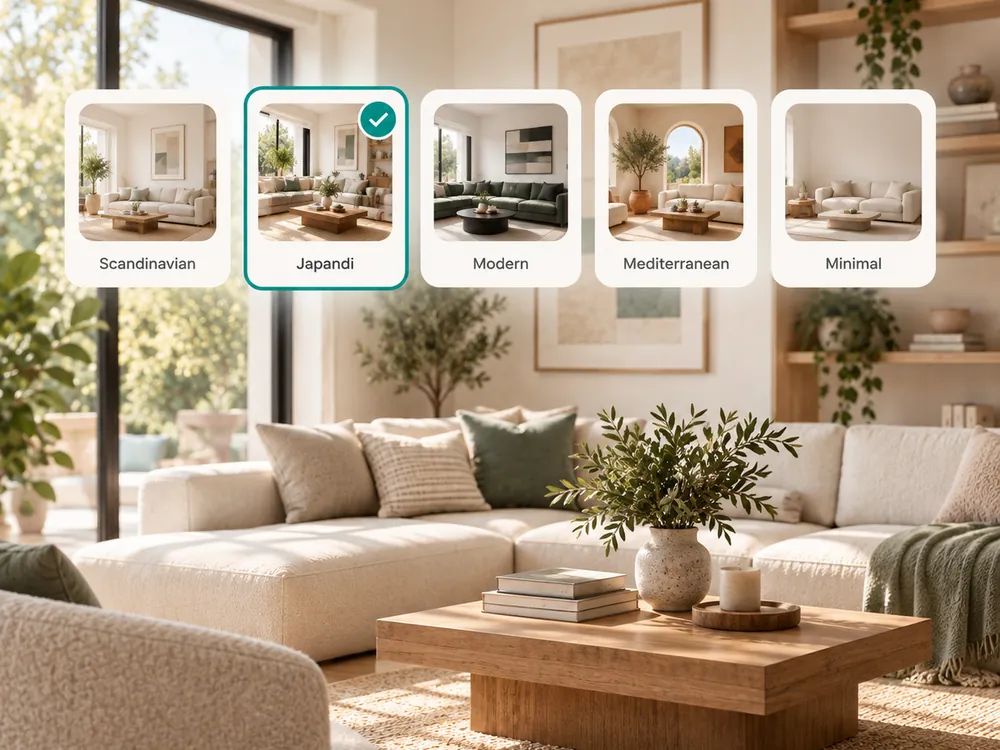
Wähle einen Stil
Wähle aus 20 Stilvorlagen, um zu sehen, wie unterschiedliche Möbel und Layouts in deinem echten Raum wirken würden.
- 20 style presets to compare layouts and finishes
- See furniture placement suggestions in your actual space
Lade deinen Plan herunter
Erhalte in Sekunden ein fotorealistisches Rendering des geplanten Layouts — kein Ausmessen, keine Grundriss-Software nötig.
- Ready in seconds
- No measuring or floor-plan software needed
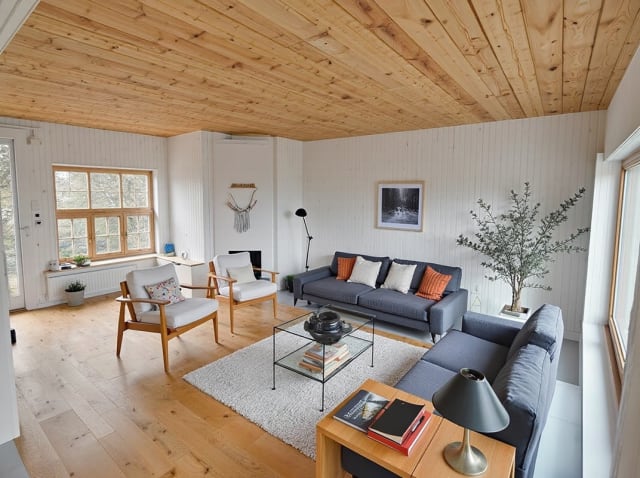
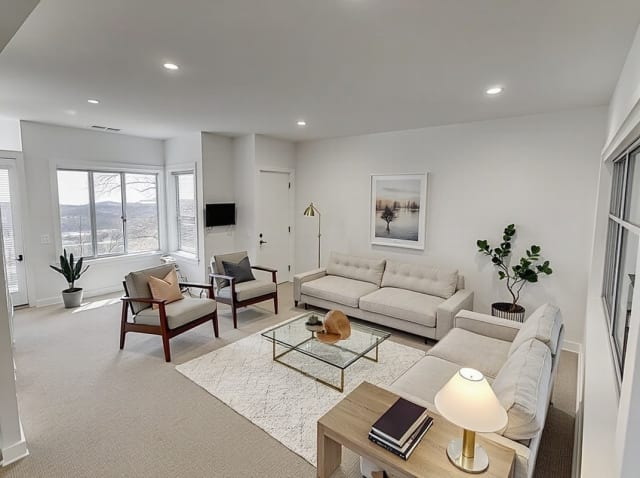
The style presets
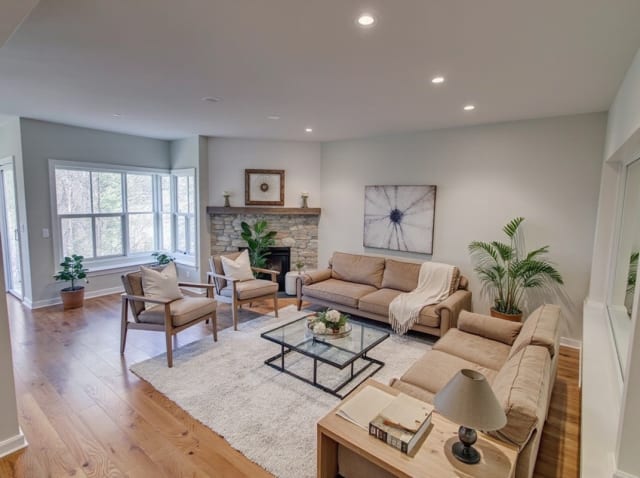
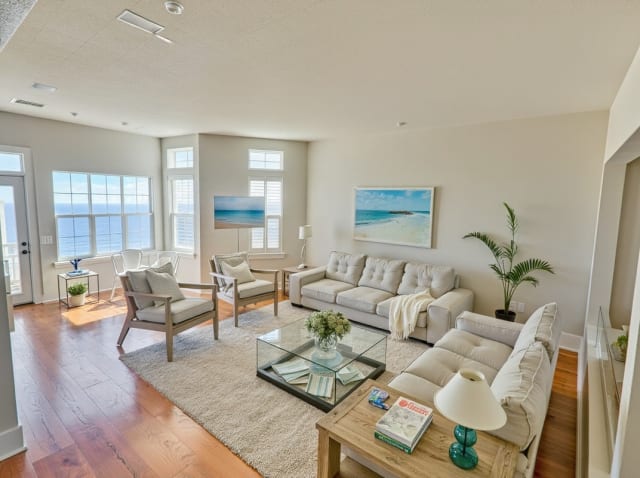
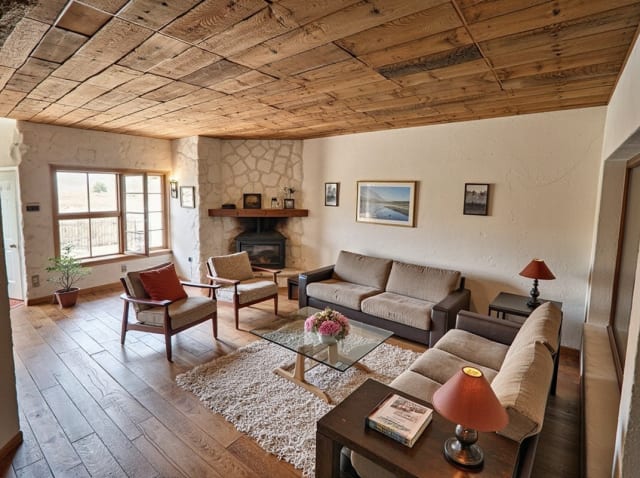
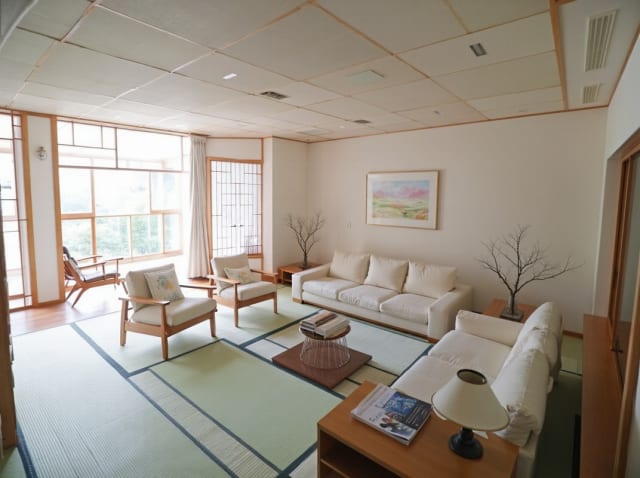
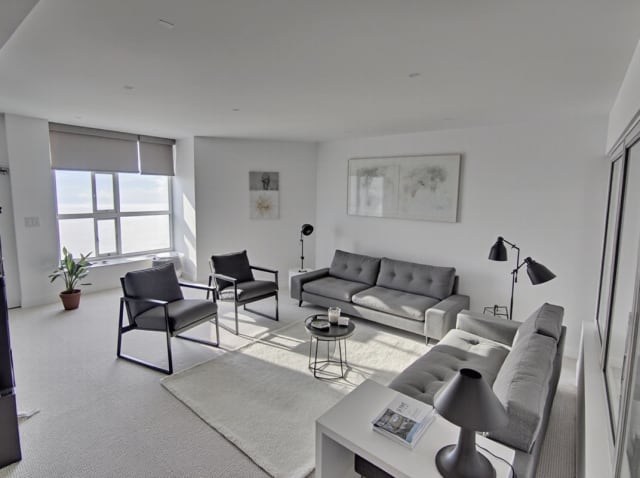
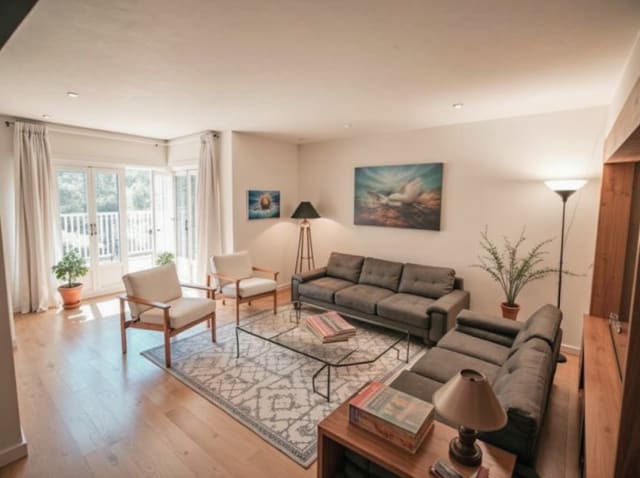
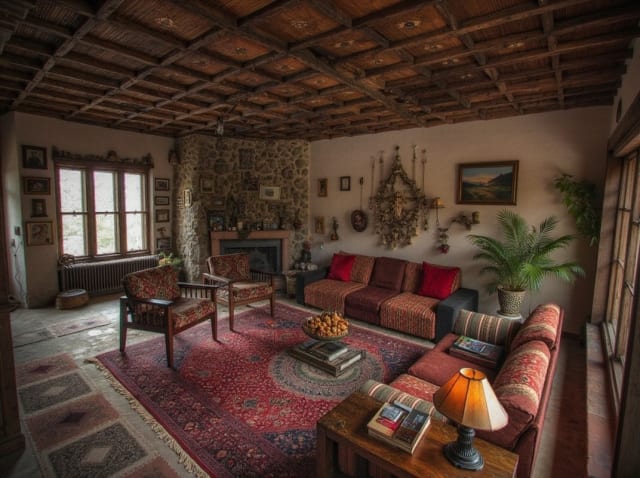
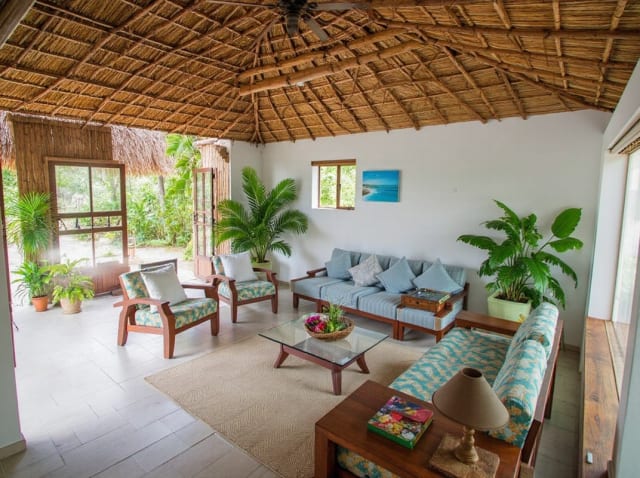
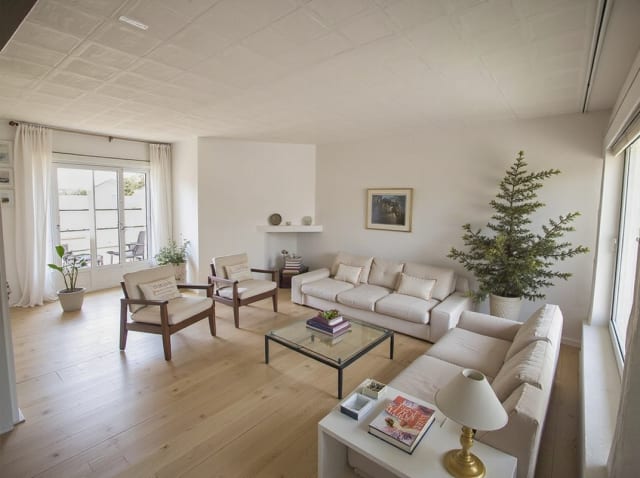
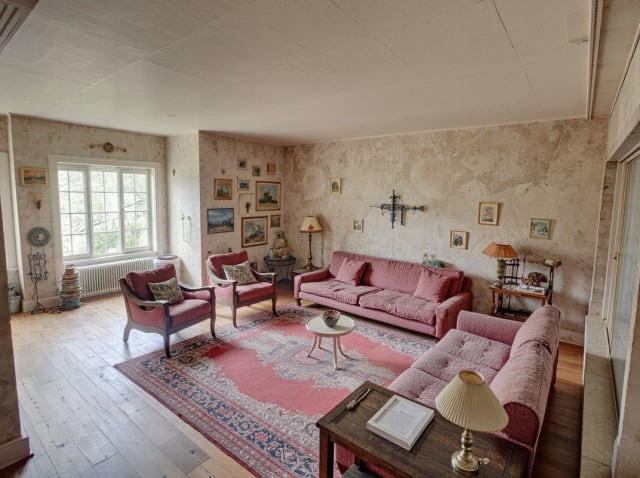
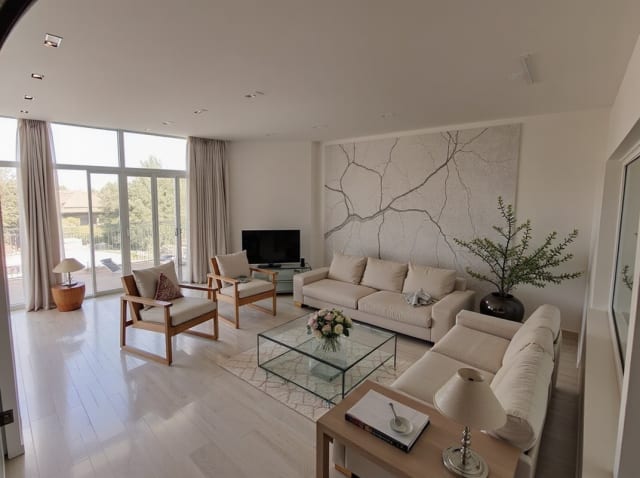
20 presets ship in the picker. A few of them below. Each tile is an example of the style, not of your room: pick one and your own photo comes back in that direction.
100,000+
Rooms redesigned
5,000+
Happy users
No data storage
Photos are processed and deleted — never kept or sold.

Secure payments
Checkout handled entirely by Stripe.


FAQ
Ersetzt das ein Grundriss-Tool?
Nein — Archmaster arbeitet mit einem Foto deines tatsächlichen Raums, nicht mit einem maßstabsgetreuen Grundriss. Es eignet sich am besten, um Stil und Möbelplatzierung zu visualisieren, nicht für präzise Maße.
Kann ich verschiedene Layouts am selben Foto ausprobieren?
Ja, lade einmal hoch und erstelle so viele Stil- und Layout-Varianten, wie du möchtest.
Muss ich die Maße meines Raums kennen?
Nein. Lade einfach ein klares Foto hoch — die KI arbeitet direkt mit dem Bild.
Schluss mit Raten, ob die Möbel passen.
Sieh dir das Layout deines Raums an, bevor du auch nur ein Möbelstück kaufst oder bewegst.