شاهد مساحتك من زاوية جديدة
ارفع صورة واحدة وأنشئ زاوية تصوير بديلة لنفس الغرفة أو الواجهة الخارجية — نفس النمط، نفس المواد، بواقعية تامة.
1 free render when you sign in, with no credit card.
رسم مجاني واحد · لا حاجة لبطاقة ائتمان
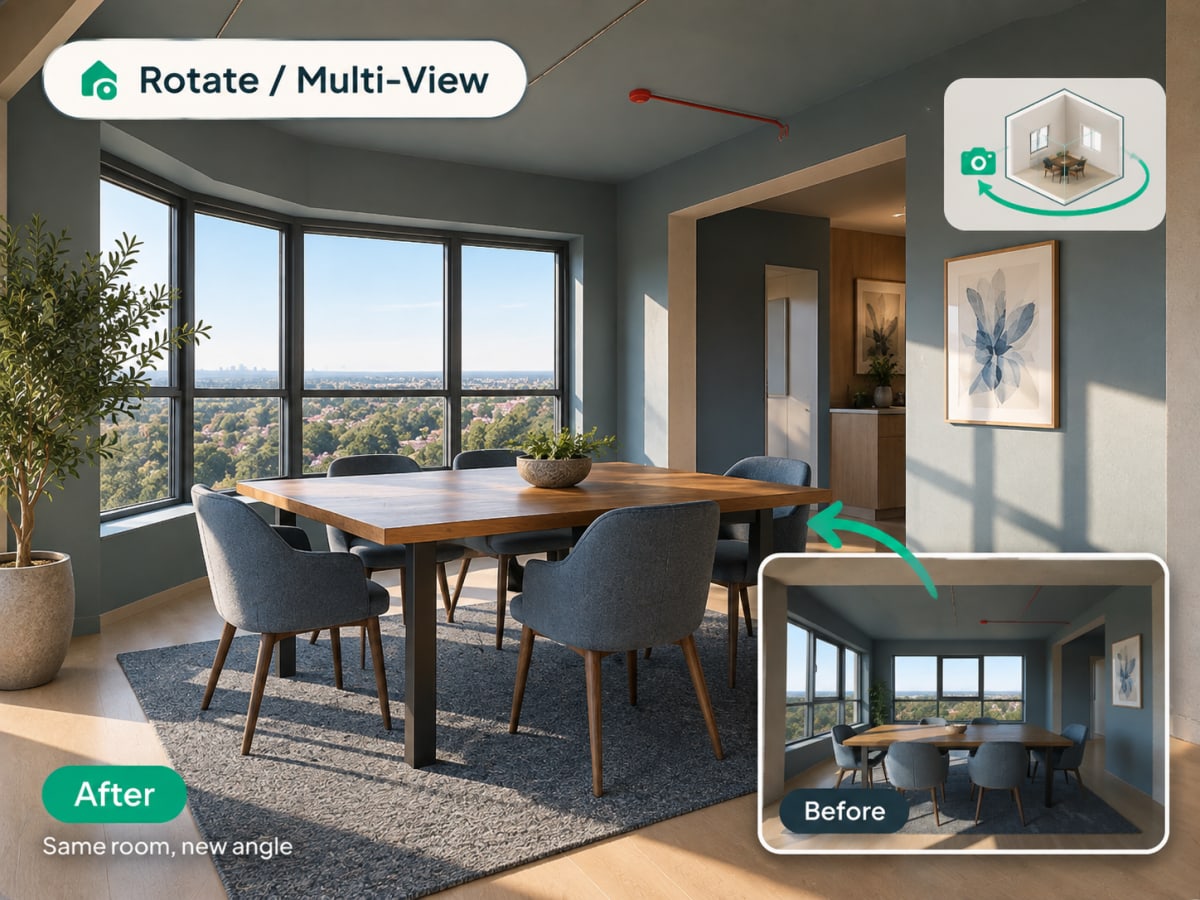
What Is Multi-Angle Rotate?
Multi-angle Rotate takes a photo you already have and generates a second, plausible view of the same room or facade, keeping the same materials, furniture, and lighting style intact.
- Checks a design from a second angle before a client or buyer asks to see it
- Works on raw source photos and renders you've already generated
- Costs 3 credits per generation
- Most useful for listing photos that need more than one view and client presentations
How multi angle rotate works, step by step
A second plausible view of the same space, with the materials, furniture, and lighting of the first carried across so the two read as one room.
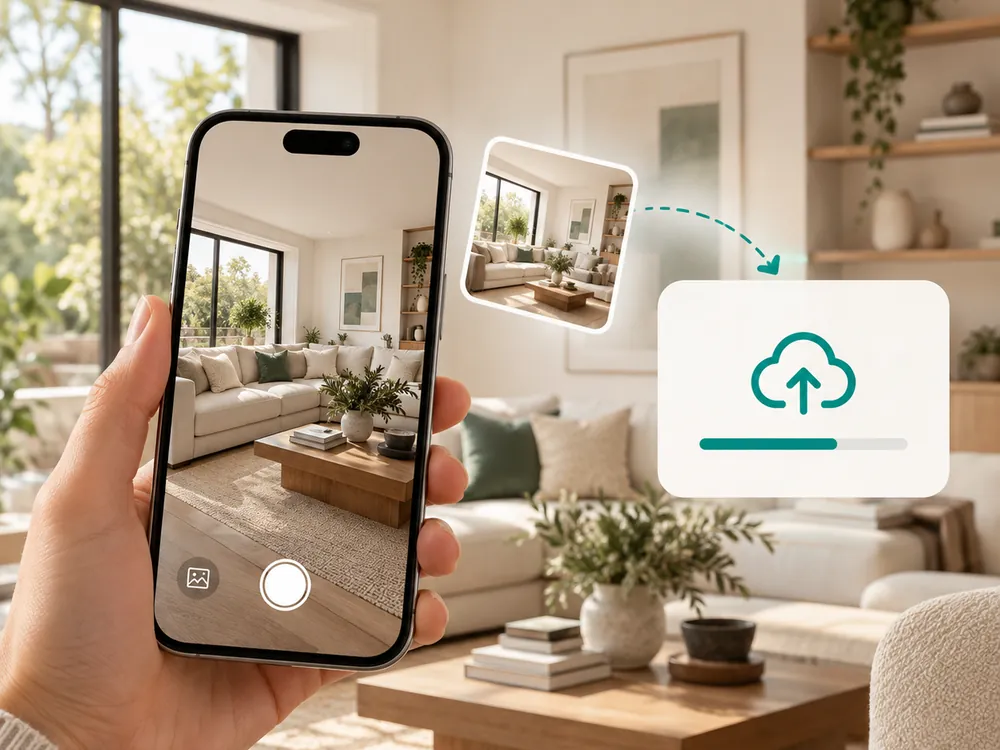
ارفع صورة
تعمل أي صورة داخلية أو خارجية. بصيغة JPG أو PNG أو WebP بحجم يصل إلى 12 ميغابايت.
- Works with a source photo or an already-styled render
- A full, unobstructed view of the space works best
أنشئ زاوية جديدة
ينتج الذكاء الاصطناعي زاوية تصوير بديلة لنفس المساحة، مع الحفاظ على النمط والمواد.
- Keeps materials, furniture, and lighting consistent
- Costs 3 credits per generation
حمّل العرض الجديد
استخدمه لرؤية مساحة من منظور ثانٍ قبل الالتزام بقرار تصميمي.
- Useful for listing photos that need more than one view
- Confirms a design decision from a second vantage point
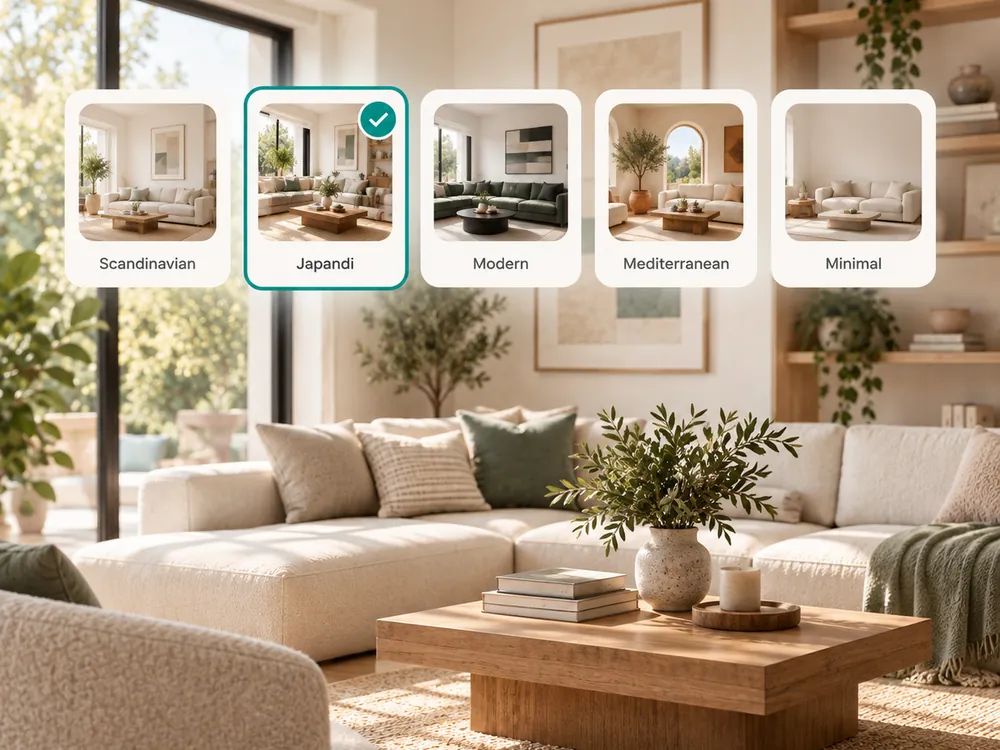
The style presets
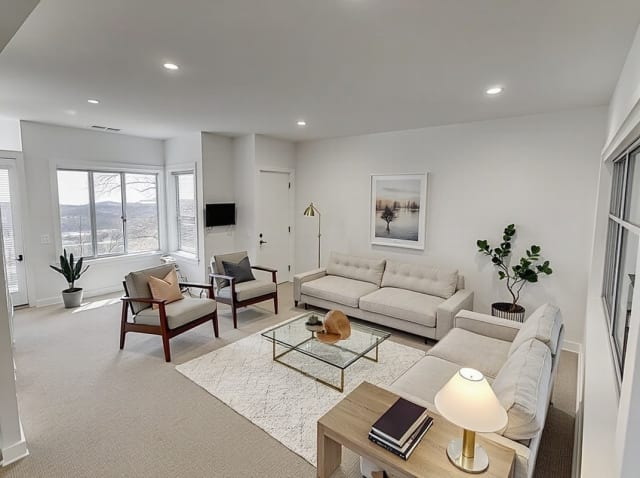
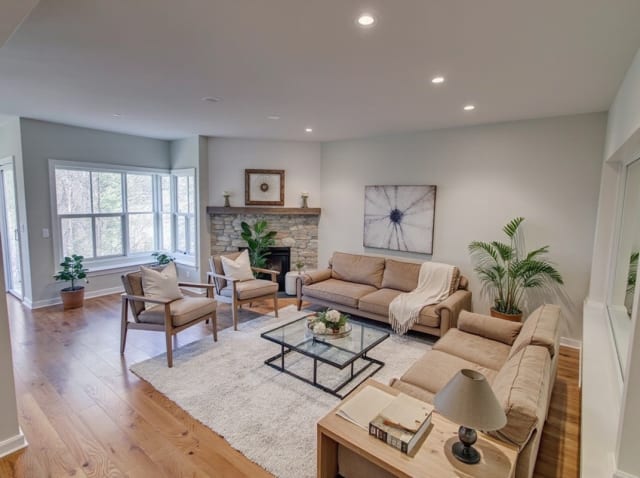
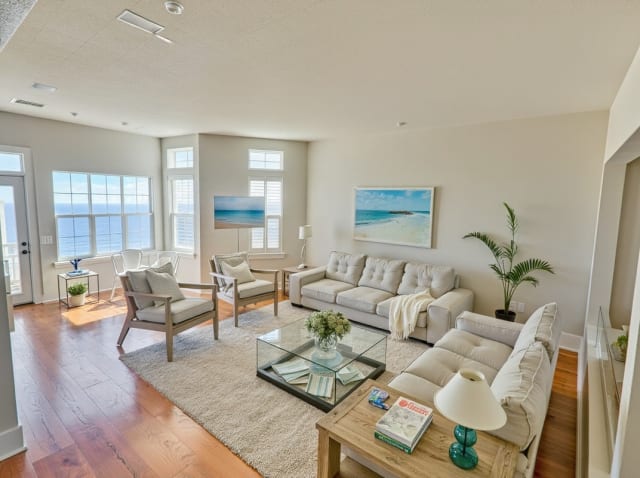
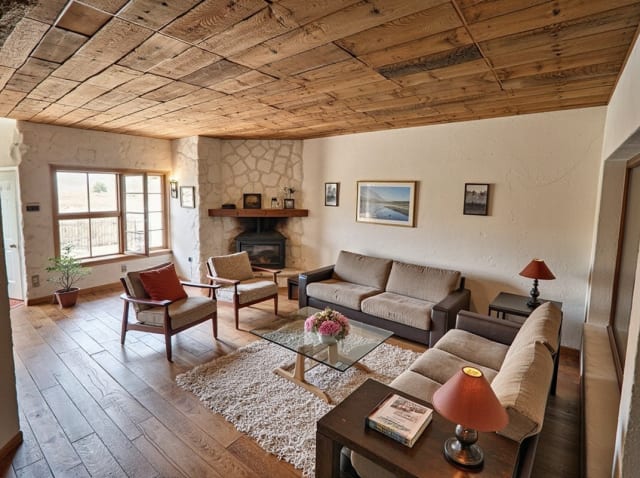
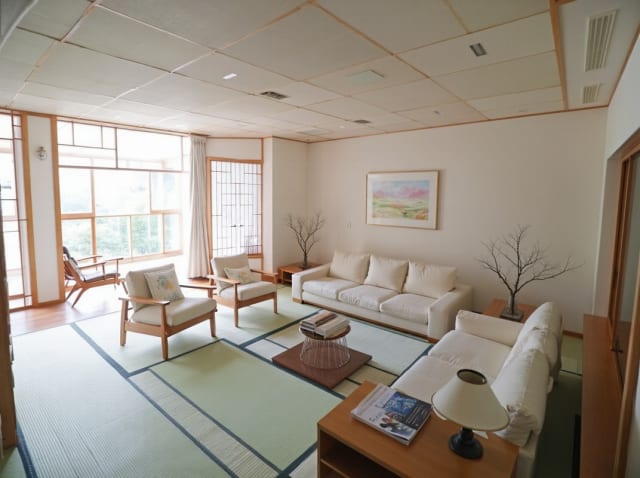
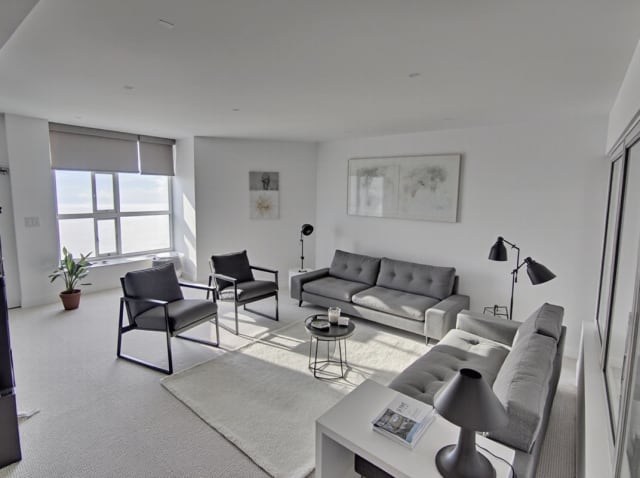
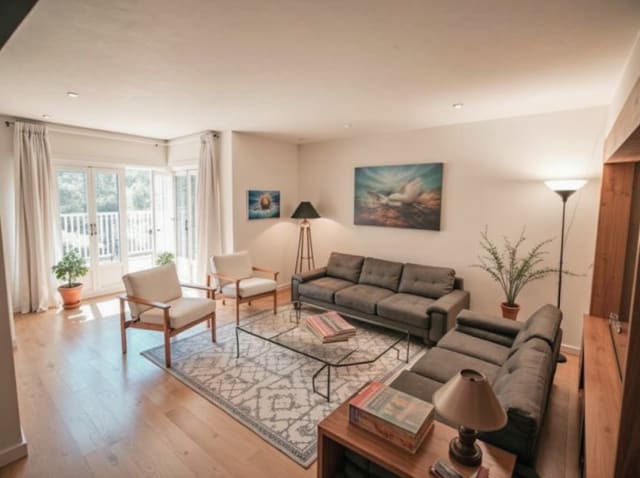
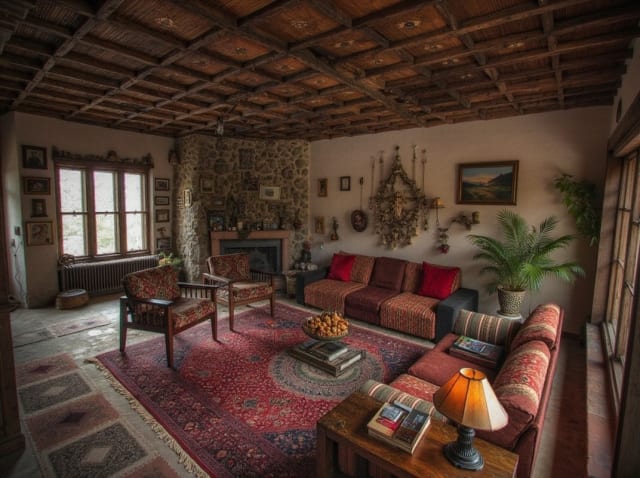
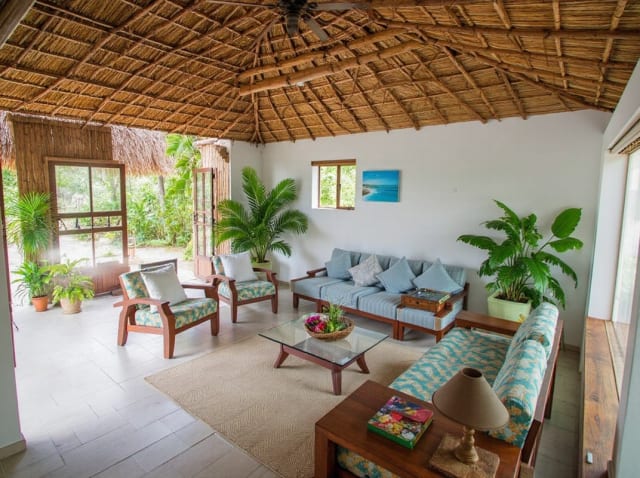
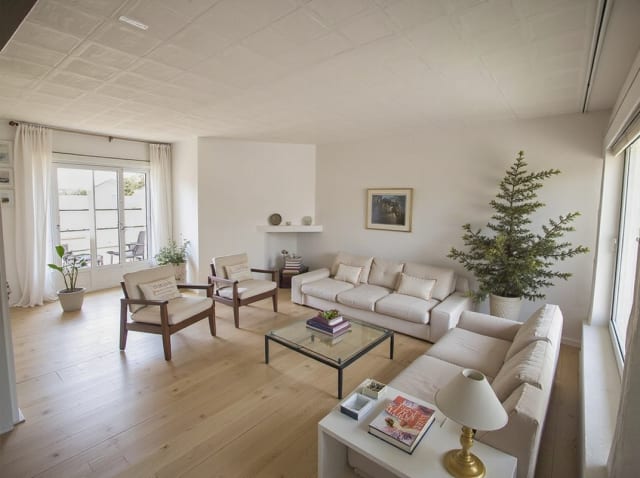
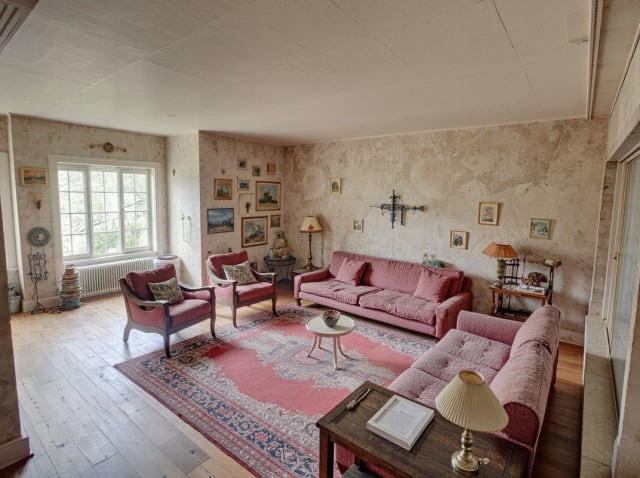
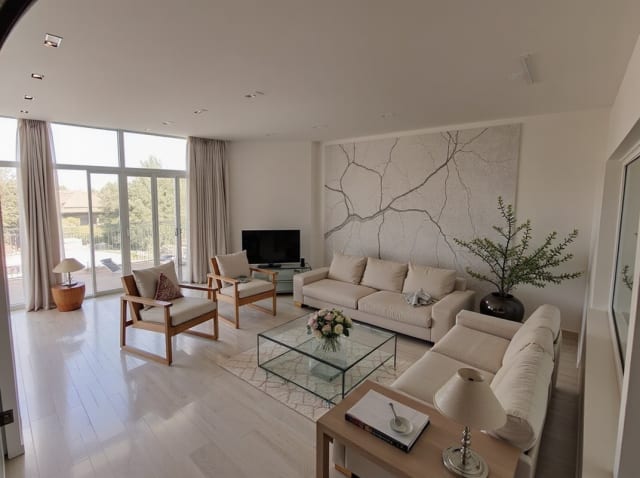
20 presets ship in the picker. A few of them below. Each tile is an example of the style, not of your room: pick one and your own photo comes back in that direction.
100,000+
Rooms redesigned
5,000+
Happy users
No data storage
Photos are processed and deleted — never kept or sold.

Secure payments
Checkout handled entirely by Stripe.

FAQ
هل يُظهر هذا زاوية مختلفة حقيقية لغرفتي؟
إنها إعادة تفسير مُولَّدة بالذكاء الاصطناعي، وليست التقاطًا فعليًا بالكاميرا — يستنتج النظام زاوية بديلة معقولة استنادًا إلى الصورة الأصلية، مع الحفاظ على نفس النمط والمواد.
هل يمكنني استخدام هذا على تصميم أُعيد تصميمه بالفعل؟
نعم — أنشئ تصميمك أولاً، ثم مرره عبر ميزة التدوير لرؤية نفس المساحة المصممة من زاوية أخرى.
هل يعمل مع الواجهات الخارجية كما يعمل مع الداخلية؟
نعم، تعمل الصور الداخلية والخارجية بنفس الطريقة.
صورة واحدة لا تروي القصة كاملة.
أنشئ زاوية أخرى لنفس المساحة في ثوانٍ.