Ändra specifika delar av valfri render
Måla en mask över valfritt område av din render och låt AI fylla i det annorlunda. Byt möbler, ändra färger, ta bort objekt.
1 free render when you sign in, with no credit card.
1 gratis rendering · Inget kreditkort krävs
What Is Edit and Modify?
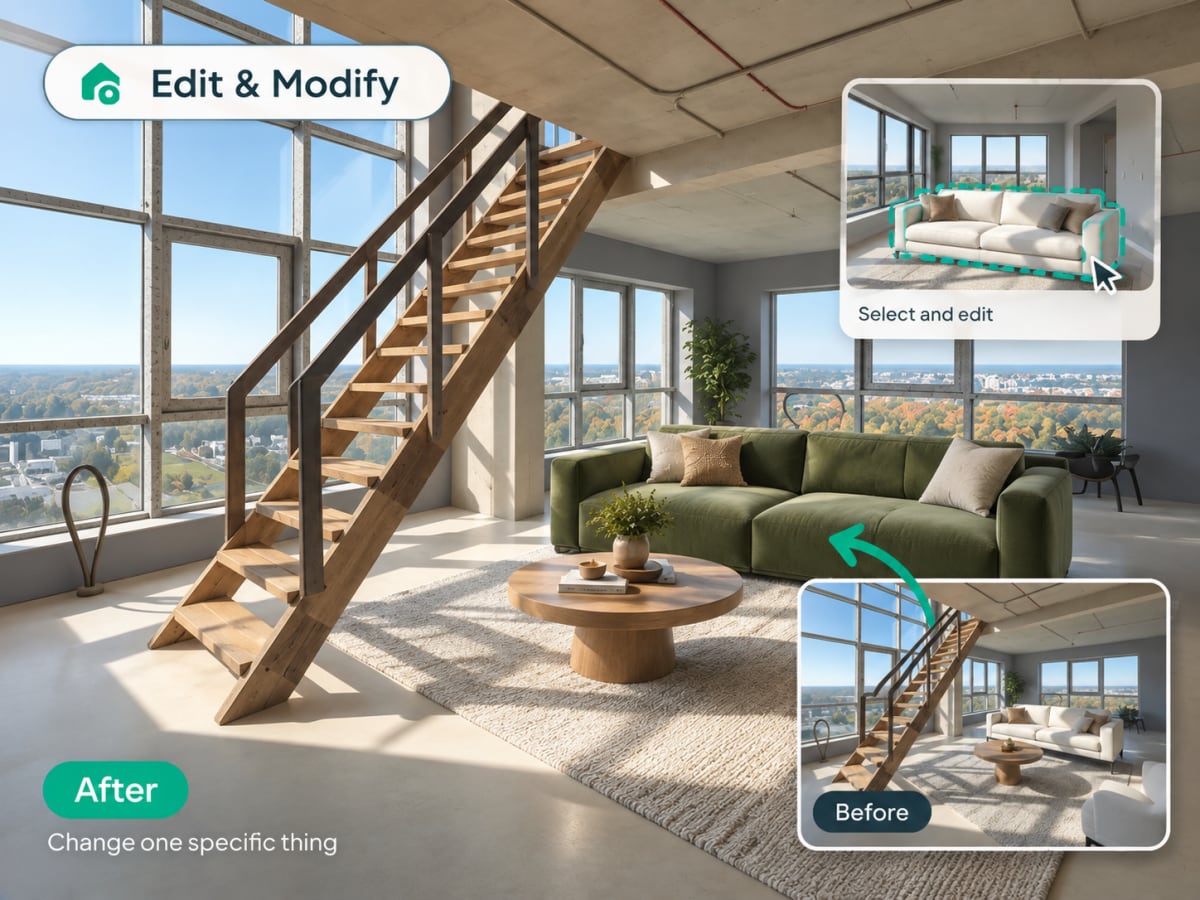
Edit and Modify is Archmaster's inpainting tool for changing one part of an existing render without regenerating the whole image. Paint a mask over the specific area you want to change and describe what should replace it.
- The AI regenerates only the masked region, everything outside stays untouched
- Faster and more predictable than a full new generation for one change
- Designers use it to test furniture swaps or color changes on an approved render
- Also works well for removing unwanted objects like a stray cable or appliance
How AI inpainting works, step by step
You mark the part that is wrong and describe what should be there instead. Everything outside the mask is left exactly as it was.
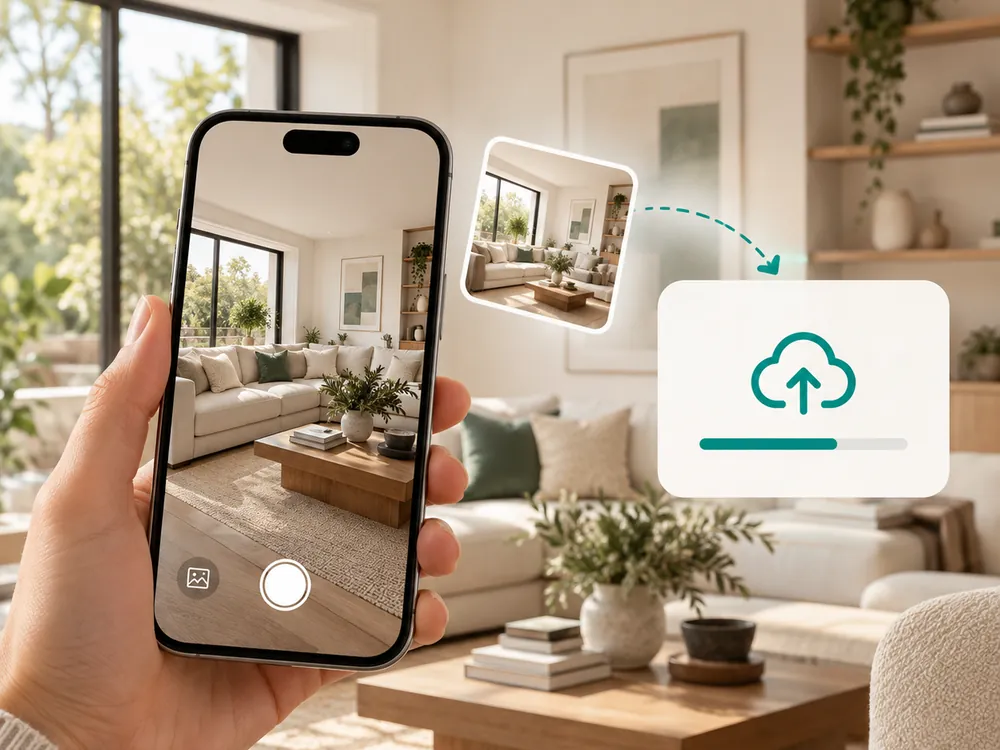
Öppna en design
Börja från valfri design i ditt bibliotek eller ladda upp en ny render eller foto.
- Start from your library or upload a new render
- Works with existing designs or fresh uploads
Måla det område som ska ändras
Pensla över den del av bilden du vill ändra. Lägg till instruktioner som beskriver vad du vill ha där istället.
- Brush over just the part you want to change
- Add written instructions for what should appear instead
Applicera och förfina
AI:n fyller i det maskerade området baserat på dina instruktioner. Upprepa på valfritt annat område tills resultatet är perfekt.
- Only the masked area is regenerated
- Lighting and shadows outside the mask stay untouched
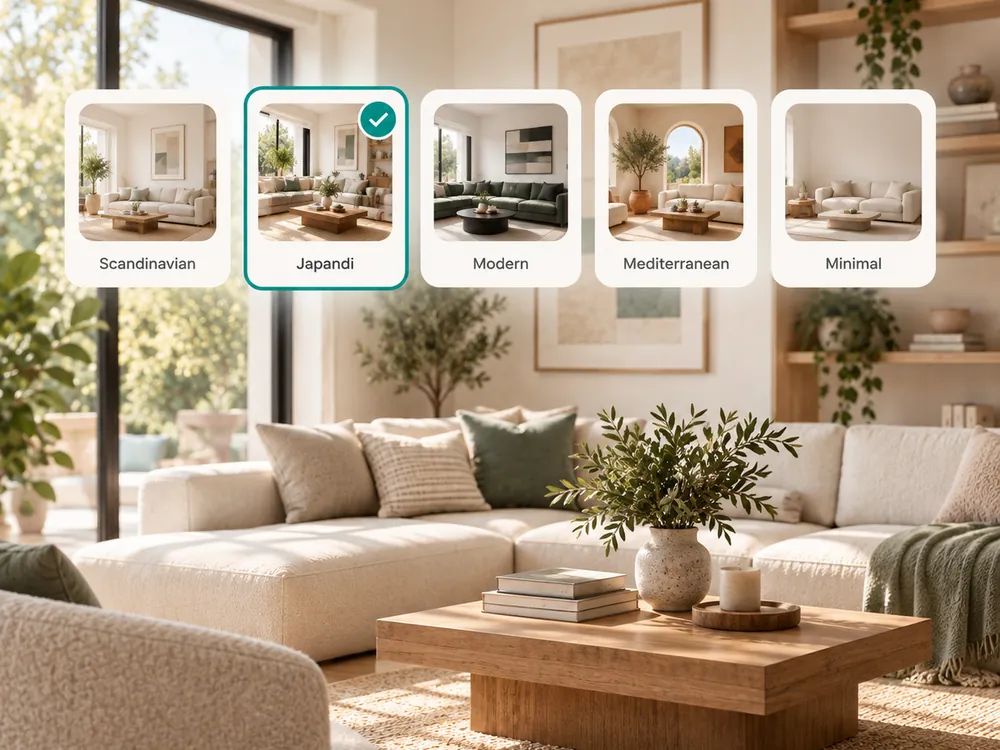
The style presets
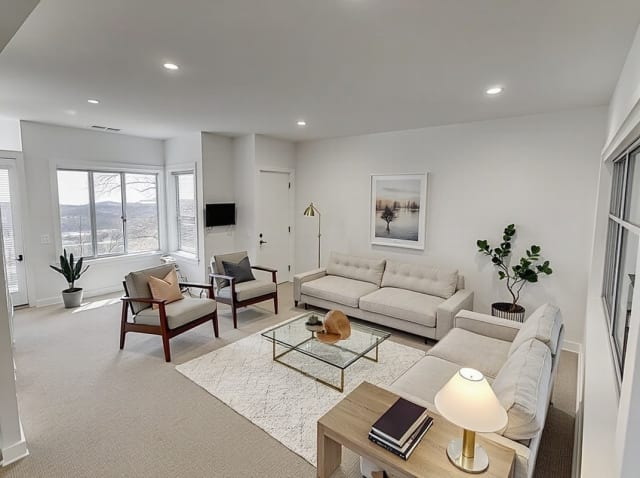
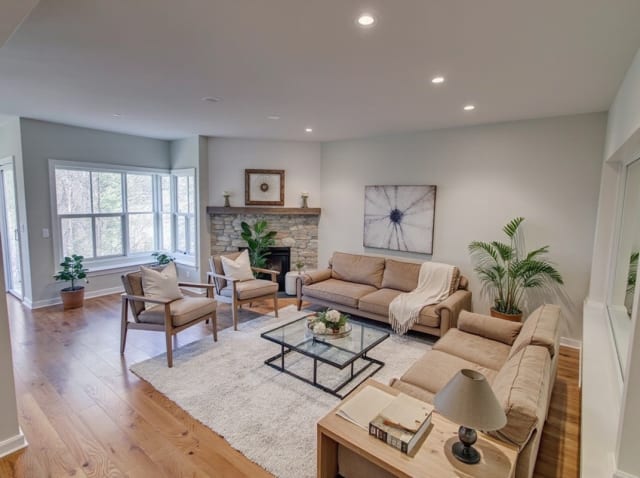
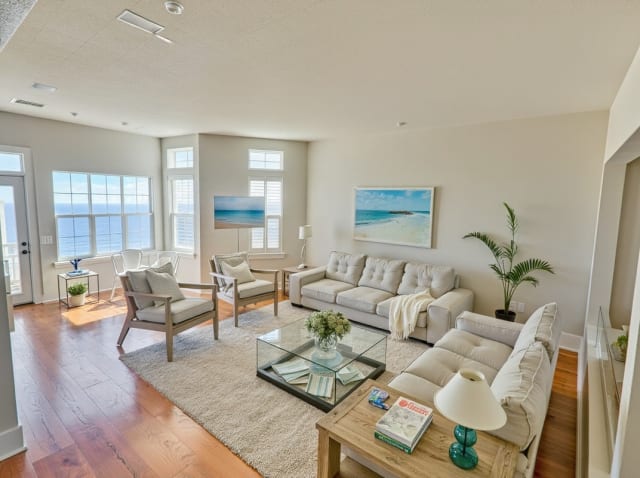
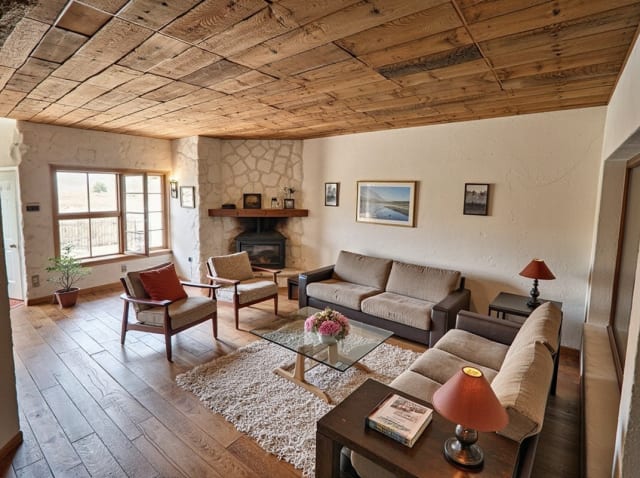
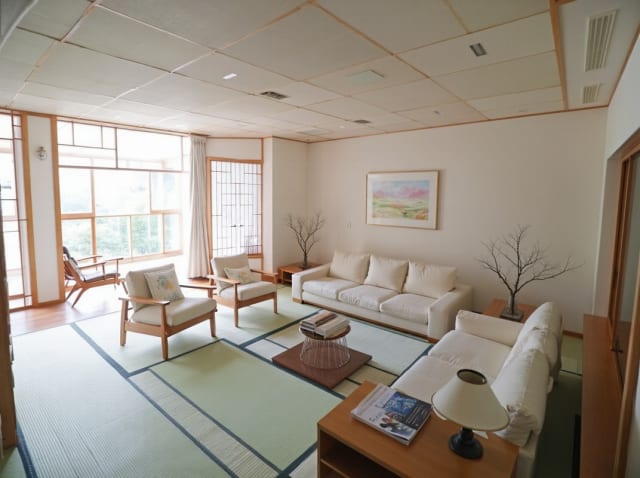
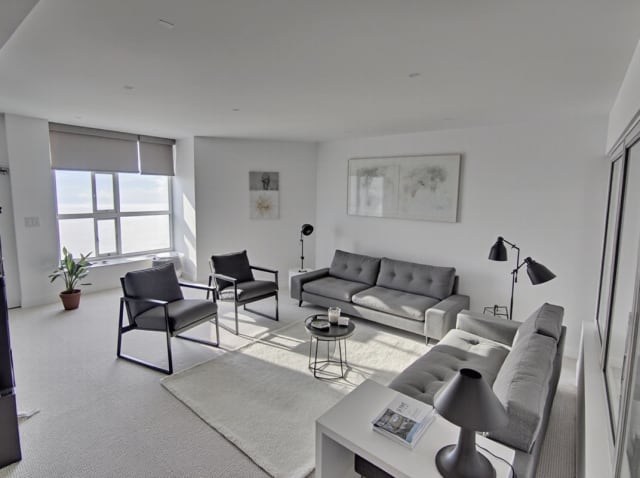
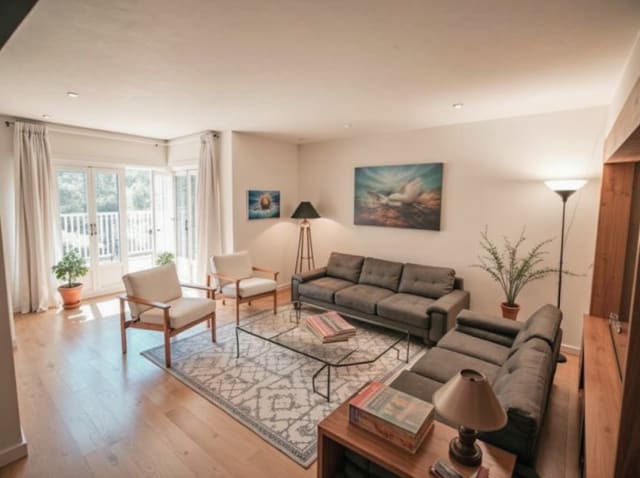
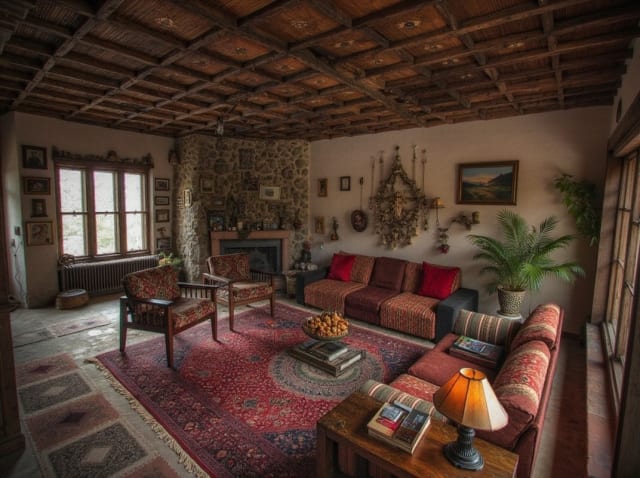
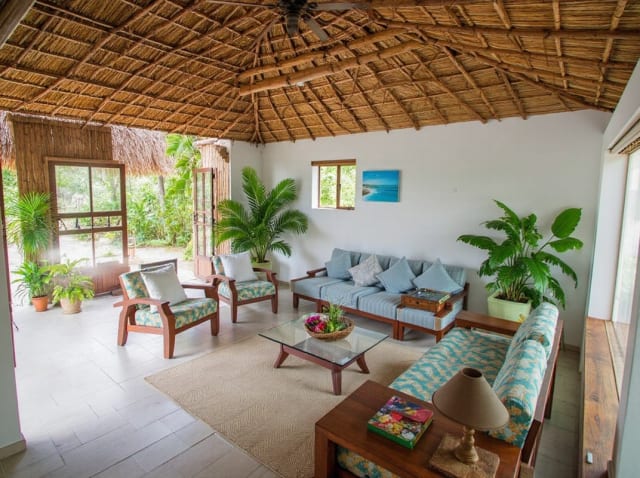
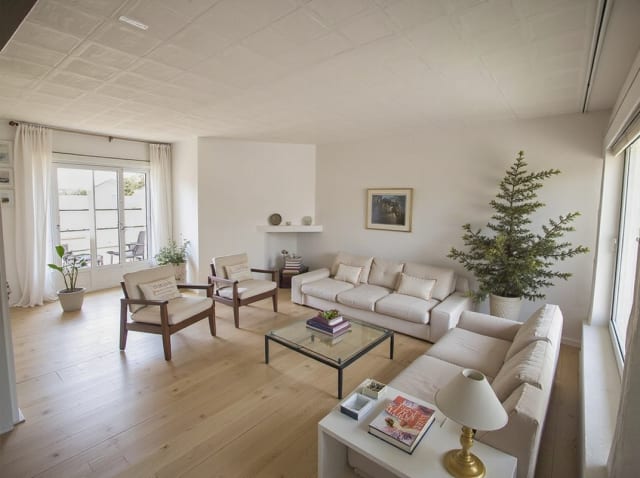
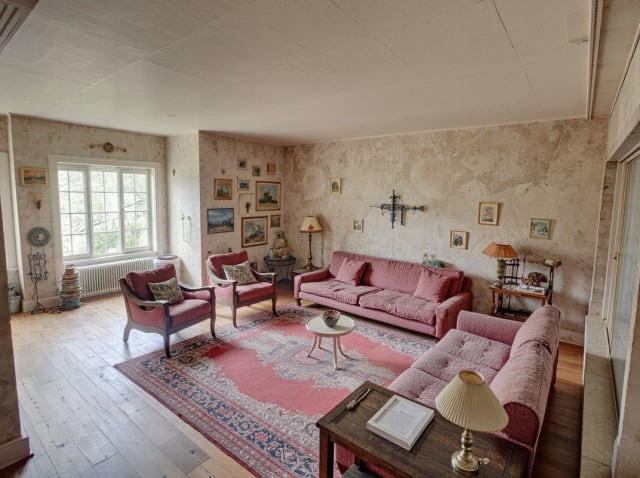
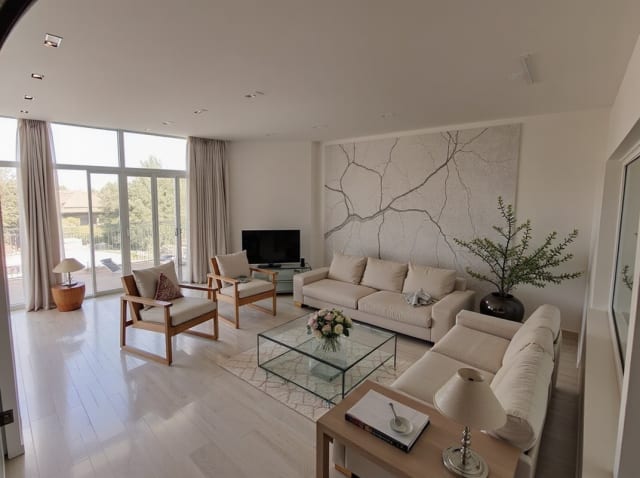
20 presets ship in the picker. A few of them below. Each tile is an example of the style, not of your room: pick one and your own photo comes back in that direction.
100,000+
Rooms redesigned
5,000+
Happy users
No data storage
Photos are processed and deleted — never kept or sold.

Secure payments
Checkout handled entirely by Stripe.

FAQ
How is Edit and Modify different from generating a new render?
It changes only the area you mask instead of regenerating the whole image. Everything outside the selected region stays exactly as it was in the original render, including lighting and camera angle.
What kinds of changes can I make with it?
Common edits include swapping furniture, repainting walls, changing flooring, and removing unwanted objects. Describe the change in a short sentence and the AI fills in the masked area accordingly.
Can I make multiple edits to the same render?
Yes. Apply one edit, review the result, then mask a different area and repeat as many times as needed. Each individual edit is a separate generation that costs 1 credit.
Will the edited area match the lighting and perspective of the rest of the image?
The AI blends the new content into the surrounding lighting, shadows, and perspective automatically, so the edit reads as part of the original photo rather than a visible pasted-in patch.
Precisa redigeringar, inte fullständiga omrenderingar.
Ändra exakt det du vill. Behåll allt annat. 1 credit per redigering.