Дизайн Фасада Дома с ИИ за Секунды
Загрузите фото любого дома или фасада здания, выберите стилевой пресет и получите фотореалистичную трансформацию за секунды.
1 free render when you sign in, with no credit card.
1 бесплатный рендер · Без банковской карты
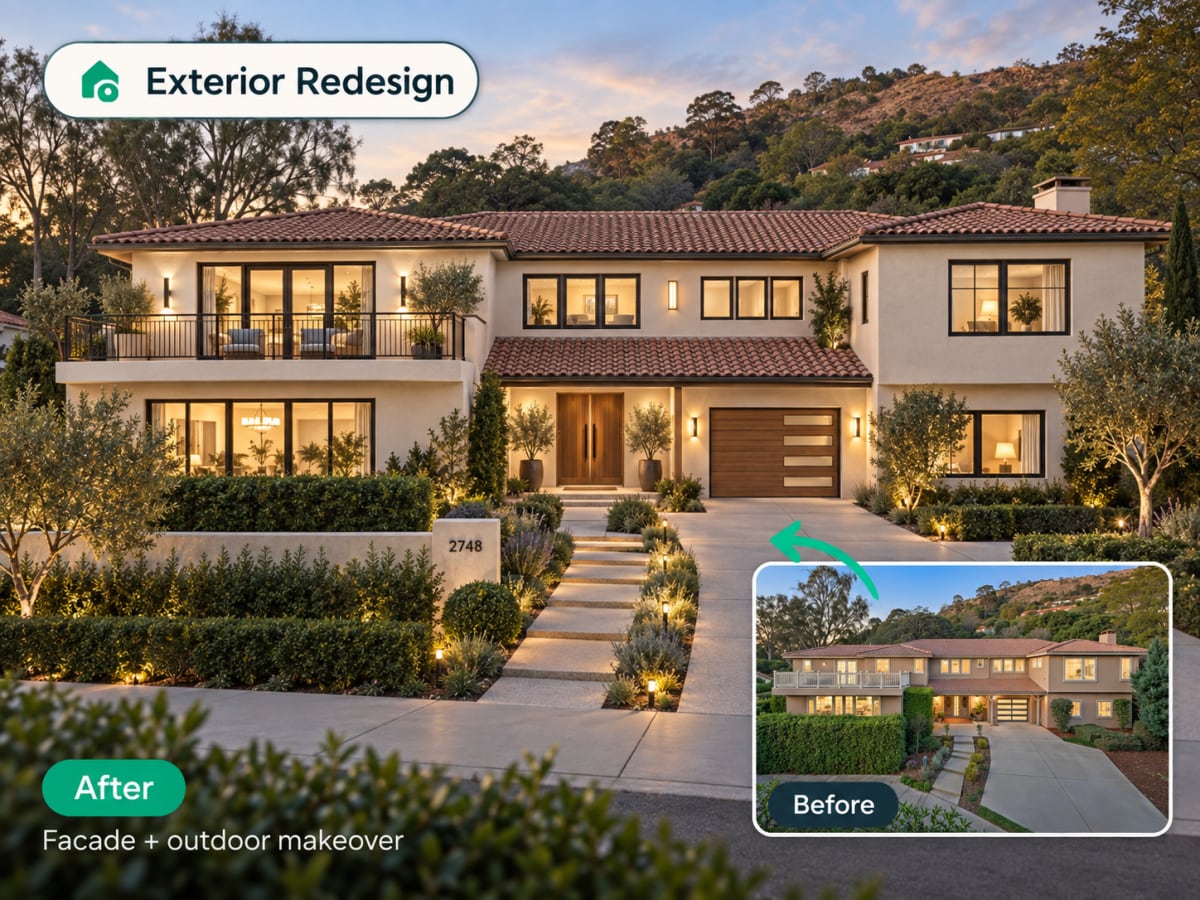
Can AI redesign my house exterior from a photo?
Yes. Upload one photo of a house or building and the AI returns a photorealistic redesign of the facade in seconds, keeping the same camera angle and proportions while changing materials, paint, roofline details and landscaping. It is a visual concept to decide direction, not an architectural drawing.
- Runs entirely in the browser, no CAD software, no architect and no site visit required
- Works from any angle, though a straight-on front elevation gives the cleanest result
- Costs 1 credit per generation, so trying three or four style directions is practical
- Restyles siding, paint, roof, doors, windows and the yard in one pass
How an AI exterior redesign works, step by step
The AI reads your building's massing, roofline, and window positions from the photo, then restyles the surfaces around them. The house stays the same house.
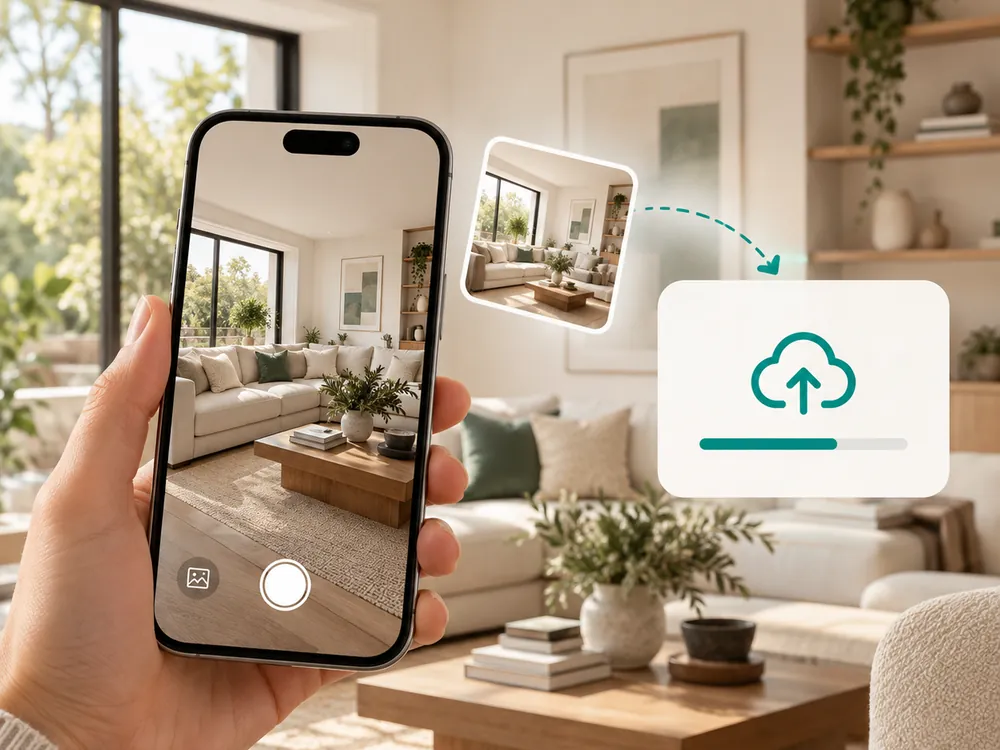
Загрузите фото фасада
Перетащите фото любого фасада здания или внешнего вида дома. JPG, PNG или WebP до 12 МБ.
- JPG, PNG, or WebP up to 12 MB
- Works from any angle you photograph the building at
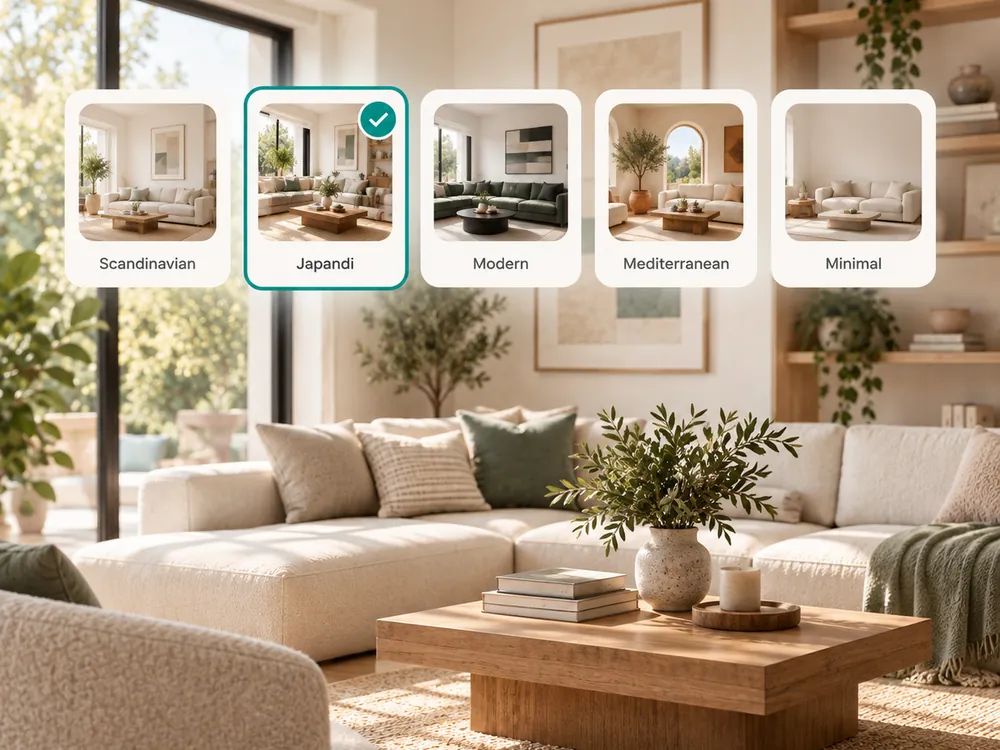
Выберите стиль
Выбирайте из пресетов: Tropical, Mediterranean, Minimalist и других. ИИ адаптирует стиль под ваше конкретное здание.
- Tropical, Mediterranean, Minimalist, and more presets
- The AI adapts style to your specific building
Скачайте рендер
Ваш преображённый фасад готов за секунды. Делитесь с клиентами, подрядчиками или используйте для фото в объявлениях.
- Ready in seconds
- Share with clients, contractors, or use for listings
The style presets
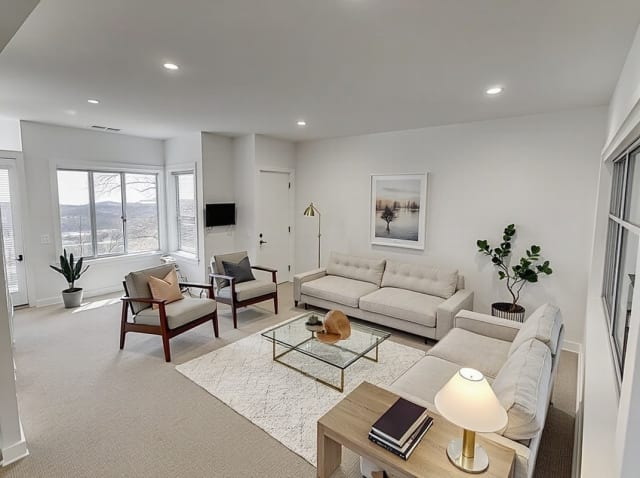
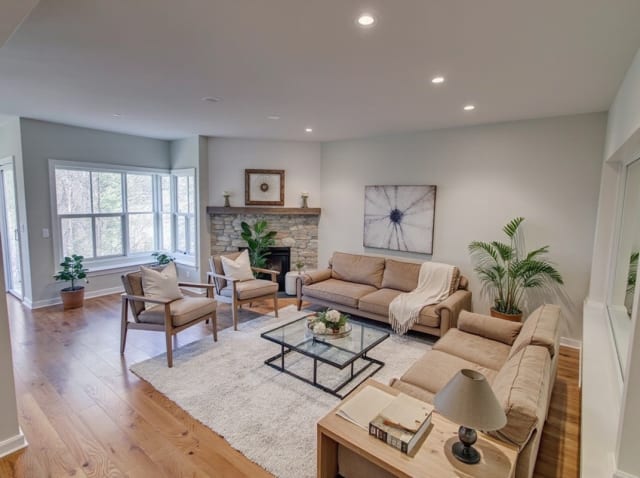
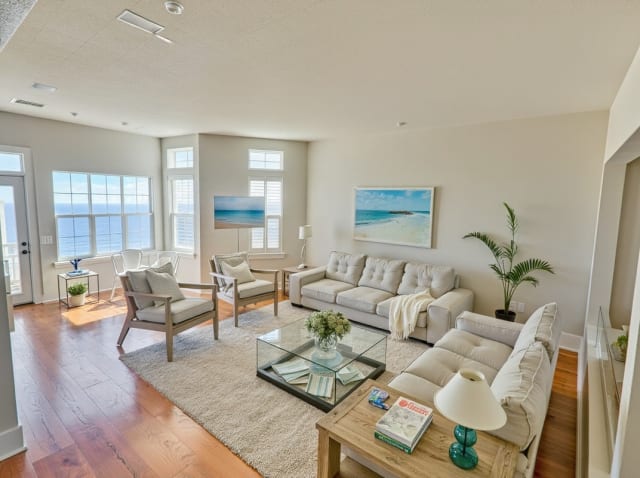
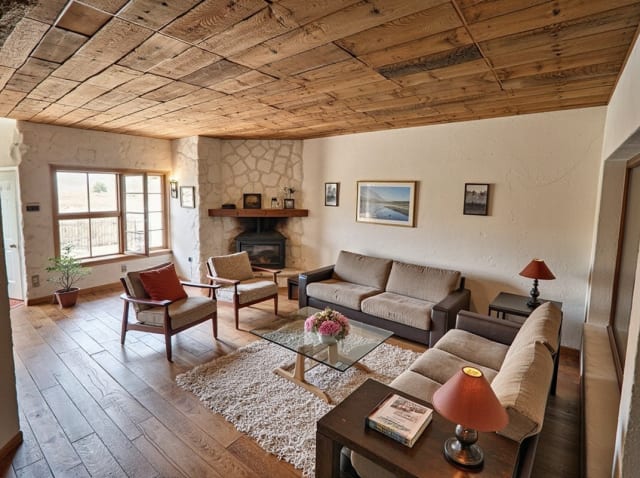
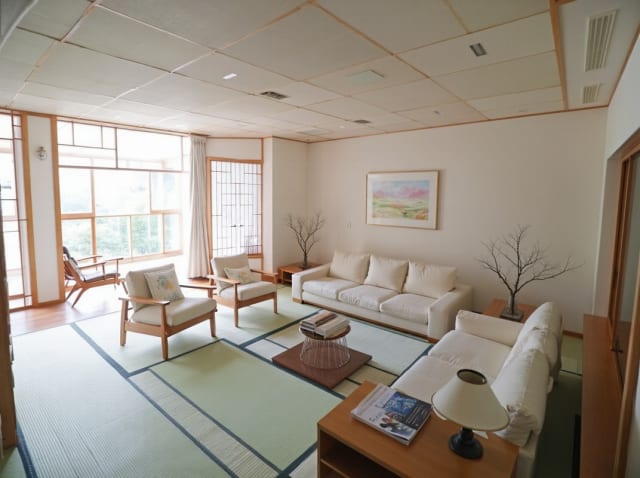
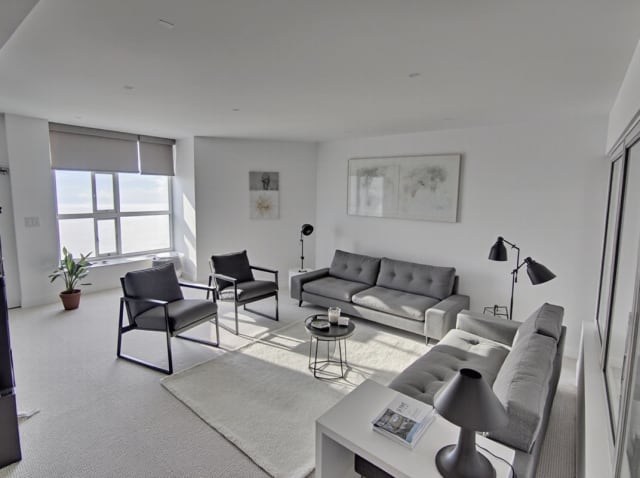
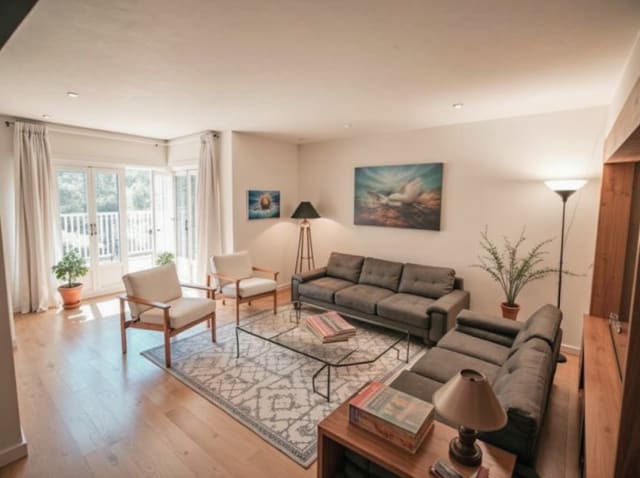
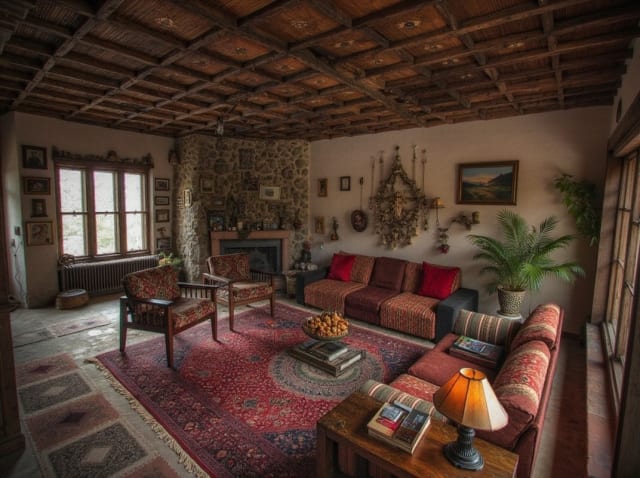
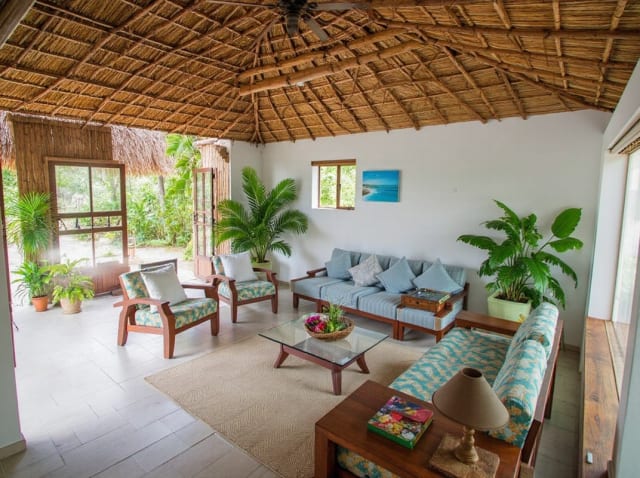
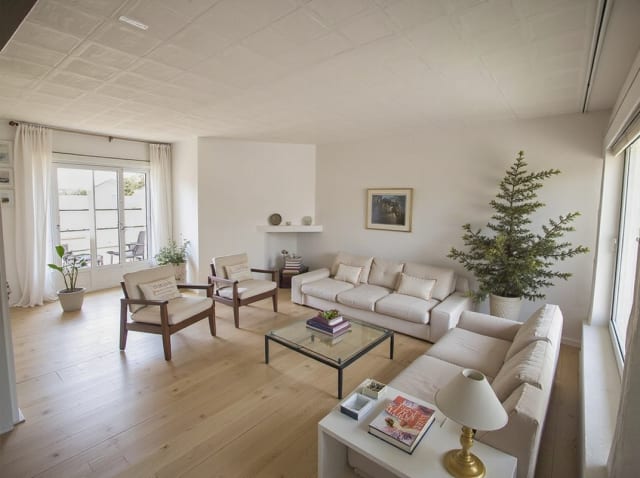
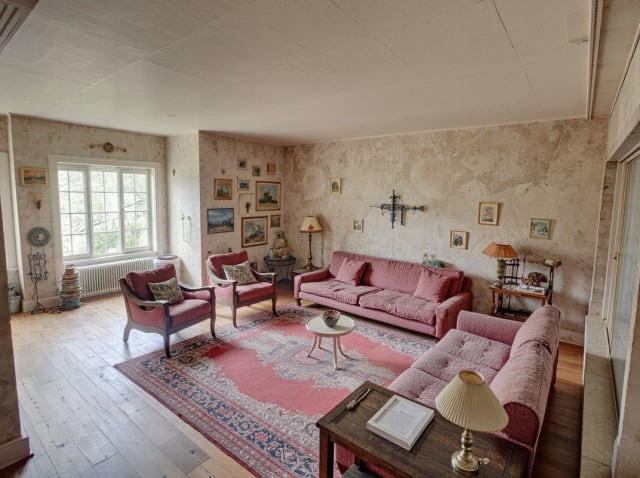
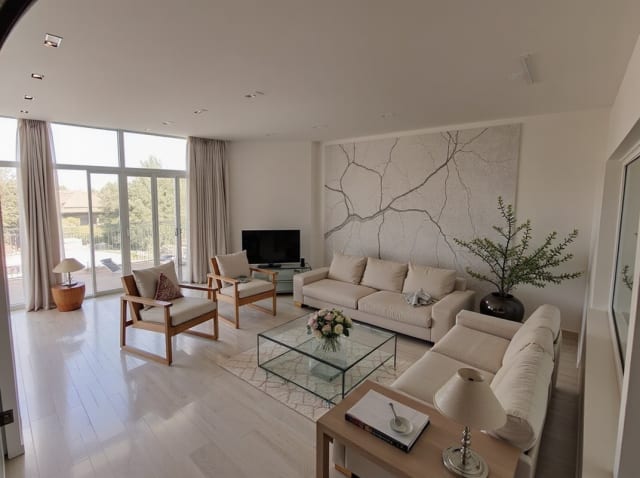
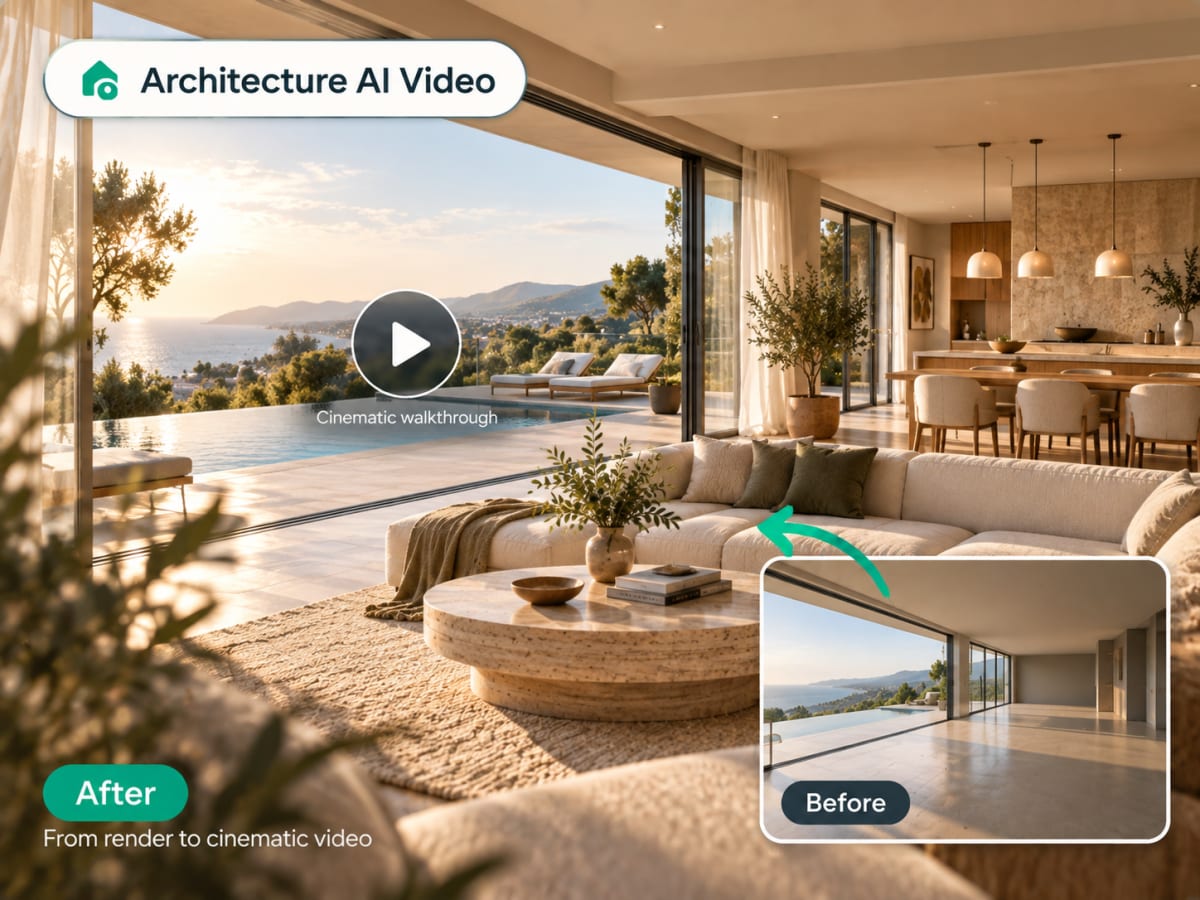
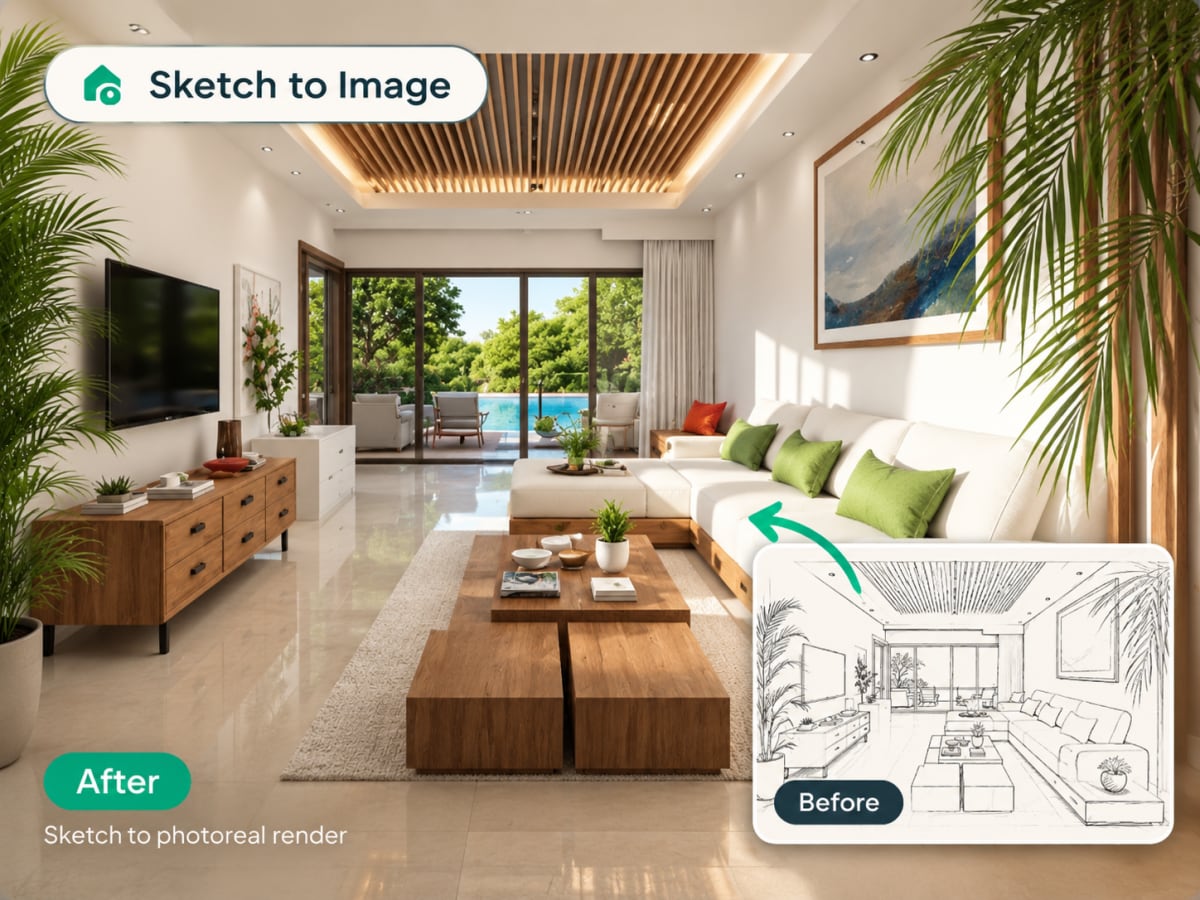
20 presets ship in the picker. A few of them below. Each tile is an example of the style, not of your room: pick one and your own photo comes back in that direction.
100,000+
Rooms redesigned
5,000+
Happy users
No data storage
Photos are processed and deleted — never kept or sold.

Secure payments
Checkout handled entirely by Stripe.

FAQ
Is there a free AI exterior design tool?
Yes. Sign in and your first render is free, with no credit card: upload a photo of the house, pick a style and get a photorealistic redesign back, with nothing to install. Paid plans add credits when you want to explore more directions.
Will AI exterior design change my house's actual structure?
No. The AI preserves your building's real geometry, window placement, and rooflines. It only changes surface materials, colors, and landscaping, not the underlying structure.
Can it redesign any type of building?
Yes. It works on houses, apartment buildings, commercial facades, and additions like ADUs. Upload a clear photo of the full facade for best results.
How is this different from a rendering service?
Traditional exterior renders take days and require a 3D model. Archmaster generates a photorealistic result from a single photo in under a minute, no 3D modeling required.
Can I use the result to talk to a contractor?
Yes, for direction and material selection. It's a visualization tool, not a technical drawing, so pair it with a contractor's own measurements before finalizing materials.
What's the best photo angle to upload?
A straight-on shot of the full facade, taken in daylight, gives the most accurate result. Avoid photos where trees or cars block a large part of the building.
Can I try multiple paint colors on the same house?
Yes. Upload the same exterior photo and generate it in different style presets to compare paint and material options side by side before committing.
Which AI tool can I use to explore multiple facade options before a client review?
Any photo-to-render AI works for this, including Archmaster. Upload the building once, then generate a separate render per direction, so the client compares real options instead of adjectives. Take the chosen direction to proper drawings afterwards, since these renders are concepts rather than construction documents.
Can I see my house in a specific paint colour?
You can steer the AI toward a colour and see how it reads on your own facade in daylight, but the result is not a brand-matched swatch. Once you have picked a direction, confirm the exact shade with a real sample or a paint brand's own visualizer before buying.
Посмотрите на свой дом преображённым.
Загрузите фото и примените любой стиль. Без программ, без дизайнера, без ожидания.