Amplie Renders de IA para Qualidade de Impressão
Pegue qualquer render de IA e aprimore para 4× a resolução original. Remova ruído, recupere detalhes perdidos e exporte com qualidade de impressão.
1 free render when you sign in, with no credit card.
1 render grátis · Sem cartão de crédito
What Is the AI Render Enhancer?
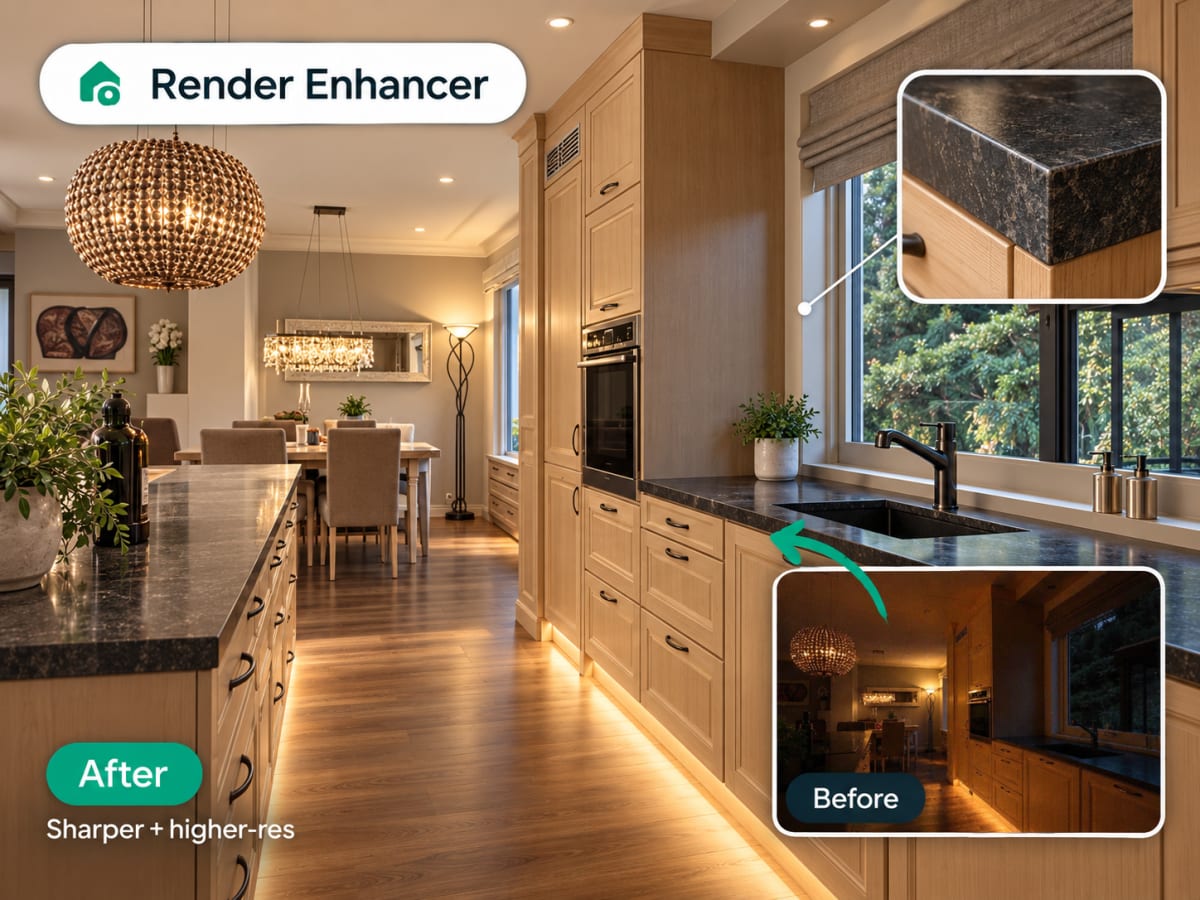
The AI Render Enhancer takes an existing image, an AI render or a real photo, and increases its resolution and clarity without redrawing the scene.
- Upscales to roughly 4x the original pixel count, sharpens edges, reduces compression artifacts
- Doesn't change composition, furniture, or materials, only image quality
- Useful for a printed presentation board, a high-resolution listing photo, or a large client deliverable
- Designers generate a low-cost preview first, then enhance only the final approved version
How AI upscaling works, step by step
The composition is left alone. What changes is resolution, edge definition, and noise, which is what decides whether an image survives being printed or projected.
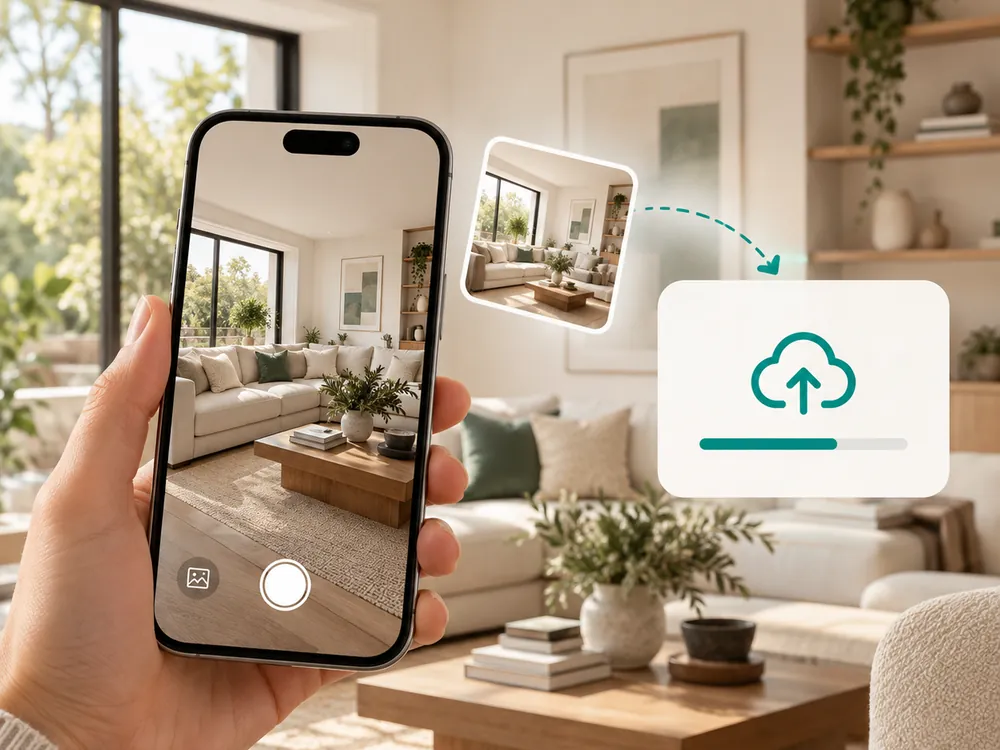
Envie seu render
Solte qualquer design gerado por IA ou foto. Aceita todos os formatos com até 12 MB.
- Supports all common image formats up to 12 MB
- Works with phone photos and scans
Aprimoramento automático
A IA aguça bordas, remove ruído, recupera detalhes finos e amplia para 4× a resolução original.
- Sharpens edges and removes noise
- Upscales to roughly 4x the original resolution
Baixe em resolução completa
Exporte o render aprimorado em tamanho completo. Pronto para impressão, apresentações para clientes ou fotos de anúncio.
- Ready for print or client presentations
- Full resolution export
100,000+
Rooms redesigned
5,000+
Happy users
No data storage
Photos are processed and deleted — never kept or sold.

Secure payments
Checkout handled entirely by Stripe.

FAQ
What's the difference between enhancing and re-rendering an image?
Enhancing keeps your existing composition and just improves resolution and sharpness. Re-rendering regenerates the scene from scratch and can change furniture or materials. Use the enhancer when you like the render and only need higher quality output for print or presentations.
How much larger does the image get after enhancement?
The enhancer upscales images to roughly 4 times their original resolution, recovering fine texture and edge detail along the way. A small preview-quality render becomes suitable for print at a much larger physical size, like a presentation board.
Can I enhance a real photo, not just an AI render?
Yes. The enhancer works on any uploaded image, including phone photos and scanned material, not only Archmaster-generated renders. It's commonly used to sharpen real estate photos before they go into online listings.
How many credits does one enhancement cost?
Each enhancement costs 1 credit, the same as a standard image generation. There's no extra charge based on the size or resolution of the source image you upload.
Renders prontos para impressão, não apenas para tela.
Um crédito por aprimoramento. Resultados em segundos.