Zobacz Swoją Przestrzeń pod Nowym Kątem
Prześlij jedno zdjęcie i wygeneruj alternatywny kąt kamery tego samego pokoju lub elewacji — ten sam styl, te same materiały, fotorealistycznie.
1 free render when you sign in, with no credit card.
1 darmowy render · Bez karty kredytowej
What Is Multi-Angle Rotate?
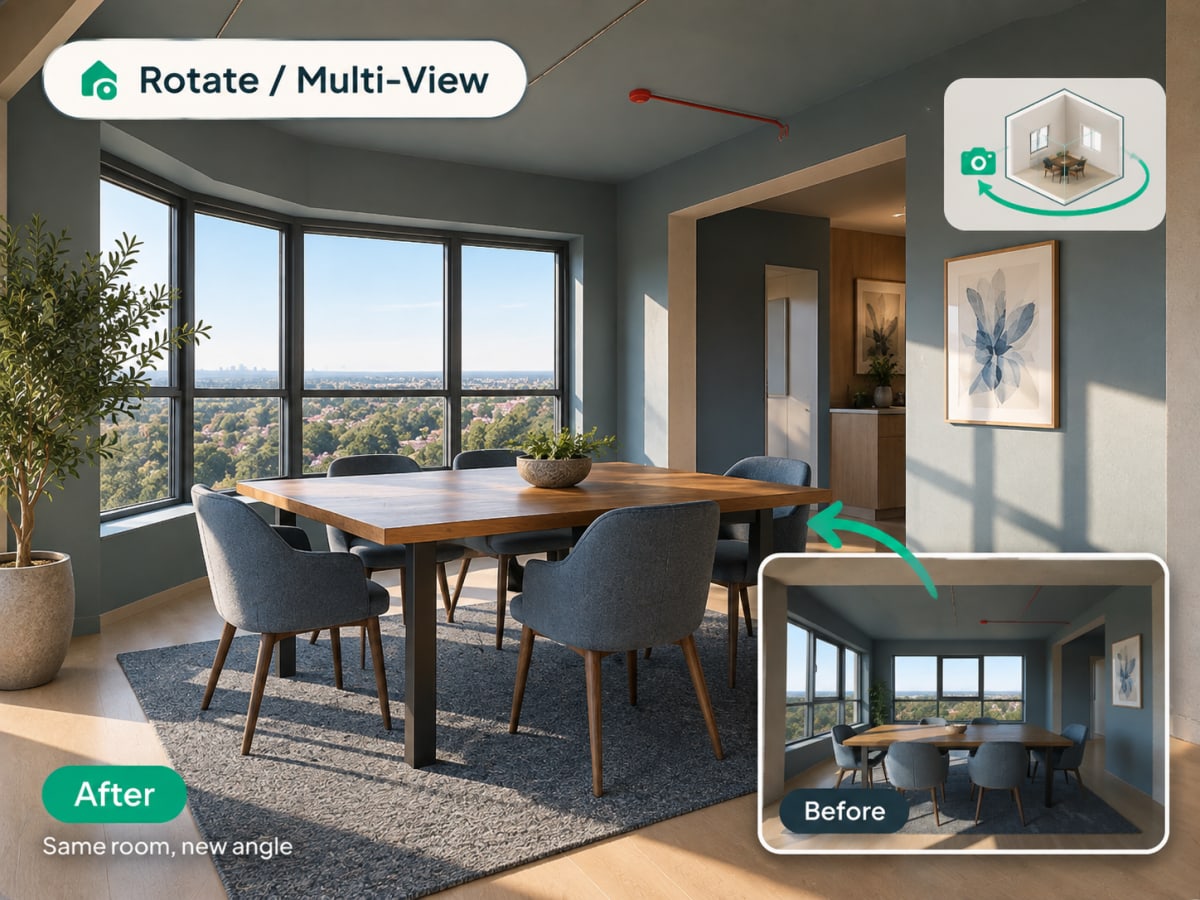
Multi-angle Rotate takes a photo you already have and generates a second, plausible view of the same room or facade, keeping the same materials, furniture, and lighting style intact.
- Checks a design from a second angle before a client or buyer asks to see it
- Works on raw source photos and renders you've already generated
- Costs 3 credits per generation
- Most useful for listing photos that need more than one view and client presentations
How multi angle rotate works, step by step
A second plausible view of the same space, with the materials, furniture, and lighting of the first carried across so the two read as one room.
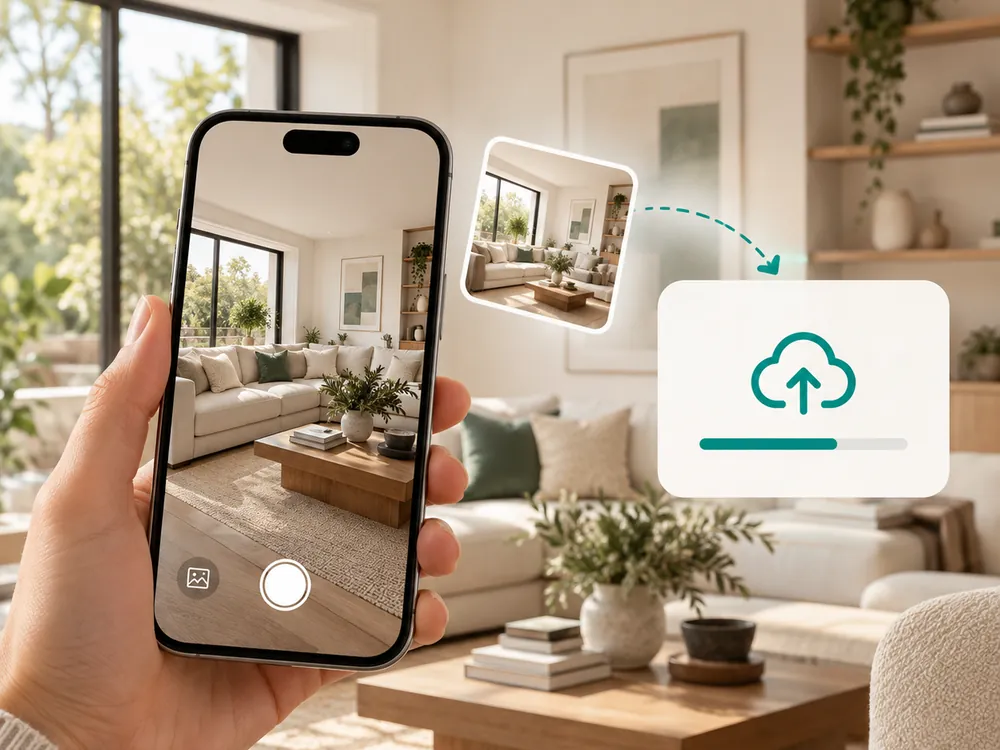
Prześlij zdjęcie
Działa z dowolnym zdjęciem wnętrza lub elewacji. JPG, PNG lub WebP do 12 MB.
- Works with a source photo or an already-styled render
- A full, unobstructed view of the space works best
Wygeneruj nowy kąt
AI tworzy alternatywny kąt kamery tej samej przestrzeni, zachowując spójny styl i materiały.
- Keeps materials, furniture, and lighting consistent
- Costs 3 credits per generation
Pobierz nowe ujęcie
Użyj go, aby zobaczyć przestrzeń z drugiej perspektywy, zanim podejmiesz decyzję projektową.
- Useful for listing photos that need more than one view
- Confirms a design decision from a second vantage point
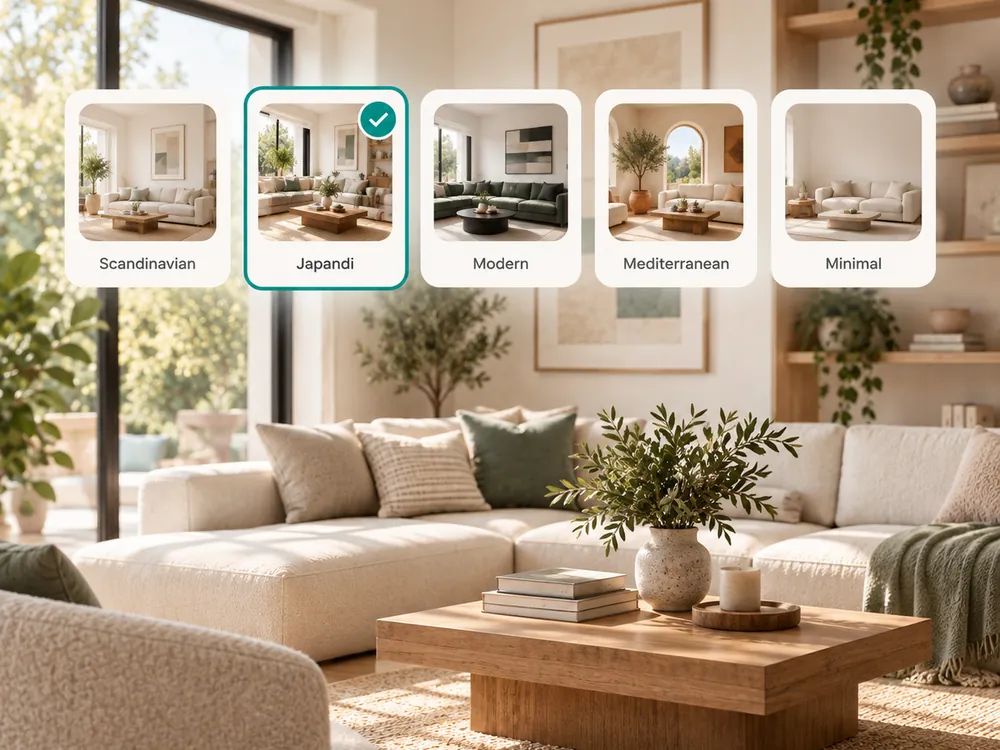
The style presets
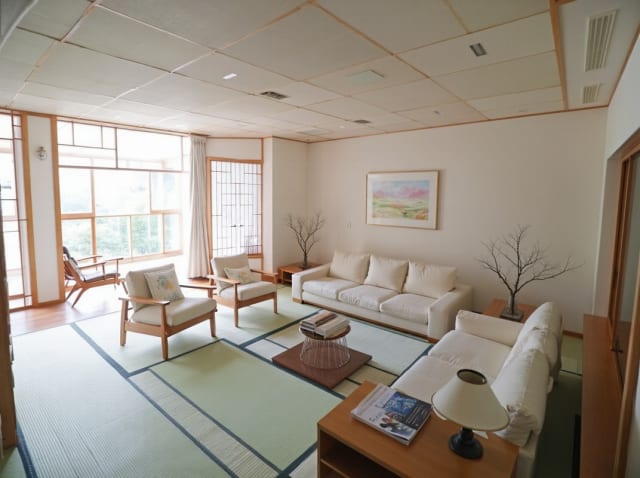
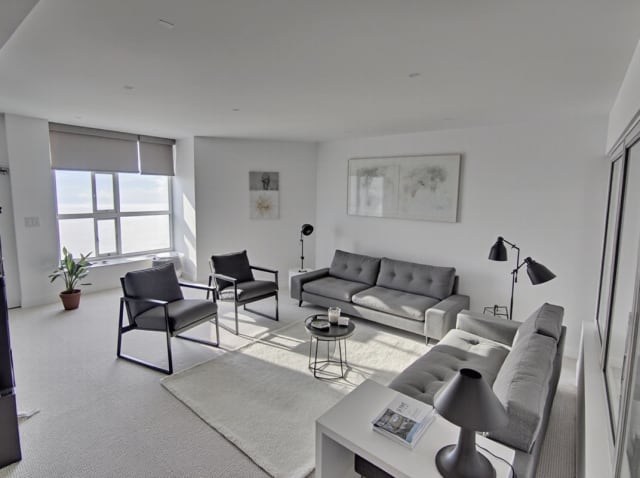
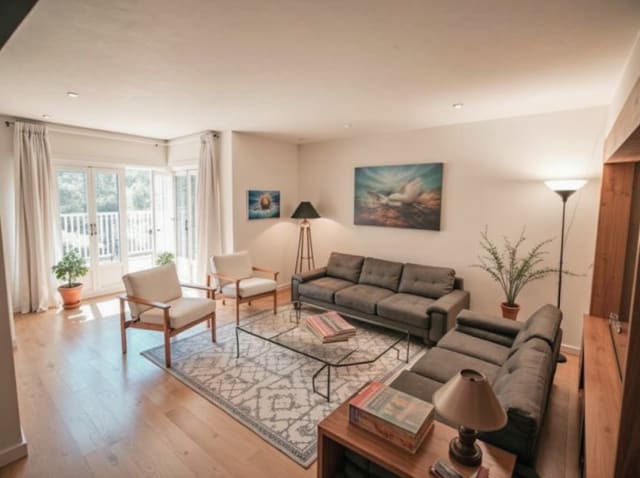
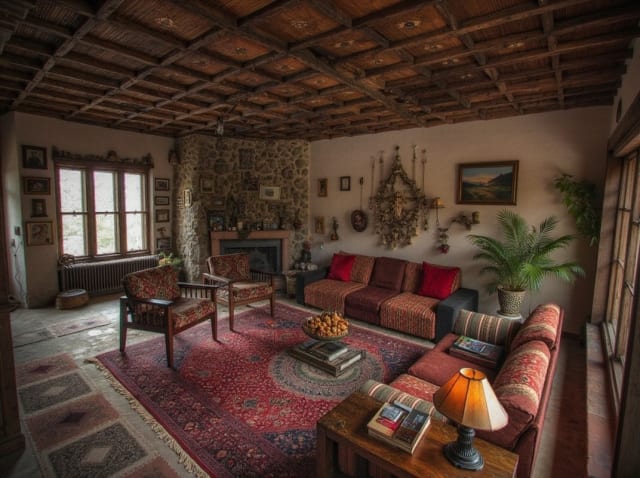
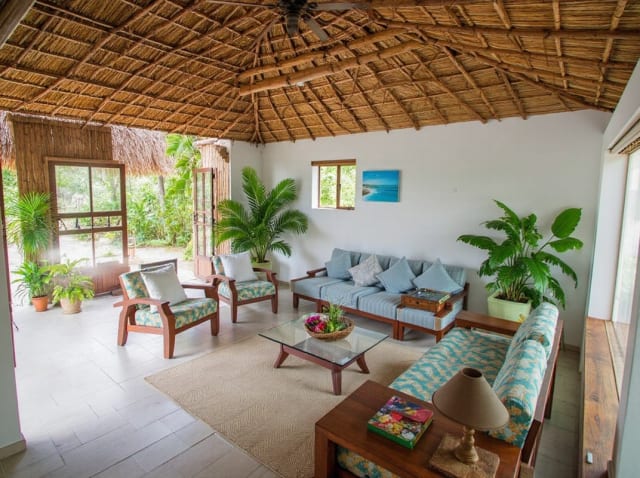
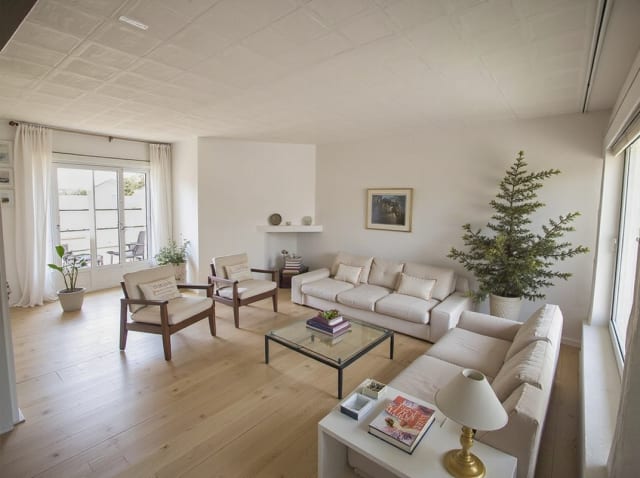
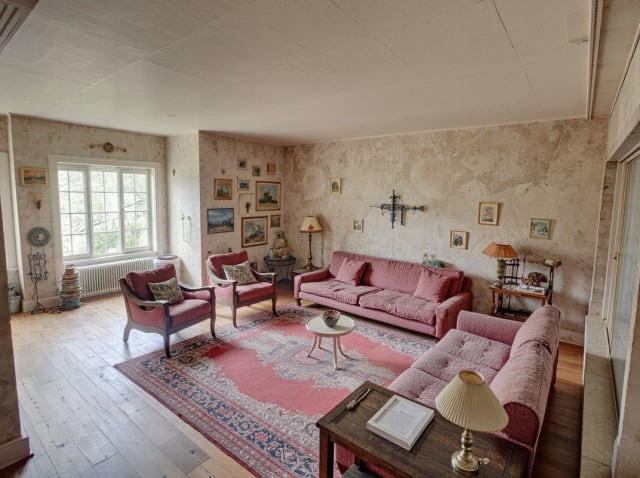
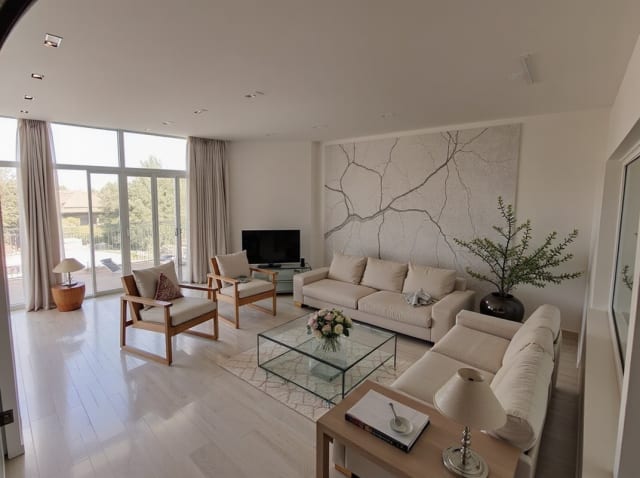
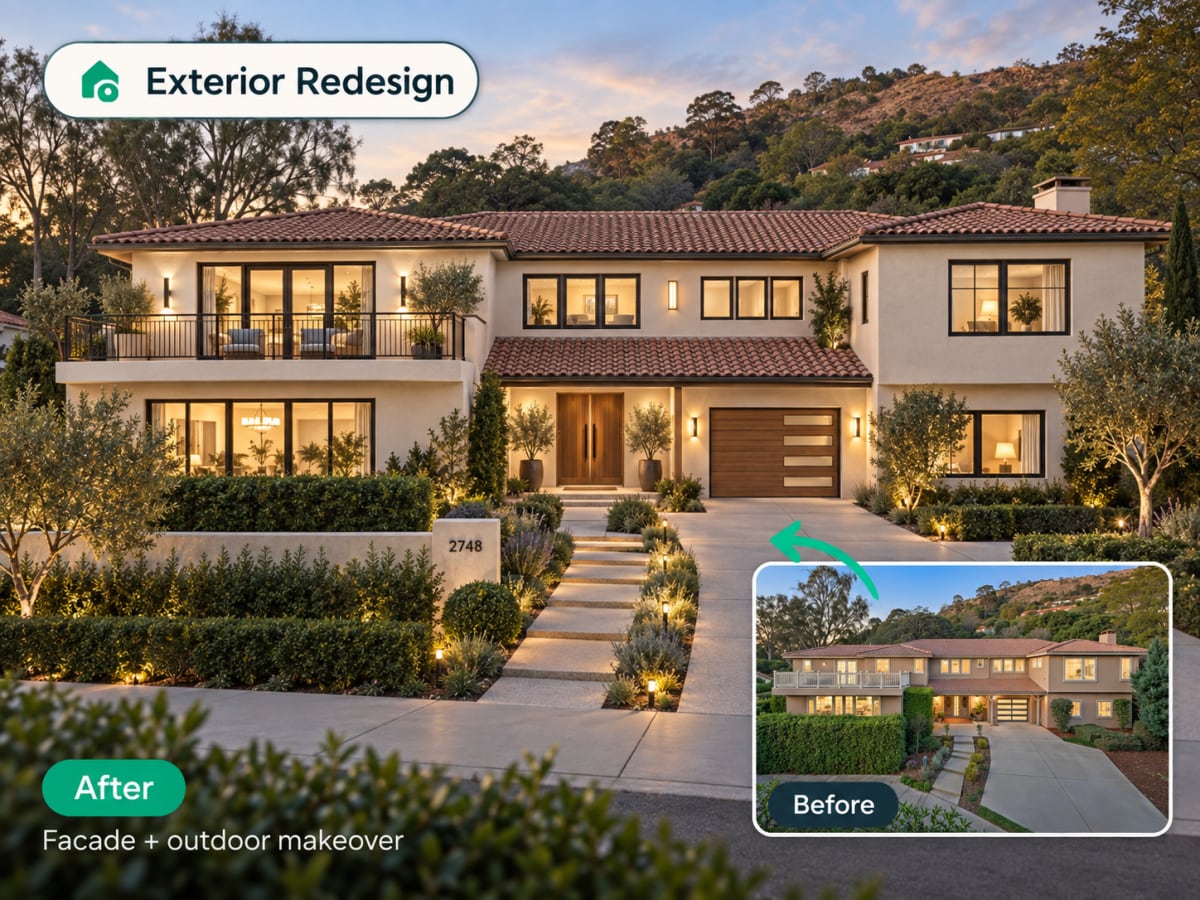
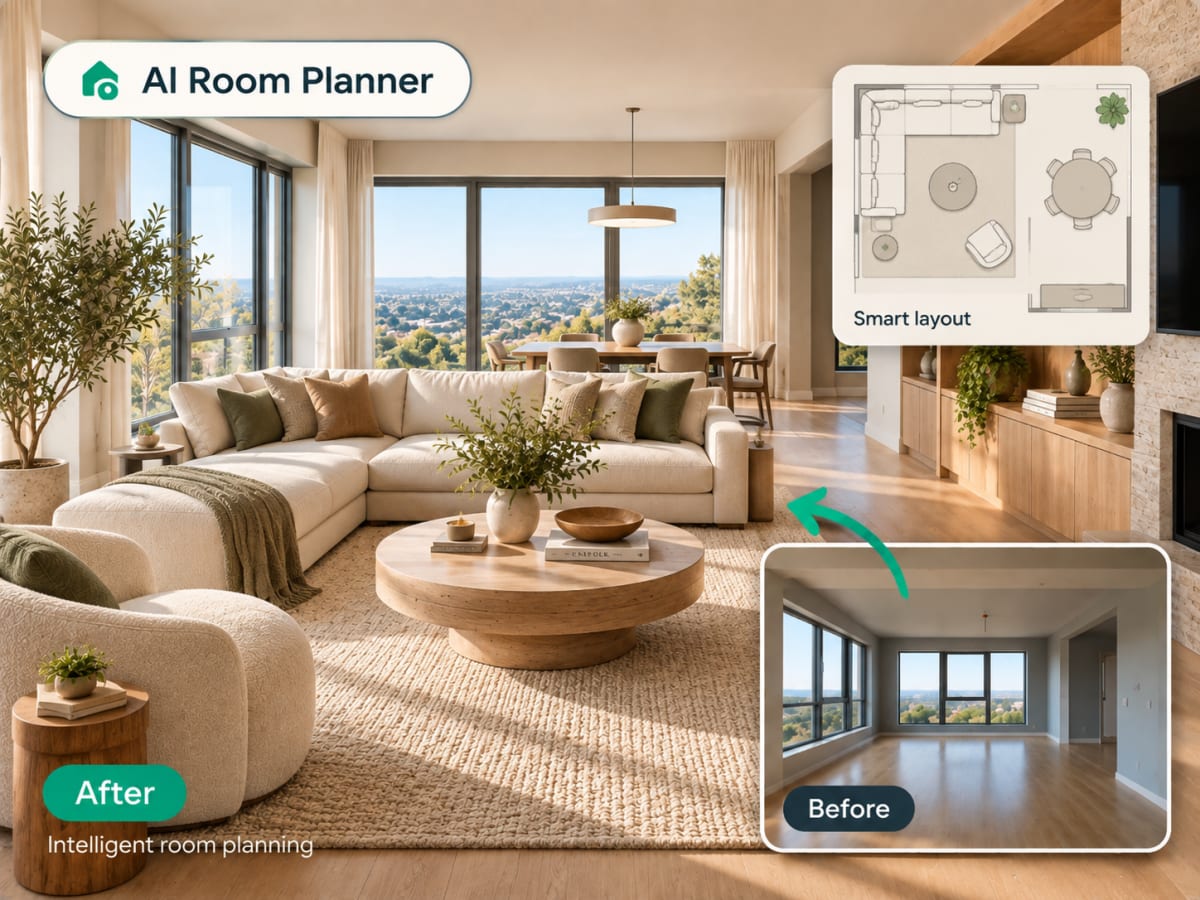
20 presets ship in the picker. A few of them below. Each tile is an example of the style, not of your room: pick one and your own photo comes back in that direction.
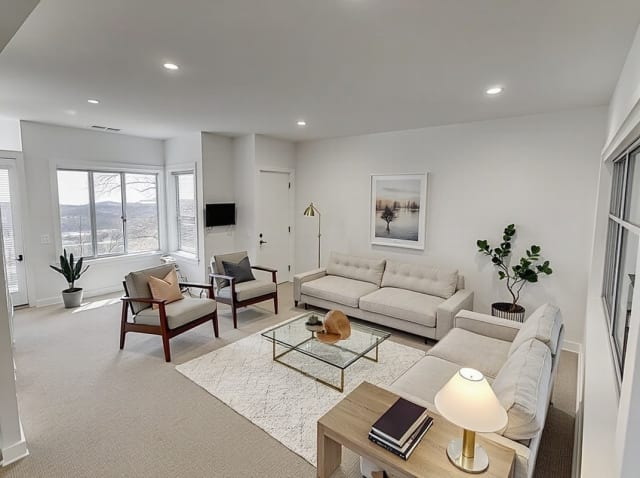
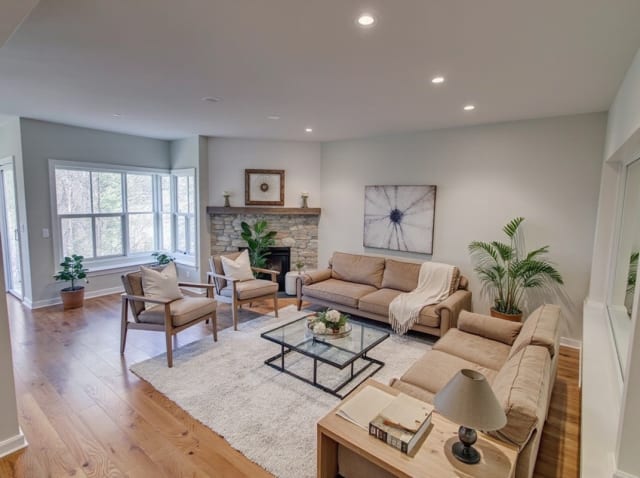
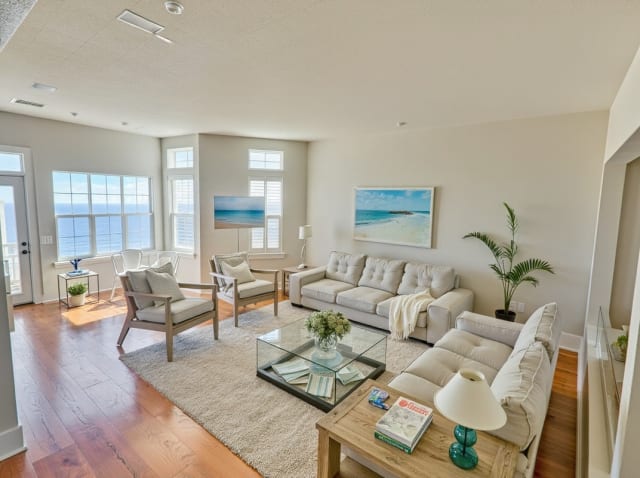
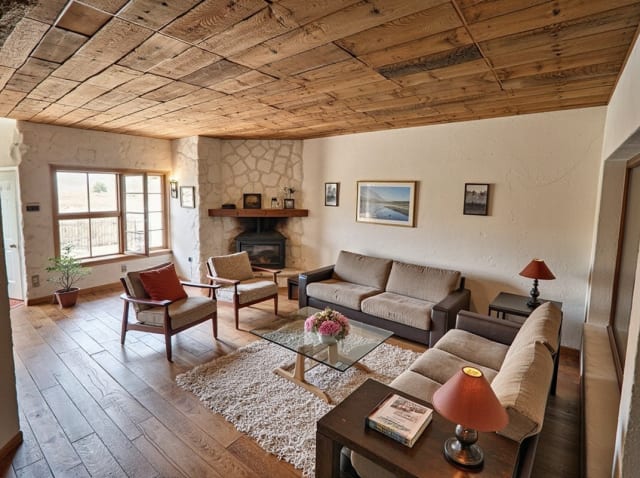
100,000+
Rooms redesigned
5,000+
Happy users
No data storage
Photos are processed and deleted — never kept or sold.

Secure payments
Checkout handled entirely by Stripe.

FAQ
Czy to pokazuje rzeczywisty inny kąt mojego pokoju?
To reinterpretacja wygenerowana przez AI, a nie zdjęcie z prawdziwej kamery — narzędzie wnioskuje wiarygodny alternatywny widok na podstawie zdjęcia źródłowego, zachowując ten sam styl i materiały.
Czy mogę użyć tego na już przeprojektowanym renderze?
Tak — najpierw wygeneruj swój projekt, a następnie przepuść go przez funkcję Obrót, aby zobaczyć tę samą zaprojektowaną przestrzeń pod innym kątem.
Czy działa to zarówno dla elewacji, jak i wnętrz?
Tak, zarówno zdjęcia wnętrz, jak i elewacji działają w ten sam sposób.
Jedno zdjęcie nie mówi wszystkiego.
Wygeneruj kolejny kąt tej samej przestrzeni w kilka sekund.