Näe tilasi uudesta kulmasta
Lataa yksi kuva ja luo saman huoneen tai julkisivun vaihtoehtoinen kuvakulma — sama tyyli, samat materiaalit, fotorealistisesti.
1 free render when you sign in, with no credit card.
1 ilmainen renderöinti · Ei luottokorttia
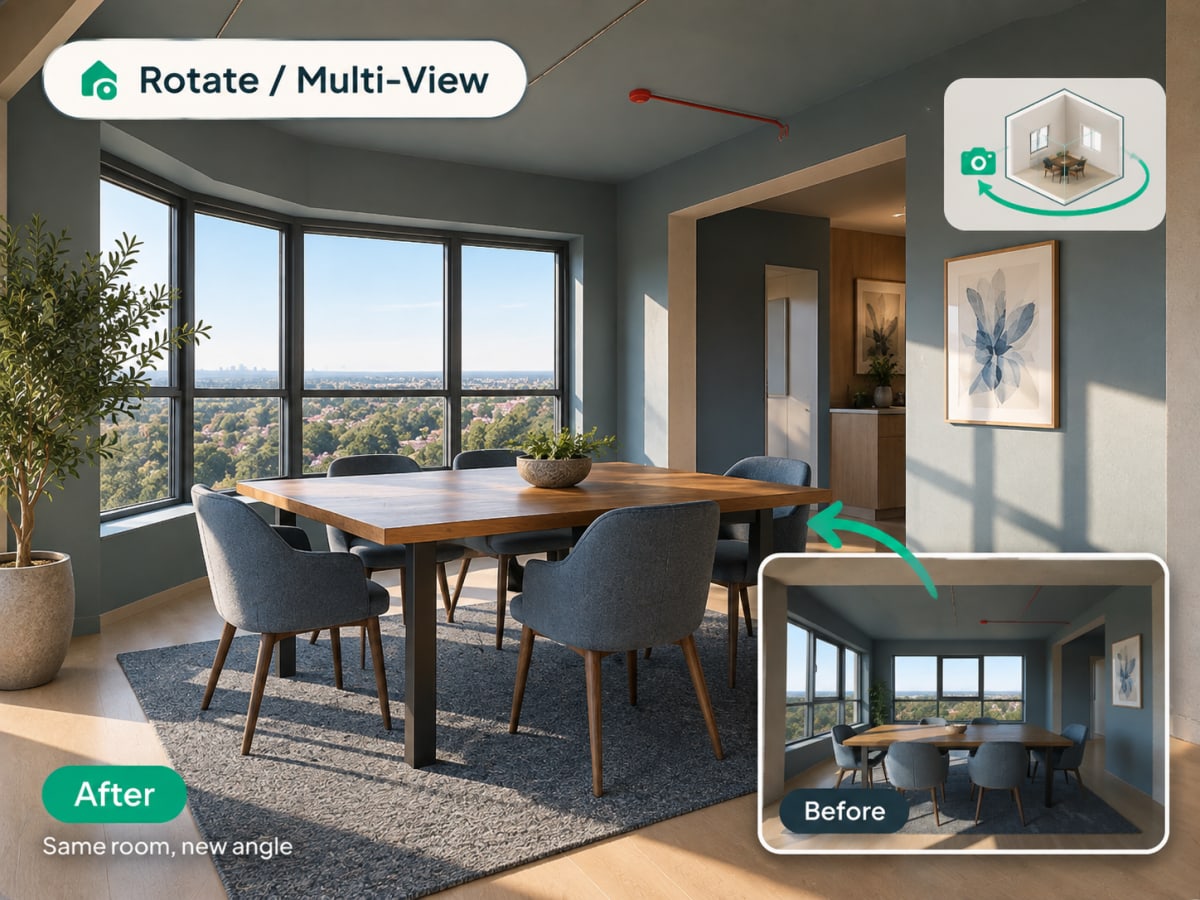
What Is Multi-Angle Rotate?
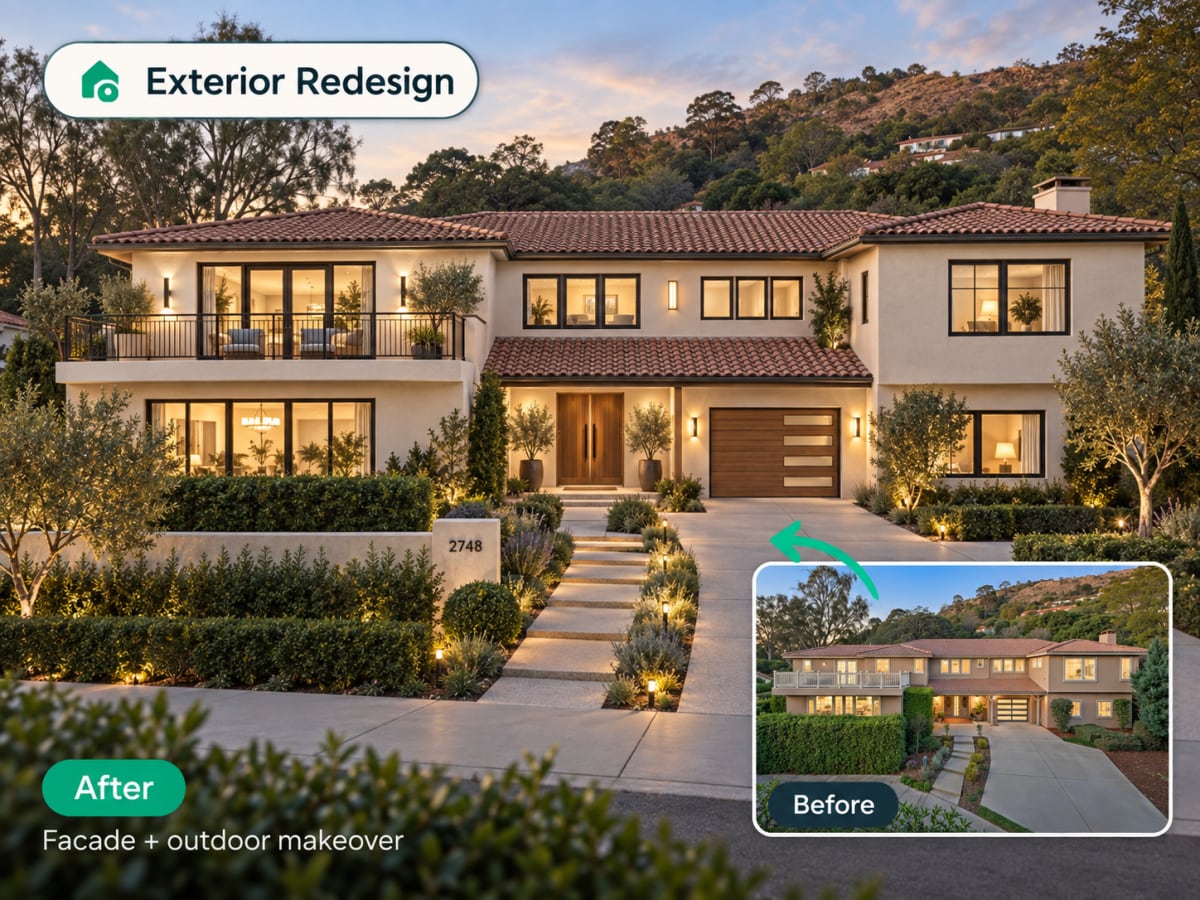
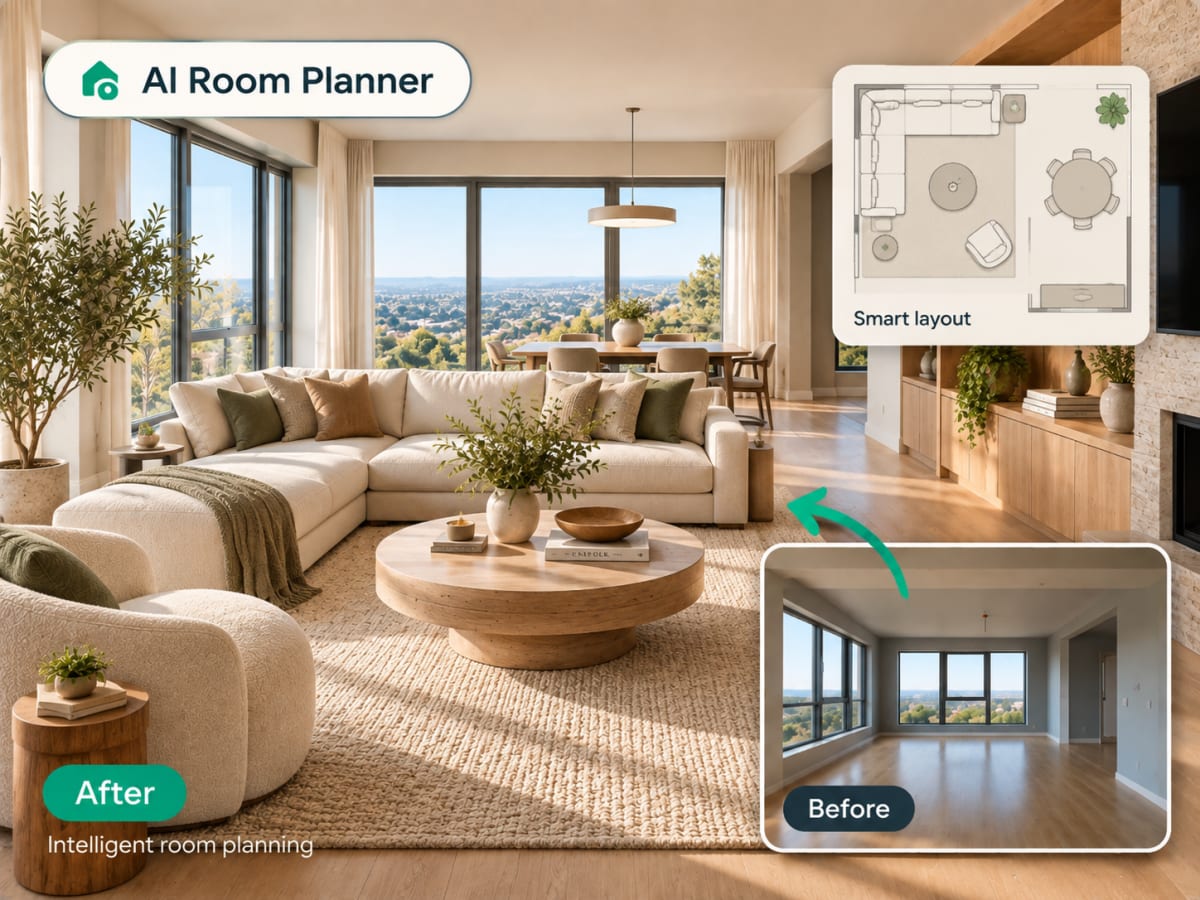
Multi-angle Rotate takes a photo you already have and generates a second, plausible view of the same room or facade, keeping the same materials, furniture, and lighting style intact.
- Checks a design from a second angle before a client or buyer asks to see it
- Works on raw source photos and renders you've already generated
- Costs 3 credits per generation
- Most useful for listing photos that need more than one view and client presentations
How multi angle rotate works, step by step
A second plausible view of the same space, with the materials, furniture, and lighting of the first carried across so the two read as one room.
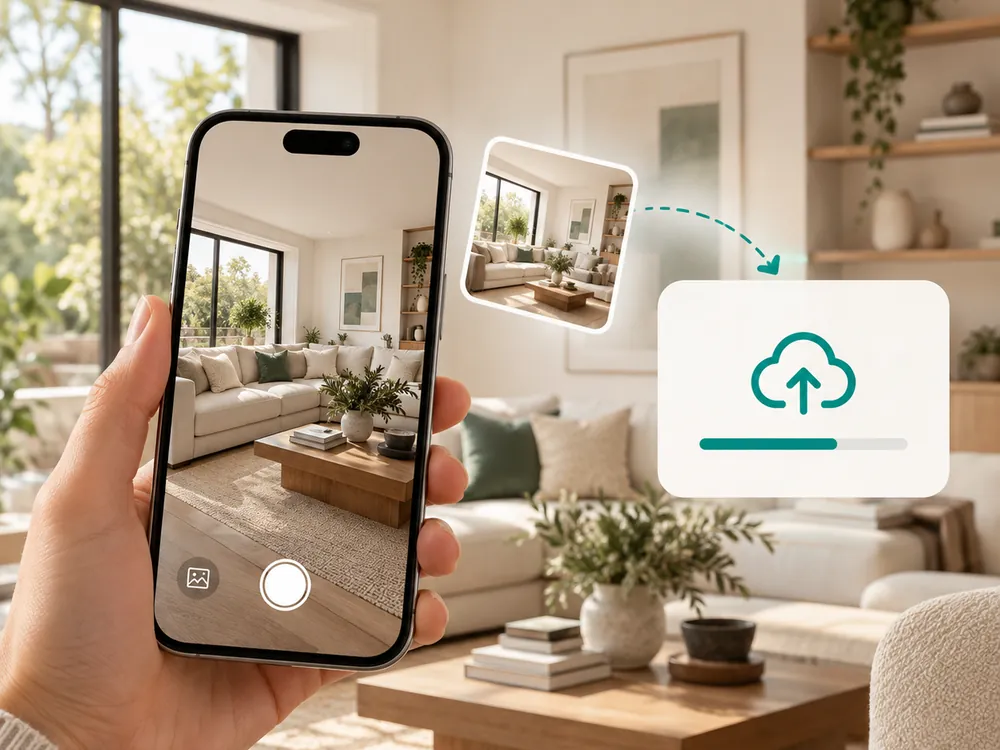
Lataa kuva
Mikä tahansa sisä- tai ulkokuva toimii. JPG, PNG tai WebP, enintään 12 Mt.
- Works with a source photo or an already-styled render
- A full, unobstructed view of the space works best
Luo uusi kuvakulma
Tekoäly luo saman tilan vaihtoehtoisen kuvakulman säilyttäen tyylin ja materiaalit ennallaan.
- Keeps materials, furniture, and lighting consistent
- Costs 3 credits per generation
Lataa uusi näkymä
Käytä sitä nähdäksesi tilan toisesta näkökulmasta ennen suunnittelupäätöksen tekemistä.
- Useful for listing photos that need more than one view
- Confirms a design decision from a second vantage point
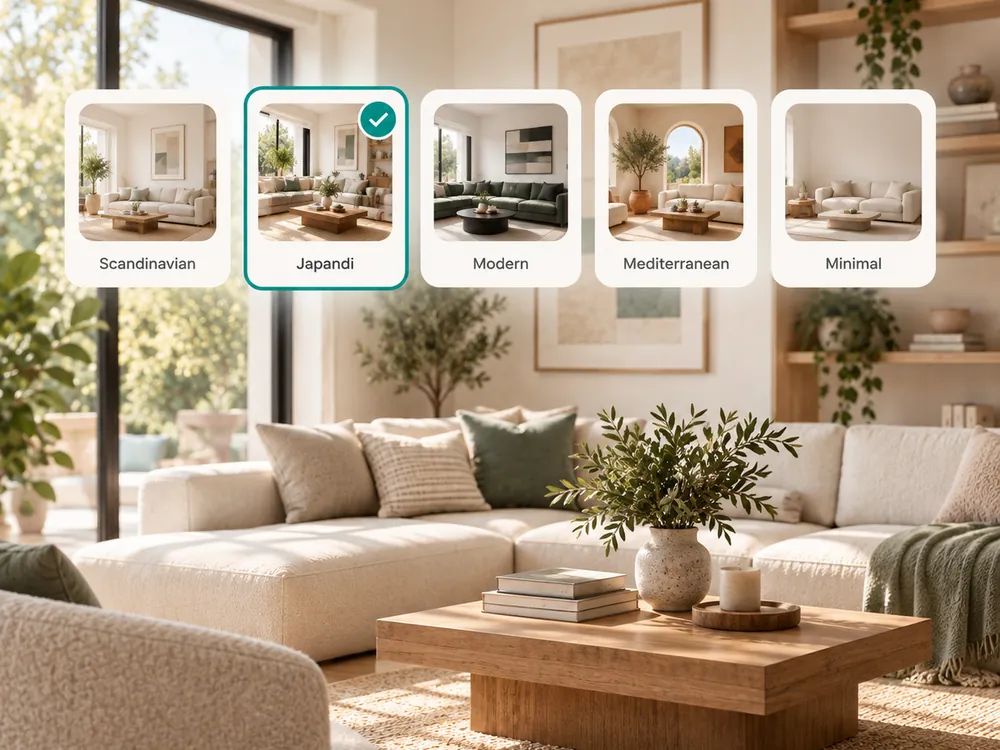
The style presets
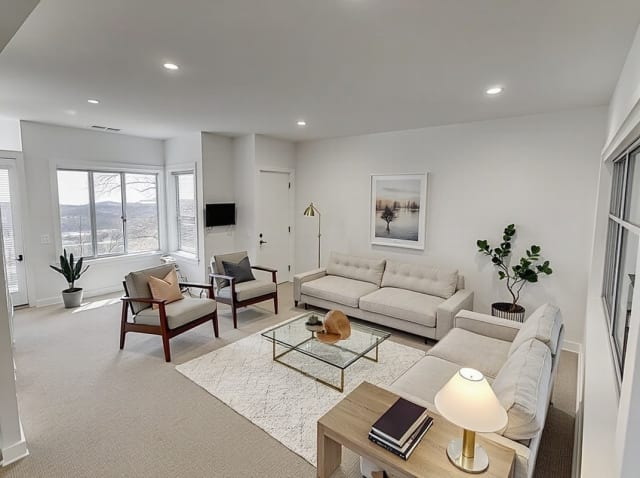
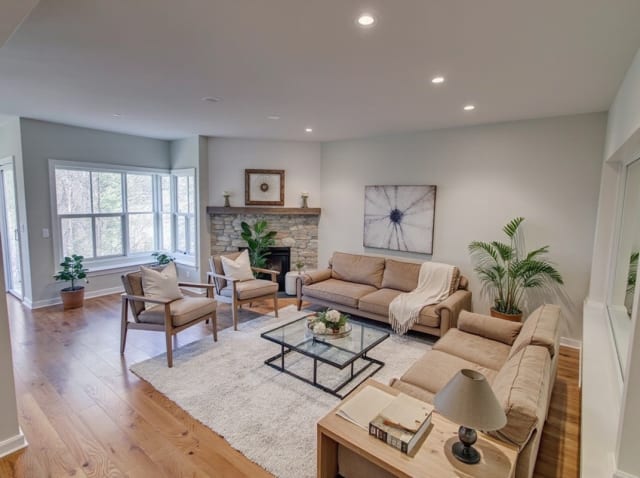
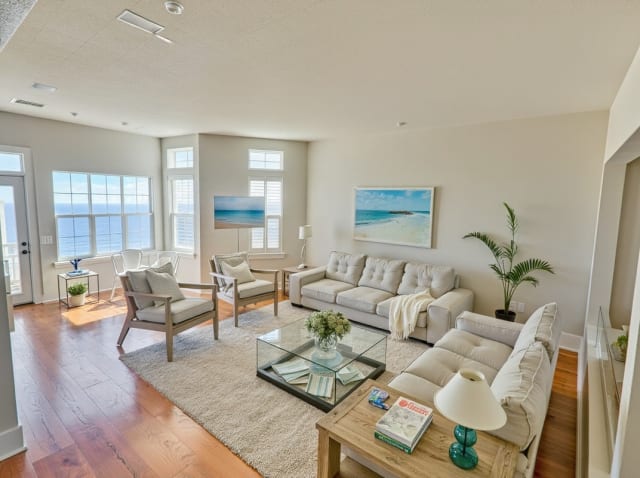
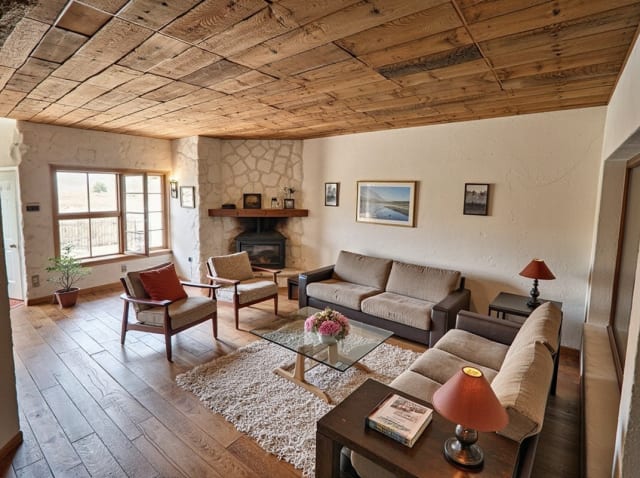
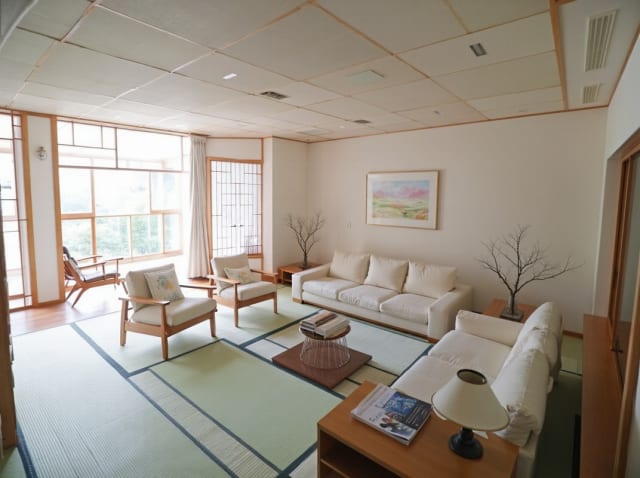
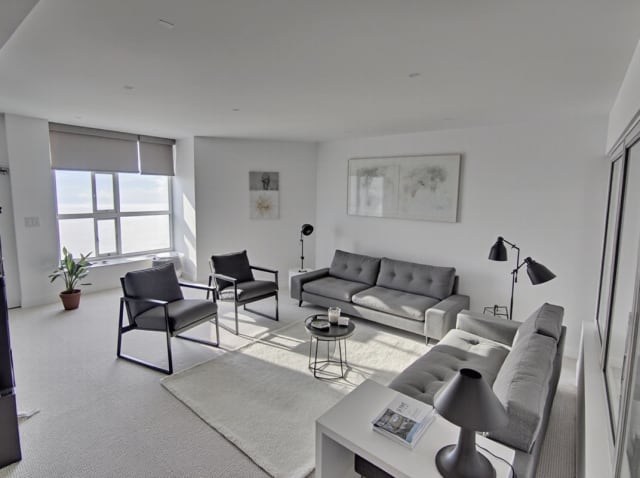
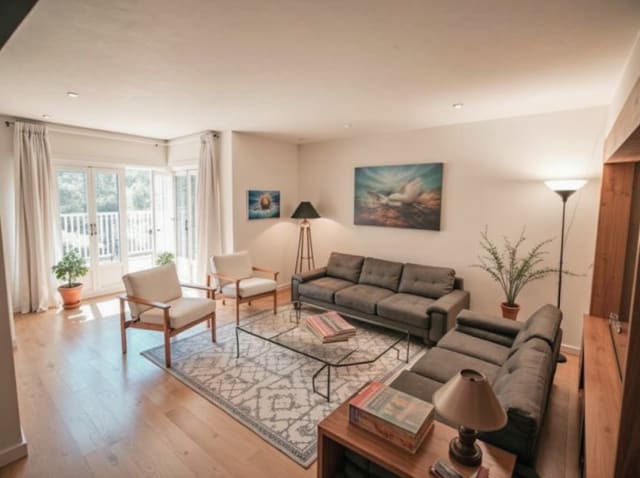
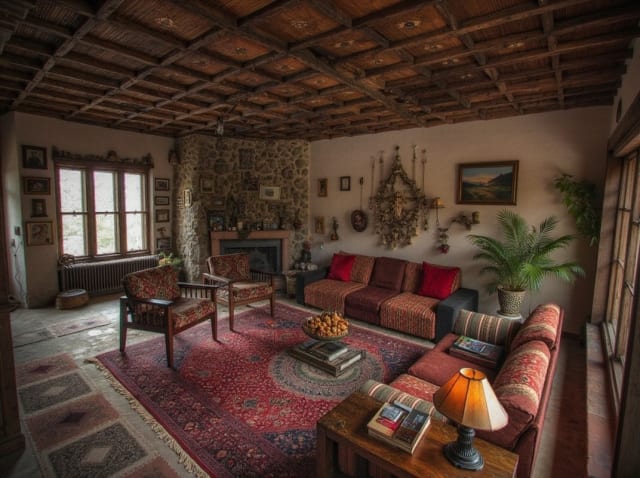
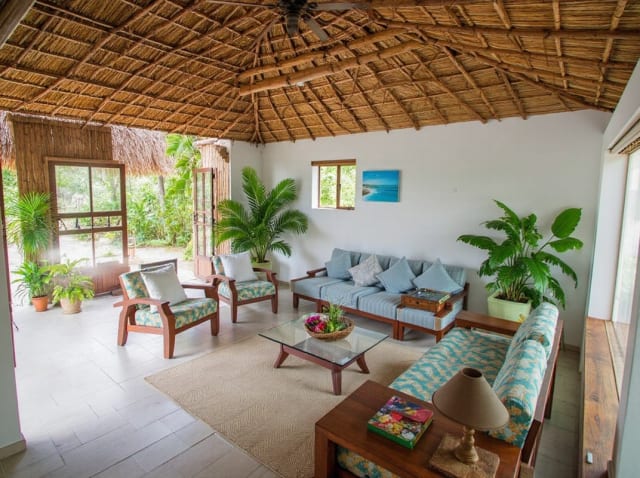
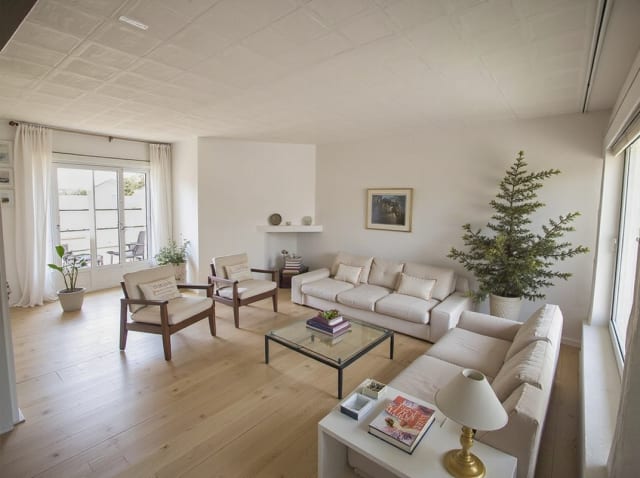
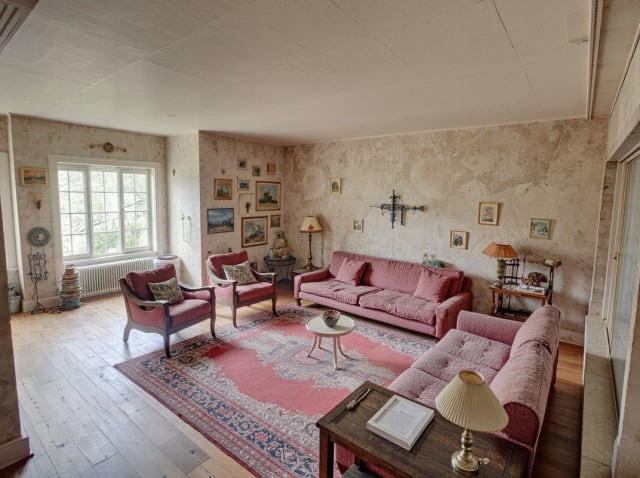
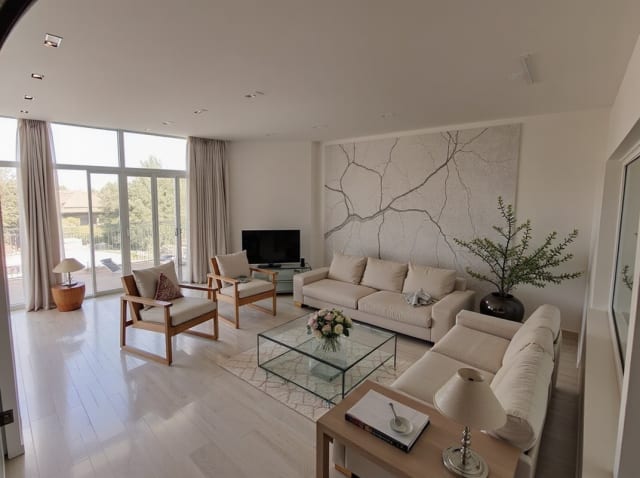
20 presets ship in the picker. A few of them below. Each tile is an example of the style, not of your room: pick one and your own photo comes back in that direction.
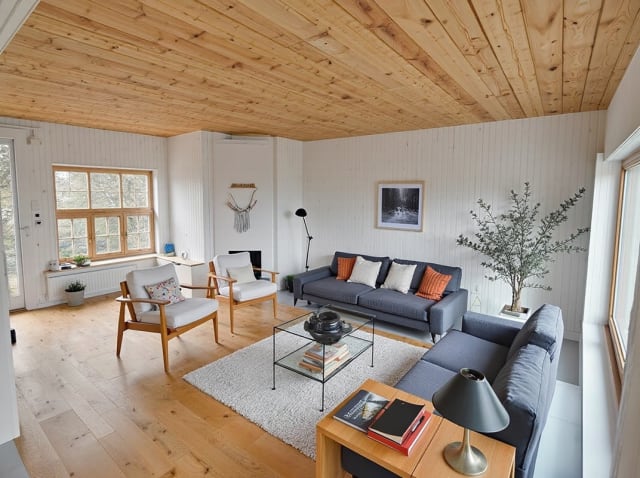
100,000+
Rooms redesigned
5,000+
Happy users
No data storage
Photos are processed and deleted — never kept or sold.

Secure payments
Checkout handled entirely by Stripe.

FAQ
Näyttääkö tämä huoneeni todellisen eri kuvakulman?
Kyseessä on tekoälyn luoma uudelleentulkinta, ei fyysisen kameran ottama kuva — se päättelee uskottavan vaihtoehtoisen näkymän lähdekuvan perusteella säilyttäen saman tyylin ja materiaalit.
Voinko käyttää tätä jo tyylitellyllä renderöinnillä?
Kyllä — luo suunnitelmasi ensin ja aja se sitten Kierrä-toiminnon läpi nähdäksesi saman tyylitellyn tilan toisesta kuvakulmasta.
Toimiiko se sekä ulko- että sisätiloissa?
Kyllä, sekä sisä- että ulkokuvat toimivat samalla tavalla.
Yksi kuva ei kerro koko tarinaa.
Luo saman tilan toinen kuvakulma sekunneissa.