Animer renders til cinematiske gennemgange
Tag et stilbillede-render og producer en kort cinematisk gennemgangsvideo. Kameraet glider gennem rummet, som om du var der.
1 free render when you sign in, with no credit card.
1 gratis rendering · Intet kreditkort påkrævet
Can AI turn an architectural render into a video?
Yes. Upload one still render or photo, pick a camera move, and the AI returns a short cinematic clip of about five seconds with the camera gliding through the space. No 3D model, scene setup or animation software is involved.
- Works directly from a 2D render or photo, no scene setup required
- Five camera moves to choose from: pan left, pan right, zoom in, push forward and orbit
- Real estate agents use it to add motion to otherwise static listing photos
- Architects use it to give clients a sense of movement before a full walkthrough animation
- Each video is a single clip, longer sequences need stitching in a separate editor
How an AI architecture video is made, step by step
One still render becomes a short moving shot. No 3D model, no camera rig, no animation software in between.
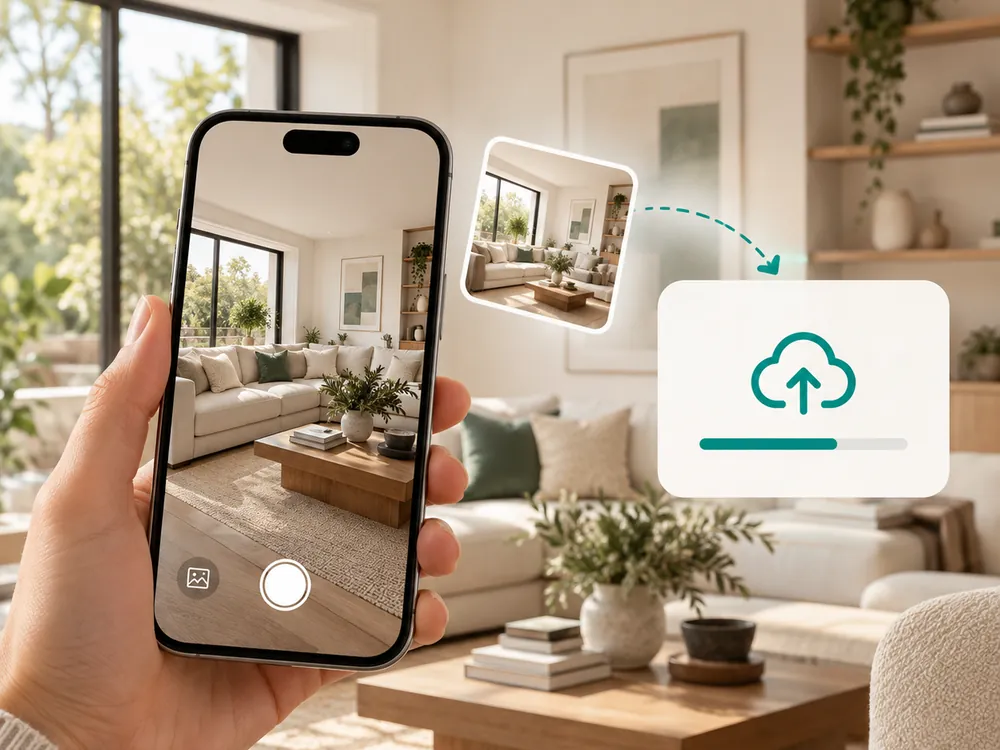
Upload dit render
Start med et stilbillede AI-render eller foto. Jo klarere kilden, jo glattere videoen.
- Works with interior and exterior renders
- The clearer the source, the smoother the camera motion
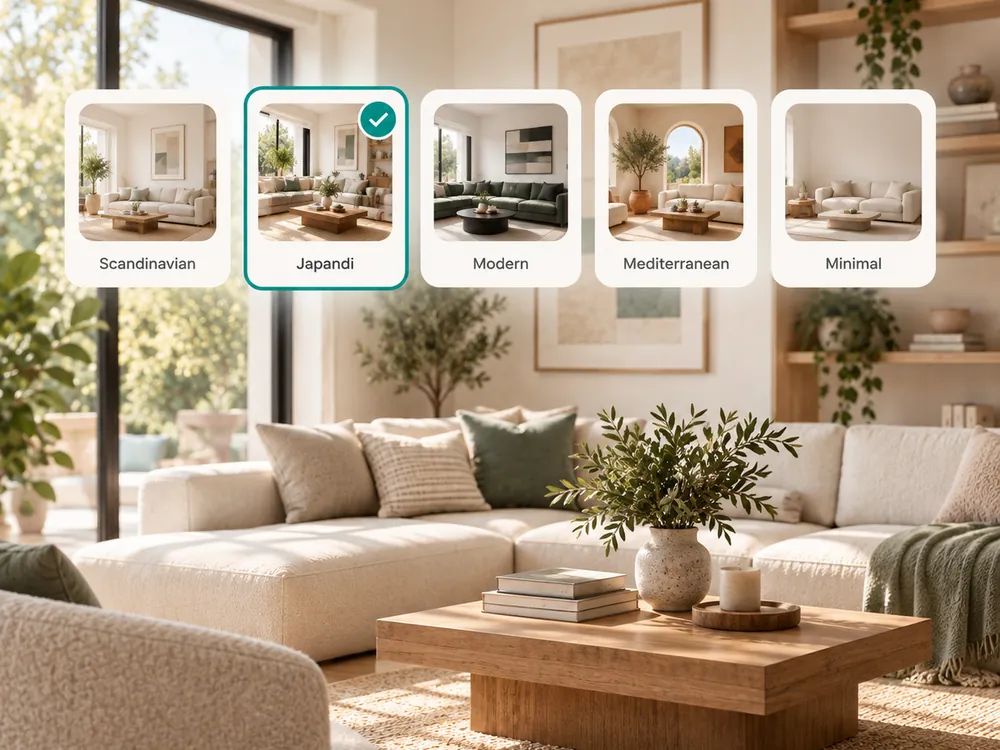
Generér gennemgangen
AI tilføjer glatte kamerabevægelser gennem rummet. Hver video koster 5 credits og er klar på minutter.
- Smooth camera motion generated automatically
- Costs 5 credits, ready in minutes
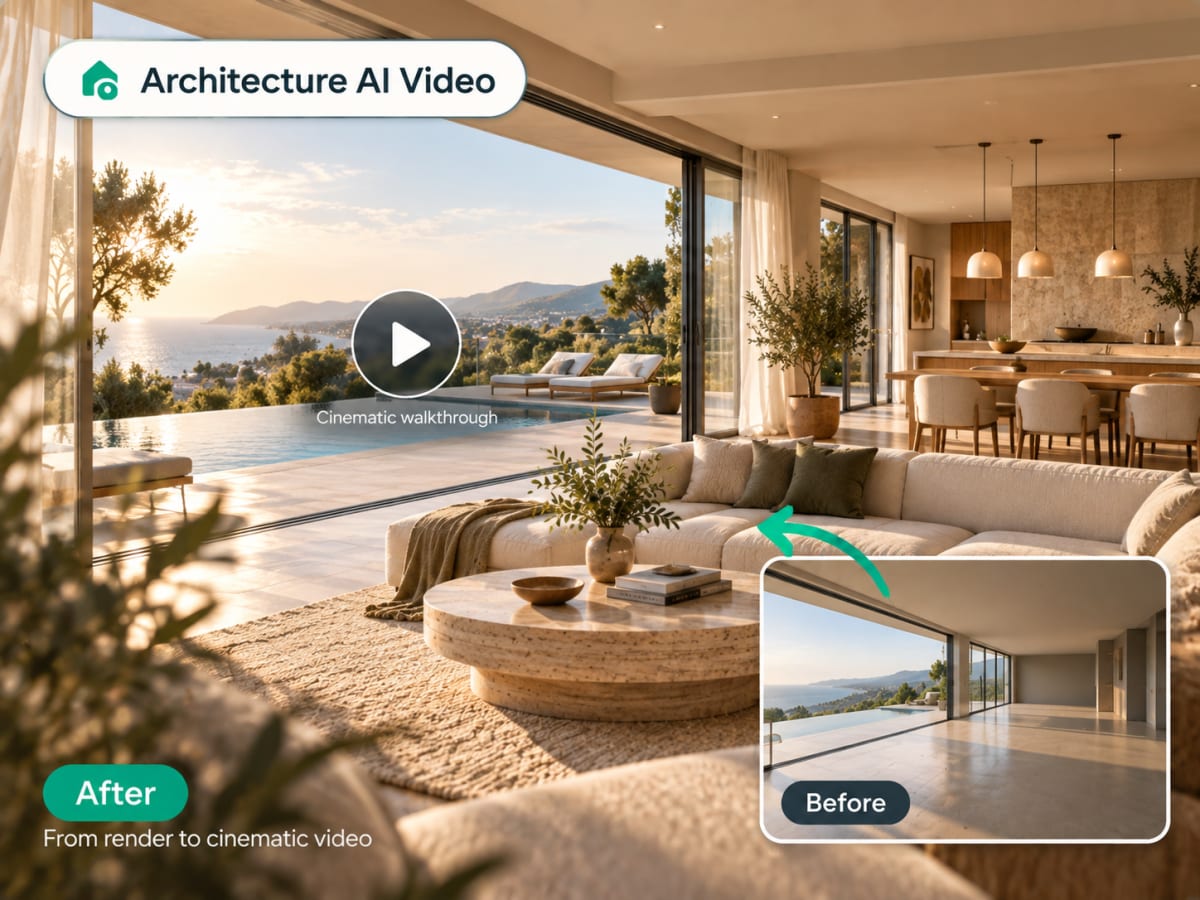
Download og del
Eksportér videoen og del med kunder, post på sociale medier eller integrer i annoncer.
- Export and share with clients
- Post to social or embed in a listing
100,000+
Rooms redesigned
5,000+
Happy users
No data storage
Photos are processed and deleted — never kept or sold.

Secure payments
Checkout handled entirely by Stripe.

FAQ
Can AI turn a photo or render into a walkthrough video?
Yes. Upload a single still render or photo, choose one of five camera moves, and Archmaster returns a cinematic clip of about five seconds. It needs no 3D model, and it works on interior and exterior images alike.
How long is the video clip that gets generated?
Each generation produces a short clip of a few seconds, enough to show camera motion through the space. It's designed for previews and social clips, not a full-length walkthrough film, and works best as one scene among several in a larger presentation.
Do I need a 3D model to generate a video?
No. Architecture AI Video works from a single 2D render or photo. The AI infers depth and camera movement directly from the image, so no 3D modeling software or scene file is required.
Can I animate an exterior render as well as an interior one?
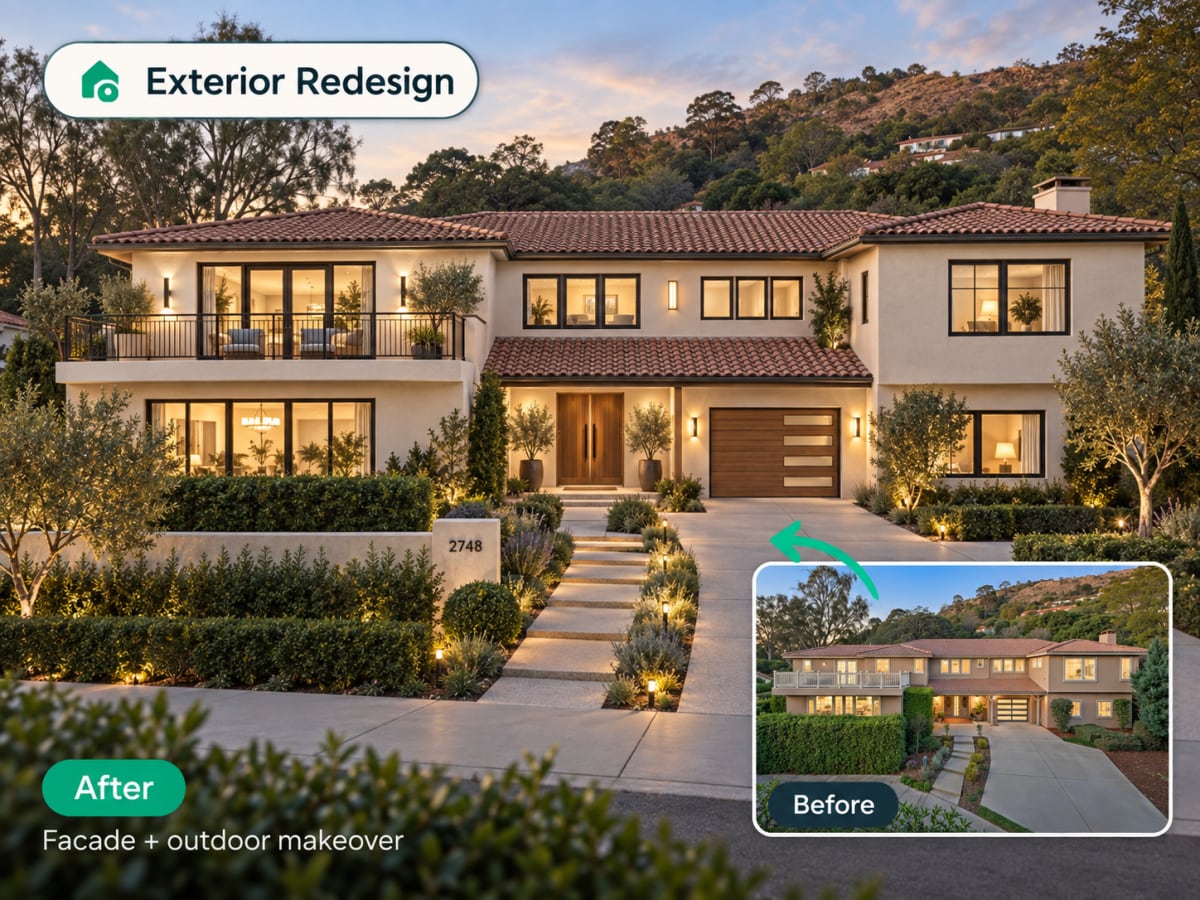
Yes. The feature works on both interior and exterior renders. Exterior clips typically show a slow pan or push toward the facade, while interior clips glide through the room as if walking.
How many credits does a video generation cost?
Each video costs 5 credits, more than a standard image generation since it renders and stitches together multiple frames. Videos are typically ready within a few minutes of submitting the source render.
Vis kunderne et rum, ikke et billede.
AI-videogennemgange til præsentationer, annoncer og sociale medier. 5 credits pr. klip.